What the "Turbo" Button Actually Did
The iconic "Turbo" button on 1980s-90s PCs didn't speed anything up — it actually slowed the processor down to 4.77 MHz for compatibility with software written for the original IBM PC.
Long ago, when processor power was measured in megahertz, some computer cases featured a mysterious button labeled "Turbo." The logic seemed simple — turbo should accelerate. But did it really work that way?
The Unexpected Arms Race
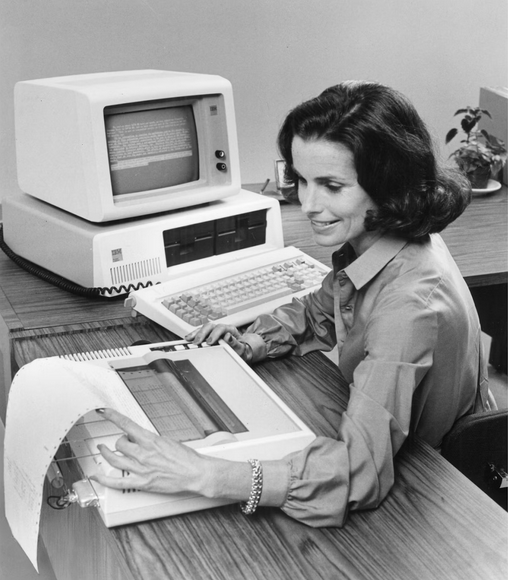
In August 1981, IBM released the IBM 5150 with an Intel 8088 processor running at 4.77 MHz. It became the industry standard. Other manufacturers like Compaq began producing IBM PC-compatible machines, initially copying the design but later competing by offering faster versions. Machines based on the Intel 8086 and its faster variants (8086-1 and 8086-2) could run at 10 and 8 MHz respectively — a massive improvement for the era.
However, this speed increase created a fundamental problem: hardware outpaced software. Most programs written for the original IBM PC were tightly optimized for 4.77 MHz. Many games used CPU cycle counting for timing — there were no independent hardware timers for gameplay logic. Running them on faster machines caused everything to speed up proportionally, making games unplayable and software unstable.
The First Solutions
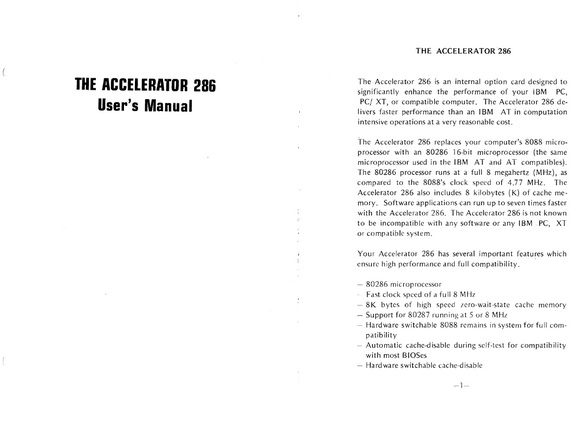
Accelerator card manufacturers provided the first solution: a simple mechanical switch on the card itself. One click engaged full CPU speed; another returned it to the traditional 4.77 MHz for legacy software compatibility. Some manufacturers implemented this via BIOS using keyboard shortcuts like Ctrl+Alt+[+] or Ctrl+Alt+[-].
Eagle Computer's Marketing Genius
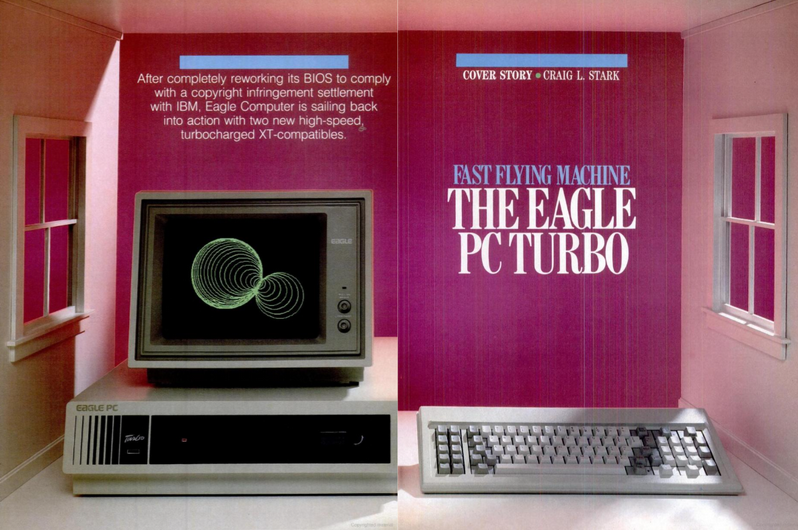
Summer 1984: Eagle Computer introduced the Eagle PC Turbo. The machine featured an 8086 processor at 8 MHz, but its real innovation was marketing. A prominent button on the front panel read "Turbo" — and pressing it actually slowed the processor down to 4.77 MHz for compatibility rather than speeding it up.
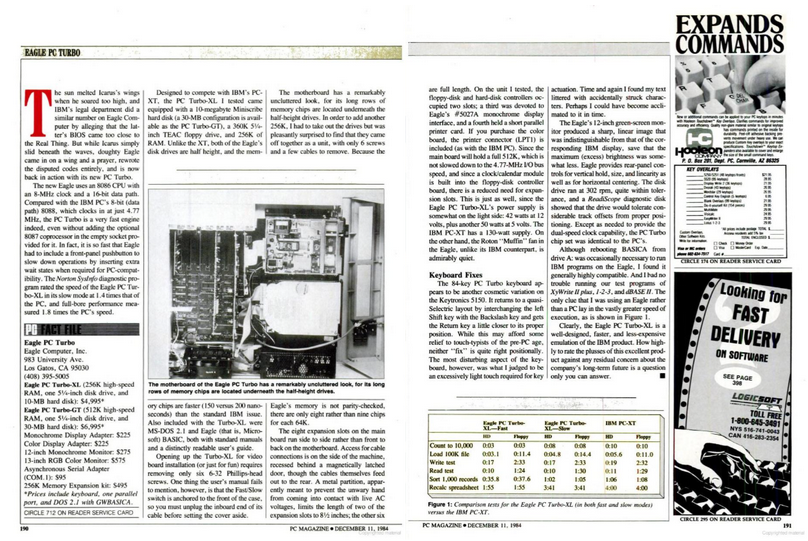
PC Magazine's December 1984 review stated: "It's so fast that Eagle had to place a button to reduce speed for PC compatibility." The machine ran at full 8 MHz speed by default; the "Turbo" button was actually a de-turbo button.
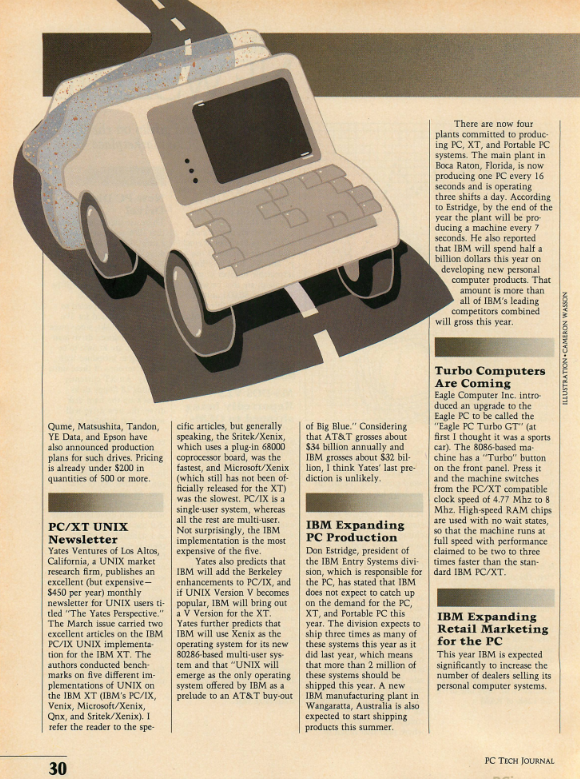
The term "turbo" became marketing gold. By 1988, the button appeared on virtually all clone computers as a standard feature, creating one of the most fascinating paradoxes in computing history.
The "Turbo" Epidemic
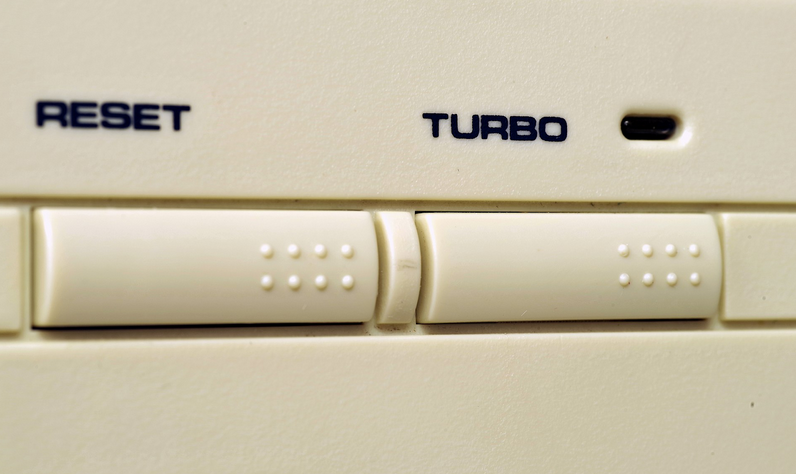
By the early 1990s, the megahertz race intensified. Processors reached 33, 40, 66, and 100 MHz. The turbo button became an essential rather than optional feature on PC cases.
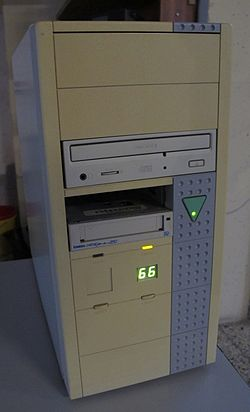
Manufacturers added visual flair: LED segment displays on the front panel showing the "current" frequency. When users pressed the turbo button, the display would switch from one number (like "33") to another (like "66"), creating an illusion of control and technological sophistication.
However, these frequency displays often had no actual connection to the real processor clock speed — they were pure marketing theater. The LED module could display any symbols the manufacturer chose, and the two "speeds" shown were simply hardcoded into the display circuit. It looked impressive but measured nothing.
The Great Debate
Online communities remain divided to this day about whether the button accelerated or decelerated the computer. The answer depended on the specific implementation. On some early machines, the default state was slow (4.77 MHz) and pressing Turbo engaged full speed. On most later machines, the default was full speed and pressing Turbo slowed things down. The label stayed the same regardless.
The Decline
Software development philosophy ultimately ended the turbo button's necessity. Developers stopped hardcoding program logic to specific CPU clock cycles. New software used independent hardware timers and automatically detected processor frequencies, eliminating the need for manual speed toggling.
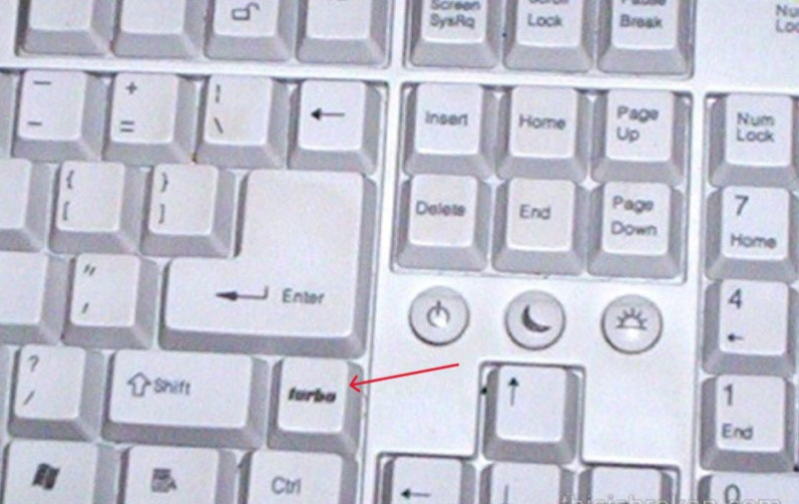
By the mid-1990s, with Pentium processors dominating and intense price competition, manufacturers questioned paying for an increasingly unused component. The button quietly disappeared from system cases.
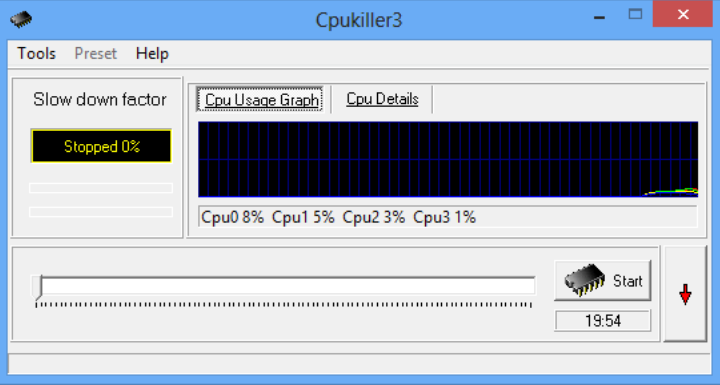
By the 2000s, software utilities like Mo'Slo and CPUKILLER replaced hardware switches, offering flexible CPU throttling far superior to binary on/off toggling. The turbo button became a relic — a beautifully ironic piece of computing history where the word "Turbo" meant the exact opposite of what everyone thought.



