TempleOS: The Operating System Written by One Person — The Strangest Project in IT History
The story of TempleOS, a 64-bit operating system built entirely by Terry Davis over 10 years with 100,000 lines of code, its custom HolyC language, and the extraordinary circumstances of its creation.
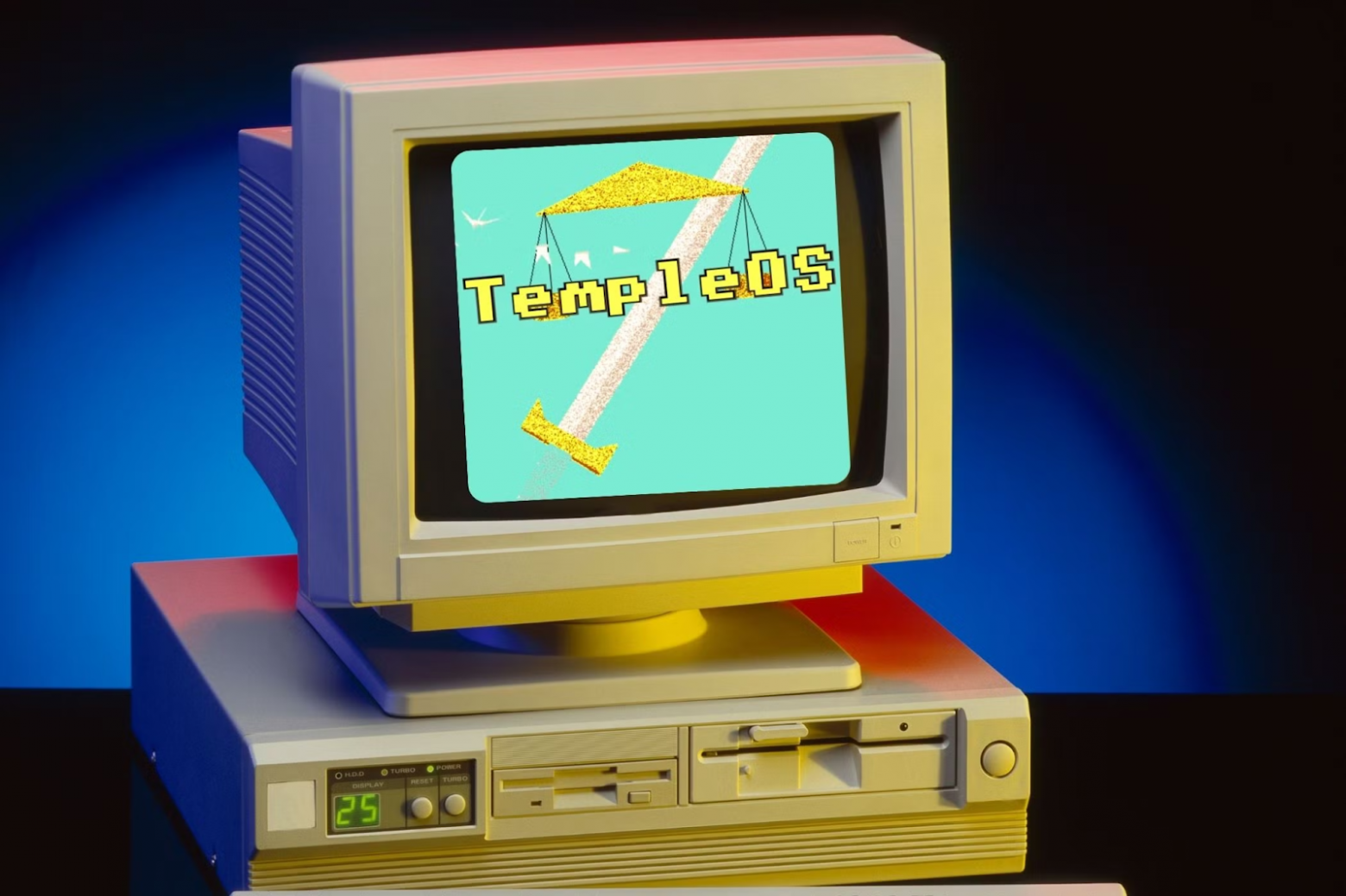
Sometimes projects appear in the IT world so strange that you simply refuse to believe they exist. Just think about it: one person, ten years of work, 100,000 lines of code, and a direct line to... God? No, this isn't the plot of a post-apocalyptic novel. This is TempleOS — an operating system single-handedly created by Terry Davis. In a world where thousands of engineers work on Windows and macOS, and Linux is developed by an entire community, TempleOS stands apart as a monument to what the human mind is capable of — in all its genius and madness. Let's figure out why this project is considered the strangest in IT history and what makes it so special.
Who Is Terry Davis
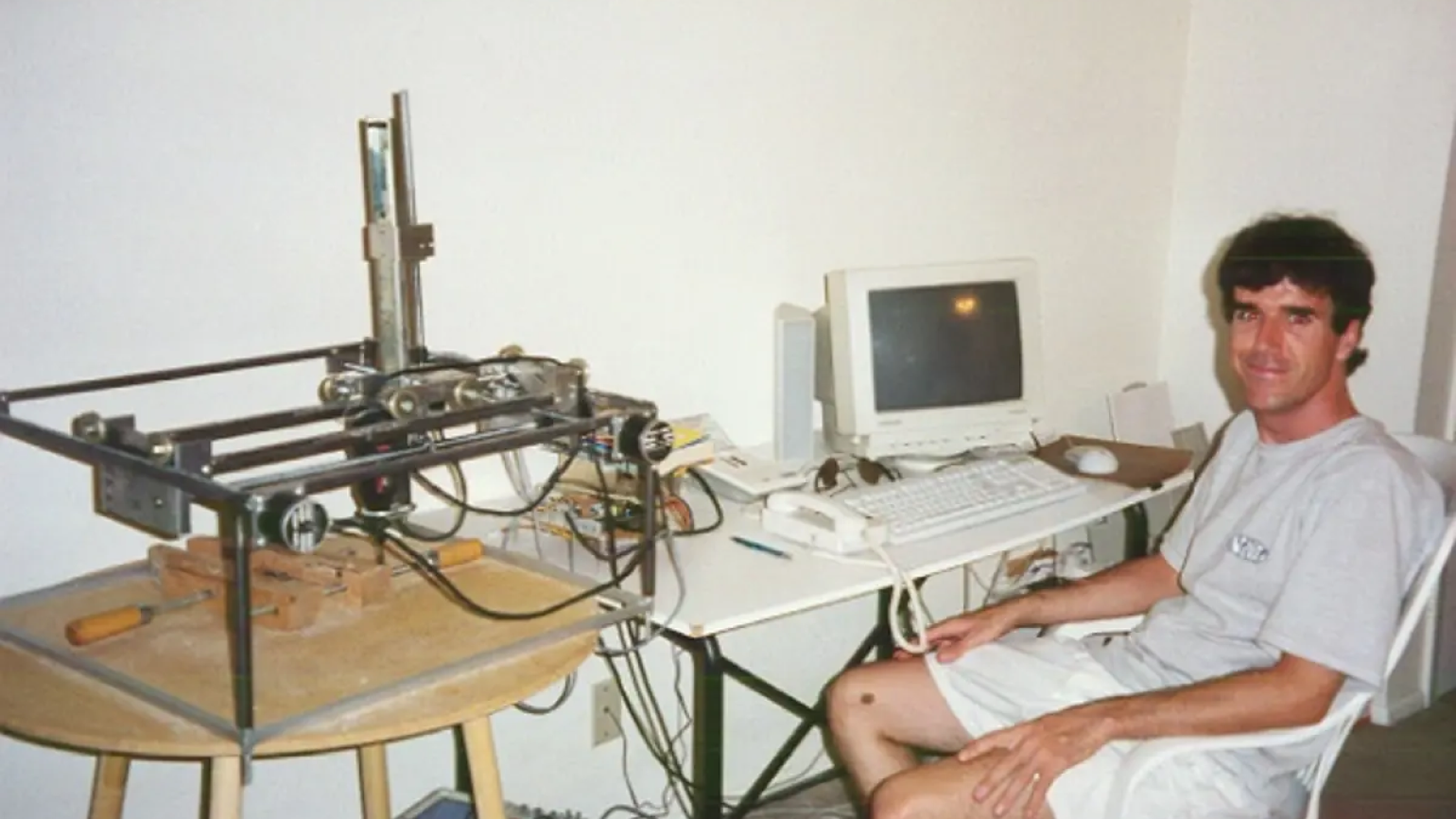
Terry A. Davis wasn't just an eccentric programmer. He was a man who one day woke up and decided he needed to create a modern means of communicating with the Almighty. No, seriously. According to him, God himself came down to him and said: "Terry, enough fooling around, it's time to write an operating system." And Terry was like: "Okay, why not?"
But let's take it from the beginning. Davis wasn't just some random weirdo off the street. The guy had a programming education and experience working at major companies. But in 1996, he began experiencing mental health problems that led to a series of hospitalizations. First he was diagnosed with bipolar personality disorder, then schizophrenia. And in this state, he decided it was the perfect time to take on a mega-project.
As Lao Tzu said, a wise person is like a child who doesn't even need to realize their own genius to accomplish great things. So in 2003, Terry decided to write an entire operating system. From scratch. Because ordinary OSes were too complex, too convoluted, too... earthly — they simply didn't suit him.
What Is TempleOS and How Does It Differ from Conventional Operating Systems?
Terry Davis began work on what would eventually become TempleOS around 2003. During development, the system went through several names: initially it was called "J Operating System," then "LoseThos" and "SparrowOS." Other early names are also mentioned: Doors and Davos. But none of them stuck.
The final name "TempleOS" was established only by 2013, when Davis announced the completion of work on the project. Throughout this time, the developer maintained and improved the OS. The last update to TempleOS came relatively recently — November 20, 2017, shortly before Terry Davis's death in 2018. By the way, anyone can download the OS from the official project website.
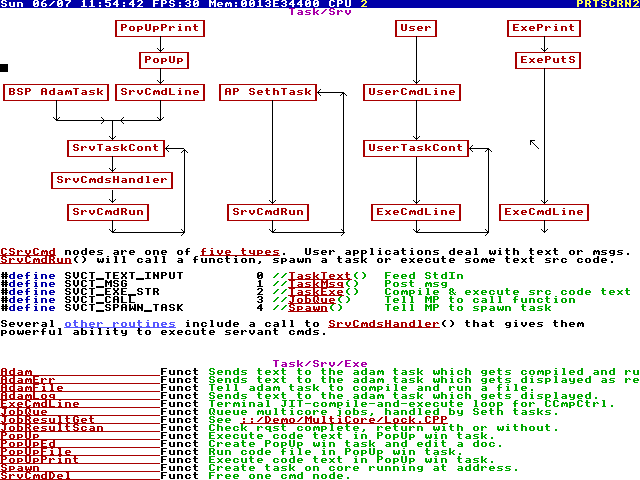
Despite its youth, TempleOS looks like an operating system created in the 80s. The first thing that clearly points to this is the graphics. The OS runs in VGA mode at 640x480 pixels with 16 colors. But this isn't a bug — it's a feature. According to Terry, the Almighty himself told him it should be done this way. And who is he to argue?
In terms of "technology," TempleOS is very unusual (who would have thought?). For example, it runs in ring 0 mode. In normal operating systems, only the system kernel runs at this level, while user programs launch in ring 3 with limited privileges. TempleOS has no such separation — all software has full access to all computer resources.
This means any program can directly access memory, I/O devices, and other system resources. There's no protection between processes — they all work in a single address space. One error in the code and the entire system crashes. But what speed and simplicity!
The HolyC Programming Language
Specifically for TempleOS, Terry developed his own programming language. It's called HolyC and represents something between C and C++. The language was originally called simply "C+" (C Plus), but was later renamed to "Holy C" (pronounced like Holy See — again, a religious reference). And Davis wrote over 100,000 lines of code for his operating system in it.
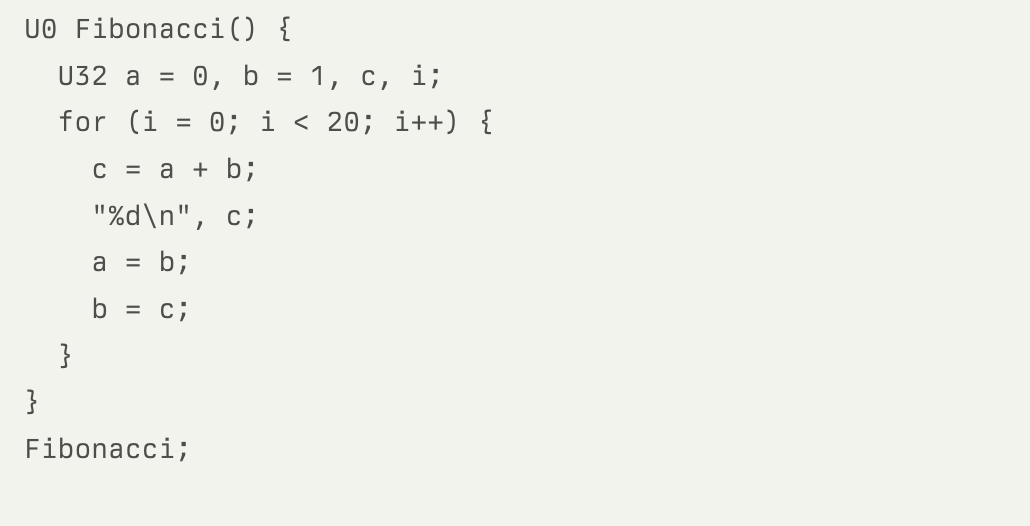
One of the most impressive features of HolyC is that it compiles "on the fly" — code is converted to machine instructions right at the moment of input. This makes programming faster and more interactive.
Note the last line — "Fibonacci;". In HolyC, functions can be called without parentheses or arguments. This makes TempleOS convenient for experimentation and learning programming, unlike other operating systems where modifying system code is a complex process.
What Can TempleOS Do
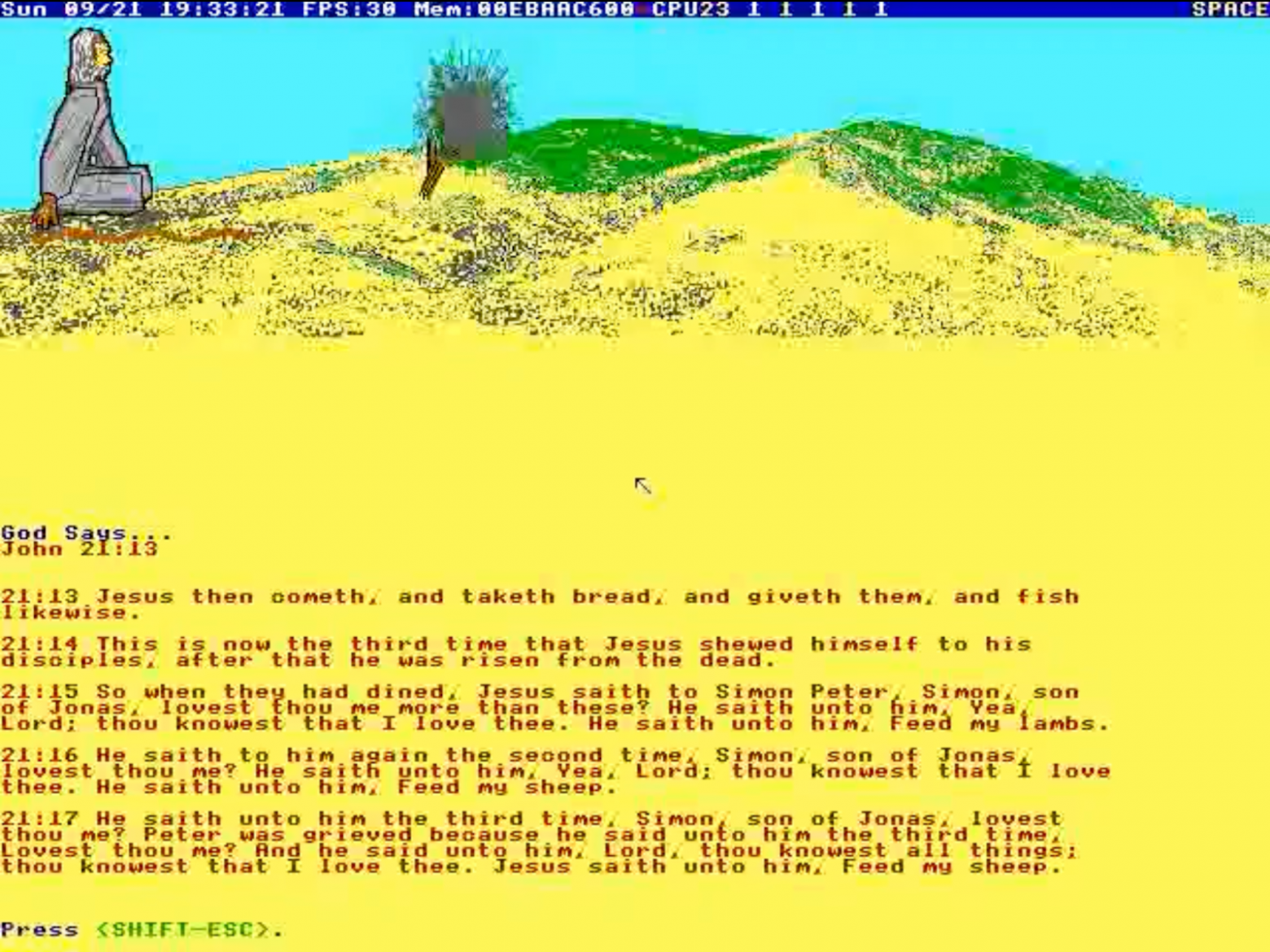
This is where we get to the most interesting question. What's the point of all this? Well, if you believe Terry, TempleOS is a place where you can communicate with God through... randomly generated text. Yes, the system has a built-in oracle that produces pseudo-random messages. Terry believed that God himself speaks through them.
The primary tool for this is "AfterEgypt" — a game in which the user controls a figure of Moses climbing Mount Horeb. At the top of the mountain, the player encounters a "burning bush," before which they're invited to praise God. According to Davis, you could praise Him for anything: sandcastles, snowmen, popcorn, bubbles, isotopes, or sand crabs.
When the user presses the spacebar, the built-in "high-speed stopwatch" stops, and the system produces a corresponding biblical passage or randomly generated text.
However, TempleOS isn't just a toy. It's a fully functional 64-bit multitasking operating system with its own compiler, file system, and graphics libraries.
Here are several technical details that make it unique:
- DolDoc — a document format that combines text, images, 3D models, and executable code in a single file. This means you can embed a rotating 3D tank model right in a code comment.
- RedSea — a file system developed by Terry with data compression support. In addition, TempleOS also supports ISO 9660 and FAT32.
- Flight simulator — yes, TempleOS has its own flight simulator! It's primitive by modern standards, but fully functional and written by one person.
- Games — Terry created several games for his OS, including chess, solitaire variants, and even a 3D shooter. All of them are written in HolyC and demonstrate the system's capabilities.
- No network stack — TempleOS intentionally doesn't support network connections. According to Davis, God told him that the internet is "the devil's territory."
- Cooperative multitasking — unlike modern OSes, tasks in TempleOS aren't forcibly interrupted by the system. Instead, they must voluntarily yield processor time to other tasks.
- Multi-core processor support — despite its archaic nature, TempleOS can use up to 64 processor cores. Each core gets its own "immortal" task, named after a biblical character.
Why Does the TempleOS Operating System Matter
The story of TempleOS and Terry Davis isn't just a tale about a strange operating system. It's a story about human obsession, genius, and yes, madness. It makes us think about several important things.
First, about the boundaries of the possible. Terry proved that one person can create a fully functional operating system. Yes, it's not as sophisticated as Windows or Linux, but it works! And that's impressive.
Second, about the price of innovation. Terry dedicated more than ten years of his life to this project. He worked on it despite serious mental health problems. This makes us think about the price one sometimes has to pay to realize their dream.
And finally, about the importance of open source code. TempleOS is a completely open system. Every line of code is available for study. In a world where large corporations are increasingly closing off their developments, this approach feels like a breath of fresh air. For aspiring programmers — definitely.
FAQ
What is this article about in one sentence?
This article explains the core idea in practical terms and focuses on what you can apply in real work.
Who is this article for?
It is written for engineers, technical leaders, and curious readers who want a clear, implementation-focused explanation.
What should I read next?
Use the related articles below to continue with closely connected topics and concrete examples.





