Writing a Single EXE That Runs on 3 Different OSes Without Recompilation
A deep dive into building a native ARM program that runs on Windows Mobile, MRP, and MRE platforms without recompilation, using ELF format tricks, relocations, and a custom loader to achieve true cross-platform binary compatibility.
This is not a joke and not clickbait. This is actually possible — albeit through a small hack.
The goal: write a native ARM program that works on four operating systems without recompilation for different platforms and ABIs. The ultimate aim is to create cross-platform ELFs for mobile phones of the 2000s and port retro console emulators to them.
Why and How?
Historical Context
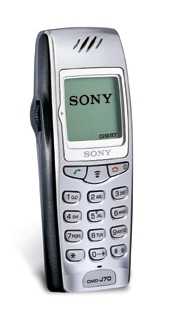
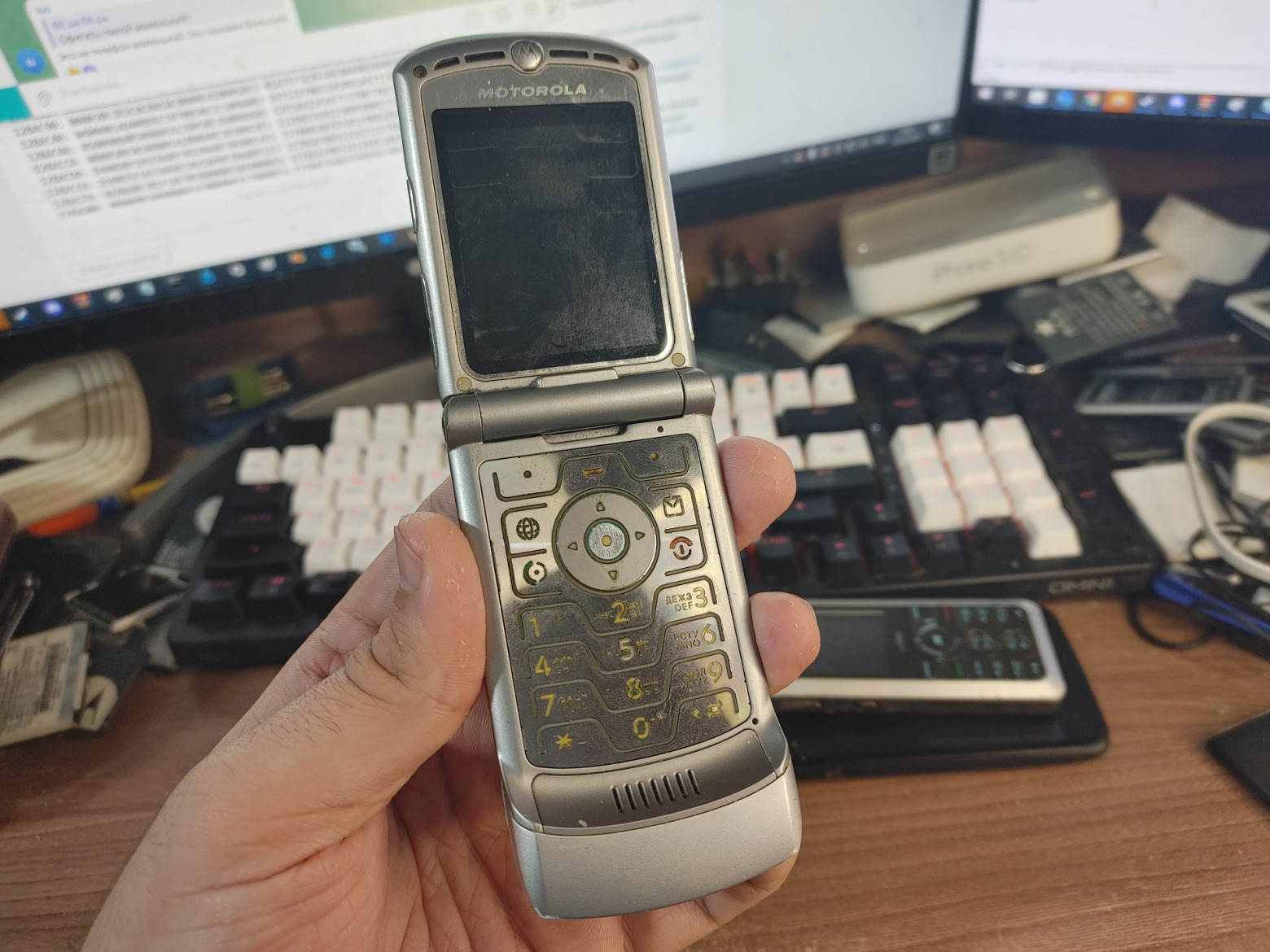
The story begins with the legendary Japanese phone Sony CMD-J70 (2001), which attracted the attention of modders. A couple of years after its release, PRGLoader was developed — an external program loader that allowed running arbitrary software written in assembly.
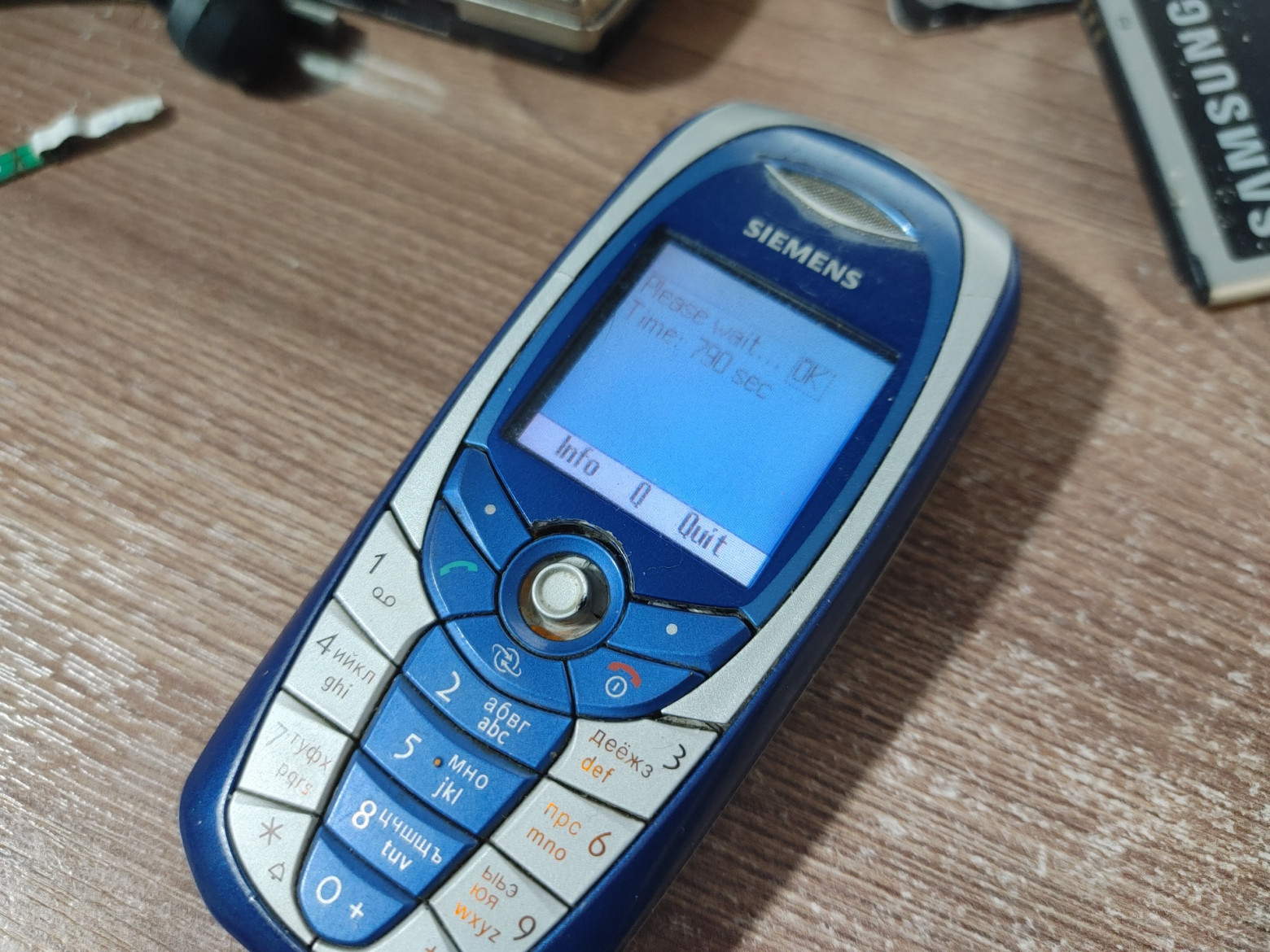
Then came the Siemens platform based on ARM926EJ-S:
- Around 2004, enthusiasts cracked the BootKEY generation algorithm
- In 2006, they implemented a full-fledged ELF loader
- This allowed loading programs written in C
- Native email clients, chat apps (NatICQ), and console emulators appeared
- Almost all programs could be minimized while continuing to work in the browser
Motorola E398
The affordable Motorola E398 (2004) with dual speakers and MicroSD support became a bestseller. Enthusiasts:
- Gathered on the MotoFan forum
- Found a vulnerability in the bootloader
- Hacked the RSA signature verification
- Created custom firmwares ("monster packs")
- Implemented the EP1 ELF loader
Current State
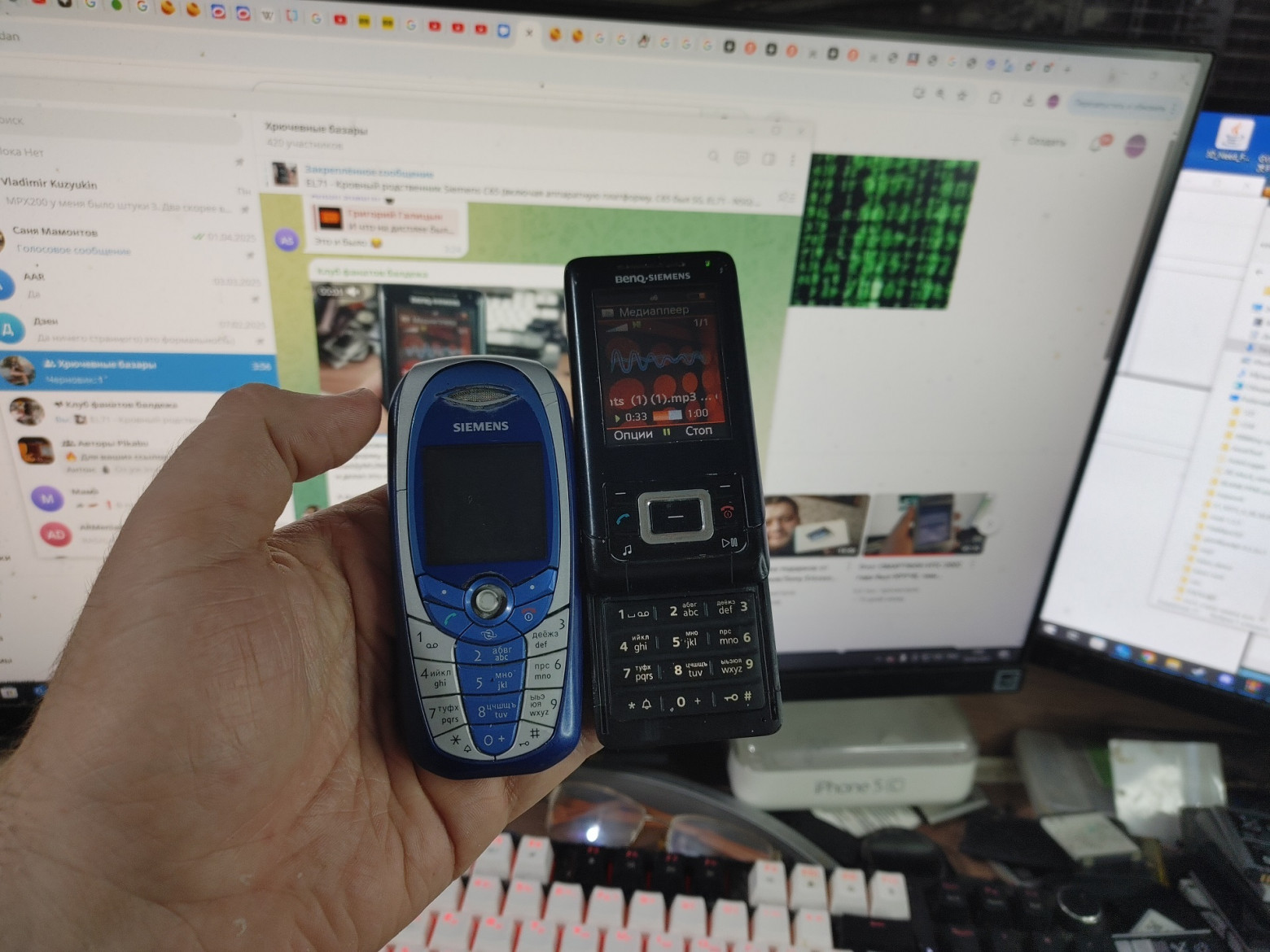
Despite their age, these devices continue to be modified:
- @EXL ported a software renderer for the E398
- @Azq2 is building a hardware emulator for Infineon S-Gold
- The community remains active
The Problem and the Solution
The barrier to entry for writing ELFs is high:
- Debugging only through printf
- Errors lead to freezes or reboots
- APIs are imported from the phone's firmware
- No cross-platform solutions exist
The author asked: is it possible to write an ELF loader that hides hardware details and loads a single binary on all platforms without patches?
ELF Format, ARM ABI, and Toolchain
What is ELF?
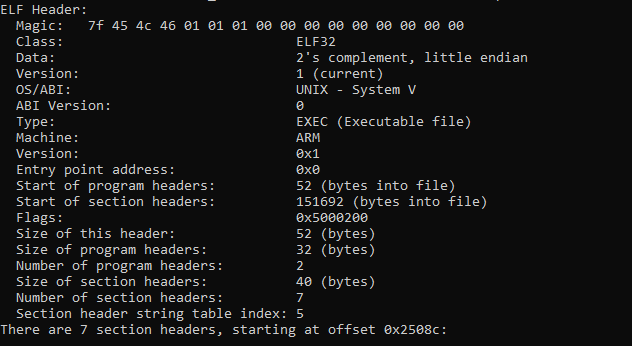
ELF (Executable and Linkable Format) is an executable file format widely used in Unix systems and embedded devices. GCC and clang/llvm compile to this format by default — it's the direct analog of .exe (PE) from Windows.
ELF Structure
A program consists of sections:
.text— program code, flags R X (read and execute).data— pre-initialized data, flags R W (read and write).bss— uninitialized data (global variables, zeroed at startup).rodata— constants, flag R only
Position-Independent Code (PIC)
There are three implementation approaches:
Approach 1: GOT and Relocations
- Uses a Global Offset Table (GOT)
- GOT contains pointers to other segments
- The dynamic linker recalculates addresses:
got[address] += baseAddress - In ARM, the relocation type
R_ARM_REL32is used
Approach 2: Absolute Relocations
- Compilation as if for fixed address 0x0
- The linker creates information about all memory accesses (--emit-relocs)
- Instead of
R_ARM_REL32,R_ARM_ABS32is used - More relocations, but no GOT and higher performance
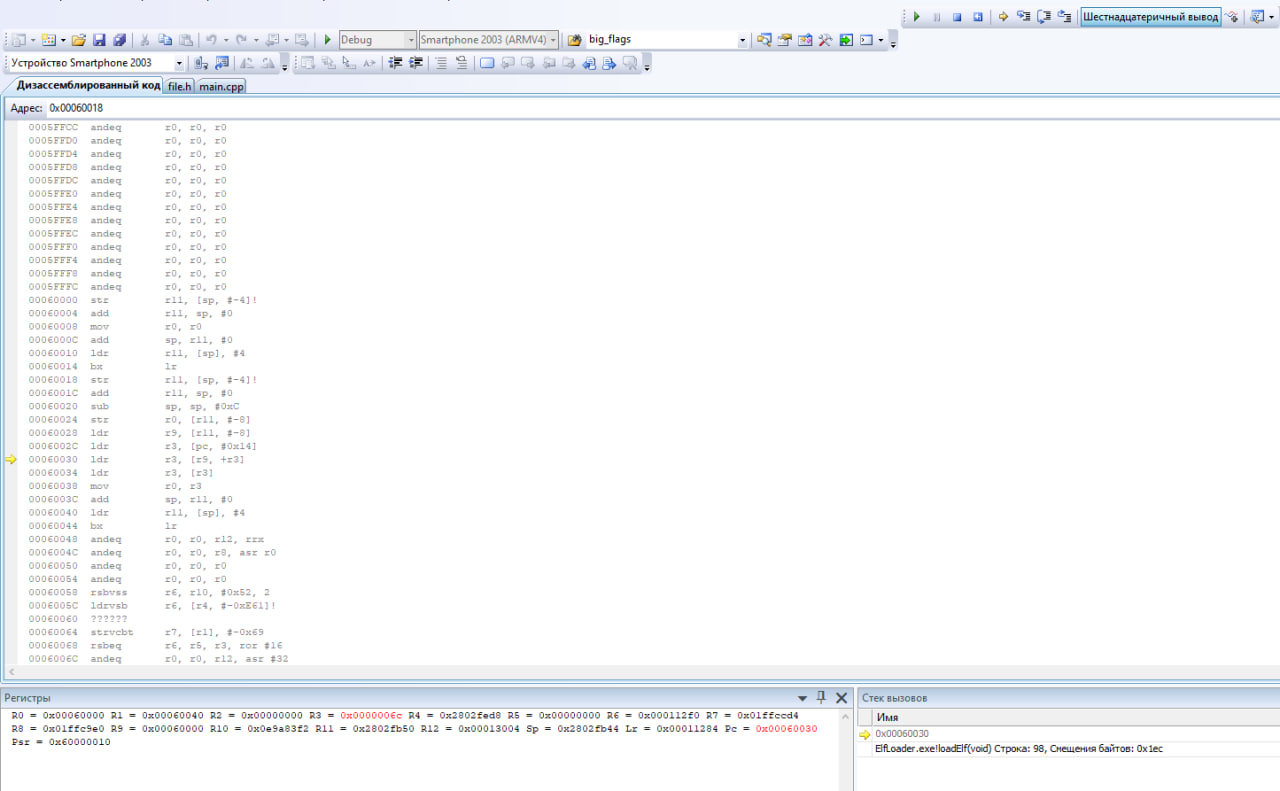
Approach 3: R9 Register
- Code is compiled with /rwpi and /ropi flags
- Uses a dedicated R9 register for addressing
- The loader fills R9 with the program's base address
- Theoretically faster than GOT, but slower than the second approach
Chosen Approach
The author chose the second approach (absolute relocations) for building an ELF loader on top of existing loaders. Firmware API functions are wrapped in standardized functions for working with:
- Display
- Input
- Files
- Sound
ELFs are compiled with the modern clang compiler with C99 support.
Linker Configuration
OUTPUT_FORMAT("elf32-littlearm")
SECTIONS
{
    . = 0x0;
    .text : {
        *(.r9ptr)
        *(.text*)
        *(.data*)
        *(.bss*)
        *(.rodata*)
        *(.functions)
    }

    .rel : {
        *(.rel*)
    }

    /DISCARD/ : {
        *(.ARM.*)
    }
}
Compiler Flags
CLANGFLAGS = -mno-unaligned-access -O3 -ffast-math -ffixed-r9
-T ld.script -target armv5e-none-eabi -nostartfiles -fno-exceptions
-fno-rtti -mfloat-abi=soft -I$(ELFROOT) -Ilibnesemu/

LDDFLAGS = -Wl,-zmax-page-size=1,--emit-relocs
ELF Loader Implementation
Header Verification: The loader checks e_machine == EM_ARM and correct endianness.
Processing Program Headers:
- Detects code size (codeSize)
- Allocates memory for the .text section
- Loads all sections into the allocated area
Working with Tables:
- Finds the symbol table (SHT_SYMTAB)
- Finds the string table (SHT_STRTAB)
- Detects relocations (SHT_REL)
Processing Relocations:
for(i = 0; i < relNum; i++)
{
    Elf32_Rel rel = relocs[i];
    int sym = ELF32_R_SYM(rel.r_info);

    switch(ELF32_R_TYPE(rel.r_info))
    {
    case R_ARM_ABS32:
        *((unsigned int*)&textSection[rel.r_offset])
            += (unsigned int)textSection;
        break;
    // ... other types
    }
}
Patching the Import Table:
for(i = 0; i < symNum; i++)
{
    Elf32_Sym sym = symbols[i];
    uint8_t* symName = &strTable[sym.st_name];

    int symType = ELF32_ST_TYPE(sym.st_info);

    if(symType == STT_OBJECT && strstr((const char*)symName, "SYS_"))
    {
        int funcNumber = ExecFindFunction(symName);
        // ... import function
    }

    if(symType == STT_FUNC &&
       strstr((const char*)symName, "ElfMain"))
    {
        ret->Main = (ExecMainFunction)&textSection[sym.st_value];
    }
}
Function Import System
A special macro is used for importing functions:
#ifndef LOADER
#define IMPORT(name, ret, ...) \
__attribute__ ((section(".functions"))) \
ret (* name )( __VA_ARGS__ ) asm( "SYS_" #name )

#define IMPORTNOARGS(name, ret) \
__attribute__ ((section(".functions"))) \
ret (* name )() asm( "SYS_" #name )
#else
#define IMPORT(name, ret, ...) ret name( __VA_ARGS__ )
#define IMPORTNOARGS(name, ret) ret name()
#endif
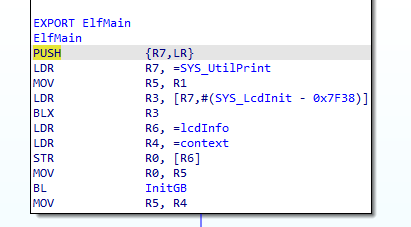
Functions are created as pointer variables in the .functions section. The SYS_ prefix tells the loader to patch the addresses with real functions during loading.
Porting to Windows Mobile (CE)
Since WinAPI in CE practically mirrors the desktop version, porting was straightforward.
The stdlib question:
- On other platforms, libc is weak (only malloc, free, memcpy, strcmp)
- On Windows it's properly implemented
- Solution: pass through only the allocator from the host system
// stdlib
IMPORT(elf_malloc, void*, int size);
IMPORT(elf_free, void, void* ptr);
Display Handling
No platform-dependent functions are used. Only a framebuffer pointer is needed from the host system. Blitting and drawing are implemented independently.
for(i = 0; i < bitmap->Height; i++)
{
    for(j = 0; j < bitmap->Width; j++)
    {
        LCD_PLOT_565(clamp(x + j, 0, lcd->Width),
                     clamp(y + i, 0, lcd->Height),
                     bmp[i * bitmap->Width + j]);
    }
}
Text Rendering
Bitmap fonts are used, statically linked with the ELF binary. Native platform font renderers are not used due to portability issues.
__inline int LcdDrawChar(LcdInfo* lcd, char chr,
                         uint32_t x, uint32_t y, uint16_t color)
{
    if(x >= 0 && y >= 0 && x + FONT_WIDTH < lcd->Width &&
       y + FONT_HEIGHT < lcd->Height)
    {
        int i, j;
        unsigned char* glyph = &embedded_font[chr * 8];

        for(i = 0; i < FONT_HEIGHT; i++)
        {
            short* fb = &((short*)lcd->Pixels)
                [(y + i) * lcd->Width + x];

            for(j = 0; j < FONT_WIDTH; j++)
            {
                if((*glyph >> (FONT_WIDTH - j)) & 0x1)
                    *fb = color;
                fb++;
            }
            glyph++;
        }
        return true;
    }
    return false;
}
Test Program
#include <system.h>

int ElfMain(void* ptr)
{
    LcdInfo* lcd = lcdInit();
    lcdDrawBitmap(lcd, bitmap, 0, 0);
    lcdDrawString(lcd, "Test", 0, 0, COLOR_BLUE);
    return 100;
}
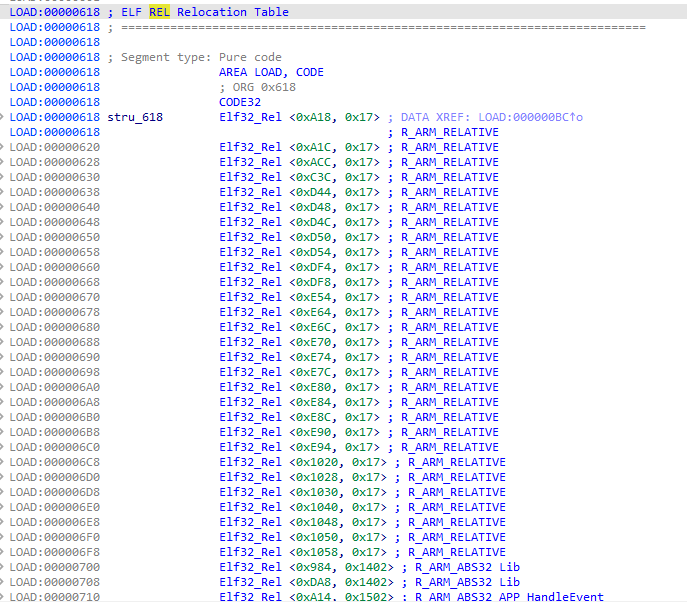
Result: The program successfully runs on Windows Mobile after fixing pixel endianness.
Porting to MRP/MRE
Platform History
MRP and MRE were used on budget Chinese phones from 2007 to 2016:
- Nokia TV E71/E72
- 6700 clones
- Fly/Explay/DEXP phones
- Nokia on the S30+ platform (e.g., 230)
Early "noname" phones supported running native programs through the dsm_gm.mrp loader and the *#220807# combination.
In 2010, MediaTek created MRE (MAUI Runtime Environment), allowing apps to run from the file manager without installation.
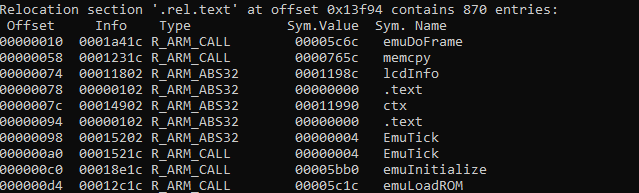
Platform Approach
Both platforms use the third approach with the R9 register, requiring context storage and restoration.
Initial approach (with R9 and context switching):
#define SWITCH_CONTEXT unsigned int staticBase; \
    __asm { MOV staticBase, sb; \
    LDR r0, [sb]; MOV sb, r0 }

#define ELF_CONTEXT(ptr) unsigned int staticBase; \
    void* elfStaticBase = ptr; \
    __asm { MOV staticBase, sb; MOV r9, elfStaticBase }

#define END_CONTEXT RestoreSB(staticBase);
Problem: MMIs are based on an event-based paradigm — you can't just do while(true); timers are needed. This requires constant context switching and reduces performance.
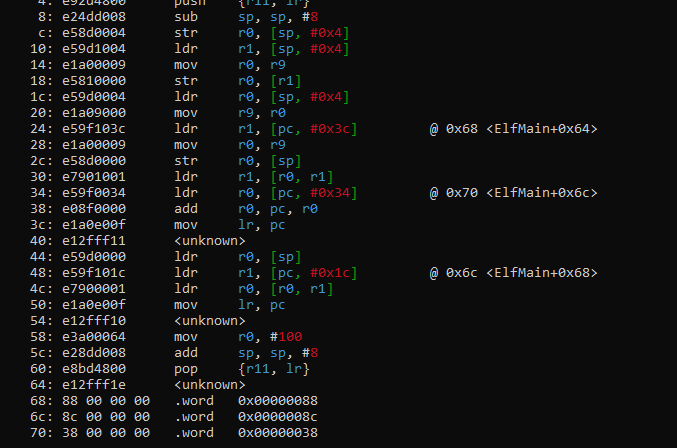
Solution: Switch to relocations and pass through timers.
LcdInit Implementation
LcdInfo* LcdInit()
{
    LcdInfo* ret;
    ret = (LcdInfo*)malloc(sizeof(LcdInfo));
    ret->Width = screenInfo.width;
    ret->Height = screenInfo.height;
    ret->Pixels = (void*)w_getScreenBuffer();
    return ret;
}

void LcdFlush(LcdInfo* info)
{
    mrc_refreshScreen(0, 0, 240, 320);
}
Result: The program works on two completely different operating systems without any issues.
What About Something More Complex Than Hello World?
Porting a NES Emulator
For full-scale testing, the author decided to port a NES emulator. A fast emulator by an unknown Chinese developer was found and reworked into a library.
Emulator interface:
typedef struct {
    uint16_t* FrameBuffer;
    uint8_t* JoyState;
} emuContext;

emuContext* emuInitialize();
uint8_t emuLoadROM(void* rom, int length);
void emuReset();
void emuDoFrame();
void emuShutdown();
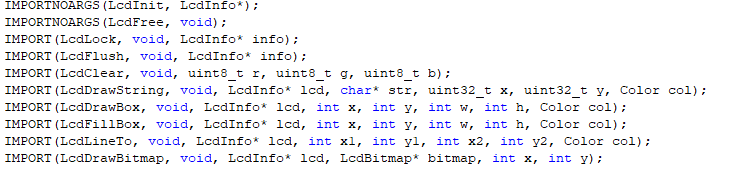
Basic port to the ELF binary:
#include <string.h>

#define FUNC_PROTOTYPES
#include <system.h>
#include <nes.h>
#include "nes_rom.h"

emu_context* ctx;
LcdInfo* lcdInfo;

void EmuTick()
{
    emuDoFrame();

    LcdLock(lcdInfo);
    short* pixels = (short*)lcdInfo->Pixels;

    for(int i = 0; i < EMU_FRAMEBUFFER_HEIGHT; i++)
    {
        memcpy(&pixels[i * lcdInfo->Width],
               &ctx->FrameBuffer[i * EMU_FRAMEBUFFER_WIDTH],
               lcdInfo->Width * 2);
    }

    LcdFlush(lcdInfo);
}

int ElfMain(unsigned int* basePtr, void* test)
{
    lcdInfo = LcdInit();

    ctx = emuInitialize();
    if(!emuLoadROM(nes_rom, sizeof(nes_rom)))
    {
        UtilPrint("Failed to load ROM");
        return 100;
    }

    emuReset();

    switch(GetMainLoopType())
    {
        case PLATFORM_LOOP_MMI_TIMER:
            EmuSetupTimer();
            break;
        case PLATFORM_LOOP_REGULAR:
            EmuSetupRegularLoop();
            break;
    }

    return 100;
}
Results: The NES emulator successfully runs on:
- A Chinese Galaxy S3 replica
- Nokia TV ("Nokla")
- QTek

Conclusion
It is indeed possible to write a program that seamlessly runs on three different operating systems with nothing in common. At first glance it seems complex, but in practice it's simple and interesting — you just need to study what the compiler produces.



