Building an SDK for a Retro Computer: The Evo SDK Example
An in-depth look at how the Evo SDK was created for ATM Turbo and ZX Evolution retro computers, covering its graphics system, memory management, and the challenges of democratizing software development for niche vintage platforms.
Introduction
The world of retro computing is alive and well. Enthusiasts around the globe continue to recreate and enhance vintage computers from the 1980s and 90s. But there's a fundamental problem: "Enthusiasts have created so many different machines that there aren't enough developers for them all." This creates a chicken-and-egg situation — platforms lack software, so their capabilities remain invisible, which discourages user adoption and further discourages developer interest.
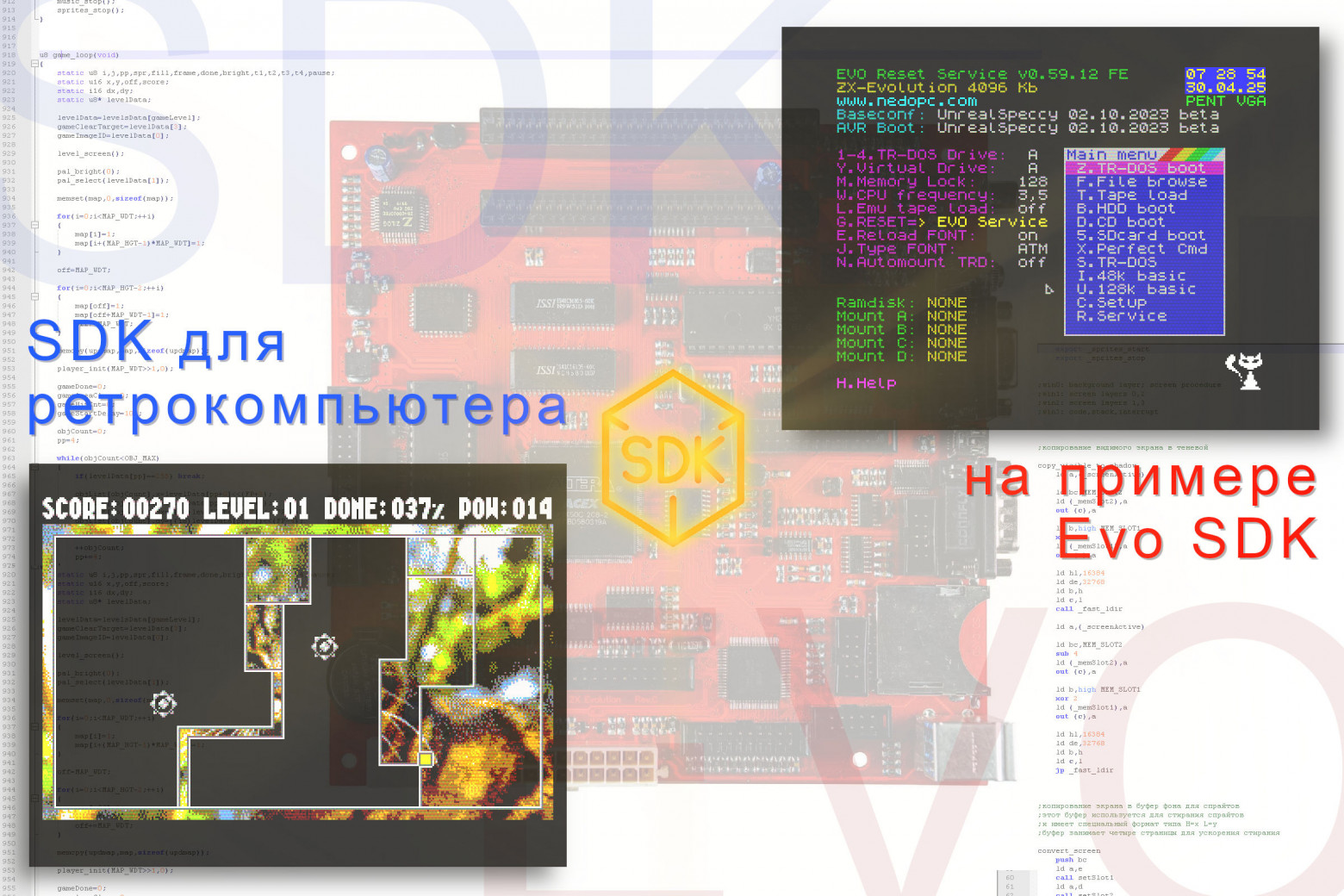
The solution? Software Development Kits (SDKs) that lower the barrier to entry by providing ready-made development environments with all the necessary tools and standard solutions.
The Target Platform: ATM Turbo and ZX Evolution
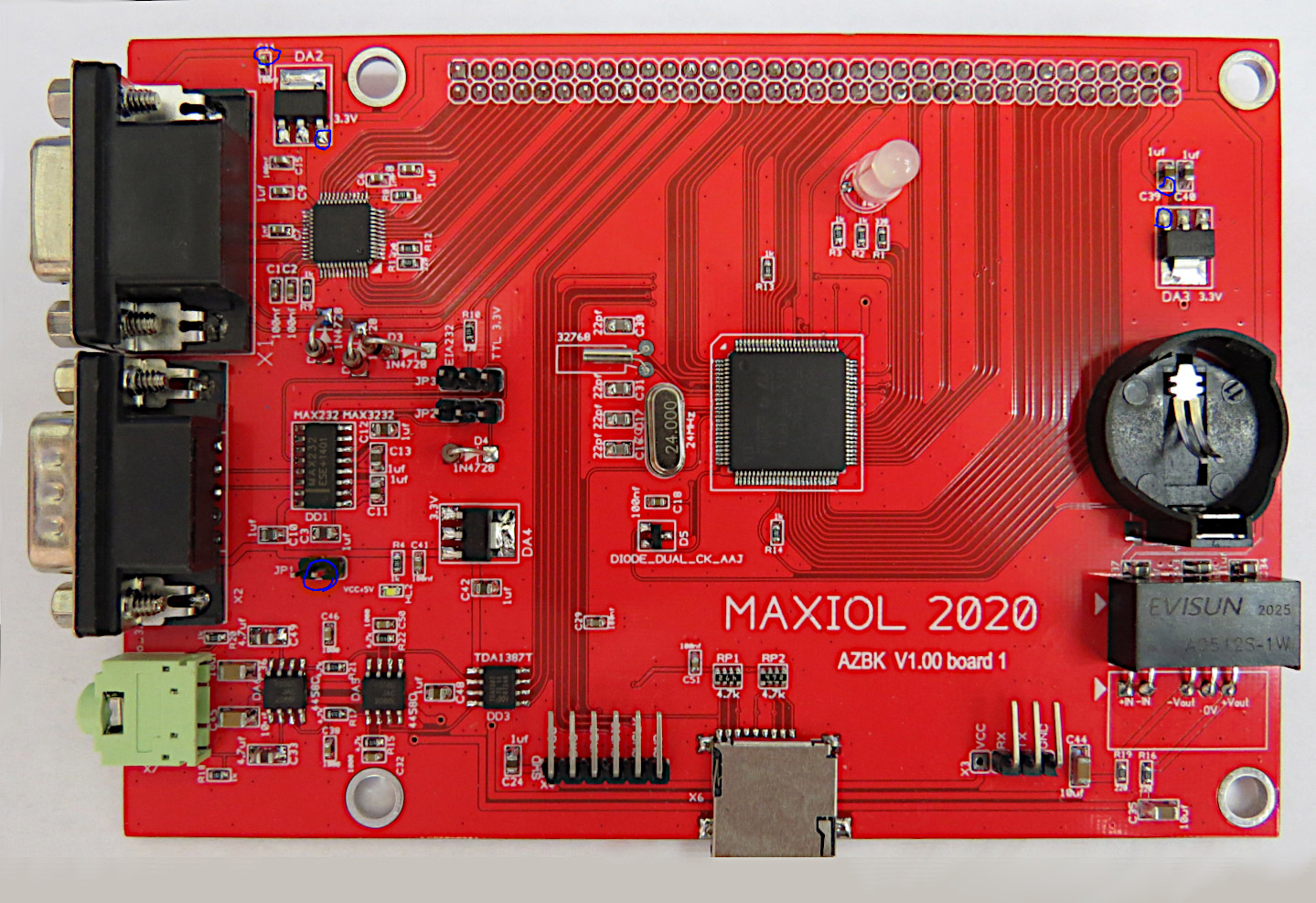
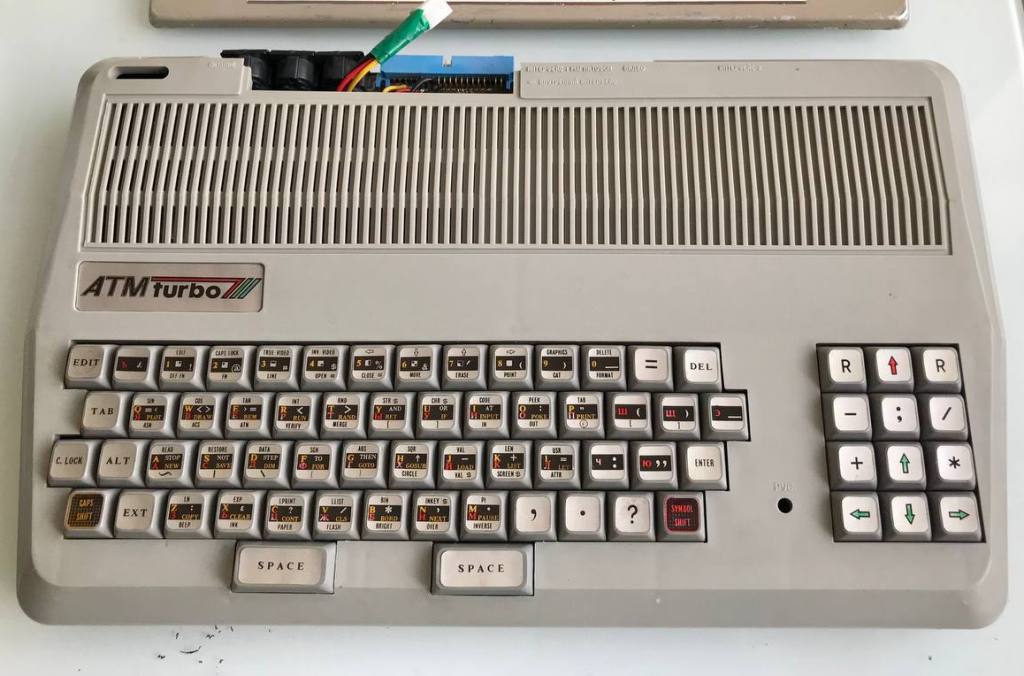
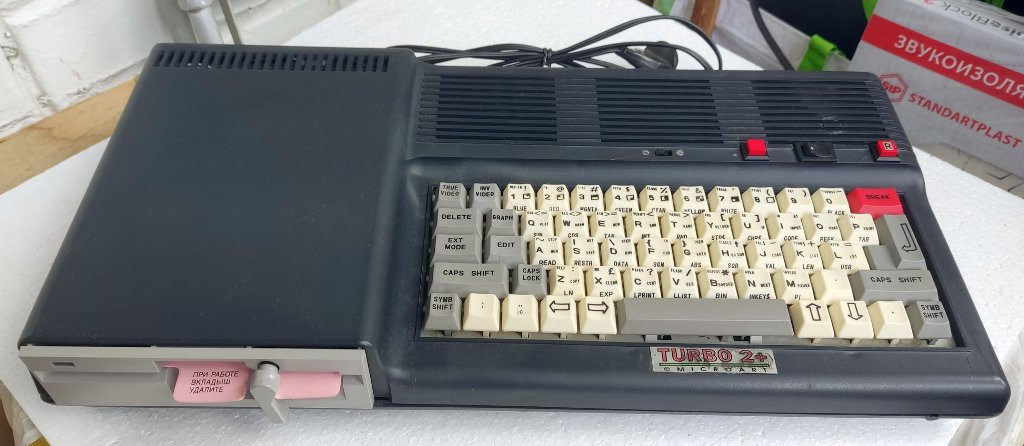
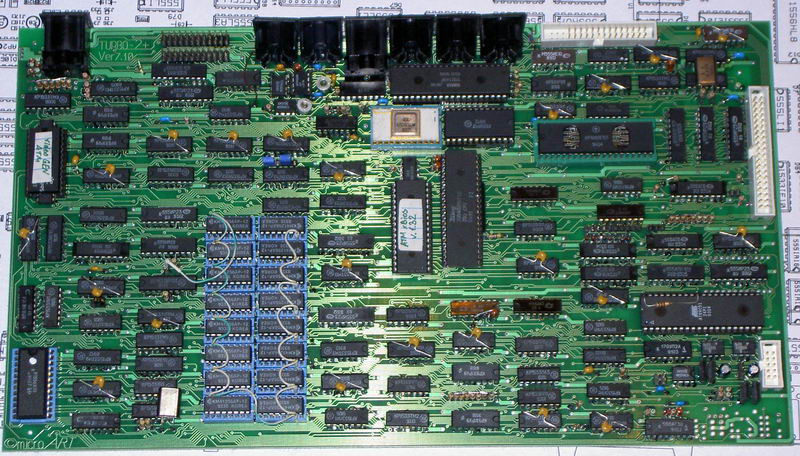
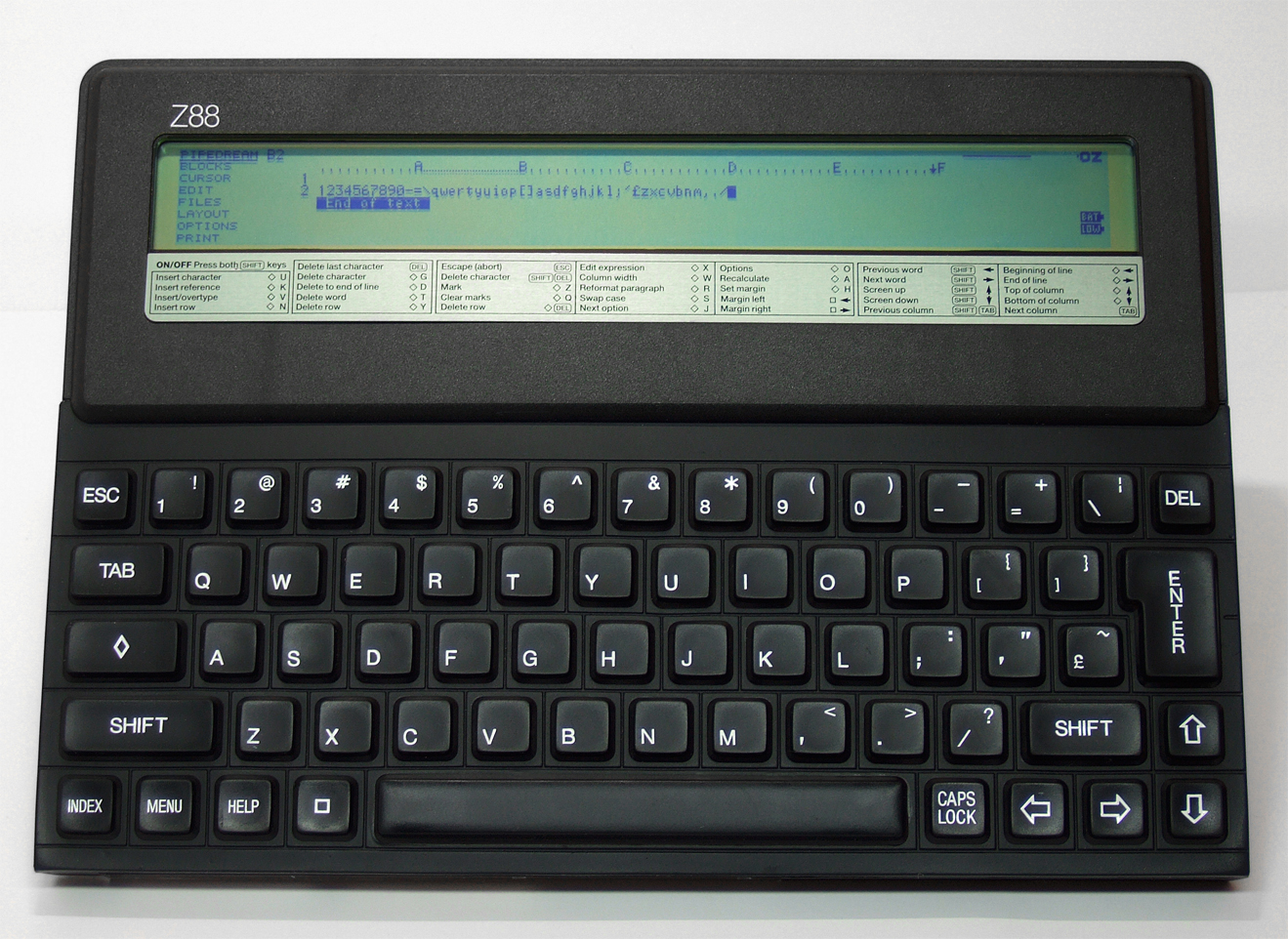
The Evo SDK targets two closely related platforms: the ATM Turbo and ZX Evolution computers. These are Soviet-era machines that maintain compatibility with the legendary ZX Spectrum while significantly extending its capabilities.
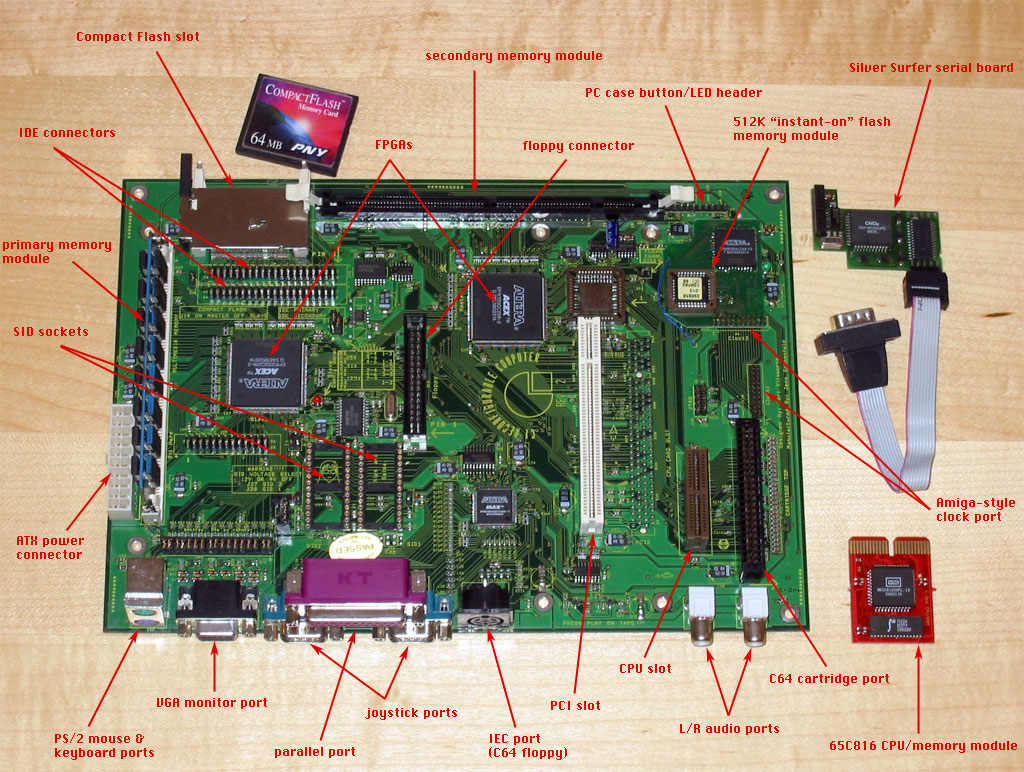
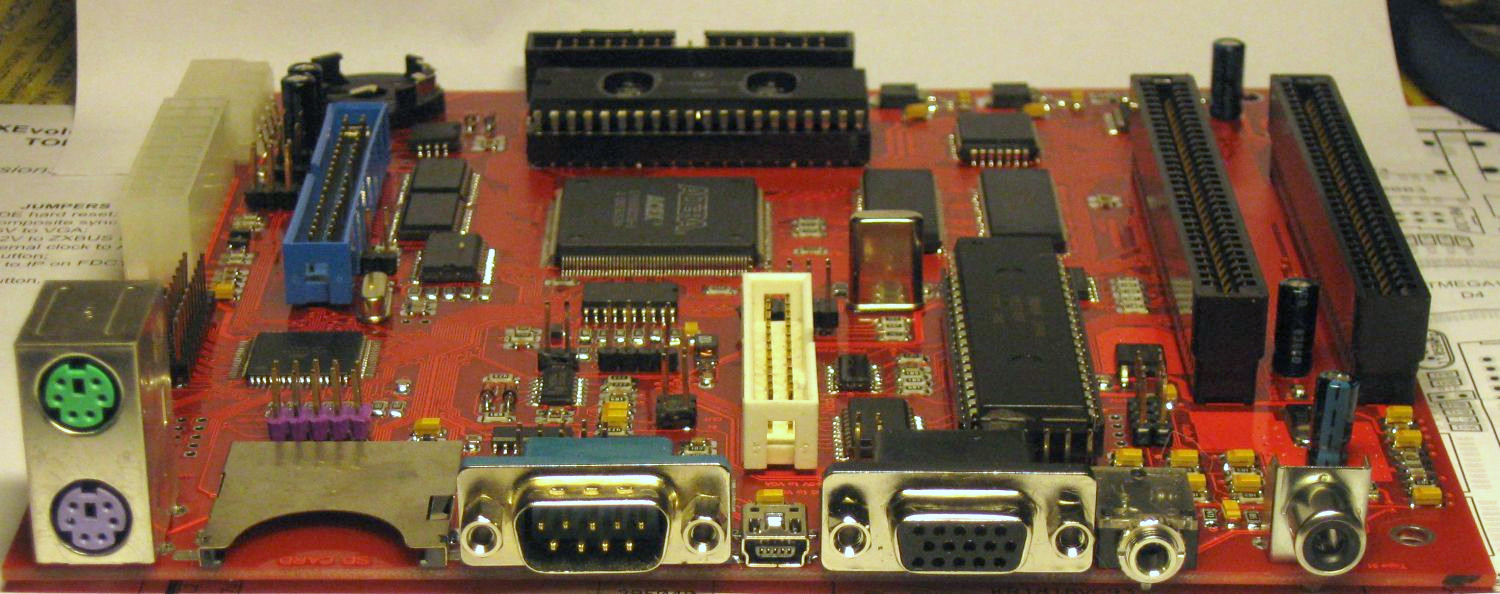
The ZX Evolution (also known as PentEvo) is a modern FPGA-based recreation that implements the ATM Turbo architecture in programmable logic, making it possible to produce these machines today without sourcing obsolete Soviet chips.
Graphics System
The Evo SDK provides a single graphics mode optimized for game development:
- Resolution: 320 x 200 pixels
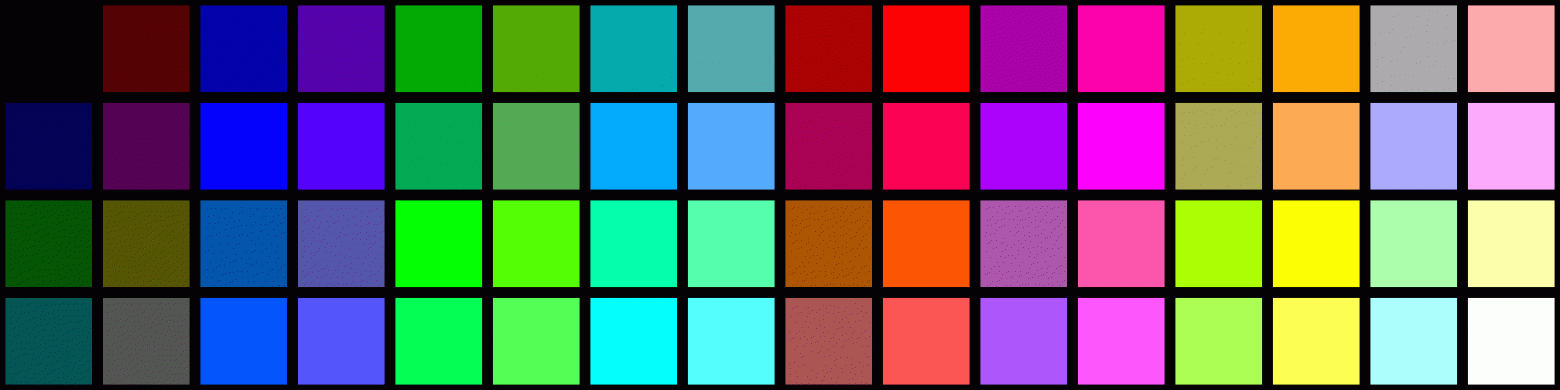
- Colors: 16 simultaneous colors from a larger palette
- Background: tile-based using 8x8 pixel blocks
- Sprites: up to 64 simultaneous sprites at 16x16 pixels each
The sprite system uses an innovative approach: rather than storing sprite data separately and using a generic rendering routine, each sprite's pixel data is embedded directly into Z80 assembly code as an optimized per-image output routine. This means each sprite has its own custom drawing function that skips transparent pixels entirely, resulting in significantly faster rendering than a generic sprite blitter would achieve.
Memory Configuration
Memory management on an 8-bit Z80-based system is inherently constrained:
- ~55 KB available for game code in the main address space
- 4 MB of extended RAM for resources (graphics, music, level data)
- Static memory allocation only — no dynamic allocation, no heap, no garbage collection
The 4 MB extended memory is accessed through bank switching — a technique where 16 KB "windows" of the extended memory are mapped into the Z80's 64 KB address space as needed. The SDK handles the bookkeeping of which resources are stored in which banks.
Development Tools
The Evo SDK provides a practical, if minimalist, development toolchain:
- Language: C via the SDCC (Small Device C Compiler) compiler
- Build system: automated single-click builds using Windows batch files
- Resource formats: BMP for graphics, PT3 for music (ProTracker 3), AFB for sound effects
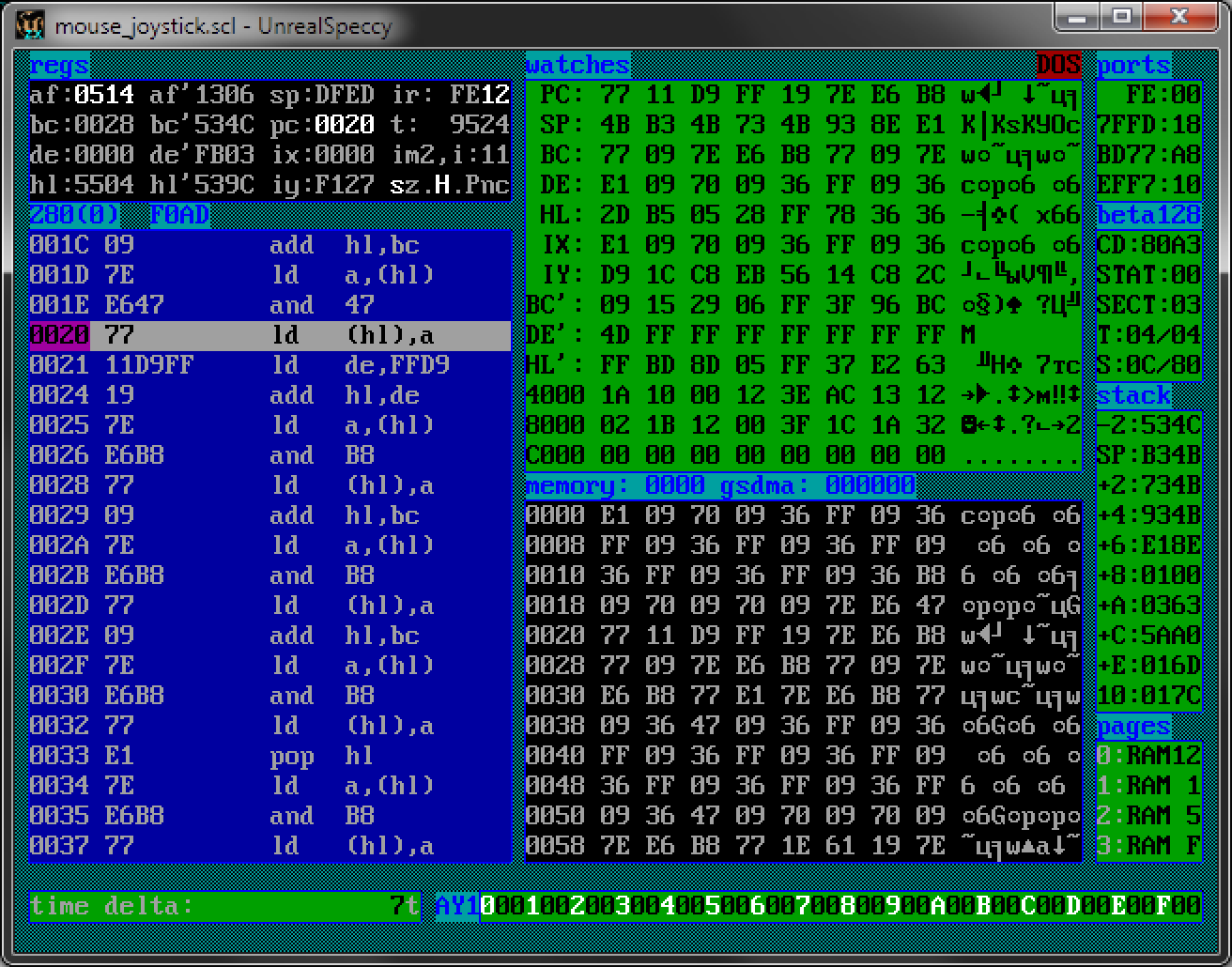
- No IDE or debugger — developers use their preferred text editor and test on real hardware or emulators
The choice of C over assembly language is a deliberate tradeoff. While hand-optimized Z80 assembly would yield faster code, C is far more accessible to modern developers. The SDCC compiler generates reasonably efficient Z80 code, and the SDK's architecture compensates for the performance gap through pre-optimized sprite routines and efficient memory access patterns.
Games Built with Evo SDK
The SDK has successfully produced several games that demonstrate its capabilities:
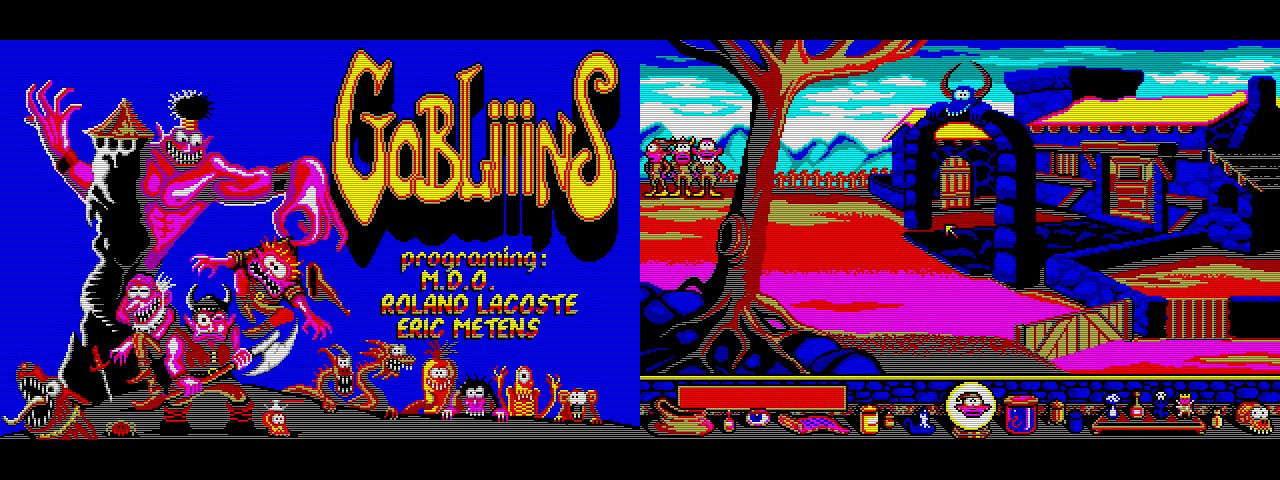
- XNX — a puzzle game
- Innsmouth — an adventure game inspired by H.P. Lovecraft
- NOMAD — a shooter
- SpaceMerc: Liberation — an RPG
These games demonstrate that even with significant hardware limitations, sufficiently varied and engaging games can be created when developers have the right tools.
Limitations and Challenges
The SDK has several notable limitations:
- No sprite clipping — sprites cannot partially exit the screen boundaries. If a sprite moves partially off-screen, the developer must handle this manually or simply prevent it
- Z80 processor speed — at 7-14 MHz, the processor struggles with fast-moving graphics in 320x200 resolution, requiring creative optimization strategies
- Fixed sprite size — all sprites are 16x16 pixels, which limits visual variety for larger characters or objects
- No scrolling support — the tile-based background doesn't support hardware scrolling, making side-scrolling games extremely challenging
Resource Conversion Pipeline
The SDK includes tools for converting standard file formats into platform-specific resources:
- BMP images are converted into tile sets and sprite data, with automatic palette extraction
- PT3 music files from ProTracker 3 are loaded directly — the SDK includes a built-in player
- AFB sound effects are short digitized audio samples played through the AY-3-8910 sound chip


The Broader Retro SDK Landscape
The Evo SDK is not unique in its goals. Similar SDKs exist for other retro platforms:
- z88dk — a comprehensive C development kit targeting multiple Z80-based systems
- devkitPro — development kits for Nintendo Game Boy, GBA, DS, and other consoles
- SGDK — Sega Genesis/Mega Drive development kit
- cc65 — C compiler and tools for 6502-based systems (C64, NES, Atari)
What makes the Evo SDK notable is its focus on a specifically post-Soviet computing lineage — machines that were widespread in the former USSR but relatively unknown in the West.
Conclusion
Building an SDK for a retro computer is an exercise in practical compromise. You can't have everything — the hardware simply doesn't support it. But by making deliberate choices about what to include and what to sacrifice, you can create a development environment that's accessible enough to attract new developers while powerful enough to produce genuinely playable games.

The Evo SDK proves that even platforms with tiny user bases can have thriving development communities — if someone takes the time to build the tools that make development possible. In the retro computing world, an SDK isn't just a convenience; it's the difference between a platform that collects dust and one that continues to evolve.
FAQ
What is this article about in one sentence?
This article explains the core idea in practical terms and focuses on what you can apply in real work.
Who is this article for?
It is written for engineers, technical leaders, and curious readers who want a clear, implementation-focused explanation.
What should I read next?
Use the related articles below to continue with closely connected topics and concrete examples.





