My Journey to the Future
After accidentally setting the system clock to the year 14201, a developer tests how dozens of popular applications handle dates 12,000 years in the future, with entertaining and revealing results.
It was a quiet autumn evening. Nothing foreboded trouble. Dusk was falling. I was finishing a planned computer upgrade, during which — for reasons lost to history — I needed to reset the BIOS.
"It'll only take a second," I said to my wife, heading toward the computer. That was 4 hours ago...
As many know, when you reset the BIOS, the system clock gets reset too. Usually to something like January 1, 2000. But my motherboard had other ideas. The date was set to the year 14201.
Instead of simply changing it back, I decided this was a unique opportunity: when would I ever get to test how software handles dates 12,000 years in the future? The experiment began.
A Brief History of Date-Related Problems
Humanity has already faced, or is anticipating, several date-related issues in computing:
- Y2K (Year 2000) — the infamous millennium bug
- Year 2011 — SMS issues on some devices
- Year 2036 — NTP protocol overflow (unsigned 32-bit seconds since 1900)
- Y2K38 (Year 2038) — Unix time overflow (signed 32-bit seconds since 1970)
- Year 10,000 — the Y10K problem
- Year 30,827 — Windows SYSTEMTIME limit
- Year 292,277,026,596 — 64-bit time overflow
My accidental journey to year 14201 falls squarely between the Year 10,000 problem and the Windows SYSTEMTIME limit. Interesting!
Classification System
I divided the tested applications into four groups:
- Green — the program launched and worked perfectly, all functions available
- Yellow — the program launched and worked, but displayed warnings or errors related to dates
- Orange — the program launched but crashed when accessing date/time-related functions
- Red — the program refused to launch entirely
Green Group: Everything Works
Windows 7 — Operating System
Surprisingly, Windows 7 itself handled the year 14201 quite well. The system booted normally, the desktop loaded, and most system functions worked. The clock in the taskbar displayed a garbled date, but the system was stable.
MSPaint
Launched perfectly. All drawing tools worked. Files could be saved and opened. The future apparently still needs pixel art.
Notepad
Worked without any issues whatsoever. Apparently, text editing is a timeless pursuit.
Doctor Web
The antivirus launched and functioned. Virus databases were considered outdated (unsurprisingly), but scanning worked correctly.
KillCopy
File copying utility worked flawlessly. Copying files in the year 14201 is just as straightforward as today.
Media Player Classic
Played video files without any problems. Entertainment survives the millennia.
Microsoft Outlook
Surprisingly, Outlook handled the distant future date gracefully. Email composition and reading worked. Calendar was a bit confused but functional.

TortoiseSVN
Version control works in any millennium. TortoiseSVN functioned without complaints.
Yellow Group: Works with Warnings
Windows 7 Calendar
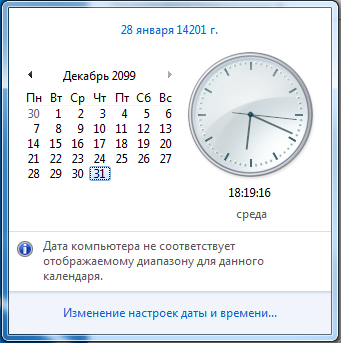
The built-in calendar widget couldn't display dates beyond the year 2099. It simply showed a blank calendar. The date in the taskbar was garbled but the system continued running.

Firefox
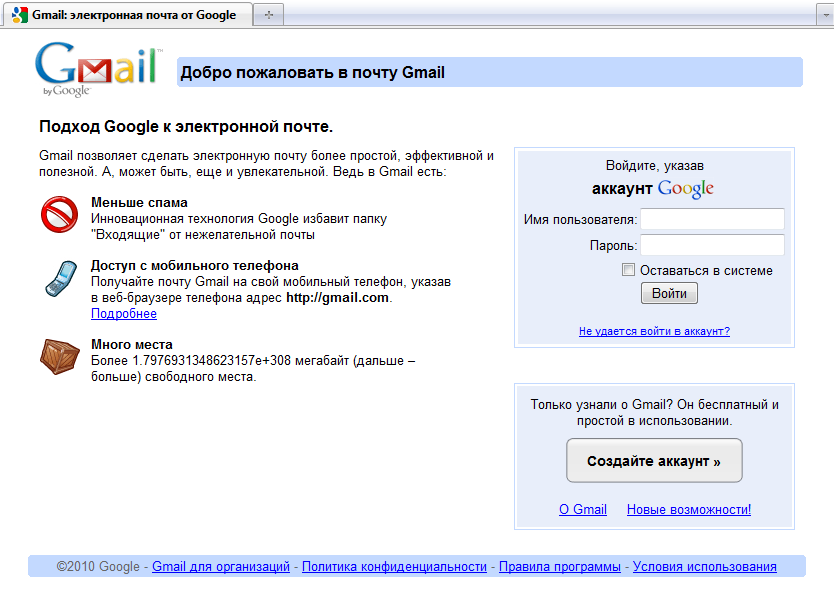
Firefox launched and rendered pages. However, every HTTPS site was rejected due to SSL certificate validation — all certificates appeared to have expired thousands of years ago. You could still browse HTTP sites.
Internet Explorer
Same story as Firefox — launched fine, but all SSL certificates were rejected. The security warnings were particularly dramatic about certificates that "expired" 12,000 years ago.
7-Zip
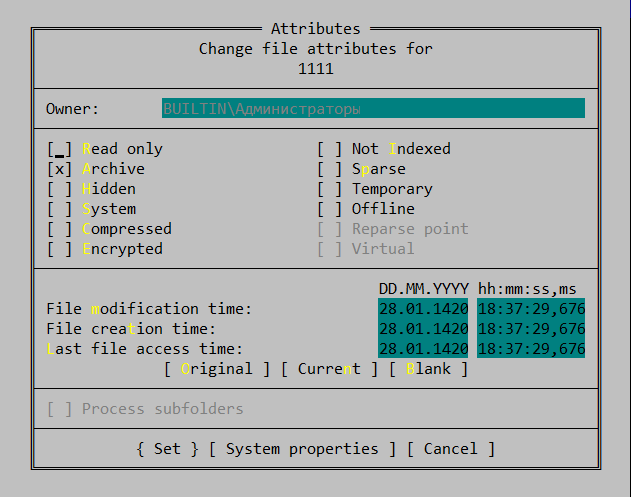
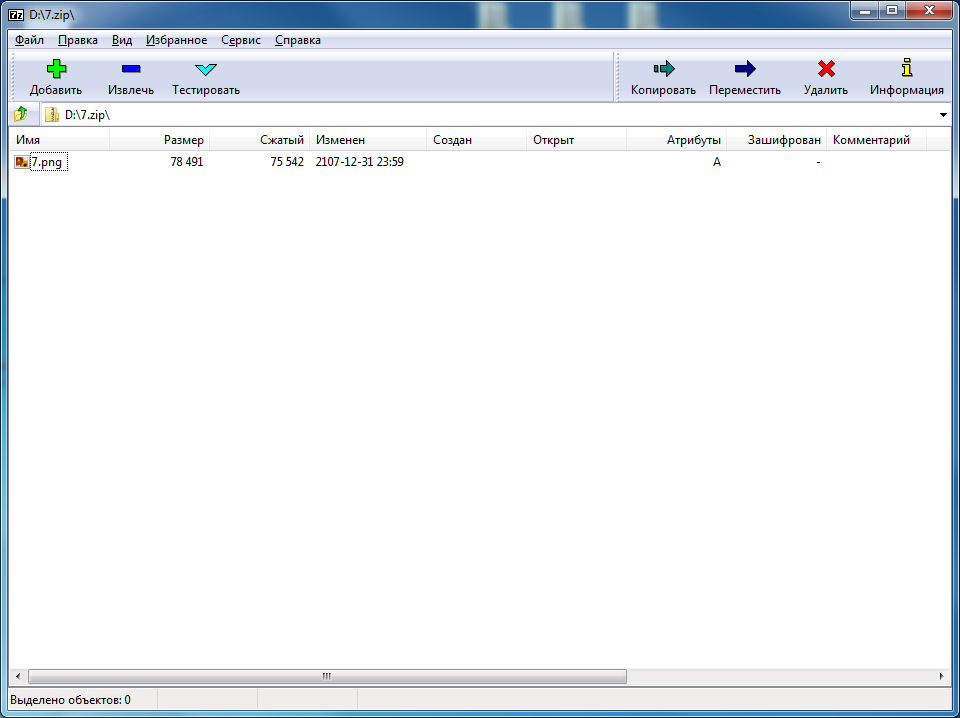
7-Zip worked perfectly for compression and decompression. However, file dates in archives were displayed as "31 December 2107" — apparently that's the maximum date the archive format supports.
Far Manager
The dual-pane file manager worked, but displayed file dates incorrectly, similar to 7-Zip.
Microsoft Word
Word launched and text editing worked. Document properties showed garbled dates, but the core functionality was intact.
Microsoft Excel
Excel launched and basic spreadsheet functions worked. Date functions returned errors or incorrect values, which is expected since Excel's date system doesn't extend that far.
Orange Group: Crashes on Date Functions
PuTTY
PuTTY launched but crashed when attempting to establish an SSH connection. The SSL/TLS handshake failed spectacularly when trying to validate certificates against the year 14201.
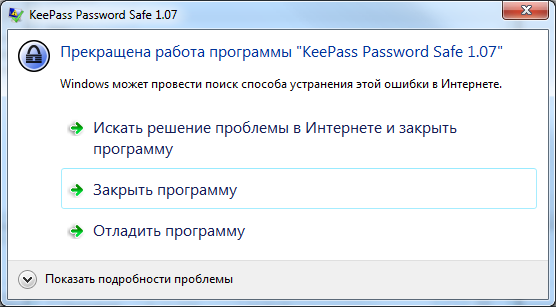
KeePass
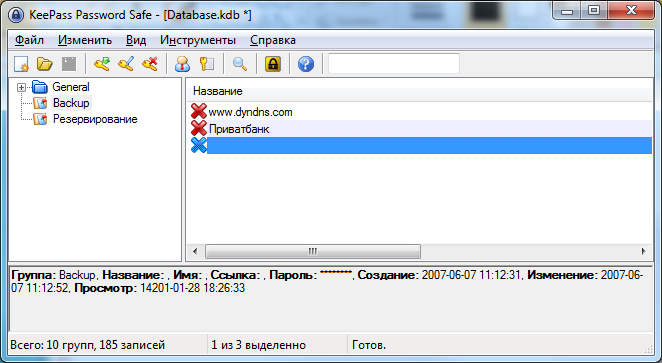
The password manager launched, but crashed when trying to open a database. Apparently, the encryption routines involve date validation that couldn't handle the far future.
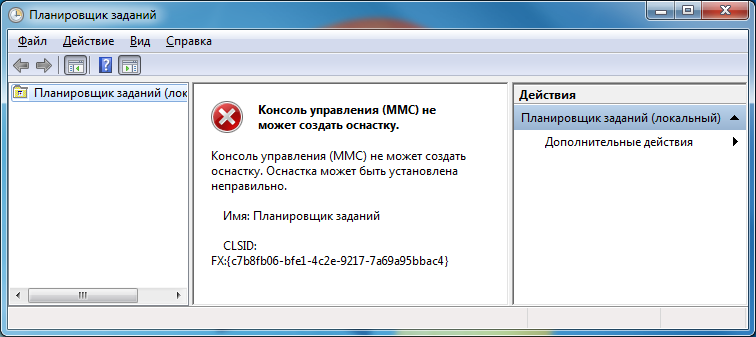
Windows Task Scheduler
The Task Scheduler service was running, but the management interface crashed immediately upon opening. Scheduling tasks for the year 14201 is apparently not supported.
Windows Explorer (Date-related operations)
Windows Explorer itself worked, but any operation involving file date sorting or date-column display would cause it to hang or crash.

Red Group: Won't Even Launch
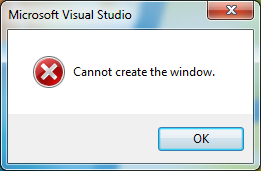
Visual Studio 2010
Refused to start entirely. The splash screen appeared briefly, then the application crashed with an unhandled exception. Microsoft's flagship IDE apparently has a hard dependency on reasonable date values during initialization.
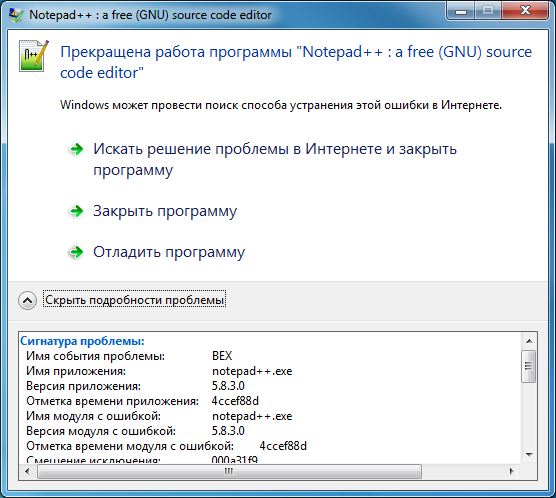
Notepad++
Despite being a simple text editor, Notepad++ refused to launch. It likely checks the date during plugin initialization or session file handling.
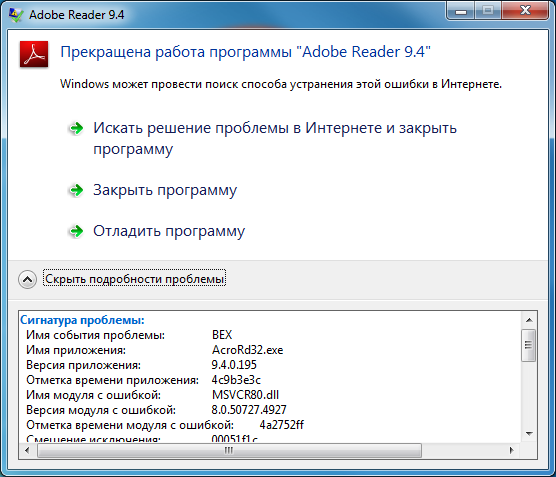
Adobe Reader
Would not start. The splash screen flickered and the application terminated immediately.

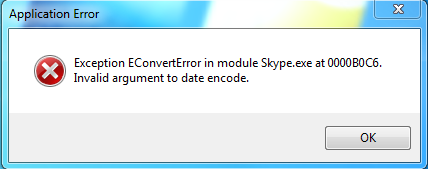
Skype
Completely refused to launch. Not a single window appeared.
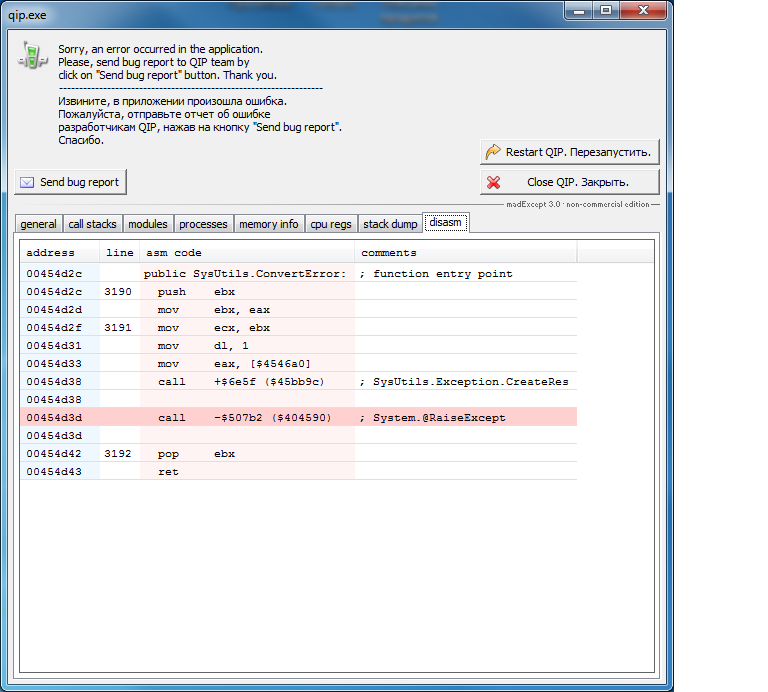
QIP (Instant Messenger)
Would not start. Crashed immediately on launch.
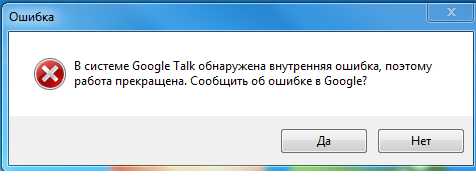
Google Talk
Refused to launch. Apparently, Google didn't plan for their messenger to still be in use 12,000 years from now.
Opera
The browser would not start at all, crashing during initialization.
Bonus Observations
Conclusions
The most reliable programs turned out to be from Microsoft — most of their products launched and worked. This makes sense, as Microsoft has historically paid close attention to date handling after the Y2K scare.
Not a single instant messenger survived the journey to the future. None of today's messengers plan to live long. Perhaps by the year 14201, humanity will have moved on to telepathy.
Browser failures were related to SSL certificate validation, which is understandable — all certificates have long "expired" from the system's perspective.
The most interesting discovery: simple, focused applications (Paint, Notepad, media players) handled the extreme date best, while complex applications with many initialization checks (IDEs, messengers, PDF readers) failed completely.
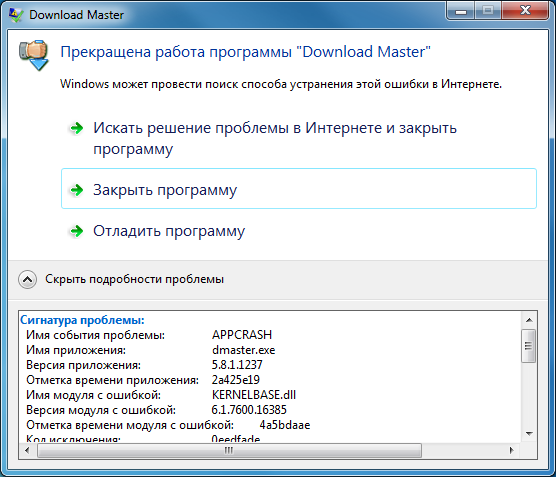
In conclusion: if you're planning to build software that will be used 12,000 years from now, keep it simple. Or at least don't crash on startup.



