The Black Window of Linux: Diving Into the TTY Subsystem
A deep dive into the Linux TTY subsystem, tracing the evolution from telegraph machines and teletypes to modern virtual terminals and pseudoterminals, explaining how the kernel mediates between terminals and user processes.
Introduction
When you start studying the topic of terminals in Linux, you might feel that "individually everything seems clear, but the difference between concepts and their essence still slips away." Console, terminal, TTY, virtual console, virtual terminal, terminal emulator, shell — at first glance, it's all just "that black window where you type Linux commands." In reality, behind this window lies an entire chain of different entities — from kernel components to user-space programs.
A Bit of History
Telegraph and Ticker Machines
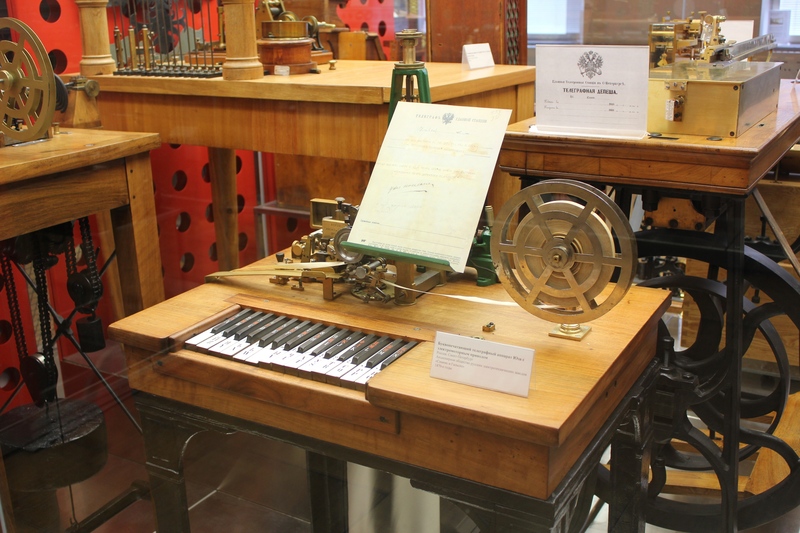
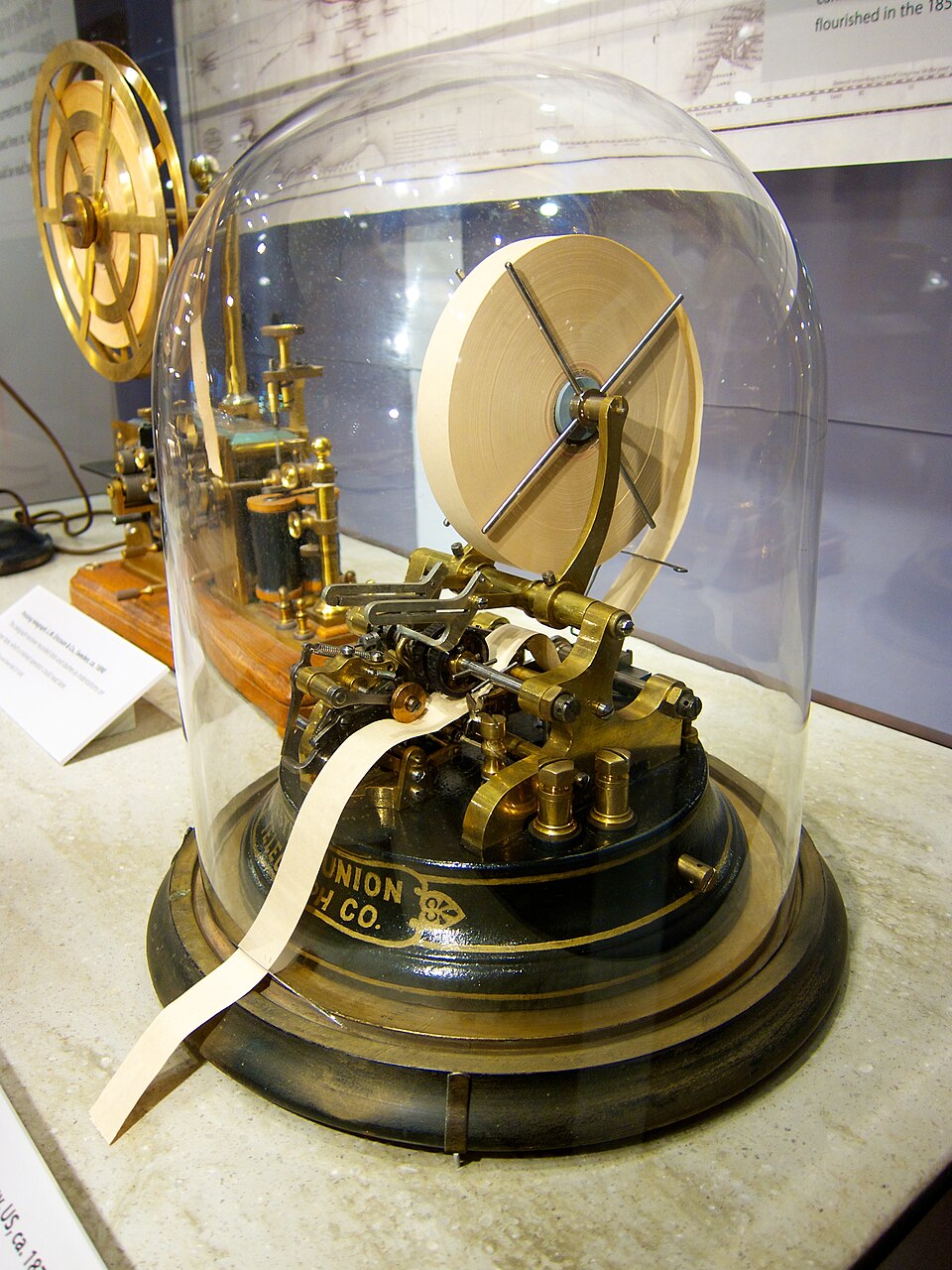
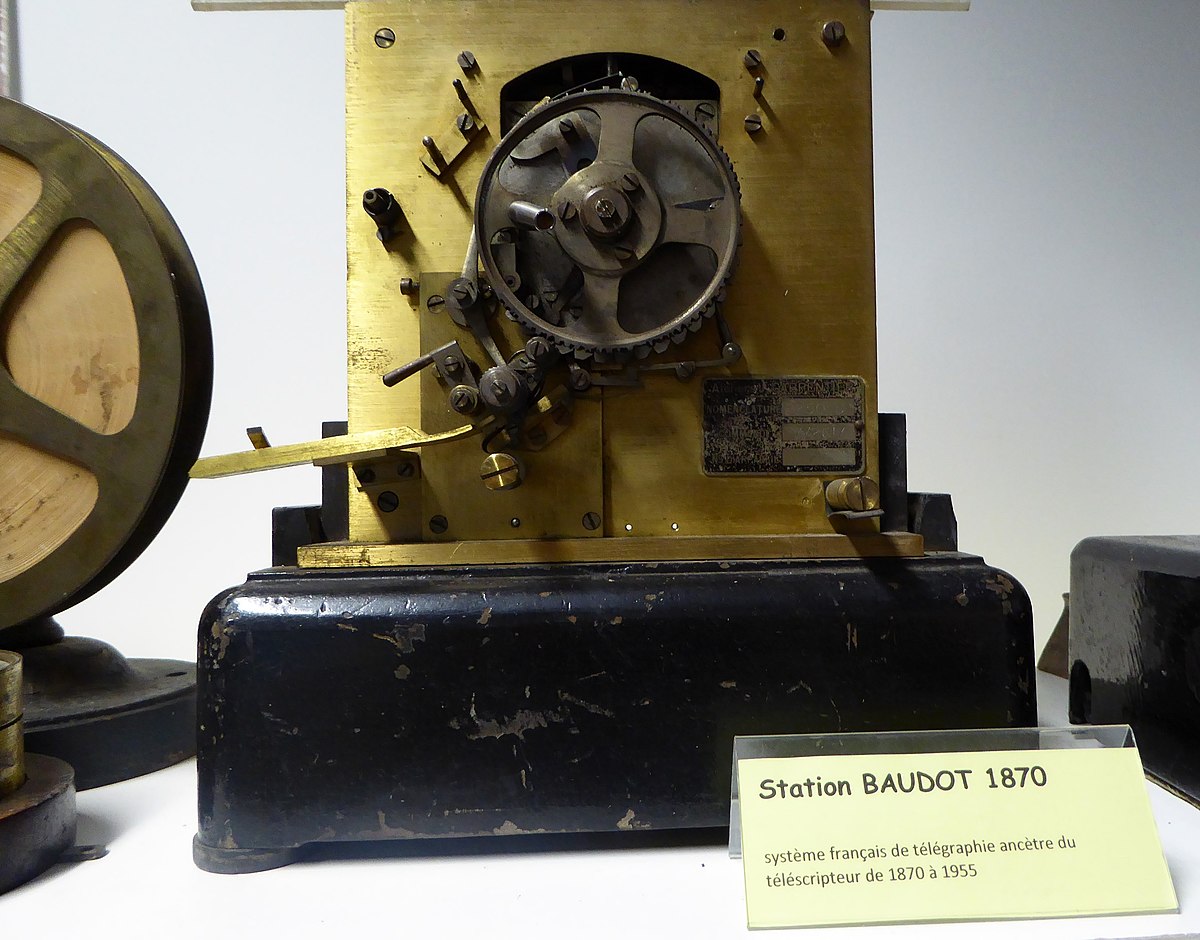
The telegraph revolutionized information technology. However, using it required knowledge of Morse code and the ability to quickly encode and decode information. Telegraph and ticker machines solved the input problem, although their keyboards were specialized and required complex synchronization mechanisms.
Teletype
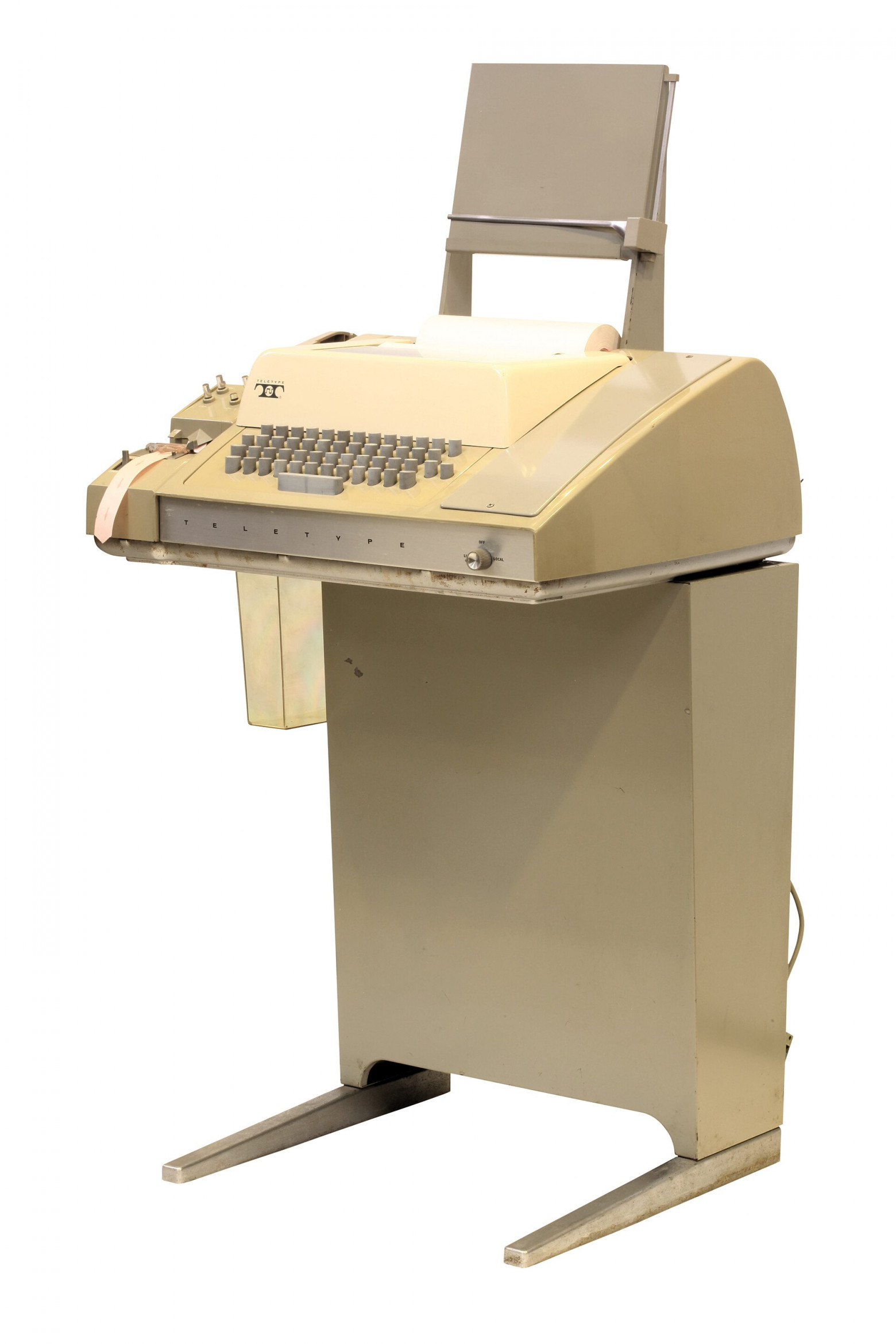
The teletype introduced improvements: complex synchronization was replaced by start and stop signals (which formed the basis of modern UART). The operator could see the text being sent (echo) and receive responses. This device proved convenient for early computers (PDP-7, PDP-11), connected via a serial port.
Video Terminal
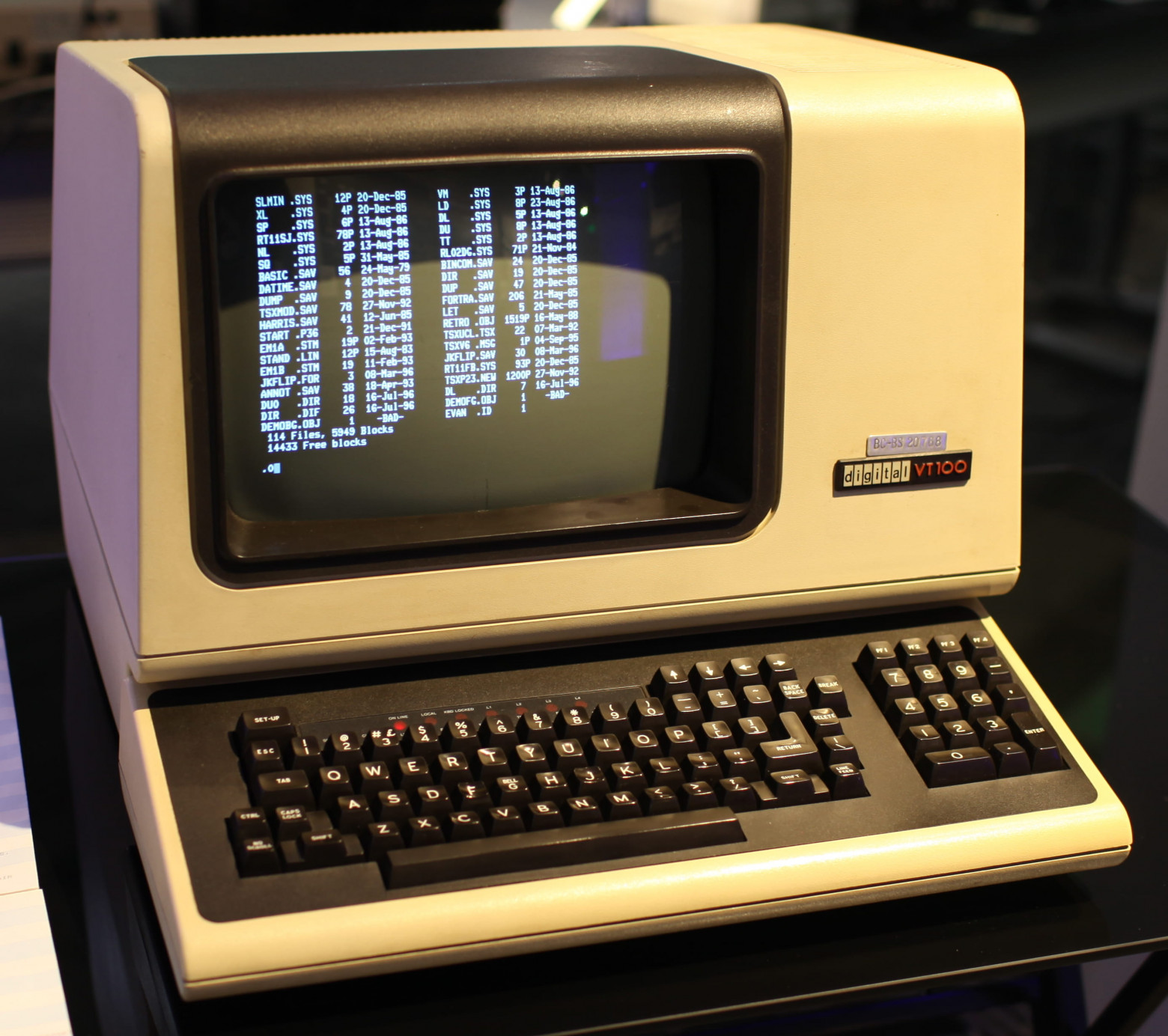
The video terminal worked almost like a teletype, but information was displayed on a CRT screen, which offered several advantages — for example, you could output information not just sequentially but at any position on the screen. ESC codes became widely adopted.
Virtual Terminal
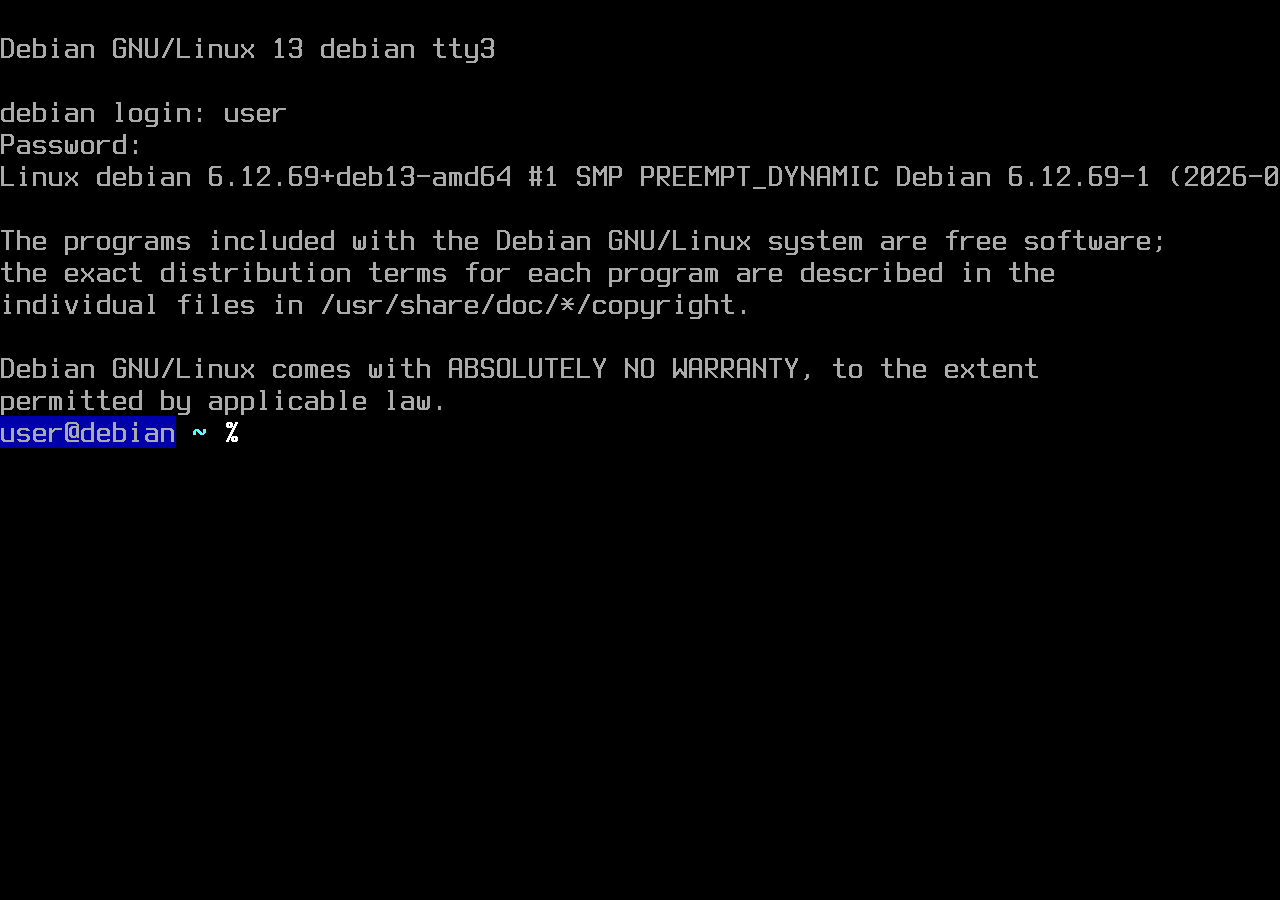
With the advent of virtual terminals, the operating system kernel began emulating the functions of teletypes and video terminals. The kernel used keyboard and display drivers; connecting an external terminal was no longer required. It became possible to emulate several terminals simultaneously using a single keyboard and display.
Pseudoterminal
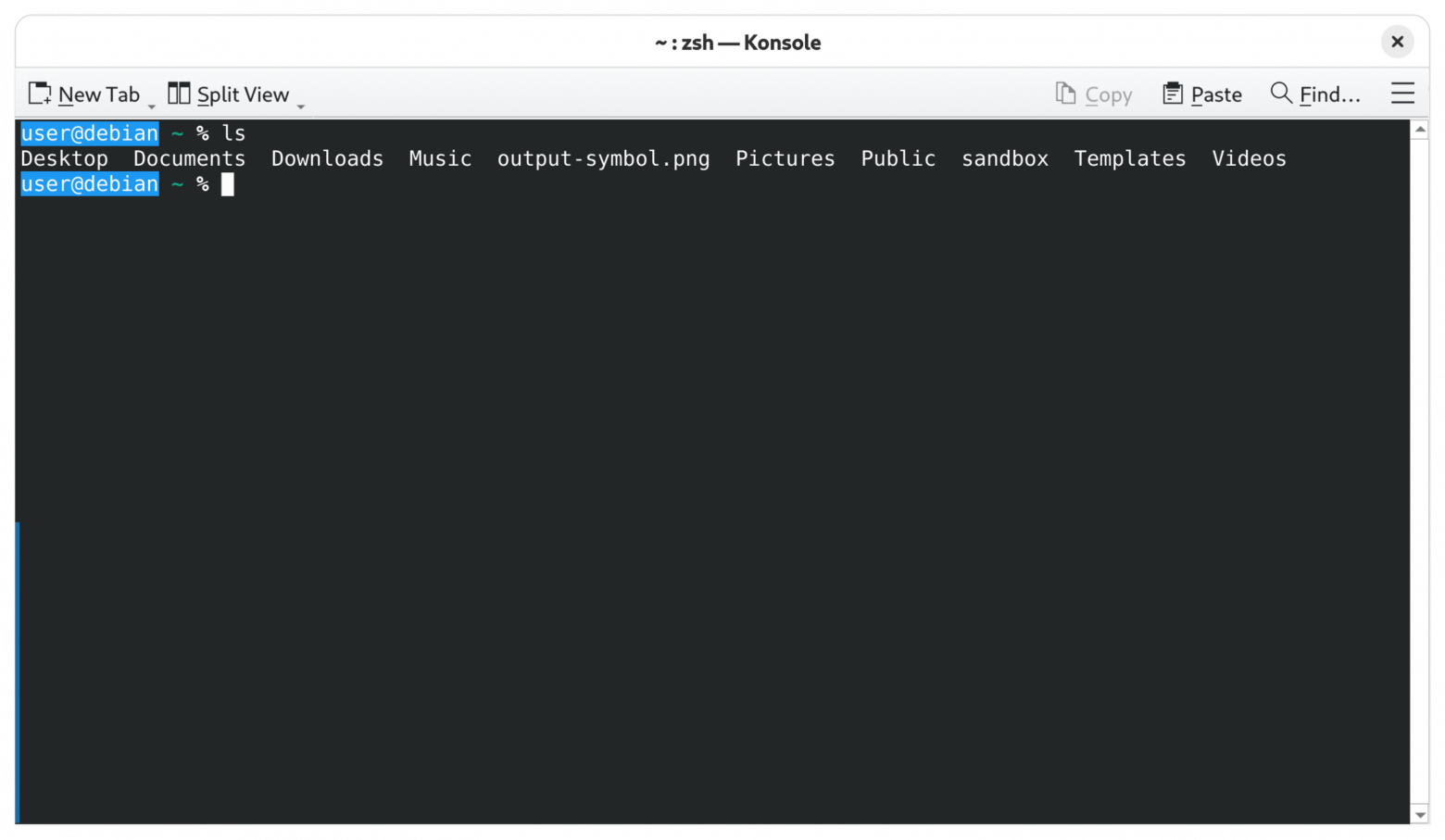
In pseudoterminals (PTY), which appeared later, the terminal emulation logic was moved out of the kernel, with only the basic logic remaining in the kernel. PTY underlies the operation of Telnet, SSH, various terminal emulators, and web terminals.
Important: Don't confuse a pseudoterminal (PTY) with a terminal emulator. A PTY is part of the kernel, while a terminal emulator is almost always a user-space application.
Summary
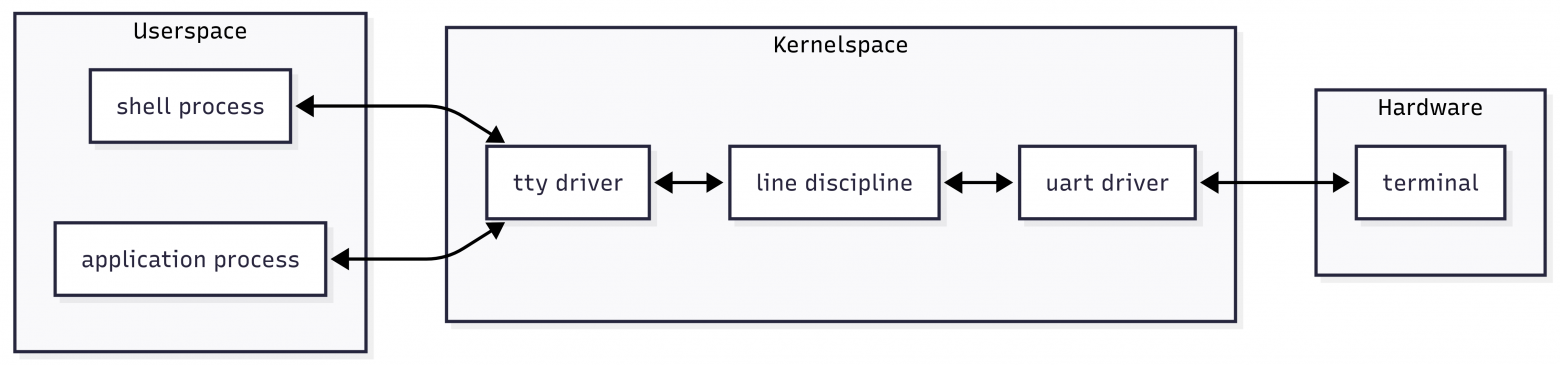
At the core of video terminals, virtual terminals, and PTYs lies the architecture established back in the days of the teletype: the kernel acts as an intermediary between the terminal and the user application.
TTY — A Top-Down View
The primary task of the TTY subsystem is to provide transparent input/output for user applications. From a process's perspective, TTY is a set of character device files configurable via ioctl(), readable via read() and writable via write().
Standard Streams
When a process is created in userspace, it is assigned file descriptors: stdin, stdout, and stderr. If a process needs information, it reads from stdin; if it wants to output information, it writes to stdout or stderr. The process sees a character TTY device file.
Shell
Processes are launched through system calls:
fork()— creates a copy of the processexecve()— replaces the process image
In Linux, and indeed in any Unix-like system, there are programs that allow you to launch processes interactively — they are called shells. Bash, ash, zsh, csh, sh — all of these are shells.
The shell is the program through which you enter Linux commands. To work, you need a terminal emulator (GNOME Terminal, Konsole) or a virtual console (Ctrl + Alt + F3).
Terminal Emulator
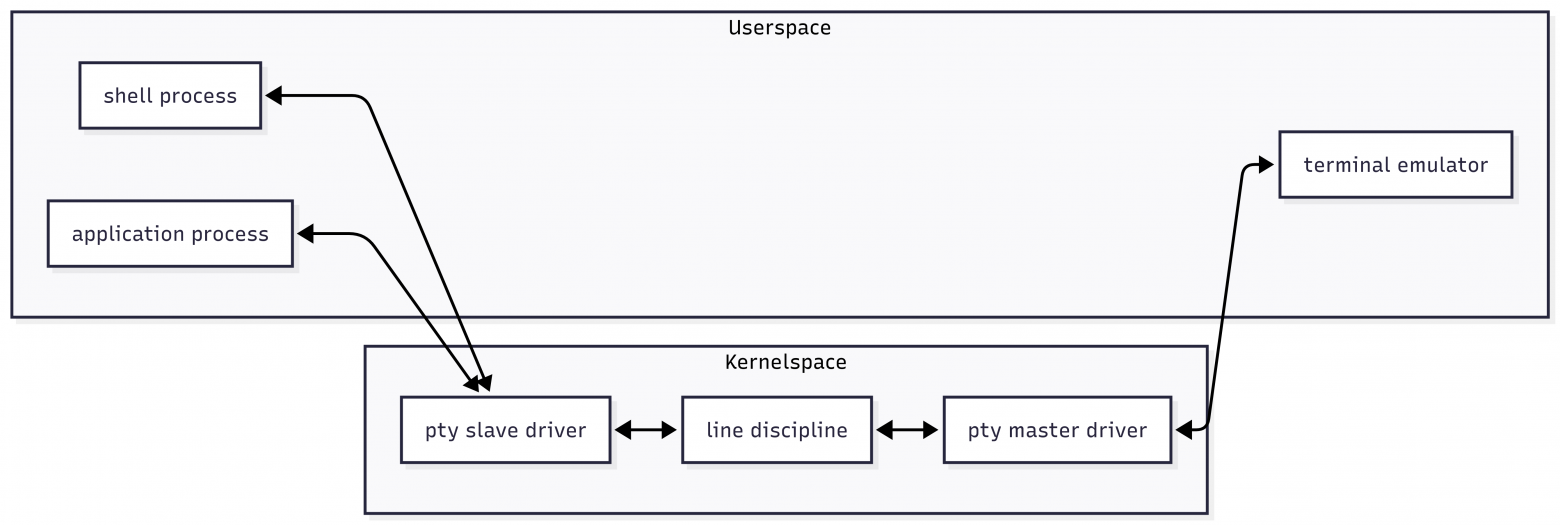
A terminal emulator emulates that very video terminal from the 1970s. An application interacts through the kernel with the emulator just as it did back then. Each instance is assigned its own TTY file.
Depending on the scenario, terminal emulation can reside in different system layers. For virtual consoles, it is implemented in the Linux kernel. When working through PTY, emulation is performed by a user-space application.
Job Control
TTY can manage processes. This mechanism is called Job Control. Pressing Ctrl+C is an example of Job Control in action. Job Control is not only part of Line Discipline functionality — it also includes internal shell commands and Linux kernel system calls.
Line Discipline
The TTY subsystem is designed so that information from the terminal is not immediately passed to the process but goes through Line Discipline. Line Discipline consists of algorithms for processing data coming from the terminal before passing it to the process.
The default Line Discipline is N_TTY. It buffers input — meaning the process won't receive data until a newline code (0x0A) arrives. It also converts control codes into signals.
For example, pressing Ctrl+C causes the terminal emulator to convert it to control code 0x03 (ETX). When this code is processed by Line Discipline based on settings stored in termios, it becomes a SIGINT signal.
Canonical and Raw Mode
Such processing is not always needed — for example, buffered input would interfere if you're writing a game. For this, two modes exist:
- Raw Mode — for direct processing
- Canonical Mode — the standard mode
Note: A terminal differs from a keyboard in that the keyboard controller generates scan codes or HID reports — low-level codes determining the physical key layout — while the terminal sends character codes or control codes.
TTY Subsystem Usage Scenarios
Three main scenarios are presented with data flow diagrams:
Terminal Connected via Serial Port
Using a Virtual Terminal

Using a Terminal Emulator
Console and Terminal
Many people, like me, learned about Linux after becoming familiar with Windows and MS-DOS, and therefore probably have an incorrect understanding of what a console and terminal are.
The distinction has its roots in the history of the DEC PDP-11. This computer had, among others, two interfaces: DL11 — where a teletype was usually connected, and DH11 — where up to 16 terminal devices could be connected. The console (DL11) was used for kernel interaction, while users worked at terminals (DH11).
The UNIX kernel output messages and kernel panics to the console; low-level commands could also be entered at the console. In modern Linux, kernel messages are output to the console, and a Recovery Console appears when boot problems occur.
Experiencing TTY in Practice
View TTY Devices in the System
The TTY subsystem is represented as character devices in the /dev directory.
ls -l /dev/tty*
ls -l /dev/pts
Pay attention to:
/dev/tty— the controlling terminal of the current process/dev/tty1.../dev/tty7— virtual consoles/dev/ptmx— pseudoterminal master/dev/pts/N— slave parts of pseudoterminals/dev/ttyS0— hardware serial ports/dev/ttyUSB0— USB-UART adapters
Important points: the device type is c (character device); note the major/minor numbers and the difference between a virtual console and a PTY.
TTY is a character device driver, not a "terminal window."
See the Current TTY
ttyExample output:
/dev/pts/3You can also view the process list:
ps -o pid,tty,cmdTTY is a process attribute.
View Stream Descriptors for a Process
ls -l /proc/$$/fdStandard streams:
0— stdin1— stdout2— stderr
Send a Message to Another Terminal
echo "Hello from another TTY" > /dev/pts/5TTY is a device you can write to like a file.
Run a Command on Another Terminal
Running a command on another terminal is more interesting, since we need to write to stdin for the process attached to that terminal. We need to use the ioctl system call.
sudo perl -e 'ioctl(STDIN,0x5412,$_) for split //, "ls -la\n"' < /dev/pts/60x5412 is the constant TIOCSTI (Terminal I/O Control — STuff Input). TIOCSTI forces the Linux kernel to insert the specified character into the input queue of the terminal attached to the stdin file descriptor.
Job Control in Action
sleep 100Key presses:
Ctrl+Csends SIGINT — terminates the processCtrl+Zsends SIGTSTP — suspends the process
jobs
fg
TTY manages process groups.
View and Modify termios Settings
stty -aDisable echo:
stty -echoTo restore it, blindly type:
stty echoWhat to Look at in the Kernel Source Code
If you want to go deeper and study the implementation at the source code level, this chapter covers specific components of the TTY subsystem in the Linux kernel.
The "black box" approach is convenient when a technology is used without needing to understand its internal workings. However, for a systems developer, knowledge of the internal architecture provides a significantly deeper understanding of what's happening.
Kernel version 6.12.y source code is considered representative.
TTY Core
Main files: drivers/tty/tty_io.c, tty_ioctl.c, tty_ldisc.c, tty_buffer.c, tty_port.c
Virtual Consoles (vc/vt)
Directory: drivers/tty/vt/. Key files: vt.c, keyboard.c, vc_screen.c, consolemap.c
Pseudoterminals (pty/pts)
Main files: pty_master.c, pty_slave.c, ptmx.c (or the pty/ directory in some branches)
Serial / UART
Directory: drivers/tty/serial/. Key files: serial_core.c, 8250/8250_core.c (the most common), serial_mctrl_gpio.c
USB Serial Devices
Directory: drivers/usb/serial/ + drivers/tty/serial/usb-serial.c (bridge between USB and TTY)
Line Disciplines
Key files: n_tty.c (main, canonical discipline), tty_ldisc.c (general logic)
Termios and ioctl Interface
Main files: tty_ioctl.c (TCGETS, TCSETS, TIOCSCTTY, etc.)
Job Control in TTY
Implemented mainly in tty_io.c, tty_ldisc.c, tty.h (tcsetpgrp, foreground process group, SIGTTIN/SIGTTOU)
Useful Links
- Linux terminals, tty, pty and shell
- Understanding The Linux TTY Subsystem
- A Guide to the Terminal, Console, and Shell
- Understanding Console, Terminal, TTY, and Shell
- What do PTY and TTY Mean?
- How I Went from Confused to Confident: Understanding TTYs, PTYs, SSH, and tmux
- Linux console - ArchWiki
Conclusion
In this article, we examined the structure of the TTY subsystem: how a user process interacts with a terminal through file descriptors, what role Line Discipline plays, and how the Job Control mechanism is implemented.
TTY is not "terminal magic" but a clearly organized kernel mechanism linking processes, drivers, and the signal subsystem.
Once you understand these fundamentals, reading the kernel source code becomes significantly easier: the architecture stops seeming chaotic and starts being perceived as a logical system.
The TTY topic is much broader — ahead lies deeper study of PTY, session management, drivers for specific devices, and implementation details of N_TTY. Understanding these mechanisms is an important step toward a deep understanding of Linux architecture as a whole.



