Investigating Routers with "Lifetime VPN" from Marketplaces: admin:admin, Open Ports, and Access to Your Neighbors
A security researcher purchased three routers advertised with "lifetime VPN" and discovered unsegmented networks exposing dozens of users, default admin:admin credentials, SSH backdoors for sellers, and servers running on $2.50 hosting.
Investigating Routers with "Lifetime VPN" from Marketplaces: admin:admin, Open Ports, and Access to Your Neighbors
Hey, Habr! My name is Ivan Glinkin, I work on infrastructure testing and hardware hacking at Bastion. Recently I stumbled upon an interesting offer on marketplaces — routers with a pre-installed "lifetime" VPN. Sounds tempting: buy it, plug it in, and immediately get unlimited access to a virtual private network, with no subscription required.
But as they say, there's no such thing as a free lunch. I decided to figure out what's actually hiding behind the sellers' beautiful promises. I purchased three routers from different price brackets — from the budget Cudy at 3,000 rubles to the top-end Xiaomi at 7,000. Spoiler: if you were expecting a happy ending, you've come to the wrong blog.
During my investigation, I discovered unsegmented networks where you can access other buyers' devices, admin:admin passwords stored in plaintext, and SSH access for the sellers. I also found out that the "lifetime" servers run on cheap hosting for $2.50.
In this article, I'll tell you about the threats lurking behind flashy advertising and why skimping on network security can cost you dearly.
Test Purchase
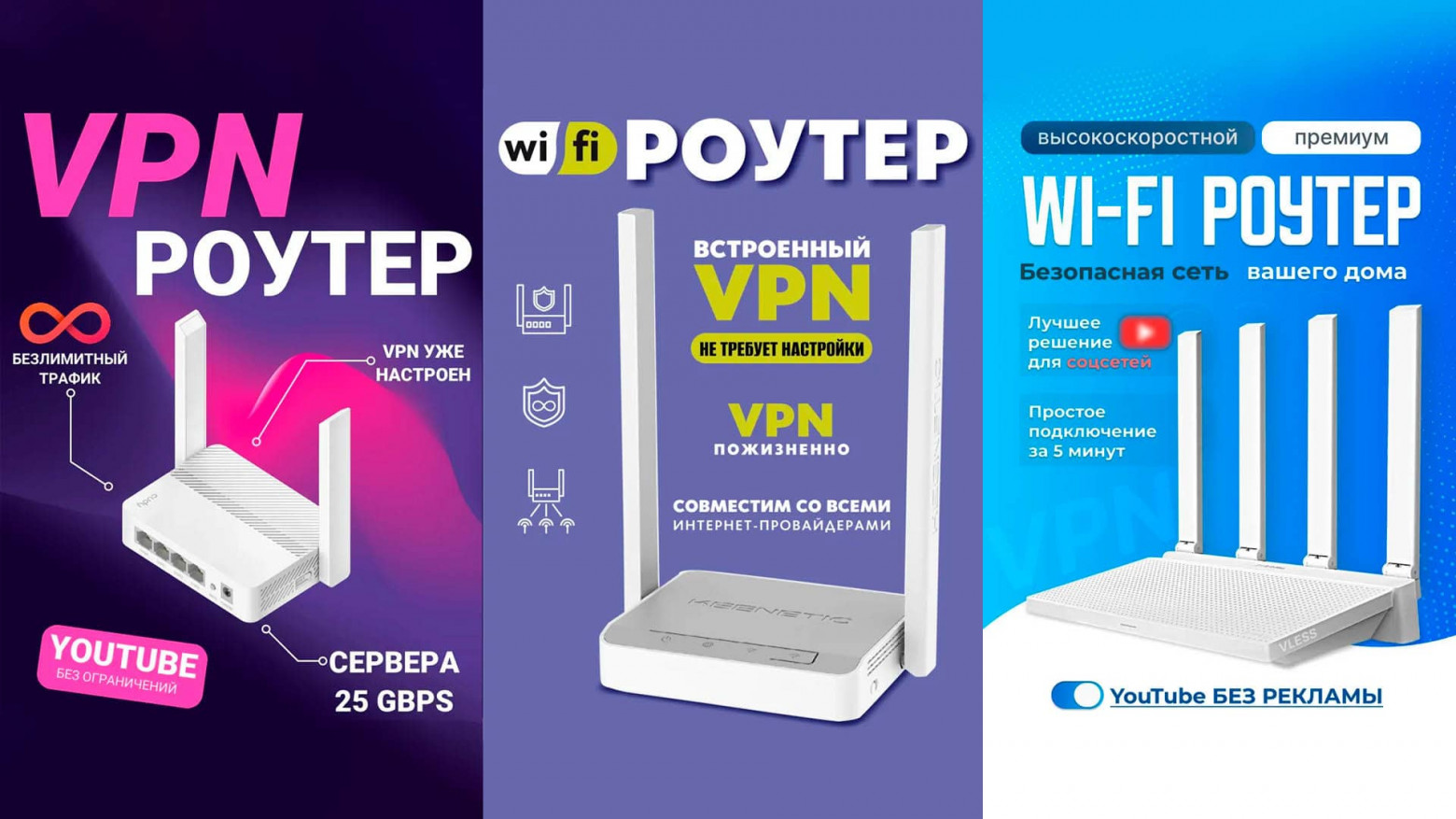
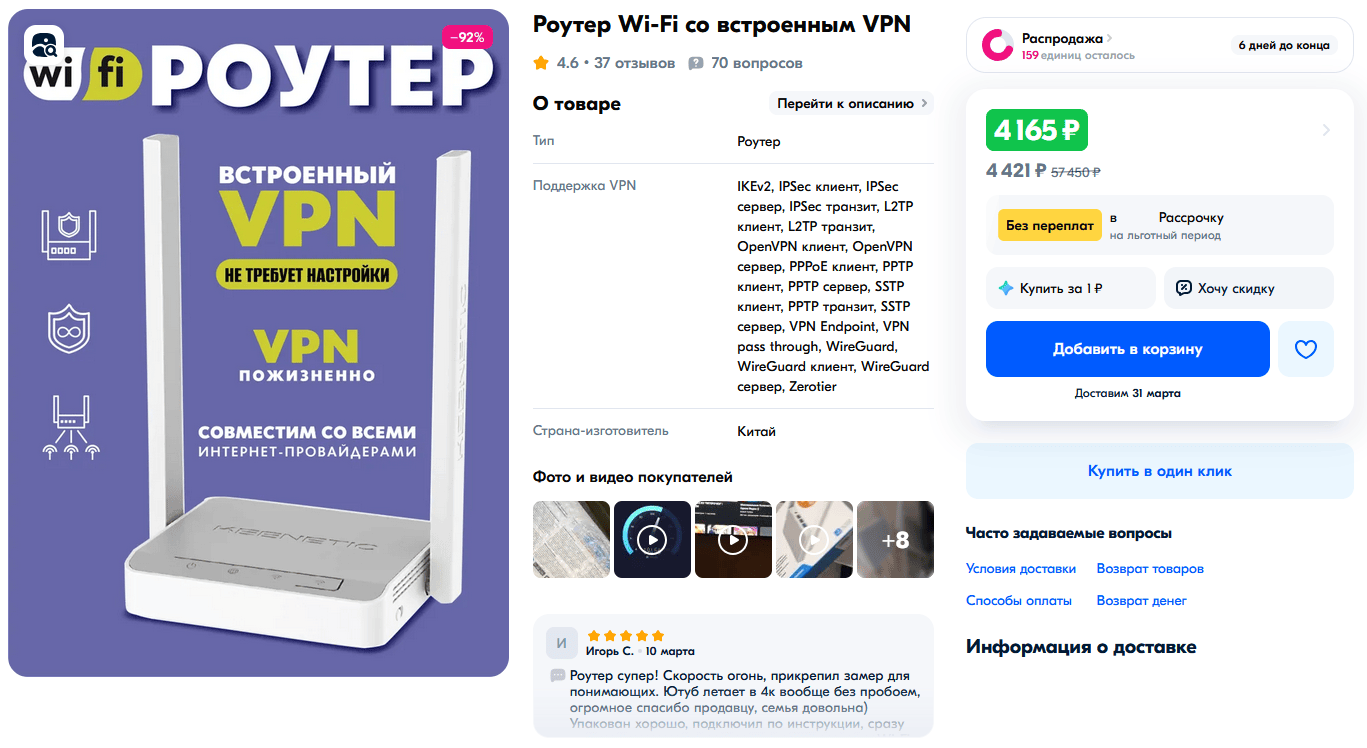
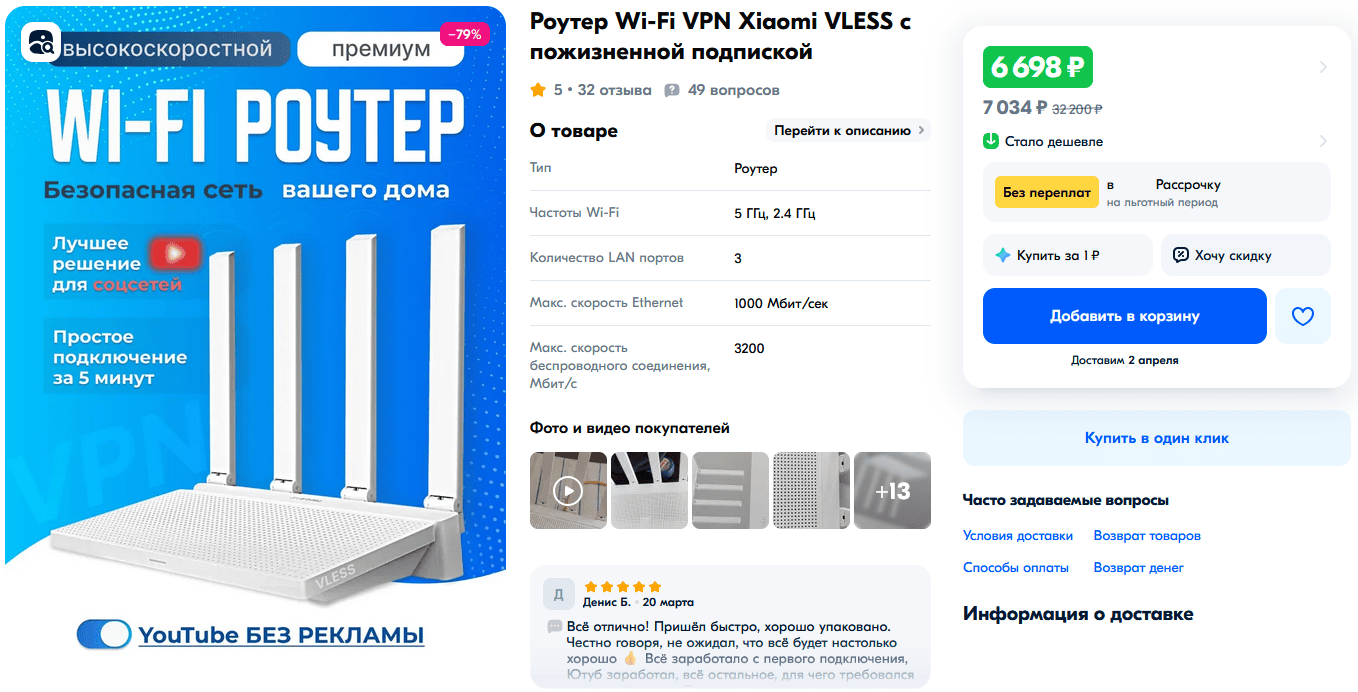
Three models participated in this little study: Cudy WR300, Keenetic Starter KN-1121, and Xiaomi AX3000T with "lifetime" VPN. All three models cost more than the regular versions without the additional services. In the case of Cudy, the markup was half the router's price — this model can be found for sale at 1,500 rubles.
The product listings on the marketplaces were plastered with enticing phrases: "No setup required," "VPN — lifetime," "Secure network," and a dozen more promises of a bright future for relatively little money.
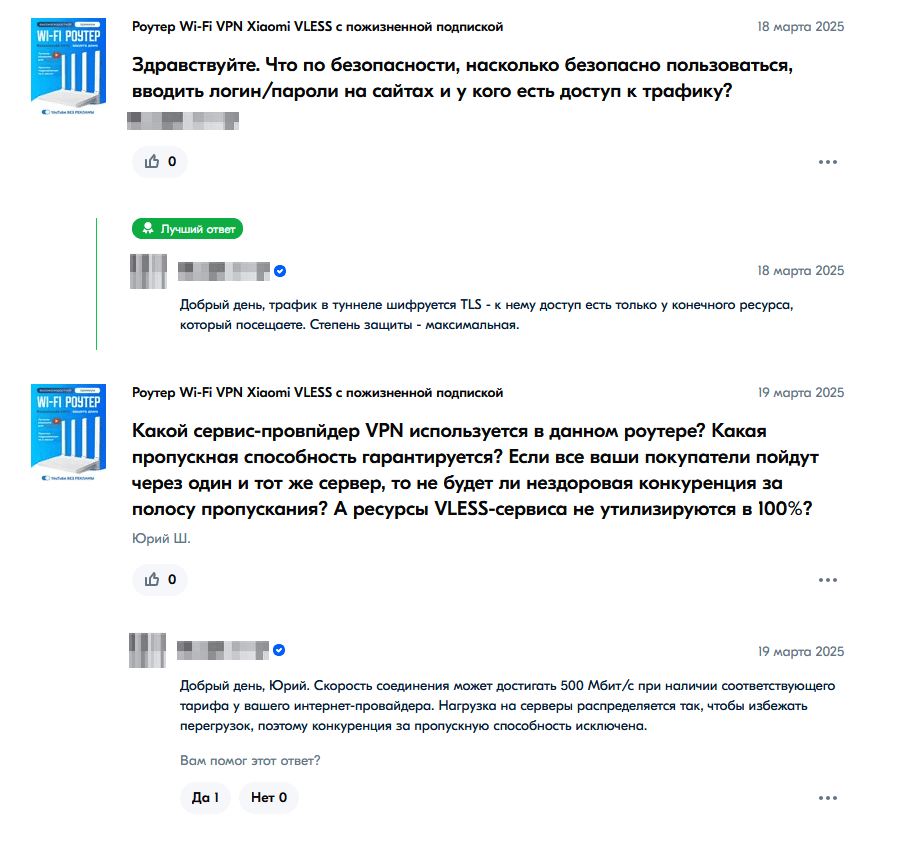
I bought test units from verified sellers — hundreds of positive reviews, high ratings. The comments read like a fairy tale: the hardware works flawlessly, tech support responds faster than ChatGPT, and the VPN flies. You occasionally see upset buyers complaining about speed or problems connecting to remote servers, but against the general enthusiasm, these complaints go unnoticed.
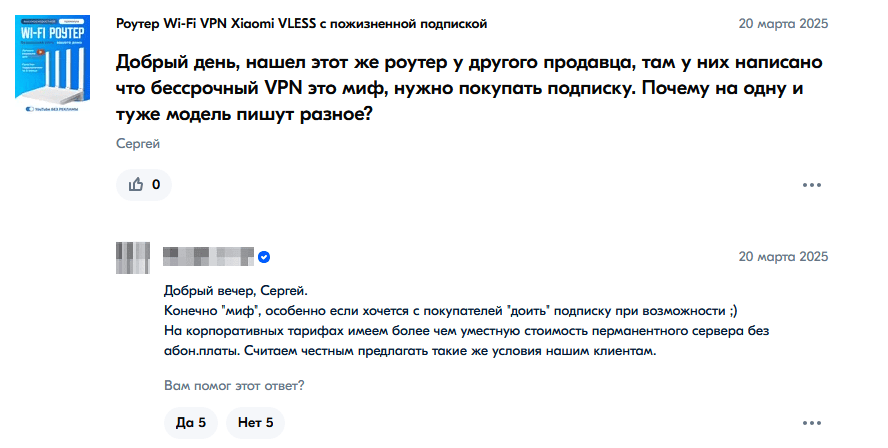
I especially enjoyed the "Q&A" section on the product pages. There, potential buyers with reasonable doubts get cheerful assurances: everything's included, servers are reliable, subscriptions are corporate, channels are fast. Something like: "Buy it, don't worry, everything's configured, we give you our word."
However, sellers dodge technical questions. Well, fine — I'll figure everything out myself. I'll start with investigating the information security of the cheapest router and finish with the most expensive one.
Important warning for hacker padawans and simply curious folks.
Do not connect suspicious network equipment directly to your home network. Such devices need to be isolated.
I used a D-Link switch as the foundation of my test bench. For each experiment, I allocated a separate port with an isolated VLAN. Traffic went only to the internet, with no access to other network segments.
I connected to Wi-Fi through an external Alpha adapter. This creates an additional barrier between the device under test and the main system. I worked through a virtual machine on a separate computer. On the VM, I disabled all alternative ways to access the internet: no Ethernet, no second Wi-Fi, no bridges. I completely closed shared access to folders and network resources.
It reeks of paranoia at the "they're watching us through the microwave" level, but these are standard precautions when working with suspicious devices — especially if they promise out-of-the-box security.
Investigating Cudy WR300 — The First Patient on the Table
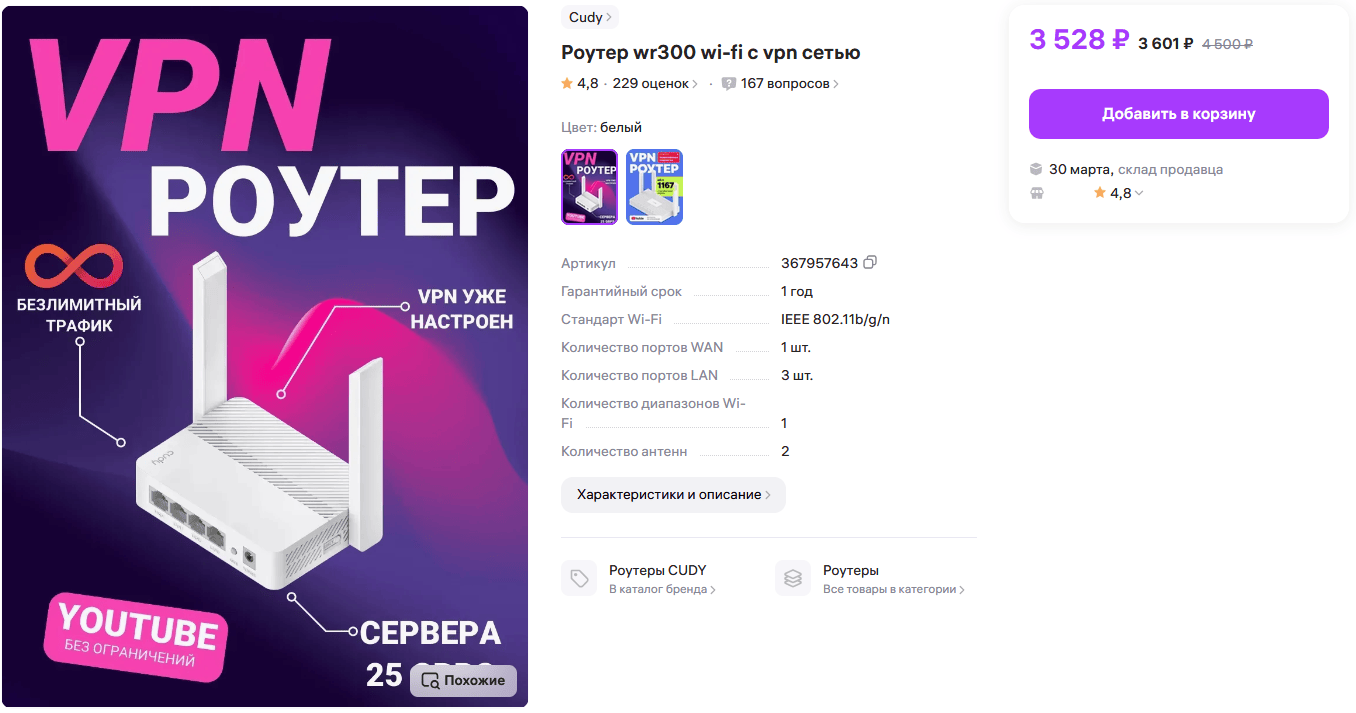
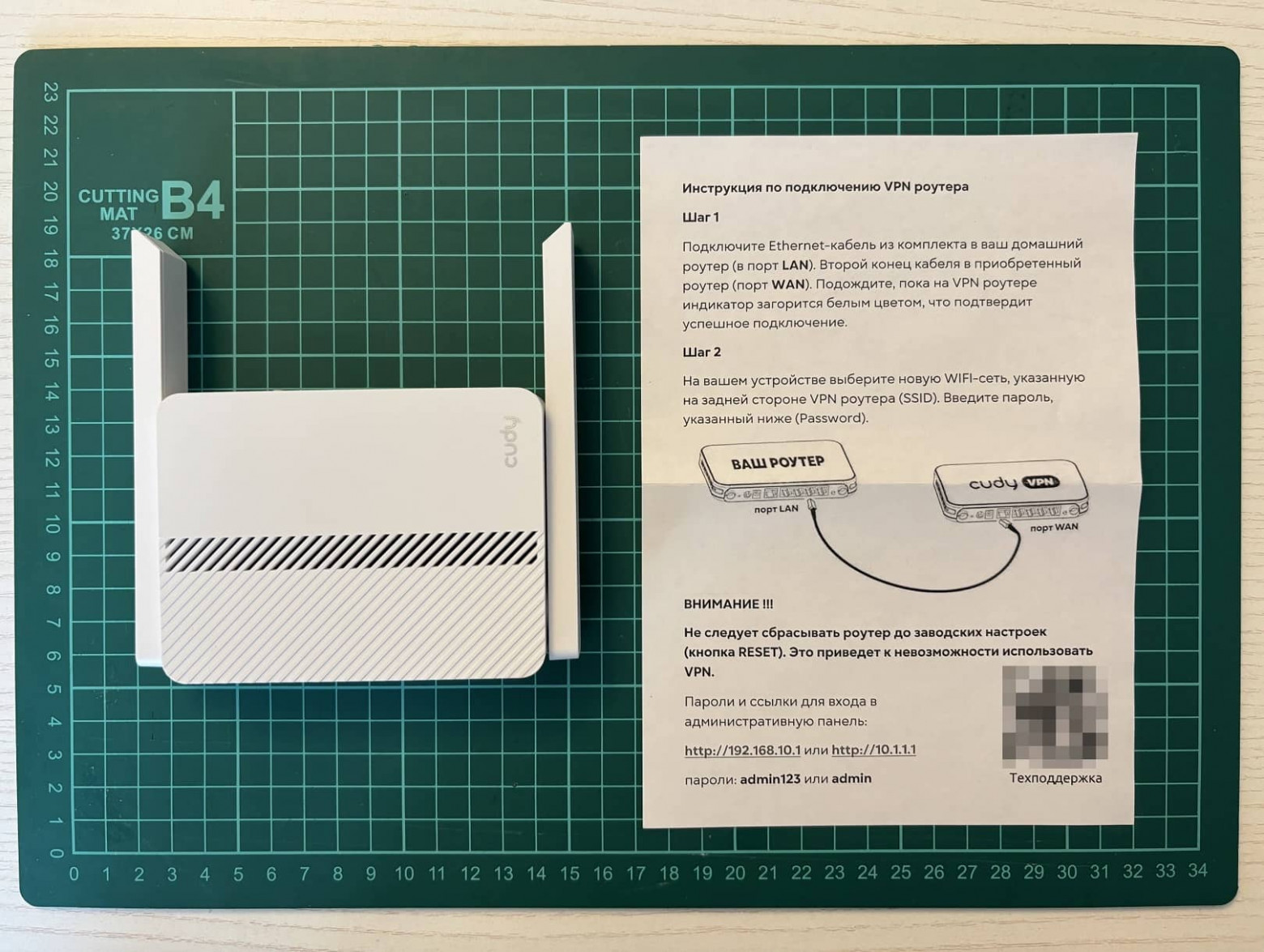
Victim number one was the Cudy WR300. Factory seal stickers were absent — already a good sign, right? Inside the box was a modest instruction sheet from the seller with tech support contacts, basic admin panel credentials, and a strict warning: do not reset the Cudy to factory settings.
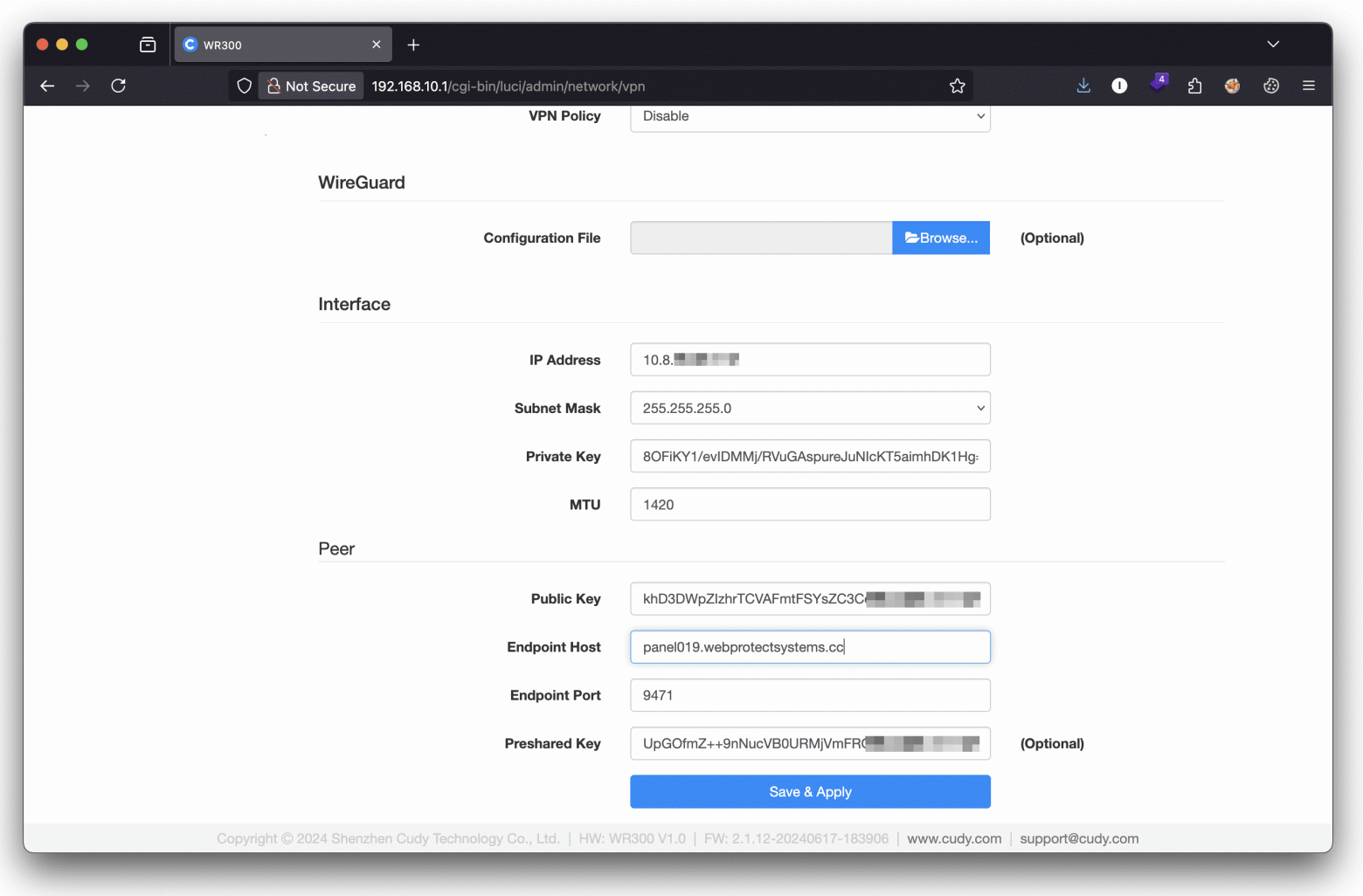
I connected, entered the login and password, and got into the control panel. So far, everything was predictable: the user is greeted by the stock Cudy firmware. I looked for that lifetime VPN and found a preconfigured WireGuard client.
Right after powering on, the router automatically connects to the virtual private network and starts leisurely communicating with an IP address somewhere in the Philippines.
I tried to resolve the address — it wouldn't resolve. I ran it through whois and found something interesting: the IP is registered to an ordinary Moscow entrepreneur. He has a whole pool of hosting addresses assigned to him, some of which have been flagged in AbuseIPDB — a database of IPs with suspicious activity.
A little OSINT on the surname, and I found the website of a small third-tier hosting provider. They offer servers in Russia, Latvia, France, Germany, Estonia, and the Netherlands. VPS prices start at $2.50. Exotic islands were nowhere to be found among the publicly available locations.
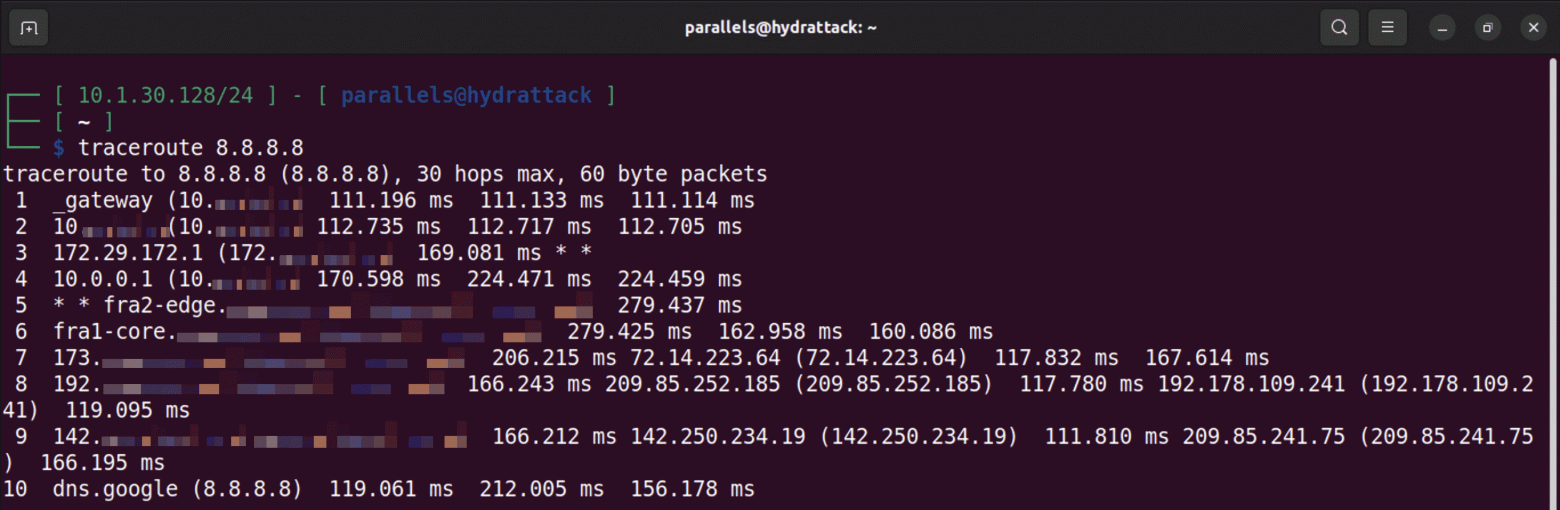
I ran traceroute to see the connection path. First hop — the router's IP, second — the virtual network through which traffic flows.
Scanning the second IP with Nmap initially yielded nothing. So I grabbed the public and private keys along with all the settings and saved them to a WireGuard configuration file to further investigate the connection.
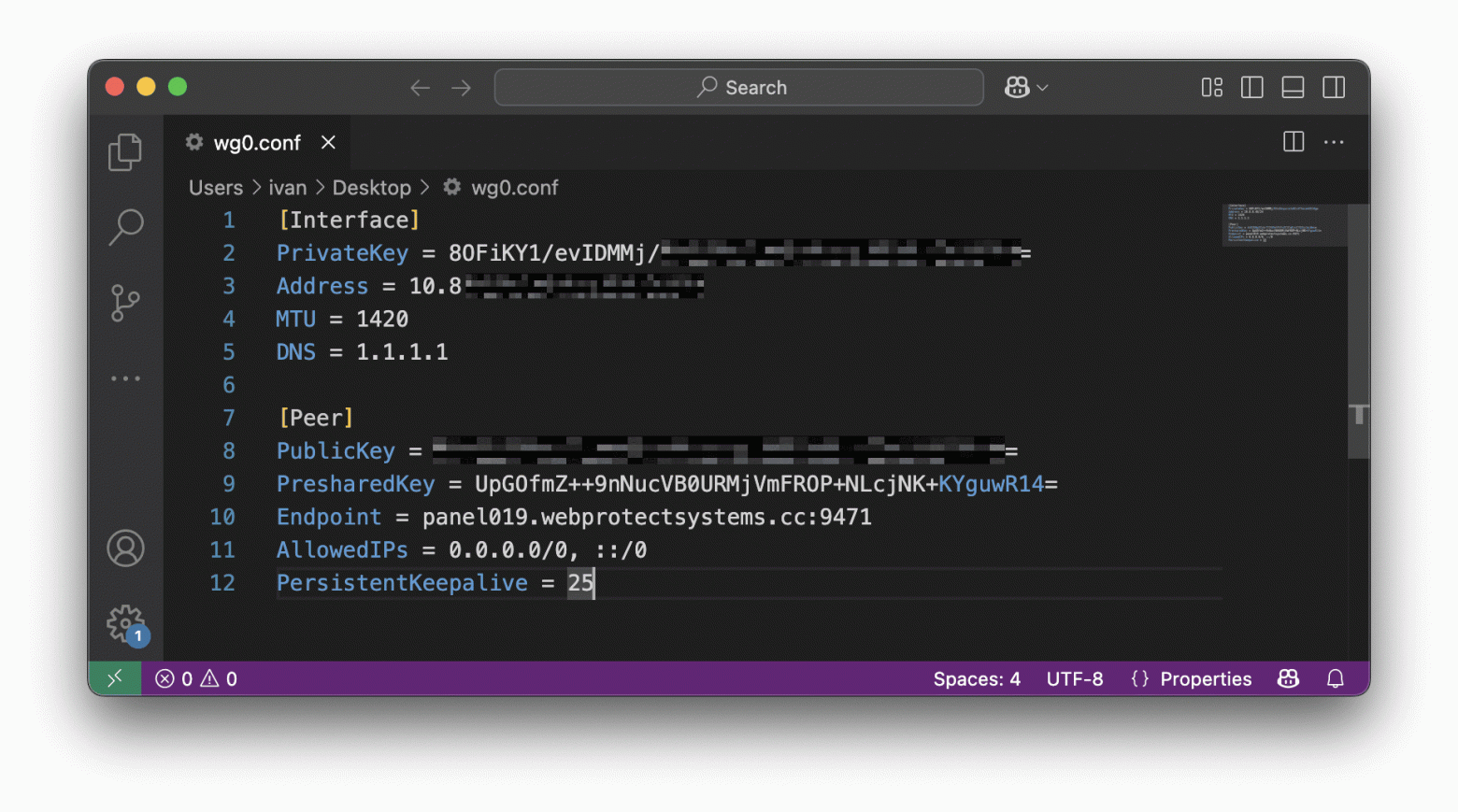
I installed WireGuard on the virtual machine, loaded the config, and got a direct connection to the virtual network. And that's when the fun started: it turned out the network was unsegmented. Scanning while bypassing the router produced results: Nmap found 35 IP addresses and, of course, open ports — what would we do without them. As you might have guessed, all the neighbors are other happy owners of "secure" routers from this seller.
Admin panels on full display, and since the seller forbids resetting to factory settings, they're all undoubtedly "securely" protected with the password admin. In this situation, a hacker only needs to buy one router to easily gain direct access to dozens of similar devices.
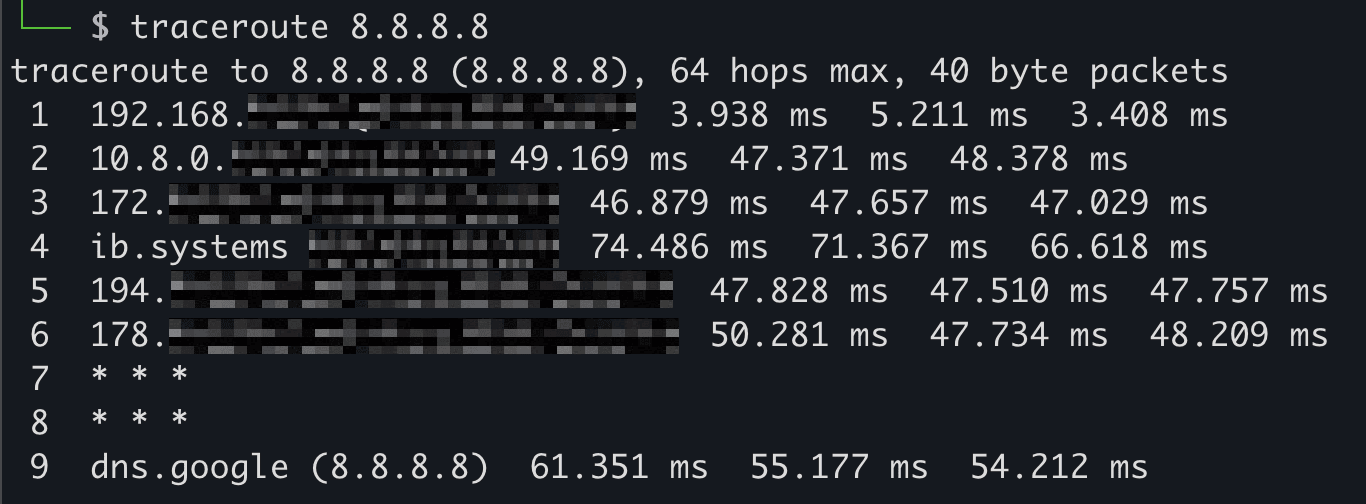
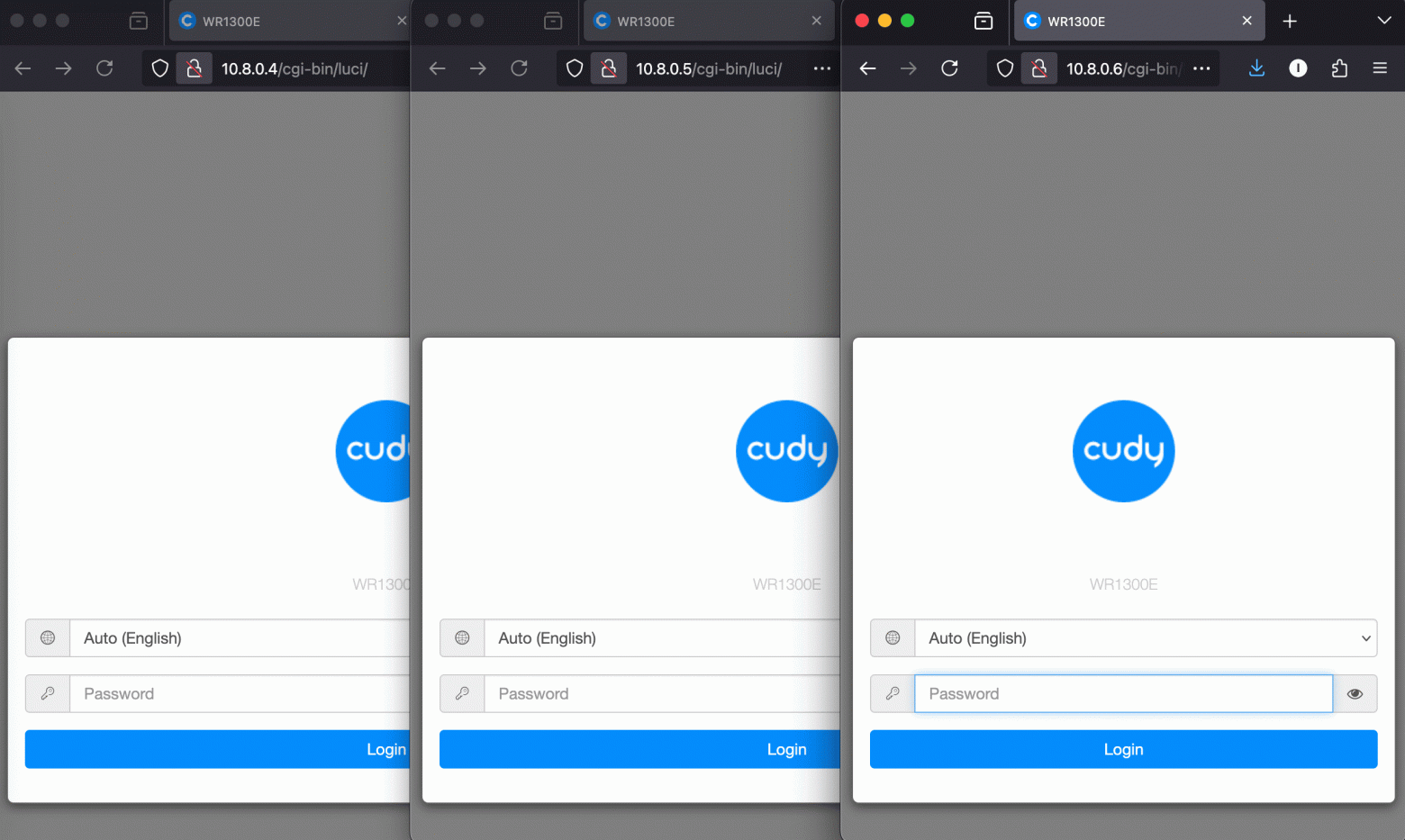
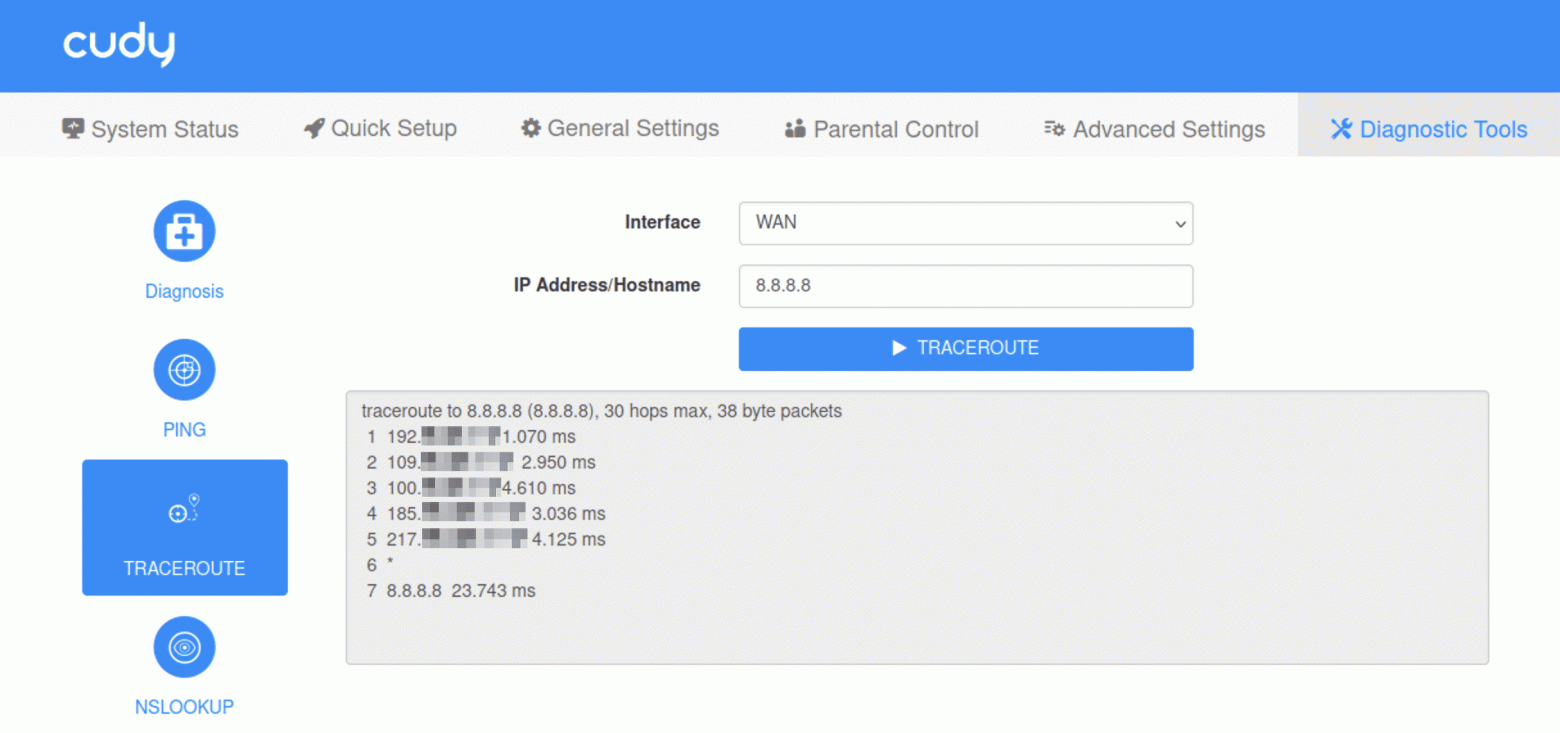
At the same time, the Cudy WR300 firmware supports remote access, and the router has pre-installed diagnostic applications. Using traceroute, you can obtain the user's real IP address. I tested this on my own IPs and confirmed: a buyer in the same network as you can be tracked this way. You can dump VPN configuration files from all accessible routers. There's also firmware update capability through the web interface, which means you can remotely flash a modified image — brick the device or zombify it, for example, making it part of a botnet.
Even setting aside the network component, the Cudy WR300 can't be called well-protected.
Router Anatomy
Having finished with the network, I moved to the hardware level. I disassembled the device and began studying its architecture at a low level.
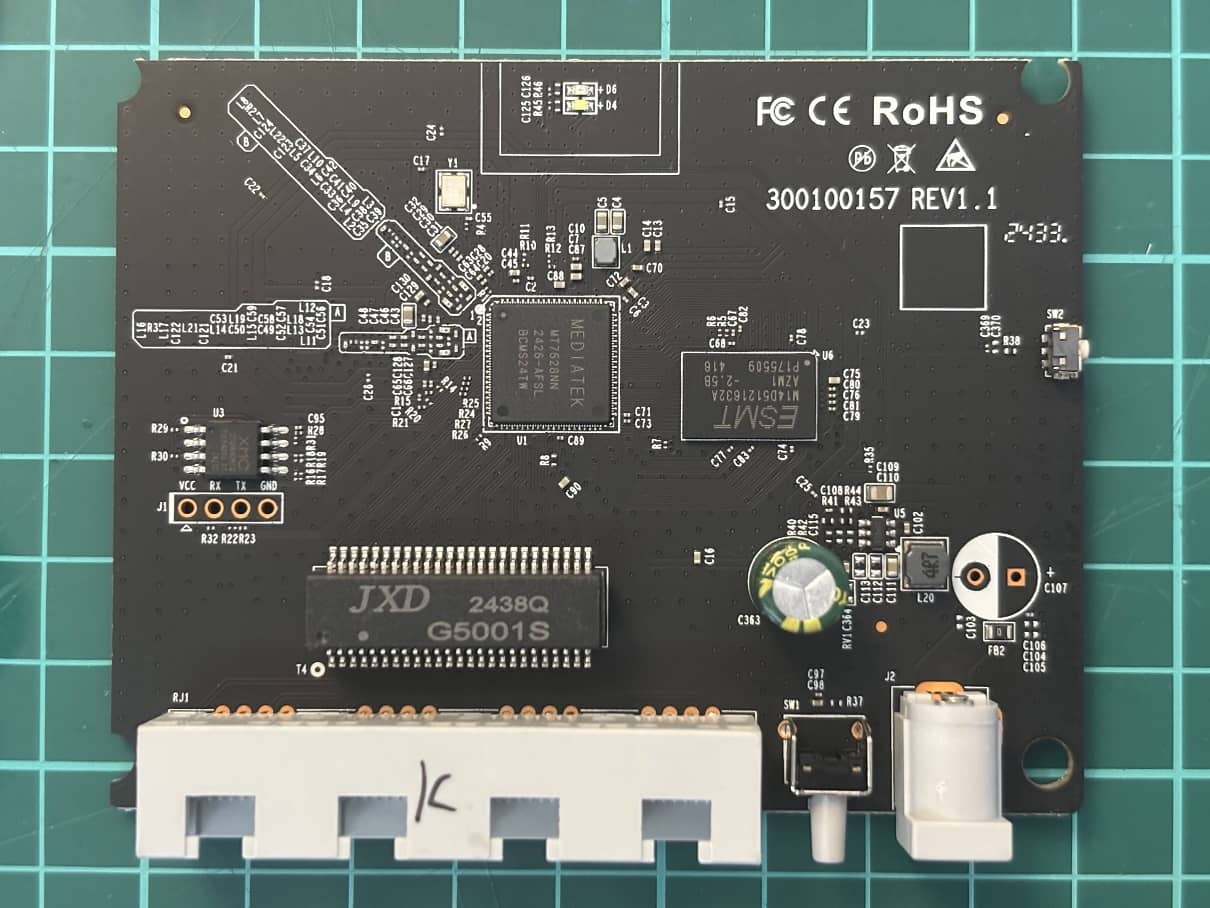
The first thing that catches your eye when looking at the board is the UART interface. It can be used to control the device directly. Next to it is the flash chip — XMC 250H64DHIQ.
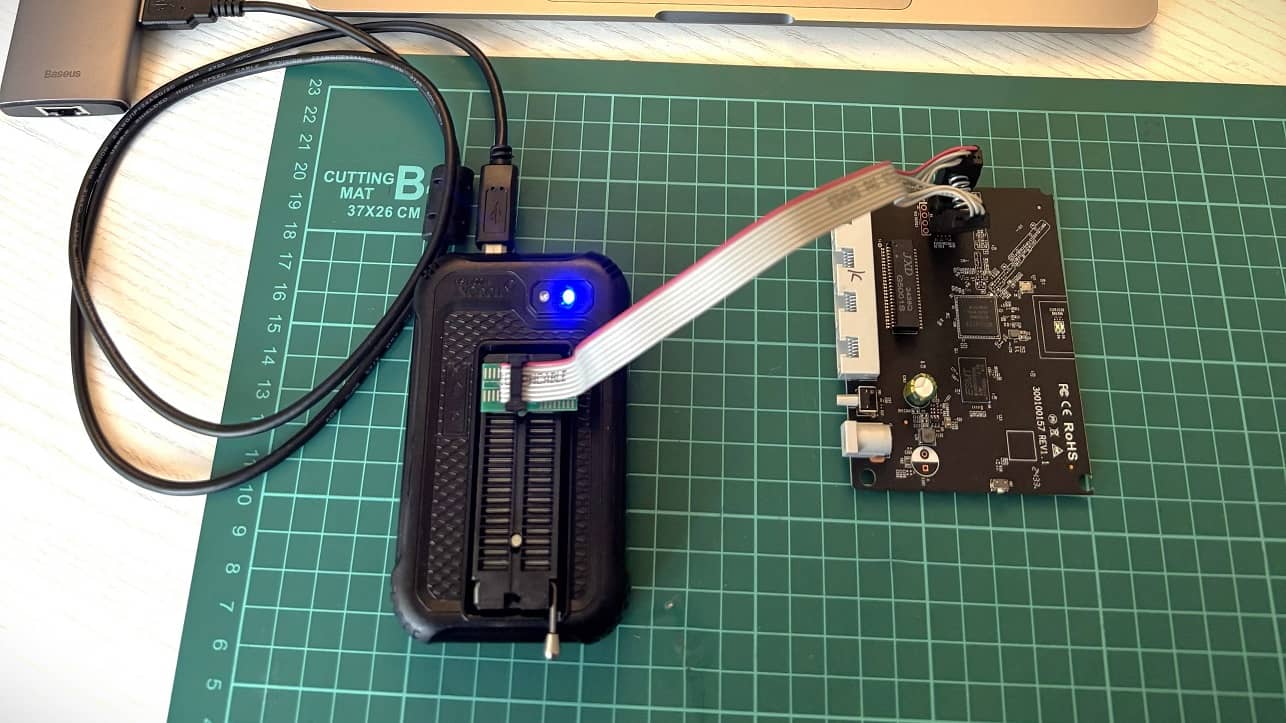
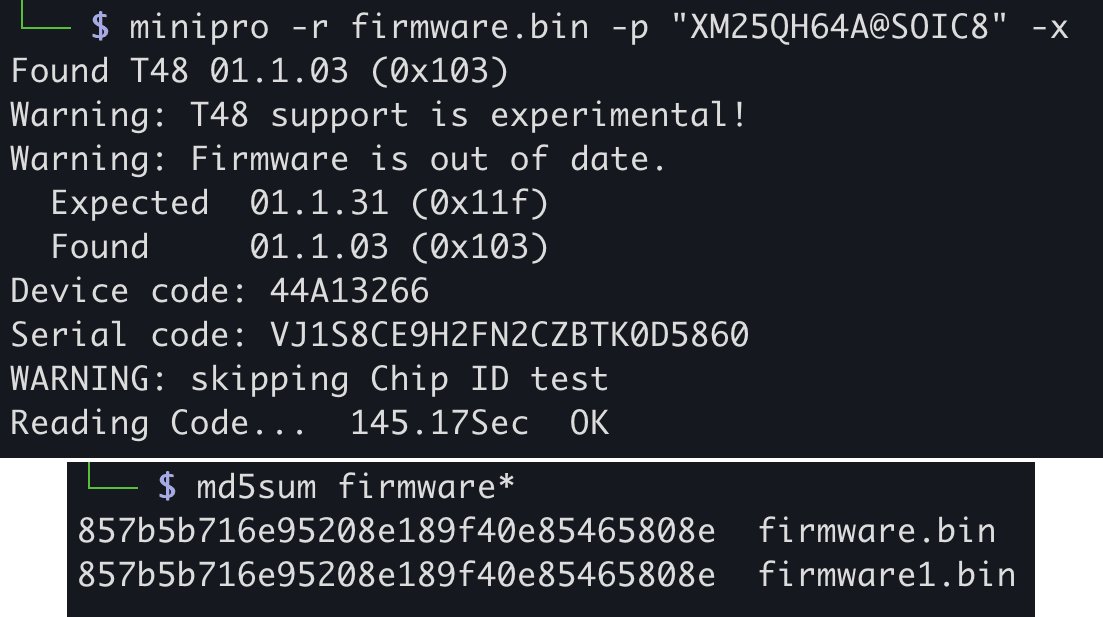
Proper practice dictates desoldering the chip before reading the firmware, so it doesn't receive power from the board and nothing affects the chip's contents. But for a quick investigation, a clip is an acceptable solution. However, in that case it's better to read the firmware multiple times and compare MD5 checksums to make sure there are no distortions from the running board.
Armed with a firmware reader based on CH341, I got... nothing, since this chip isn't in the flashroom application. However, Xgecu recognized the chip and allowed me to extract the firmware from the device's memory.
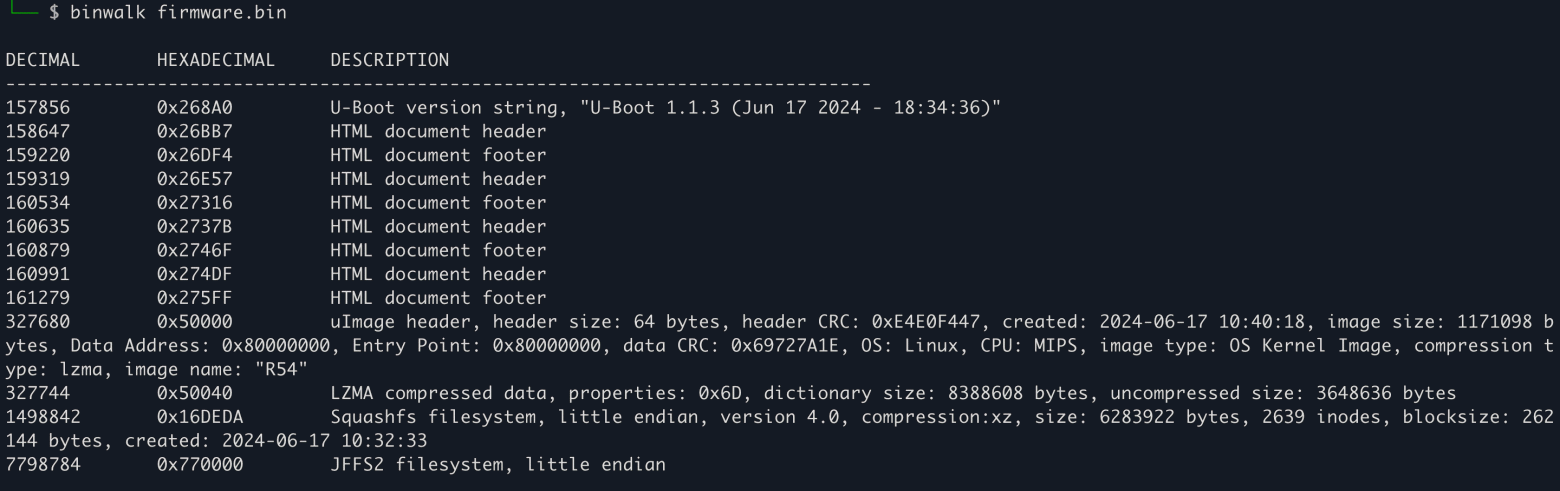
Then, using binwalk, I disassembled the contents of the downloaded firmware.
A simple search for passwd found the credentials storage location. I also found a shadow folder with the root password hash.
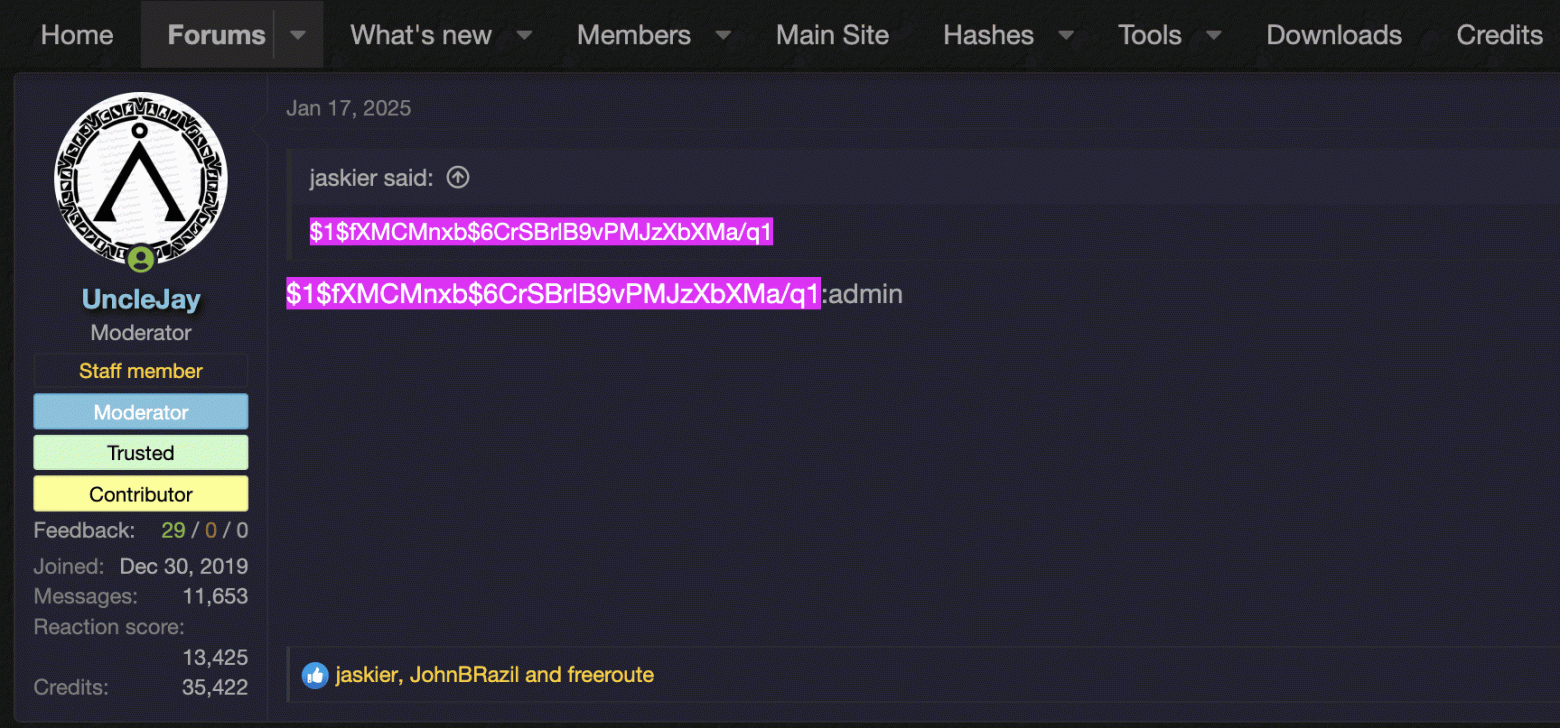
First thing I did was Google the hash, and on the very first page of results, I found a link to a hacker forum. In early 2025, someone asked for help cracking this exact hash.
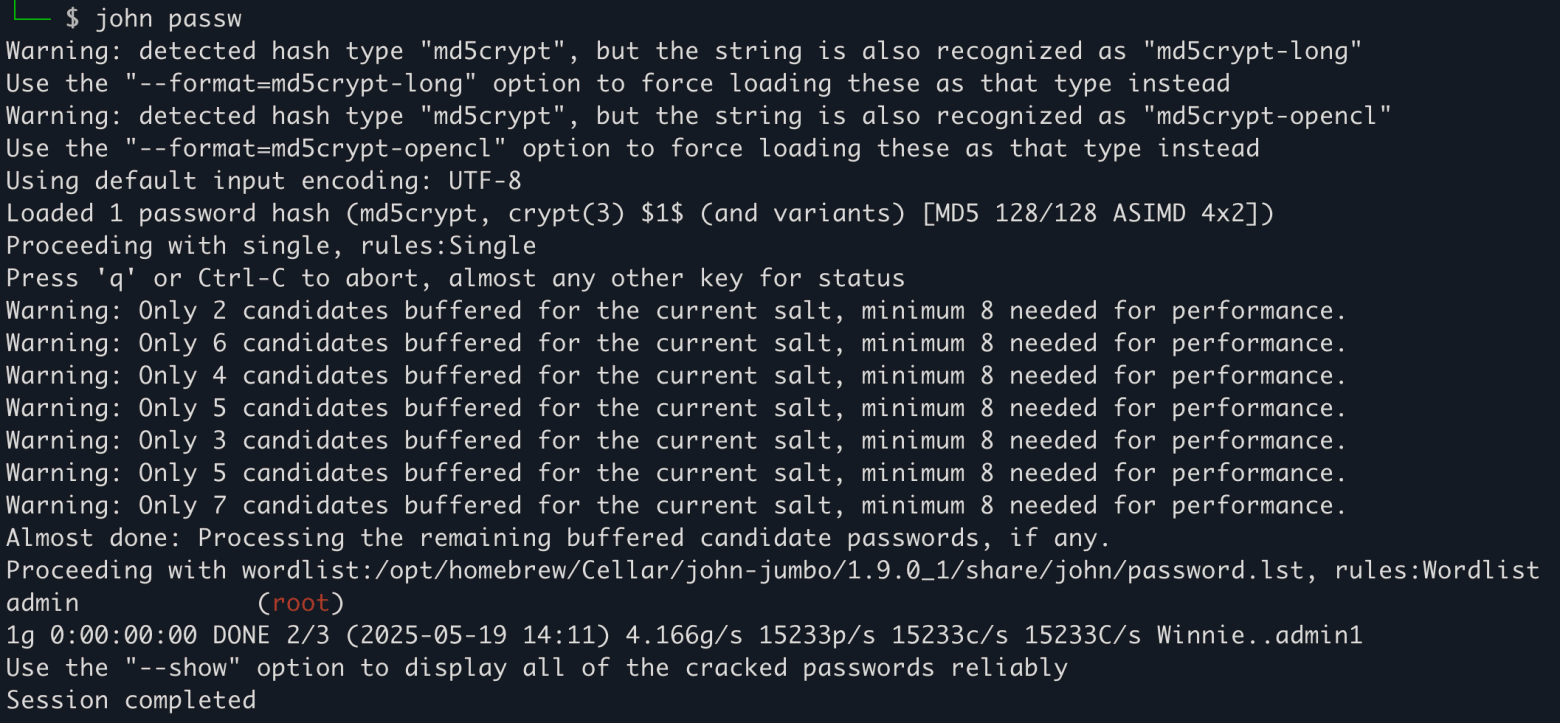
In general, cracking the hash is not a difficult task with tools like Hashcat or John the Ripper. My check confirmed that the factory password for the router is indeed — admin.
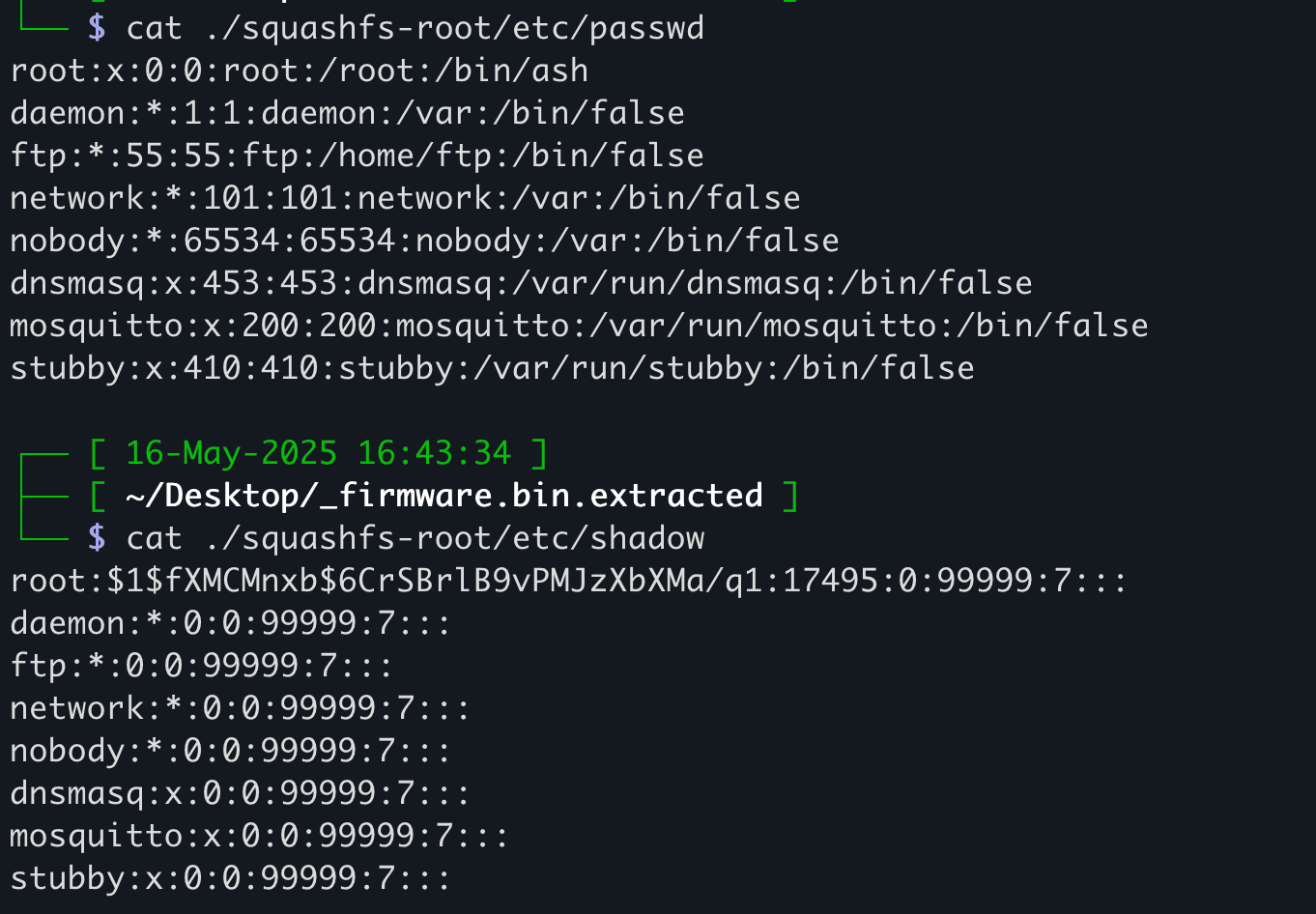
Vendors and attackers can gain remote access to a device not only through standard passwords. The manufacturer can modify the system before sale — embed backdoors or spyware for stealing confidential data. Now think about it: why do they so insistently ask you not to reset the router to factory settings? Is it really just for the VPN?
Keenetic Starter — The Second Candidate for Dissection
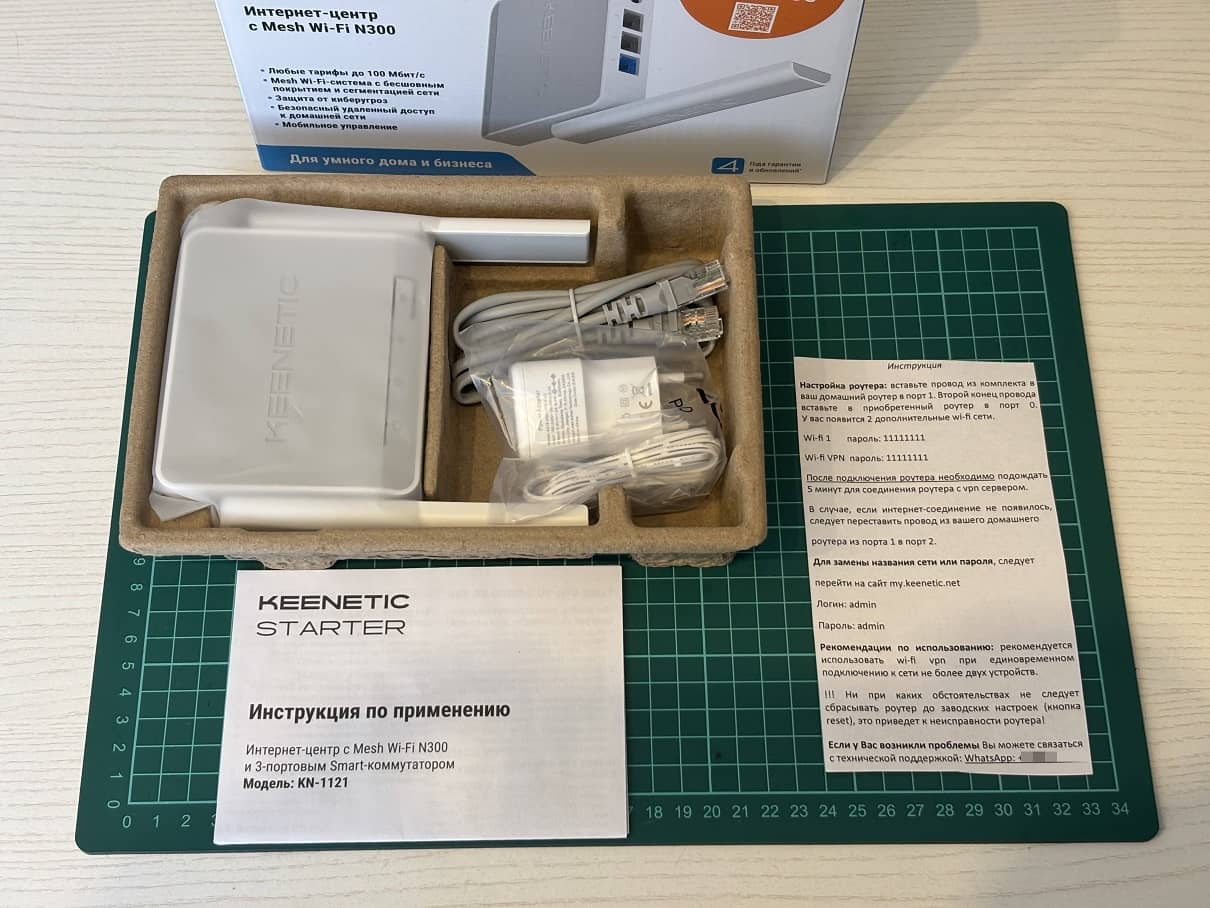
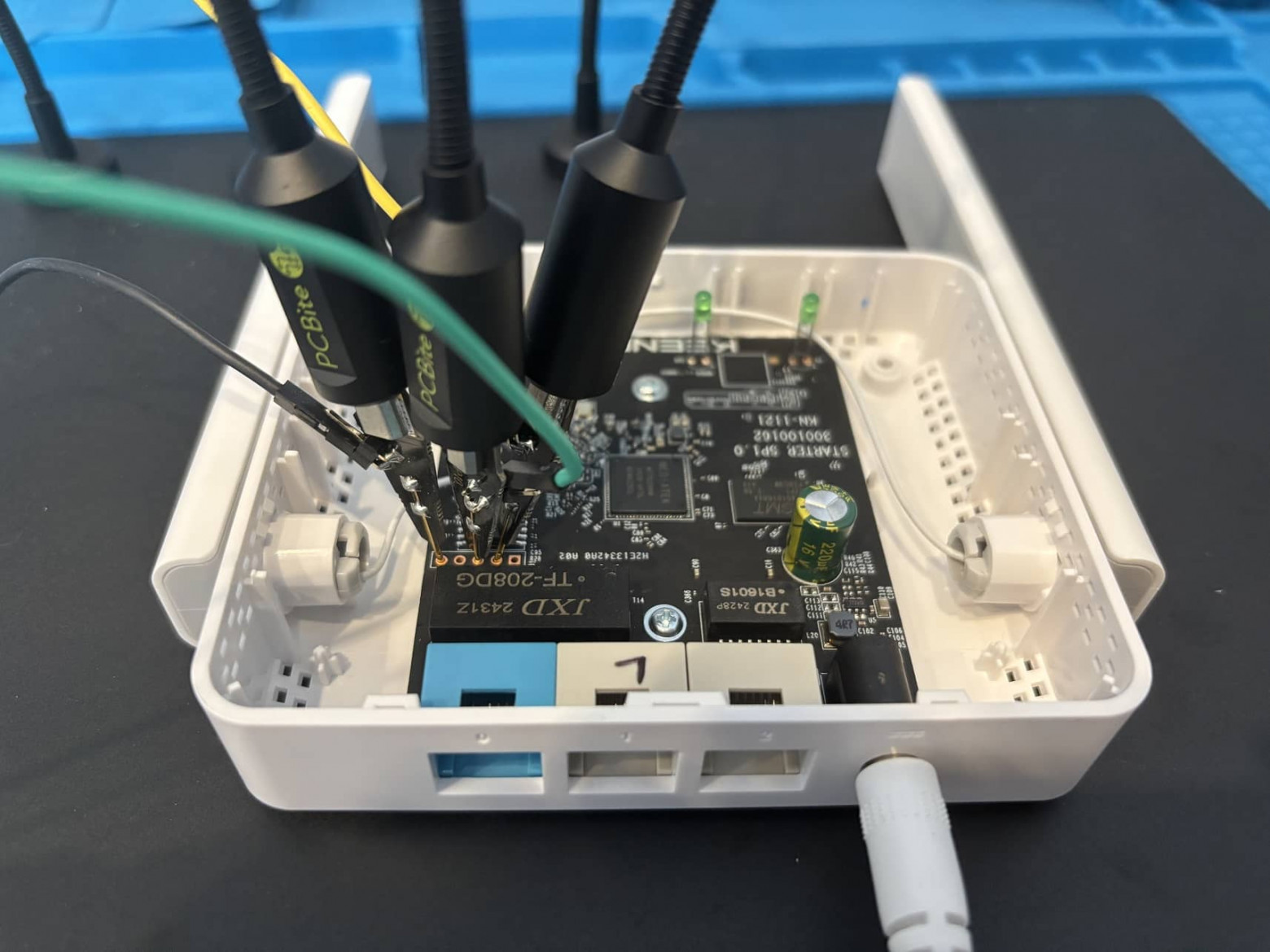
Next in line was the Keenetic KN-1121. Once again, I was greeted by an opened box with a crudely cut-out instruction sheet, simple default passwords, and a request not to use Wi-Fi with more than two connected devices.
A quick inspection showed the router was in order and running the standard Keenetic firmware from December 2024; however, this time I got a non-working VPN. Ping to 8.8.8.8 failed — 0 out of 27 packets sent.
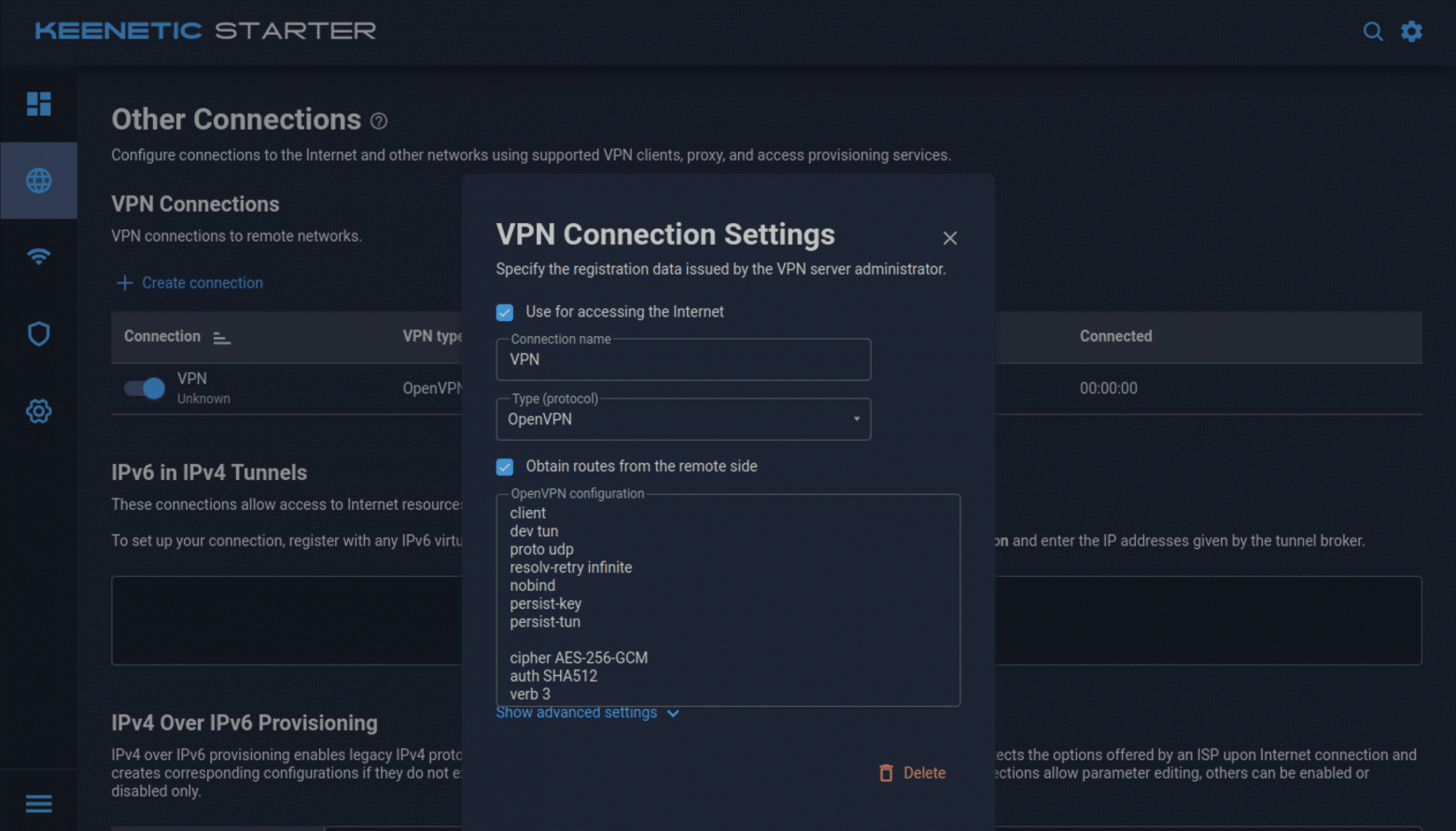
Judging by the control panel, the seller used OpenVPN. The out-of-the-box settings had all the necessary connection permissions configured.
In the Other Connections subsection, I found a configuration file containing the IP address and port that the router connects to.
It turned out this IP belongs to yet another small hosting company, mainly known for cheap promo VPS plans in Amsterdam.
In the router's system files section, you can download the firmware, startup-config, and other useful files without any chip soldering hassle.
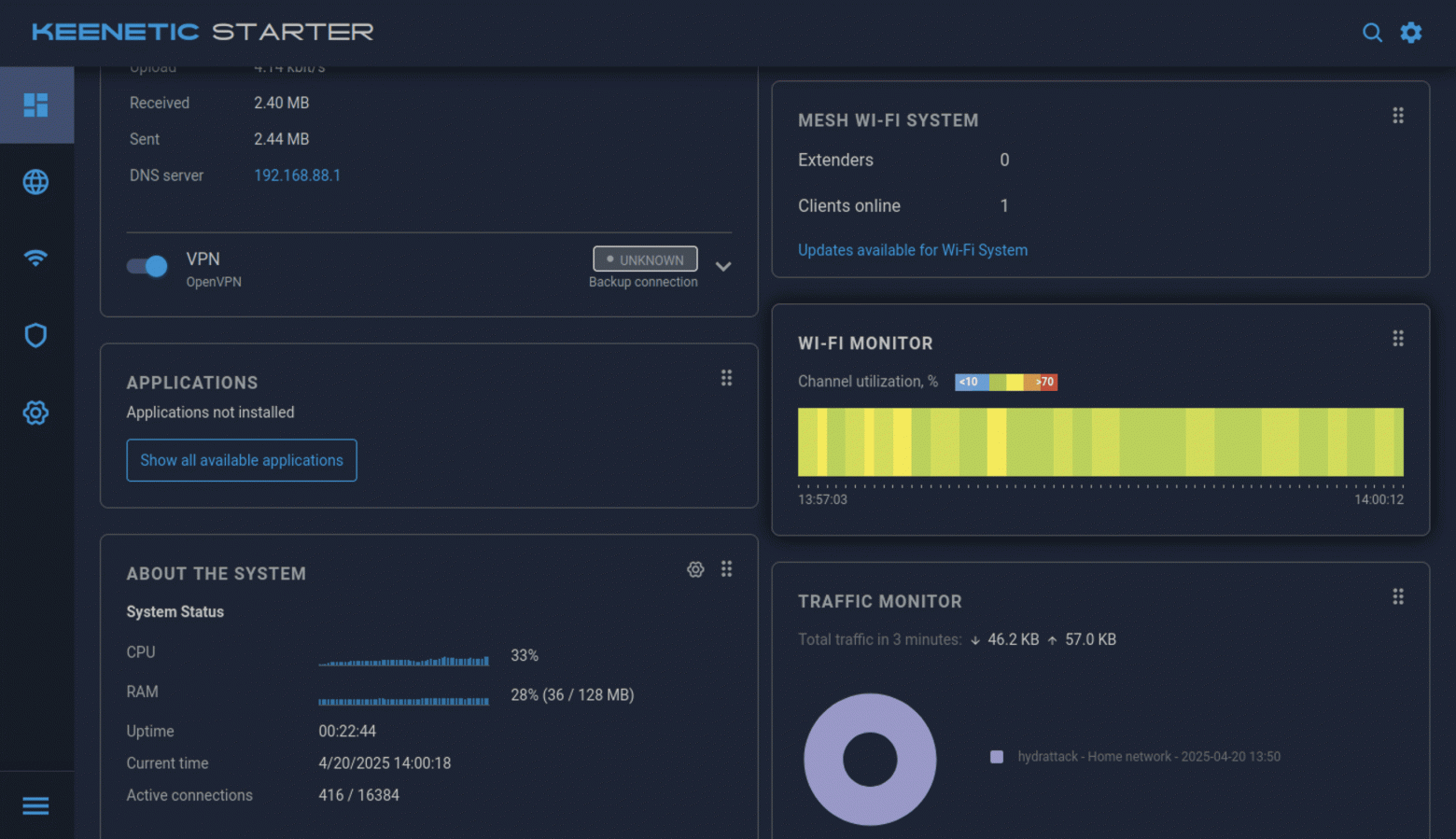
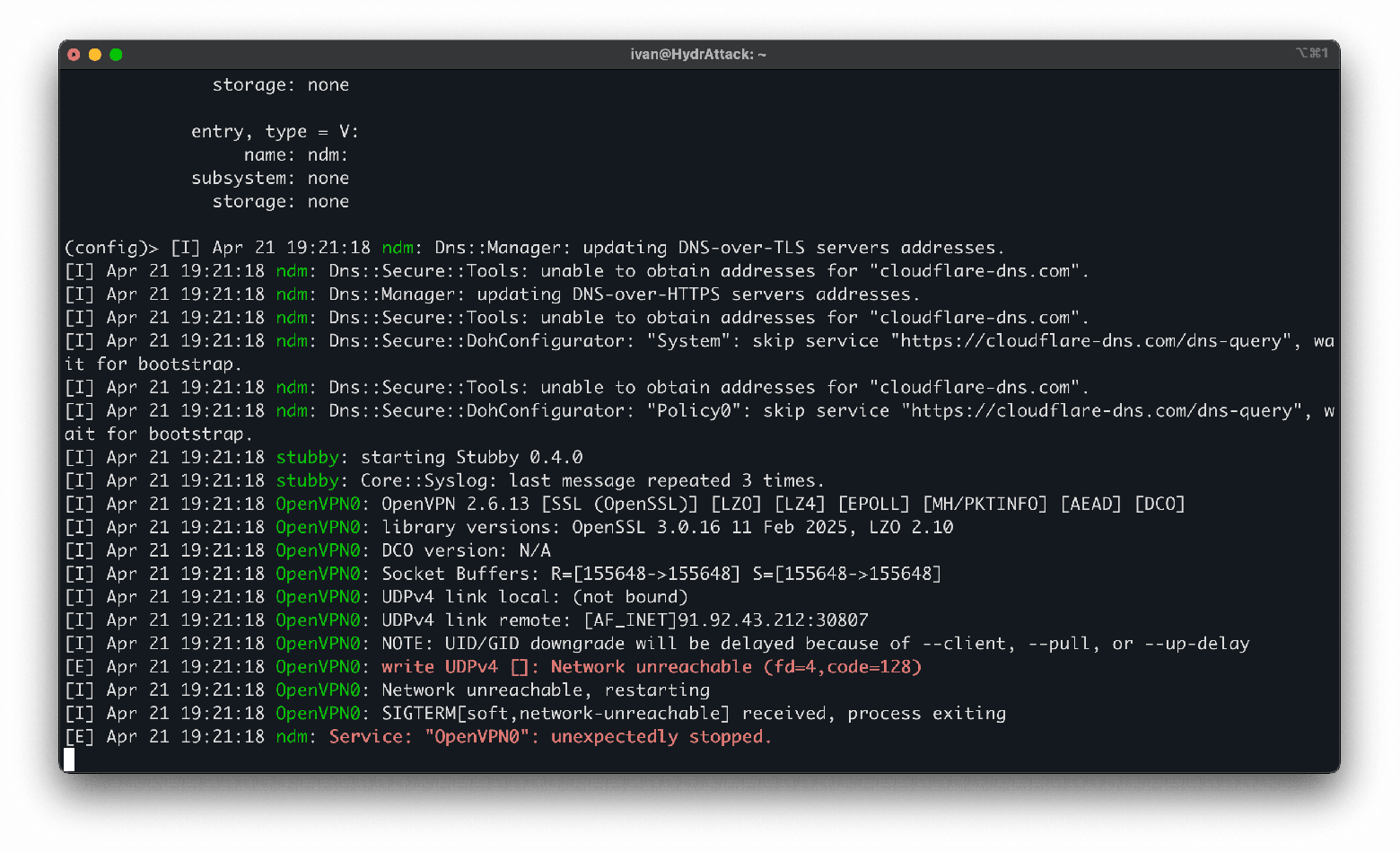
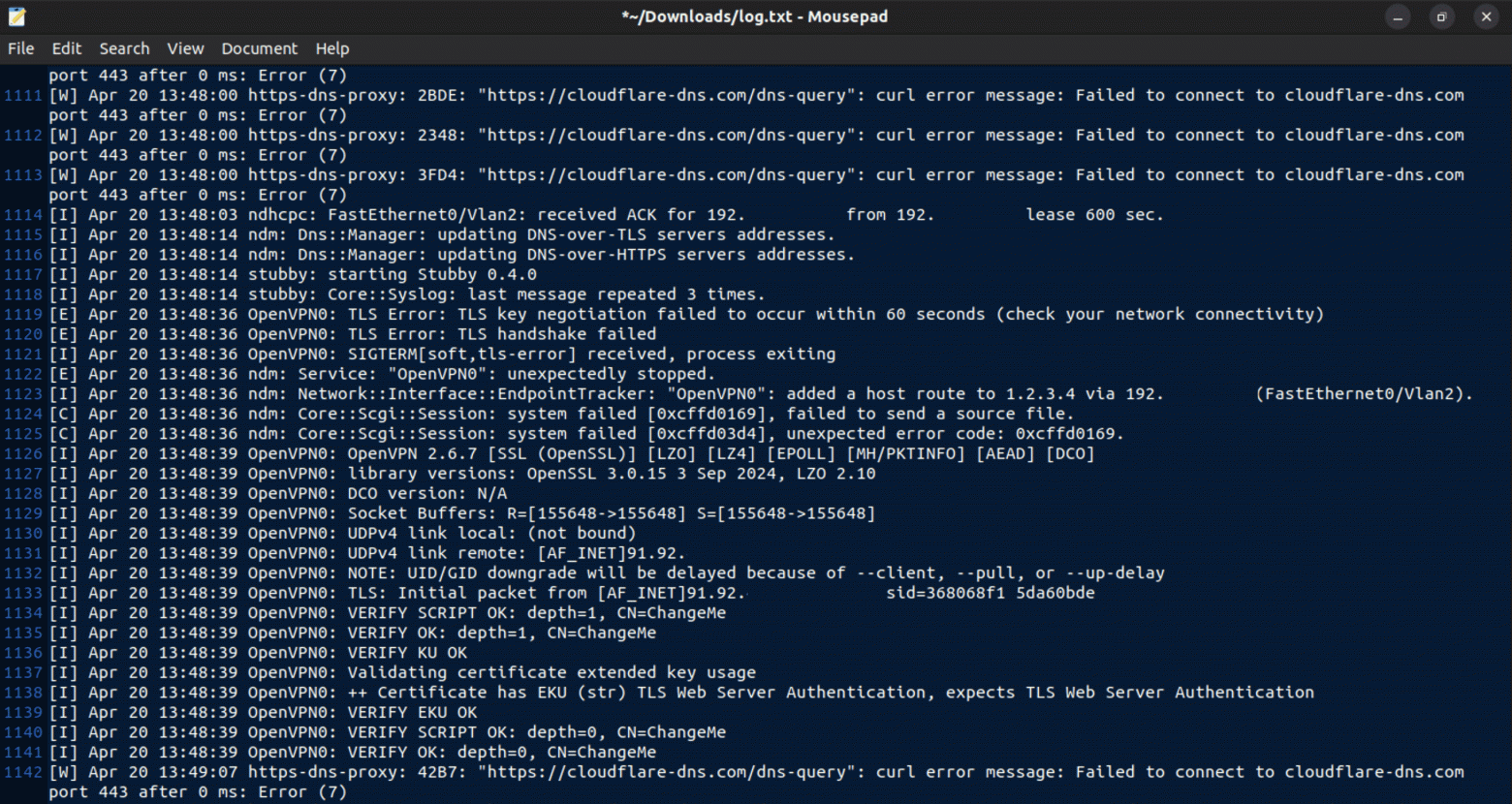
Judging by the logs, the server the router was connecting to was either shut down, or my key was removed from the database. Everything pointed to the problem not being on the user's end.
Tech Support in Action
I contacted tech support at the phone number listed in the instructions. The auto-responder bot asked which marketplace I had purchased the router from, and requested I wait for a specialist, but I didn't sit idle. In another file — startup-config — I found passwords and, as in the previous case, hashes that are easily cracked. The situation here is roughly the same as with the Cudy.
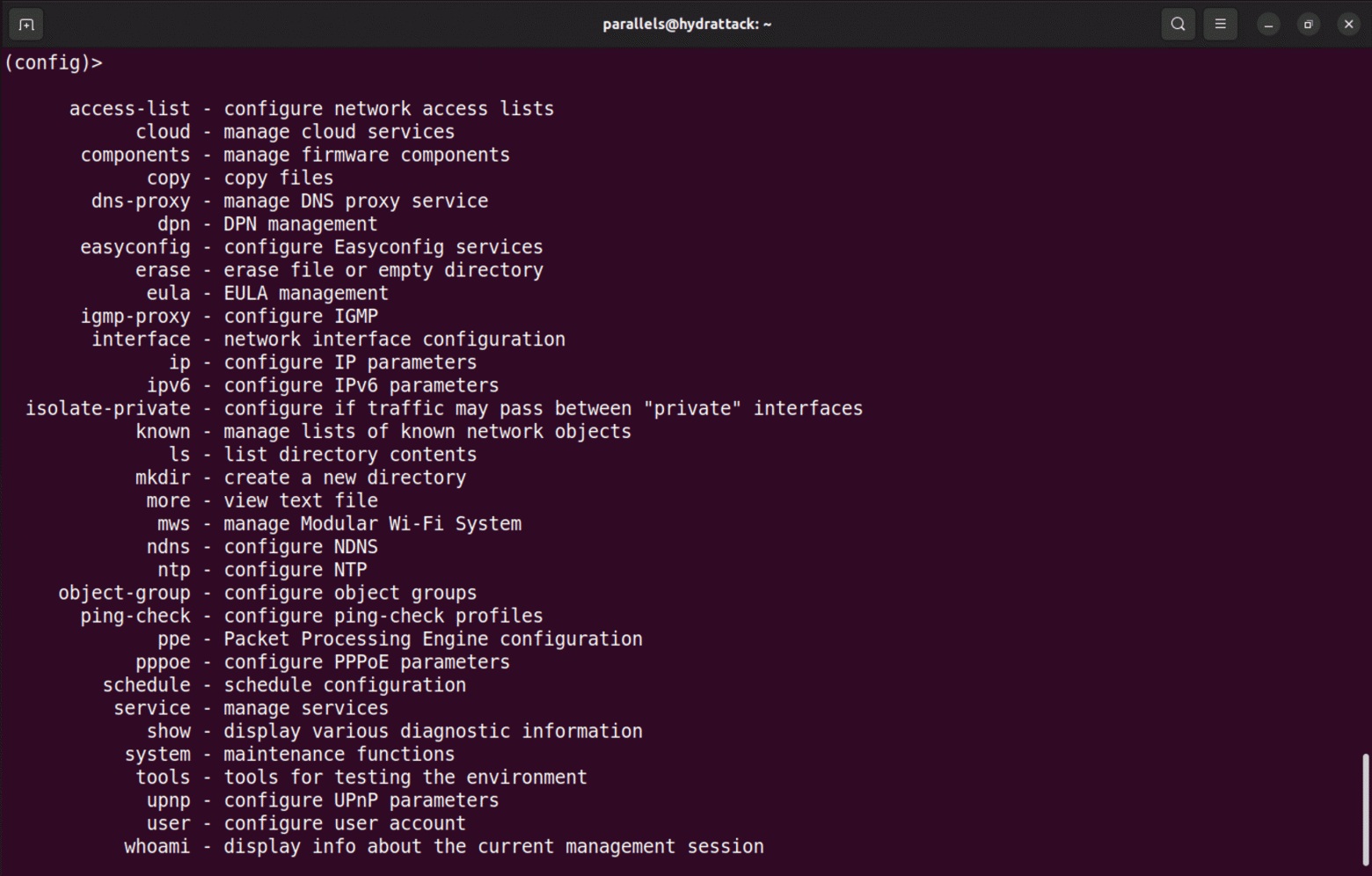
While scanning this router, I found five open ports: 23, 53, 80, 443, and 1900. Port 23 is telnet — I tried connecting with admin:admin, and it worked. Through telnet and the Tab key, I displayed the full list of available commands.
Wasting no time, I used ls to see all files in the current directory. Running-config caught my eye, where I also found encrypted login and password admin:admin, Wi-Fi keys with the SSID, and system settings.
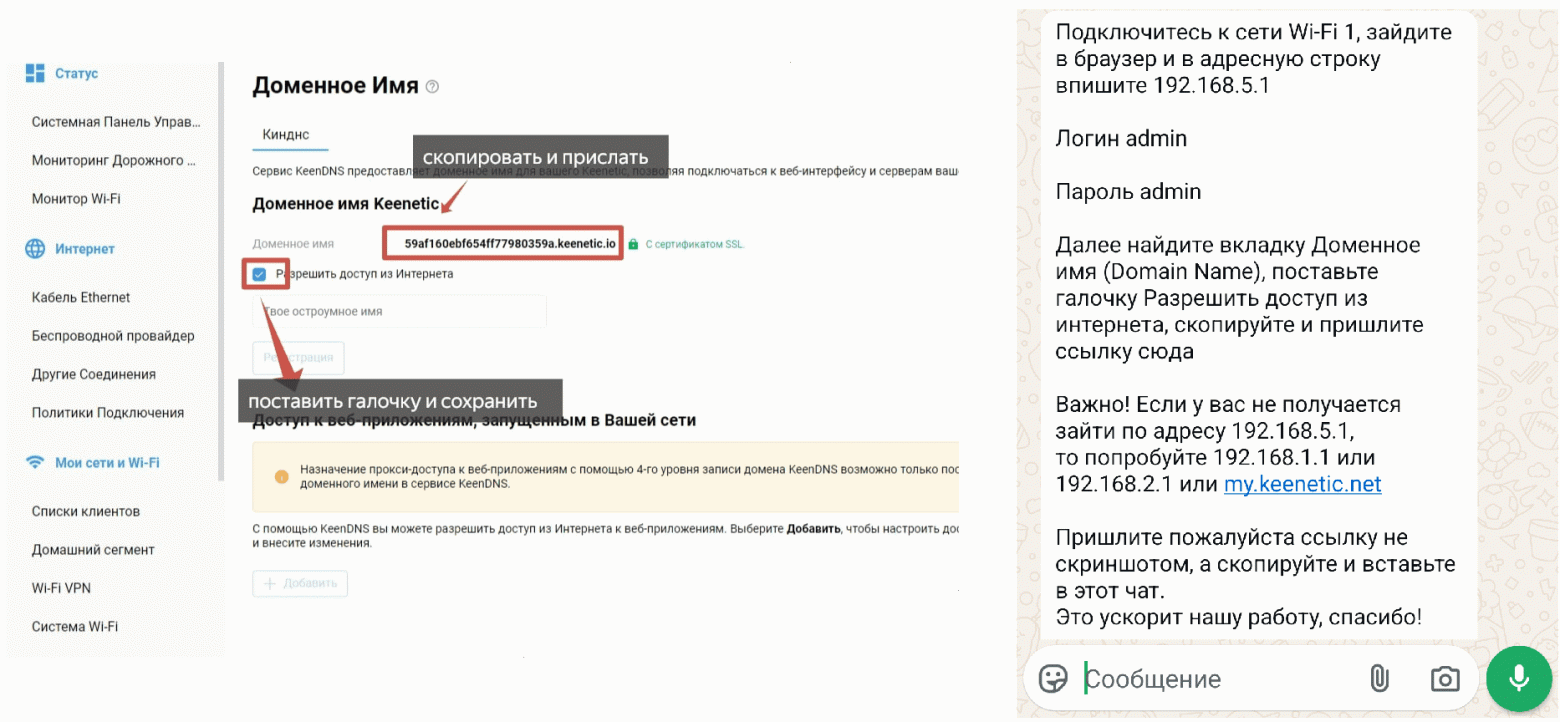
By this point, tech support had finally responded. They sent me instructions for granting remote access to the router.
That's when I noticed a small detail: the option to allow access from the internet was enabled by default. It turns out the seller of these devices has 24/7 access to them — at least if you don't think to uncheck that box.
In principle, nothing unusual. Many ISPs do this, but it creates risks. Even federal-level companies have had unpleasant incidents with unauthorized access to subscriber devices. And here we're dealing with no-names from a marketplace, whose reputation is built on reviews like: "product arrived quickly, recommend."
New Connection — Same Old Problems
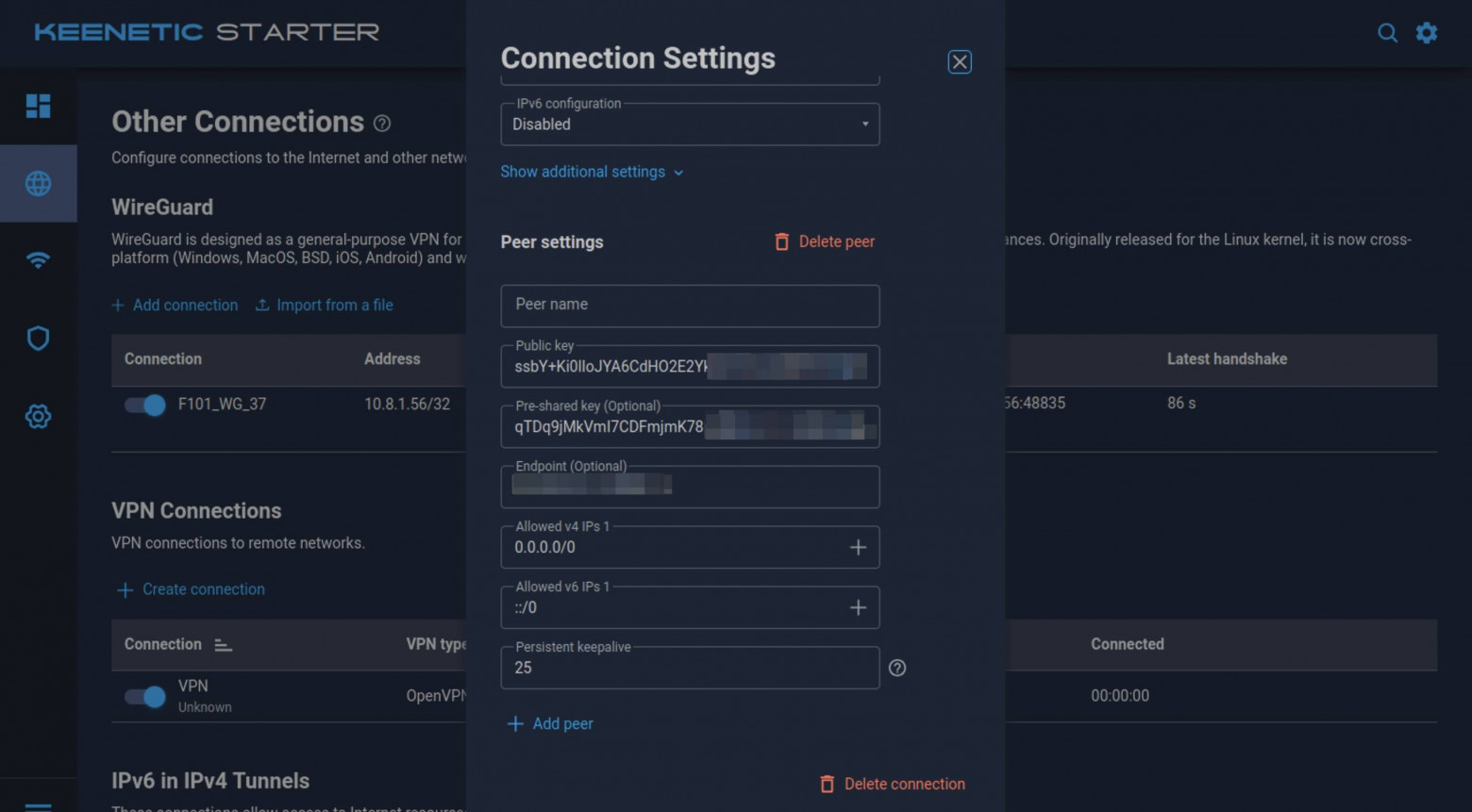
When tech support completed the remote setup, I returned to Other Connections and saw a freshly installed WireGuard client and the corresponding configuration file. As in the first case, I immediately scanned this private network and found 33 more hosts — a friendly bunch of happy owners of leaky routers.
In the open ports, I saw the same 23, 80, and 443. Deja vu: using port 80, you can connect to one of the subnet IPs, enter the system login and password from the instruction sheet, and get remote access to another buyer's device.
You can also try to investigate the central proxy server. Scanning it with nmap, I discovered ports 22 and 443. I tried connecting to 443 (HTTPS), but had certificate problems: the port was open, but the service wasn't actually working.
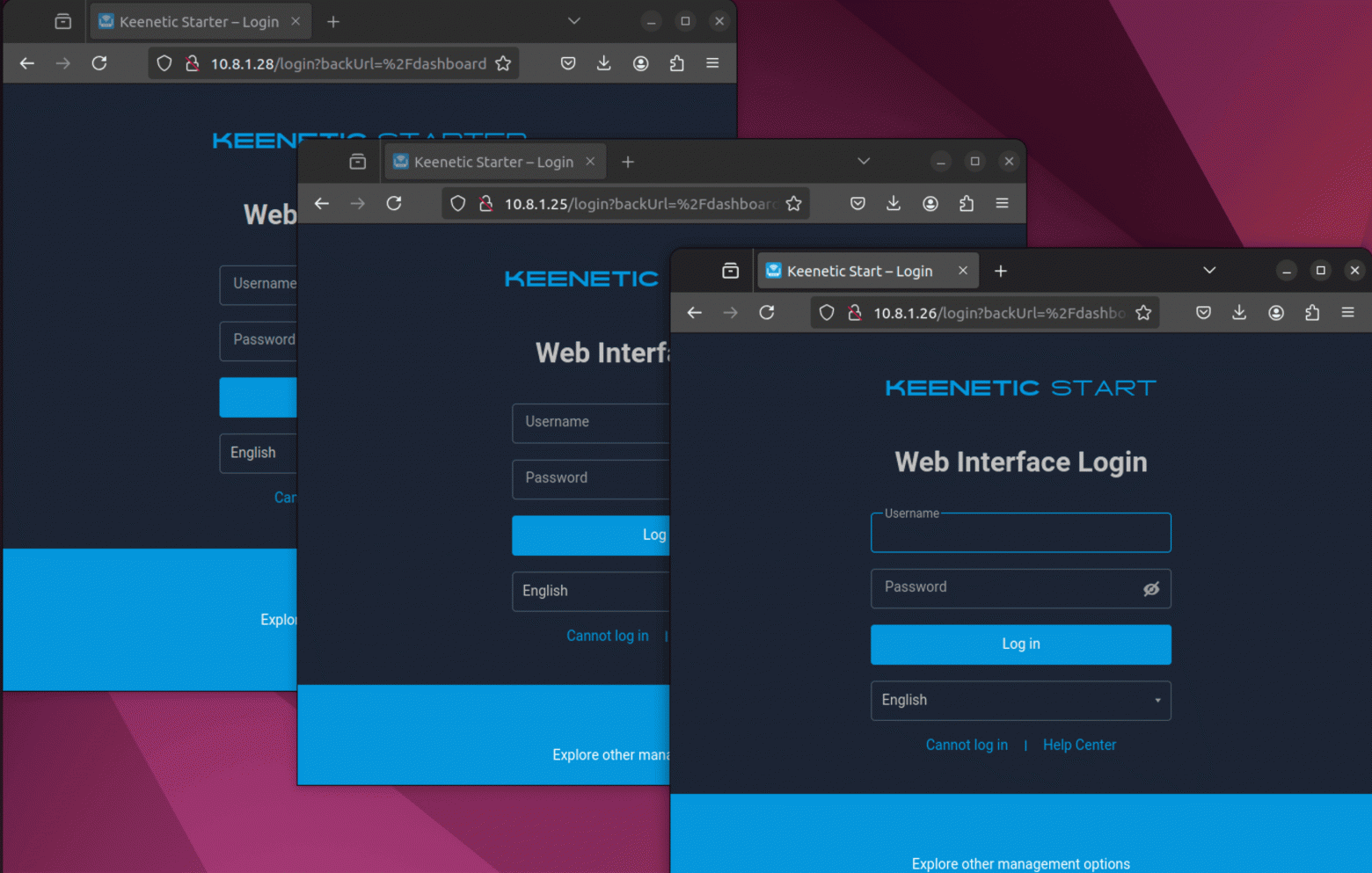
However, port 22 (SSH) was accessible. When attempting to SSH as root, it turned out that SSH was not configured for key-based authentication but used password authentication instead. This means anyone can launch a brute-force attack and try to crack the password using a dictionary method.
In summary, the situation with Keenetic largely mirrors the Cudy: an unsegmented network, weak protection against hacking, plus 24/7 access to the device by the seller and a poorly secured central server.
Xiaomi AX3000T — The Final Boss
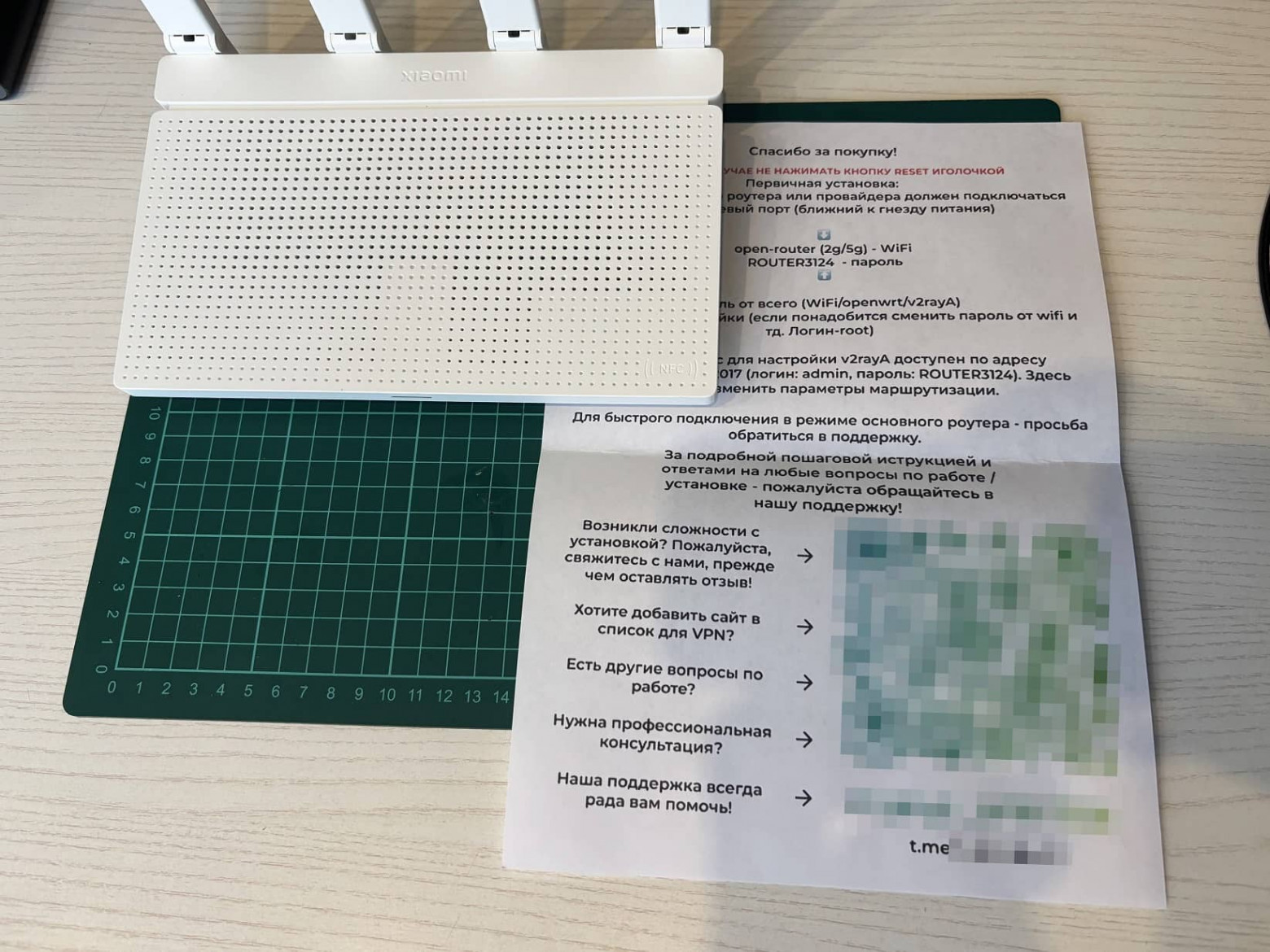
The third router — the most expensive of those tested — can boast a color instruction sheet and surpasses its predecessors in specifications.
The default password here is slightly more complex than the previous ones, but the connection procedure is practically the same.
The router started on the first try, and I immediately went into the admin panel. The Xiaomi AX3000T has its own proprietary firmware, but I was greeted by the OpenWrt interface. The seller may have used an RCE vulnerability to hack the router and install alternative software. Nothing criminal, but nobody guarantees the image's authenticity — backdoors could have been embedded in this OpenWrt image.
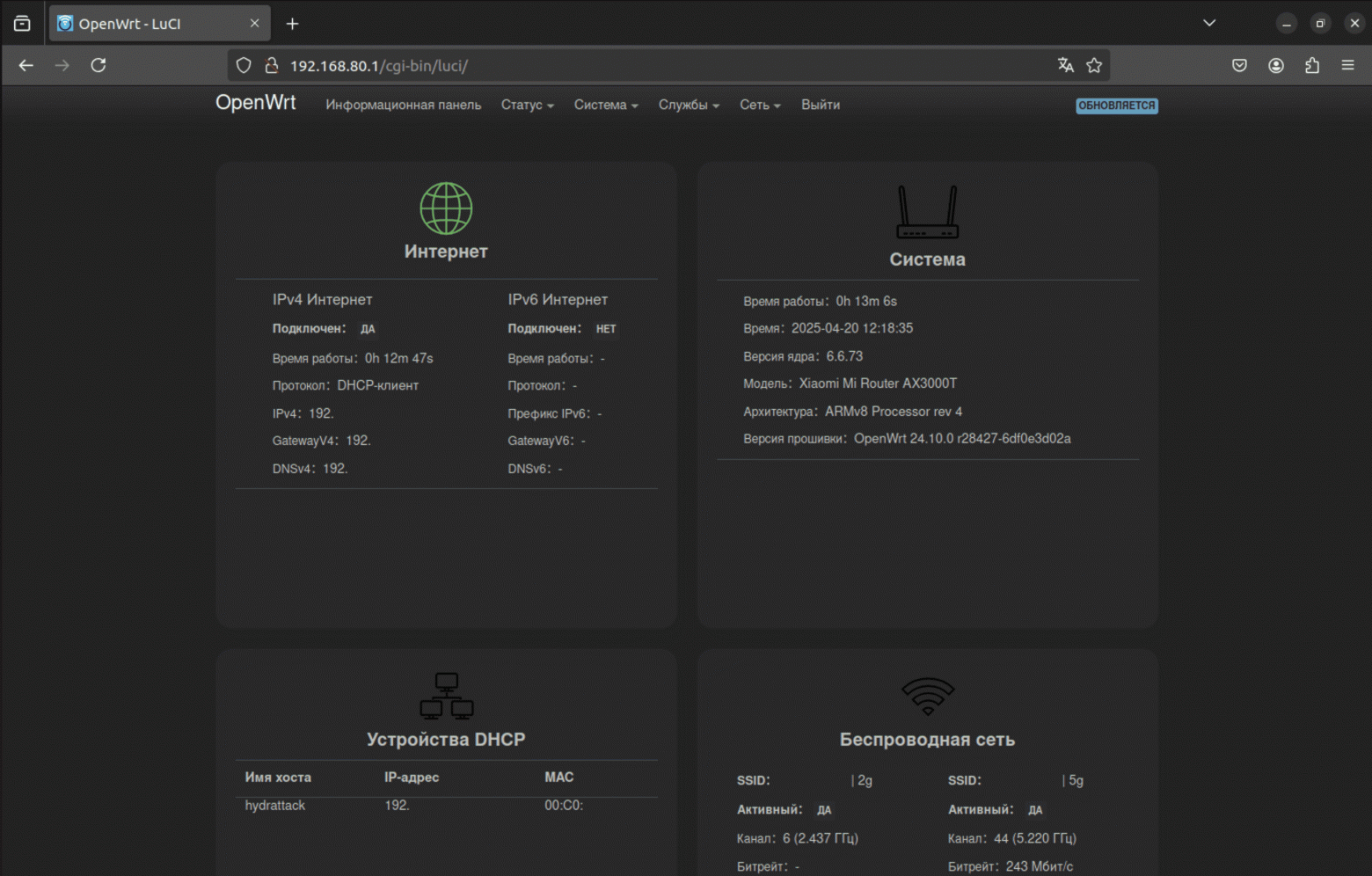
Browsing through the settings and logs, I found active SSH access. It turns out the seller has access to the device by default, without the buyer's knowledge.
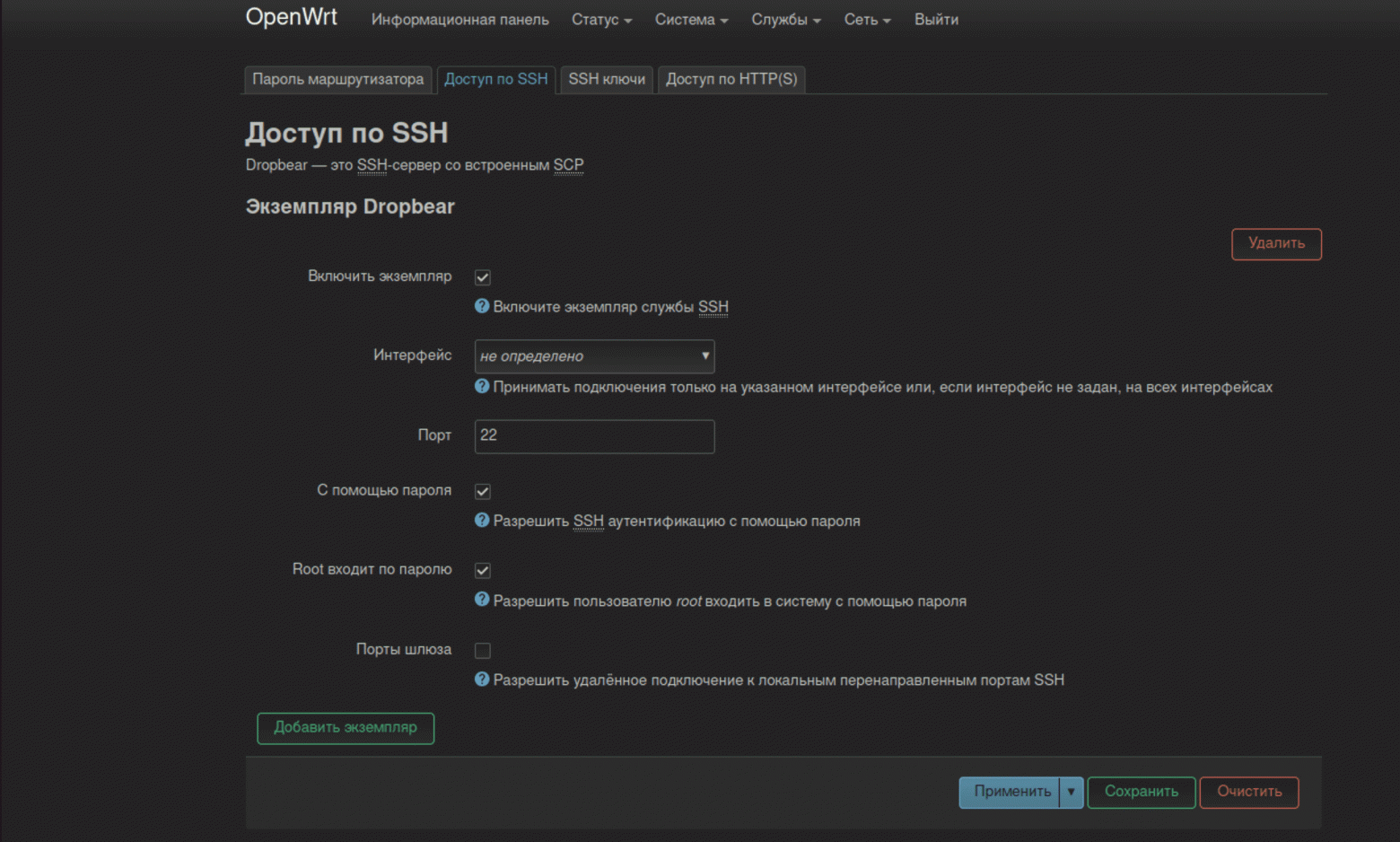
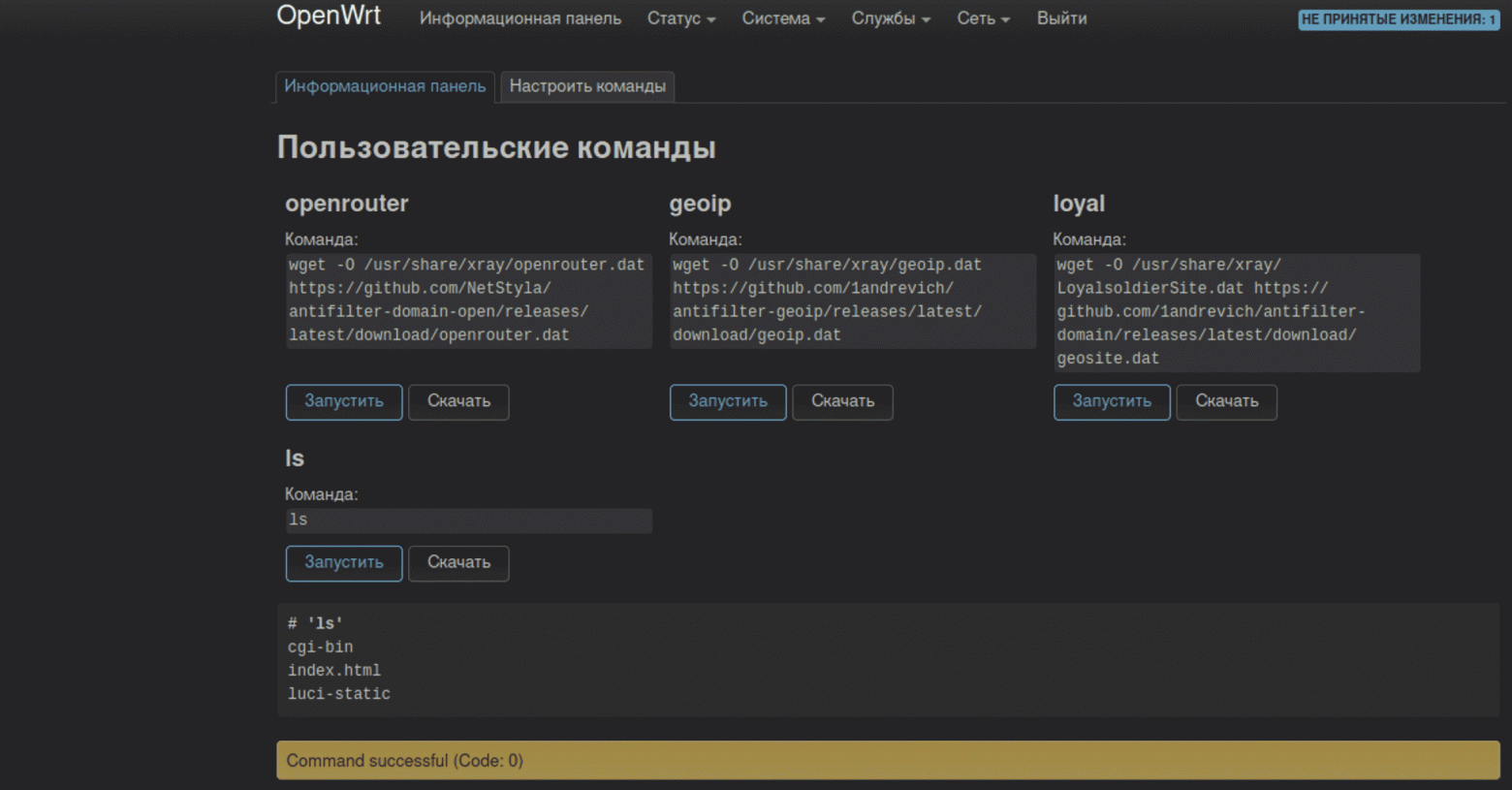
OpenWrt, by the way, allows executing commands directly on the router. I created a custom ls command and ran it — it works. Similarly, you can implement any other commands: scan the network, set up a tunnel into internal infrastructure, and so on. Add SSH access to the mix — and you get an excellent entry point for an attacker.
For traffic redirection, the router has a V2rayA server installed. After learning the endpoint server's IP address, I discovered a larger hosting provider with a legal address in Dubai. Solid! This is no longer a basement in the Moscow suburbs. The entire range of obtained IP addresses belonged to Amsterdam.
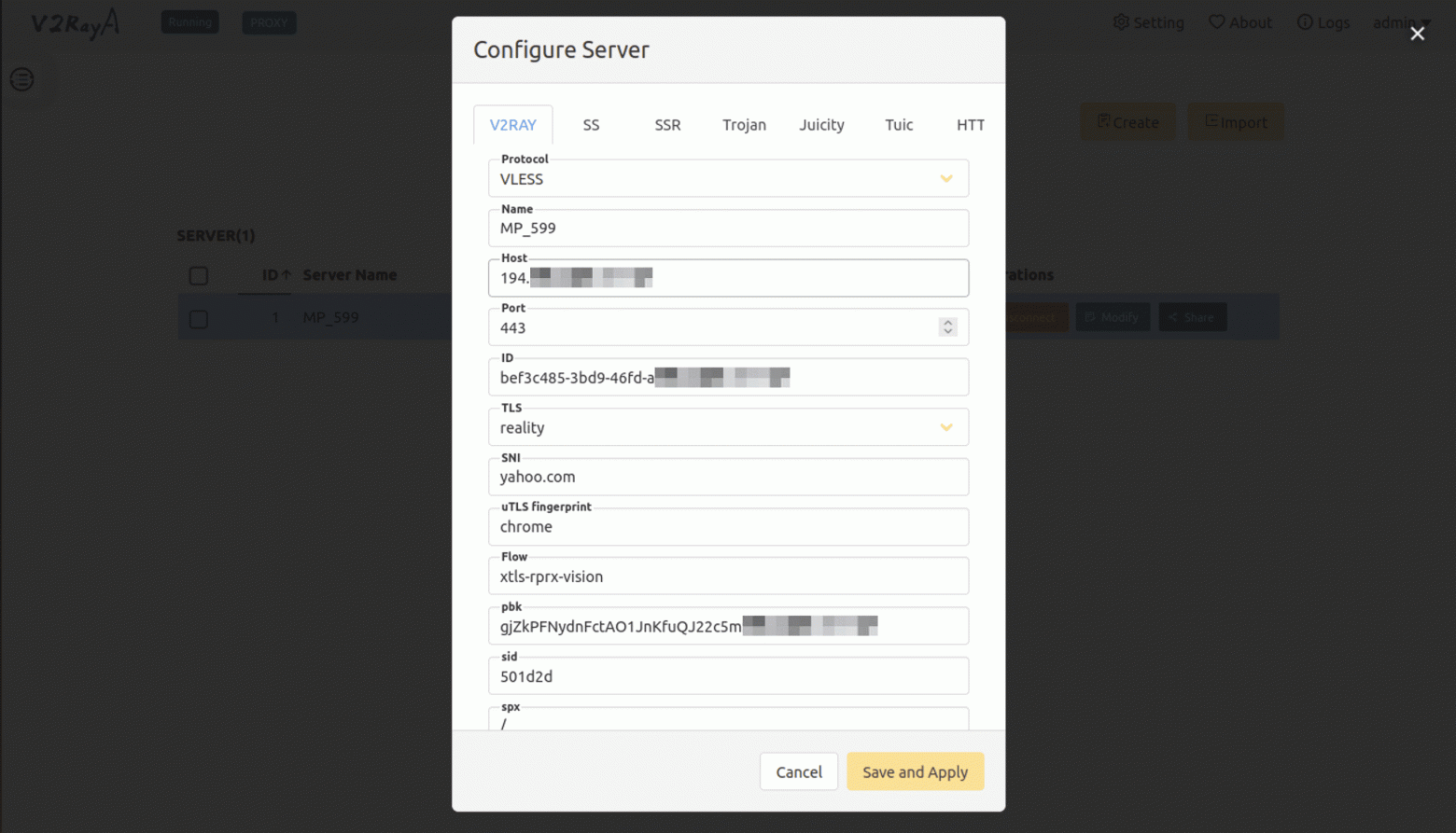
The server settings use the VLESS protocol. This is not a VPN in the classic sense, but an L4 proxy that operates over TCP or UDP and is often encapsulated in transport like WebSocket or gRPC with TLS. Unlike VPN, VLESS doesn't create a routable subnet between clients. Therefore, the traceroute 8.8.8.8 command doesn't work, and I couldn't reach buyers of similar routers as in the previous cases.
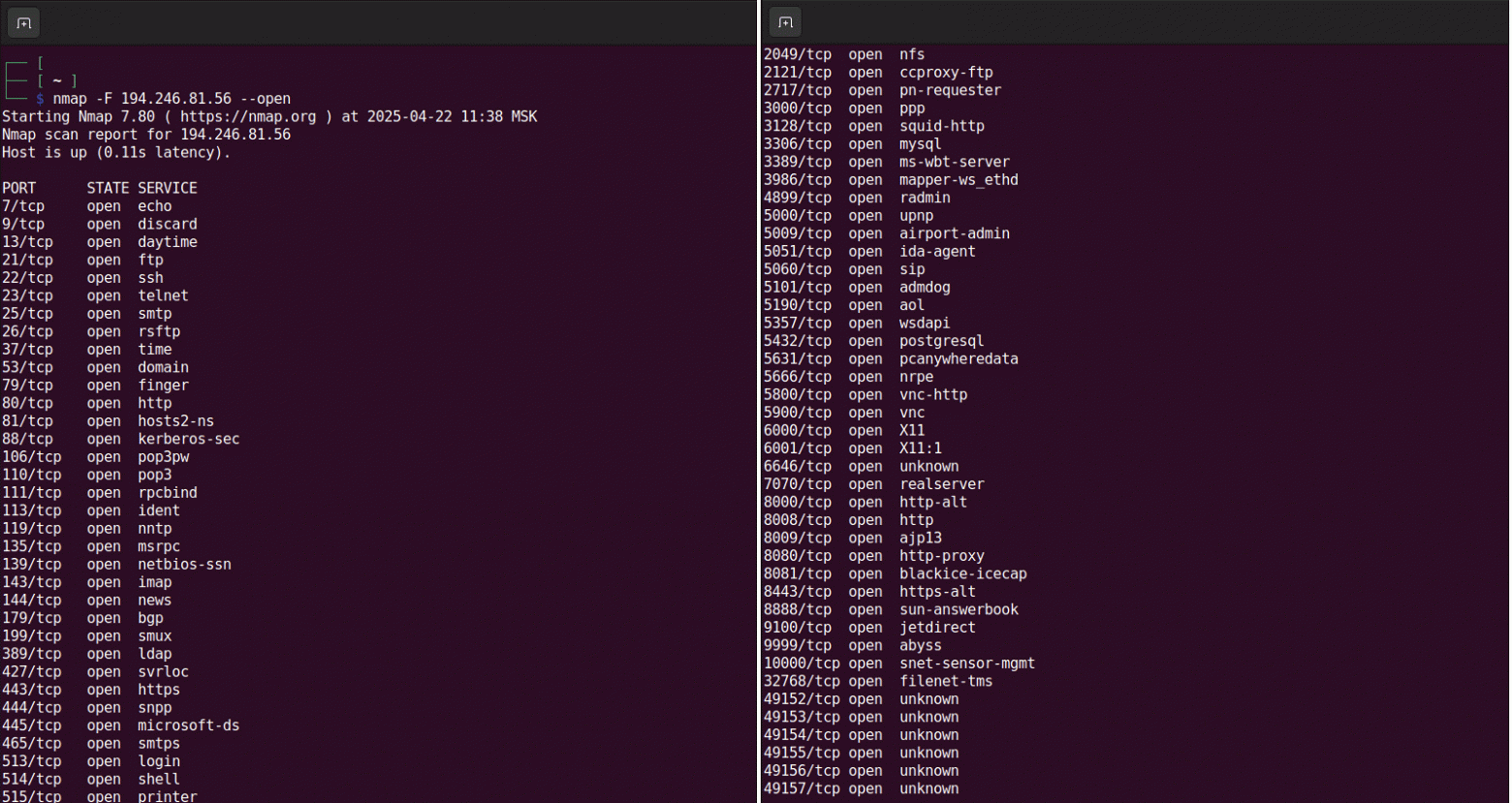
During further scanning of the server, I discovered a whole bunch of open ports. In most cases, connection attempts returned a response that the resource doesn't exist. But port 443 shows Yahoo. This is a feature of the VLESS protocol that makes the connection resistant to external interference.
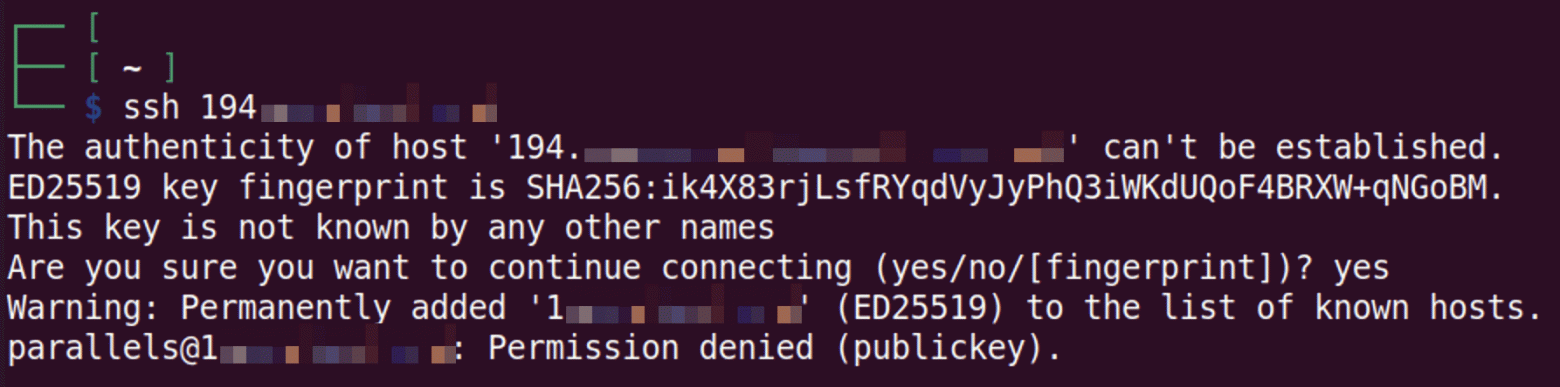
Connections to port 22 are blocked. The proxy server requires an access key, so brute-forcing the password definitely won't work here, unlike with the Keenetic. The configuration is more competent — apparently, these guys at least read Habr.
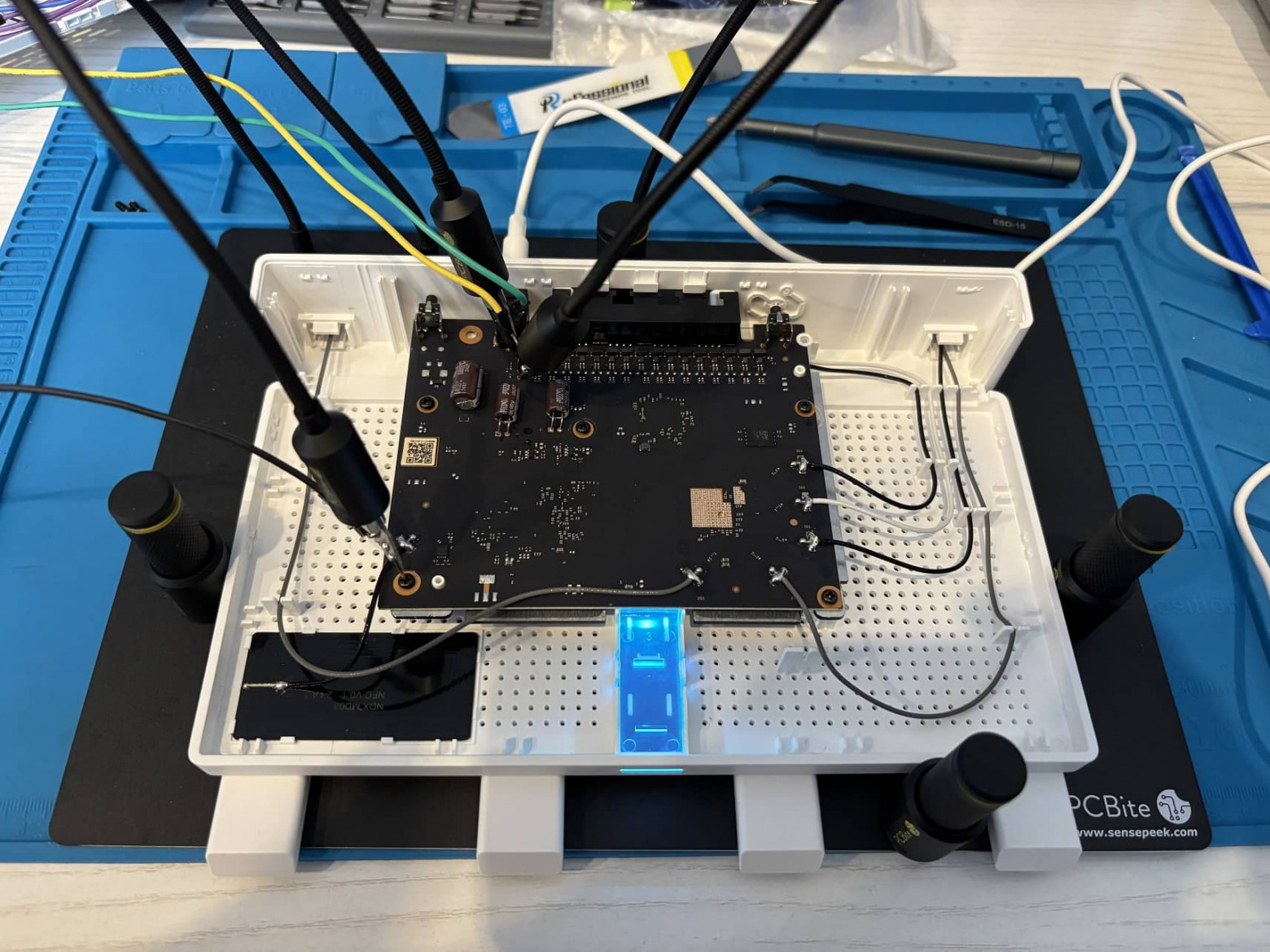
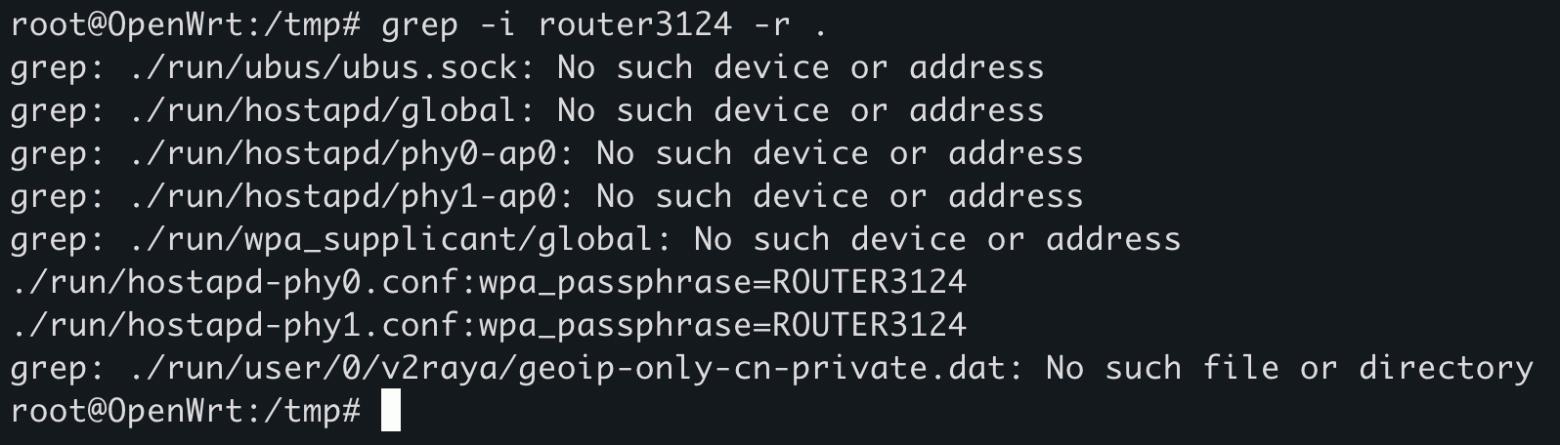
Disassembling the router confirmed the presence of administrative privileges by default. For an inexperienced user, this is a notable security threat. Even worse, the password is stored in files in unencrypted form.
Thus, at first glance, things look better with the Xiaomi router than with the previous ones — largely due to the choice of a more robustly protected data transfer protocol. But using such a device without a complete reflash and configuration remains a high risk.
First, active SSH gives the seller permanent access to the device and local network. Second, proxying through someone else's server also doesn't inspire trust — who knows what's being logged and where it's being sent. Third, this is a router reflashed by unknown people — malicious code could be hidden deeper than a basic analysis can reveal. In the end, for your money you get yet another source of worry about your own cybersecurity.
Conclusions: Convenience Costs Too Much

After testing three routers with pre-installed VPN, the conclusion is clear: behind the beautiful promises lie serious security problems. None of the devices can be recommended for use in the form in which they are sold.
What Exactly Is Wrong
Cudy WR300 turned out to be vulnerable. The unsegmented WireGuard network allows access to dozens of other routers through admin:admin passwords.
Keenetic KN-1121 showed similar problems plus permanent seller access to the device over the internet.
Xiaomi AX3000T looks more solid, but active SSH, unencrypted passwords, and custom firmware of unknown origin make it no less risky.
In all of these cases, the end user has neither access to the server settings, nor the ability to change its configuration, nor assurance that traffic isn't being mirrored.
Why This Happens
To make the business profitable, sellers cut corners on infrastructure and security. Instead of isolated VPN connections, they use shared networks where all clients can see each other. Servers are rented from cheap hosting providers, and devices are configured for remote management to simplify tech support. Unfortunately, the vulnerability of such devices is baked into their sales model.
What to Do
If you've already bought such a router, I have bad and good news for you. The bad news — your security is at risk. The good news — it's fixable. Immediately change all default passwords, disable SSH and remote access, isolate the device from your main home network. But the best advice — stop using such routers altogether.
There's no free lunch in information security. If someone promises you a lifetime VPN for a 1,500-ruble surcharge, ask yourself — what is the seller saving on, and what are they getting in return. Security is worth the time spent properly configuring your network equipment, especially when it comes to protecting your entire home network.
This material is intended for information security professionals. This article is purely research and educational in nature and does not encourage the use of specific services and technologies.



