How I Rebuilt My Smart Home Five Times — And Threw Out Half the Stuff
A practical account of building and iterating on a DIY smart home system five times over, discovering what automations actually matter and throwing out half the unnecessary ones.
I started designing my smart home before the renovation. Right away, I ran Ethernet cables, split loads into groups, selected equipment, and installed a controller. I designed everything myself, for my own needs. And then I realized: a smart home isn't built once. It changes as you live in it. And over three years, I rebuilt it five times (well, because I can).
In this article, I'll describe how everything is set up at my place now — and why I ended up throwing out much of what I'd originally planned. What works reliably and what gets in the way. Which scenarios stuck and which had to be disabled. Why I installed Sprut.Hub but still keep Home Assistant. And why there are more cables in the apartment than light fixtures.
This article isn't about "how you should" or "how you shouldn't." It's about how things turned out for me — and why I'm happy with it.
Why Build a Smart Home from Scratch — And Why Do It Yourself
When we first moved into the apartment, I knew two things. First — there would be automation in the house. Second — no off-the-shelf system would work for me.
Commercial solutions like Wi-Fi or Zigbee devices seem convenient only on paper. In practice, they have tons of compromises: unstable firmware, closed protocols, zero fault tolerance. Network goes down — control is gone. You just moved the router — and nothing works anymore.
That's why I planned the smart home infrastructure from the start: dedicated Ethernet lines for switches, sensors, and devices. Power lines for lighting, outlets, curtain drives. The electrical panel was designed with automation in mind: controller, relay modules, discrete input modules, dimmers, etc. I ran all the wiring myself and planned the automation alongside the electrical layout.
But I didn't completely abandon Wi-Fi or Zigbee — wireless protocols provide flexibility where running wires isn't possible.
Why Not Contractors?
I never hired contractors who do "turnkey smart homes." I just didn't see the point. From time to time I look at how such companies work — and frankly, the qualifications of some of them are mind-boggling.
By profession, I can design an electrical substation — with dozens of connections, logic, protections. So looking at a "smart home project" that's basically a tablet on the wall and a bunch of wireless devices is... strange, to say the least. Automation isn't a one-time assembly or a pretty presentation. It's infrastructure that needs to be thought through, implemented, and then refined as you go along. And refined many times: I reassembled the electrical panel, rewrote logic, moved sensors. Only by the third year did everything start working the way it should.
Automation Starts with Planning
The main reason to do everything yourself is control. I understand how every line, every relay works, and I can explain every step in the logic. If something breaks — I don't guess, I fix it. If something doesn't satisfy me — I change the scenario, I don't call a contractor.
An important stage is planning. First, I compiled a list of what I want to control — lighting, ventilation, air conditioners, curtains, exhaust fans. Then I chose which devices would work: where a relay, where a dimmer, where a sensor. Protocols were also planned in advance — I planned for Zigbee from the start and immediately installed a Sprut.Stick for it. Only after all this did I start running the communications.
Additional photos
How I Regretted Not Running More Cables
When I started, it seemed like I'd thought of everything. I spent hours drawing diagrams, plotting routes, labeling breakers in the panel (for my wife). But a smart home is a living thing. A month after moving in, you start thinking not "how to turn on the light" but why it doesn't turn on by itself when you walk into the closet with bags in your hands.
The thing is, during design, almost every decision came with doubt. Run an extra line? What if it's not needed. Run Ethernet to the curtain rod in the corner? Is it worth the time and money? I constantly had to balance: how much effort am I willing to spend now, and how much will this simplify life later.
Now I advise everyone: run more cables. Don't save on every wire — just run it. You can't go back into the walls, but scenarios appear not during renovation but six months later, when you actually start living there.
Don't Be Afraid of Refurbished Hardware
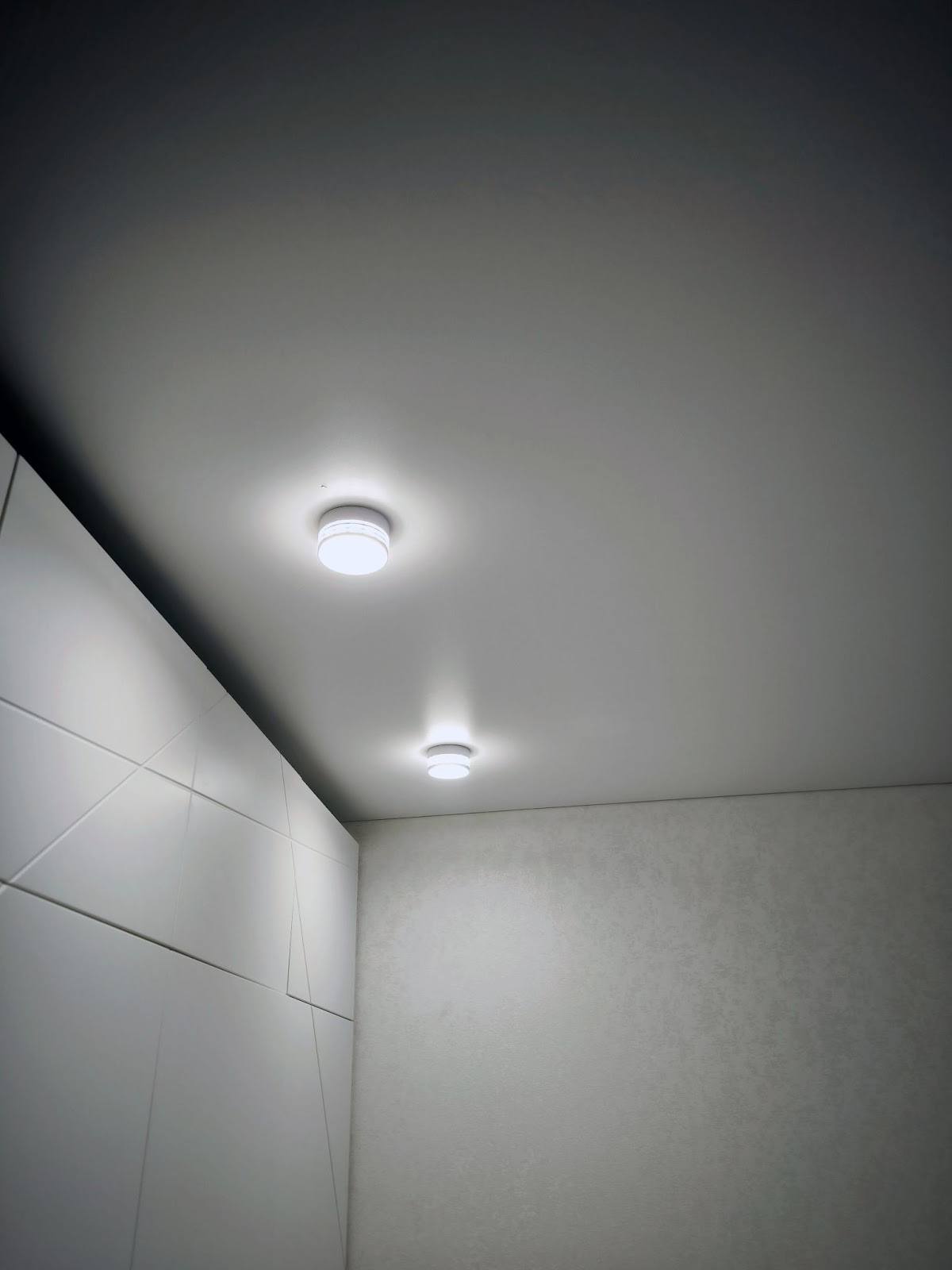
I initially planned to set up automations based on sensors. But WB-MSW sensors seemed too expensive, so I was looking at Aqara. But then I found refurbished options, significantly cheaper. Why not? They work just as well as new ones. So I installed such sensors in the bathroom, toilet, and closet.
Put Sensors in Every Room
As experience with the smart home has shown, you can never have too many sensors. My advice: put a temperature, humidity, and motion sensor in every room, and in long spaces like hallways, put two. Trust me, they'll come in handy.
Additional photos
Automation Is Not a Goal, It's a Tool
When people say "smart home," they often imagine magic: everything turns on and off by itself, literally responds to breathing. But that's the wrong idea. From the start, I wasn't trying to automate everything. I was trying to have the ability to control everything — through a controller, scenarios, interface. And then you decide: does this need to be automated, or should it stay manual? Automation is not a goal, it's a tool. And at the current stage of technology, automating absolutely everything is simply impossible. The main thing is that the system should allow you to do it in the future, if you want to.
Universal automation doesn't exist — every task has its price and limit of appropriateness. This is very accurately described in the article by the founder of Home Assistant, "The Perfect Home Automation," which I recommend everyone read.
Starting with the Unnecessary
I often encounter requests about switchable outlet groups and scenarios like "everyone left the house" to turn off lights and some outlets. I fundamentally don't like this idea: why would I "manage a master switch" in a smart home? I know which lights are on, which devices are running. It's much more convenient to control everything through the smart home interface automatically.
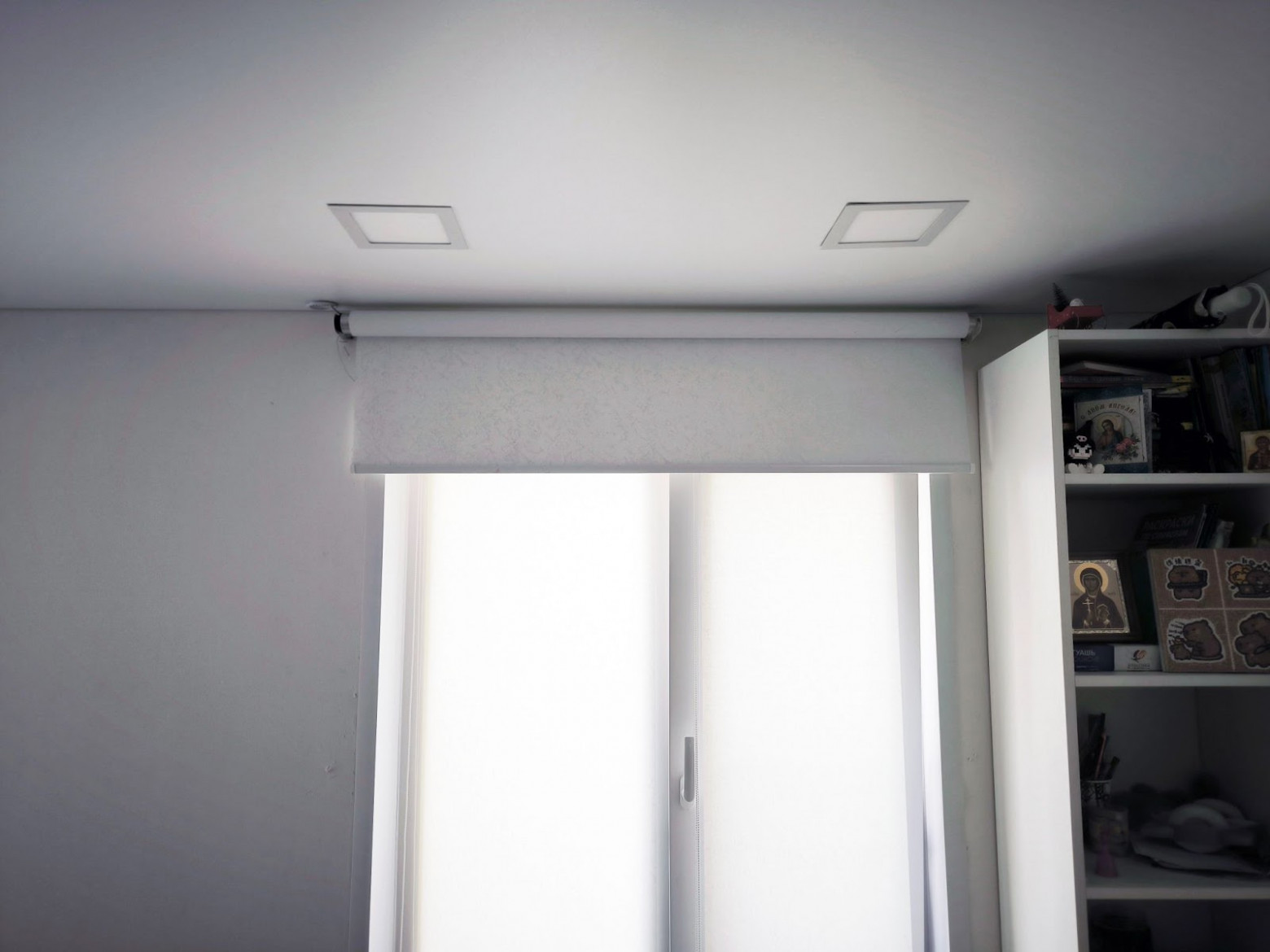
If I were doing it from scratch now — I'd completely abandon non-dimmable light fixtures. Currently, I have dimmers in key areas, and they're exactly what creates the feeling of a thoughtfully designed space. In the evening, the light automatically dims to 20% brightness; in the morning, everything returns to normal. It's a small thing, but it makes the home much more comfortable.
There was another experiment — controlling the bathroom exhaust fan via motion sensor. The idea seemed logical: person enters, light turns on, and with it the exhaust fan. But in practice, everything turned out to be more complicated. It's hard to reliably determine that someone has actually left without presence sensors. Plus, people are different: the fan doesn't bother me in the shower, but when the kids take a hot bath, they want warm air — the fan just gets in the way. Currently, the fan turns on with a button, with a delay on shutoff. In the future, I plan to add a variable frequency drive to smoothly regulate fan speed and reduce noise.
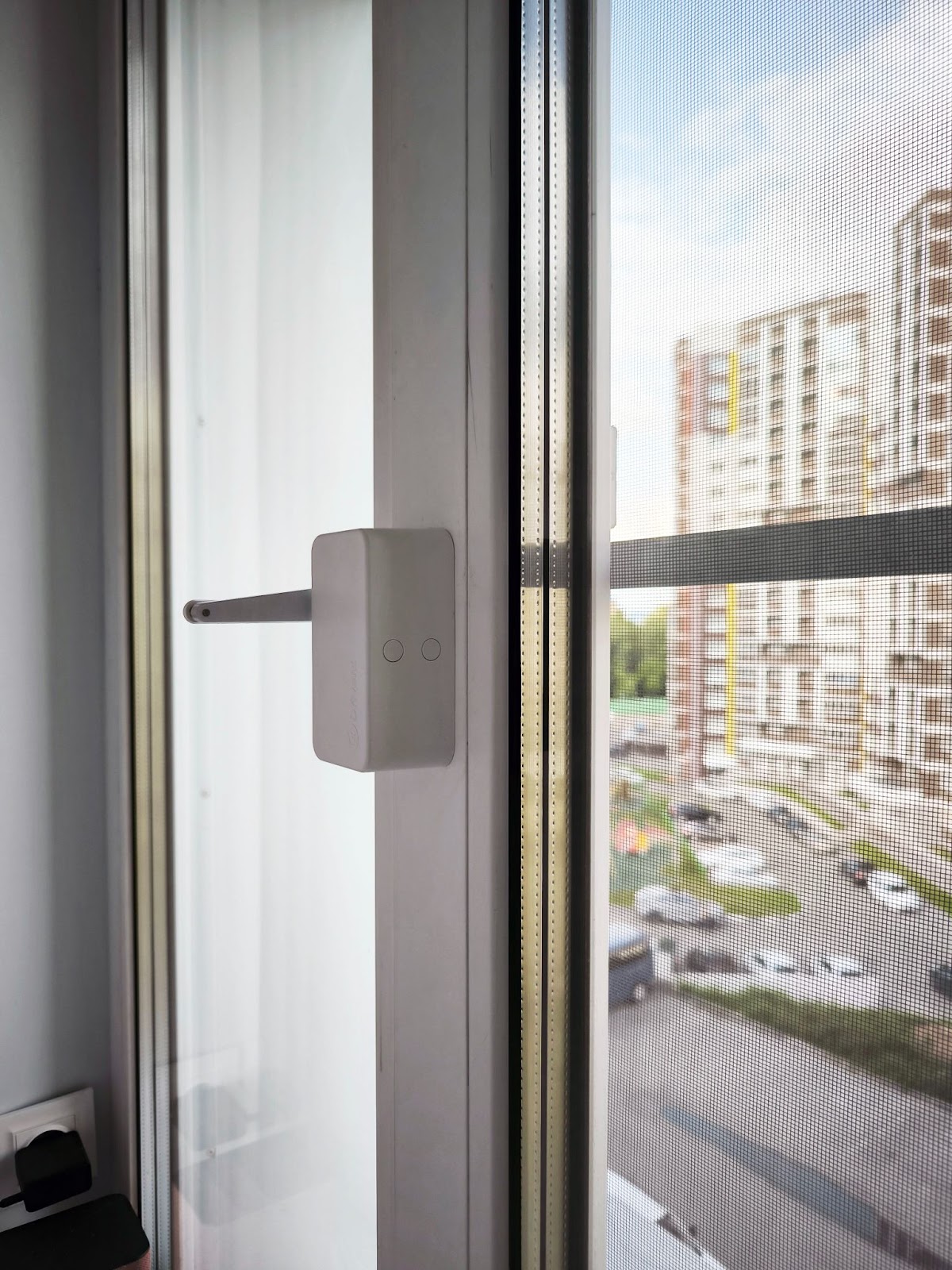
Automatic window opening by scenario — another idea I abandoned. I installed Drivent drives (via Wi-Fi and Zigbee) — they let you open a window with a button or through an app. But I deliberately don't tie this to sensors or schedules. I don't want the system suddenly deciding to "air out" in the middle of the night at minus five degrees. Windows are a zone where control should stay with the human.
A ton of switches is another useless idea. It's strange to see "piano keyboards" in smart homes: a separate button for every lighting group. In reality, nobody wants to figure out which button controls what. So I limited it to a maximum of two buttons at each point in a room, and left everything else to automation and click modulation. A double-click always turns off the light in the room.
Additional photos
What Actually Works
There are scenarios and features that genuinely simplify life — and I use them every day.
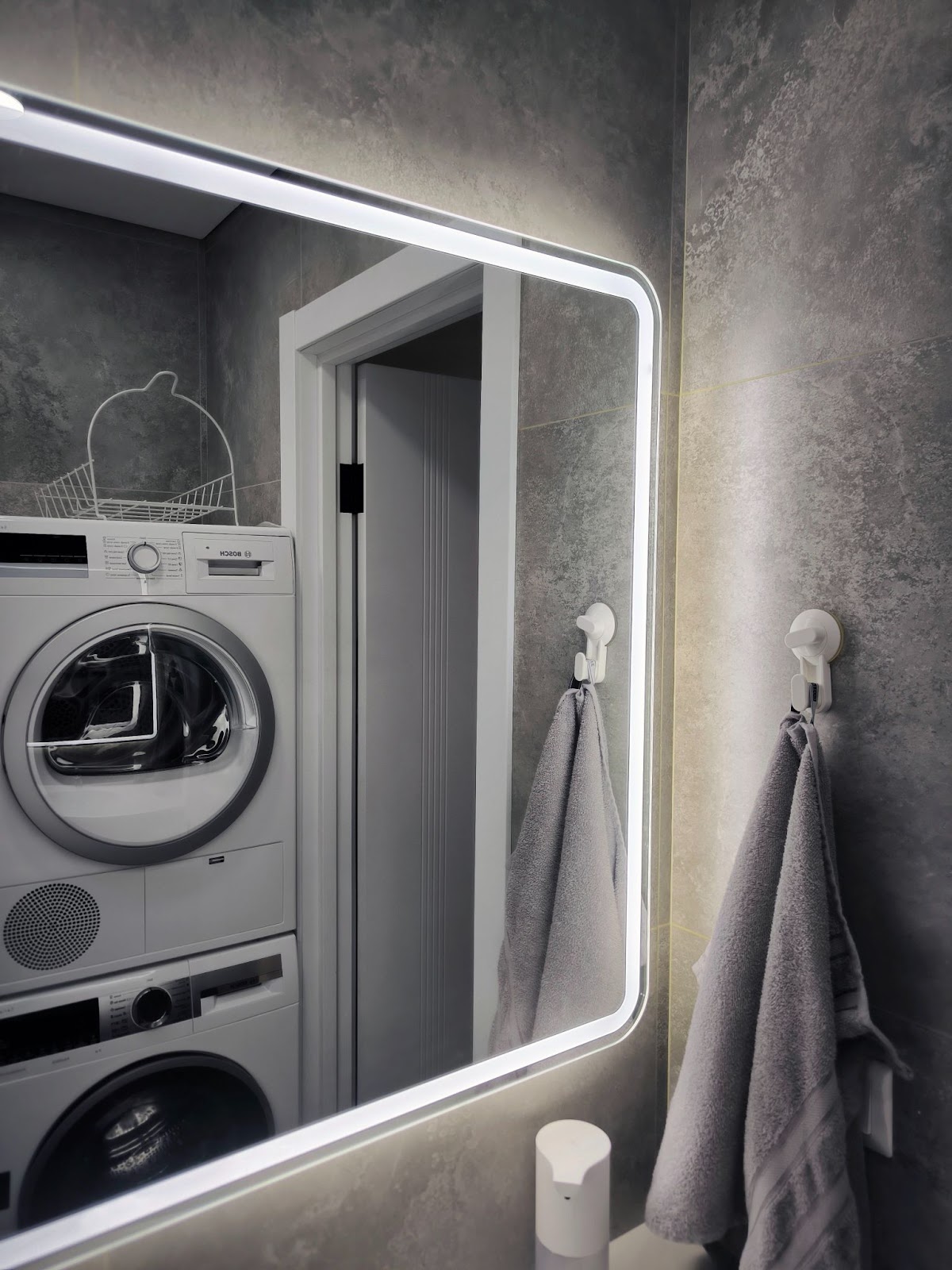
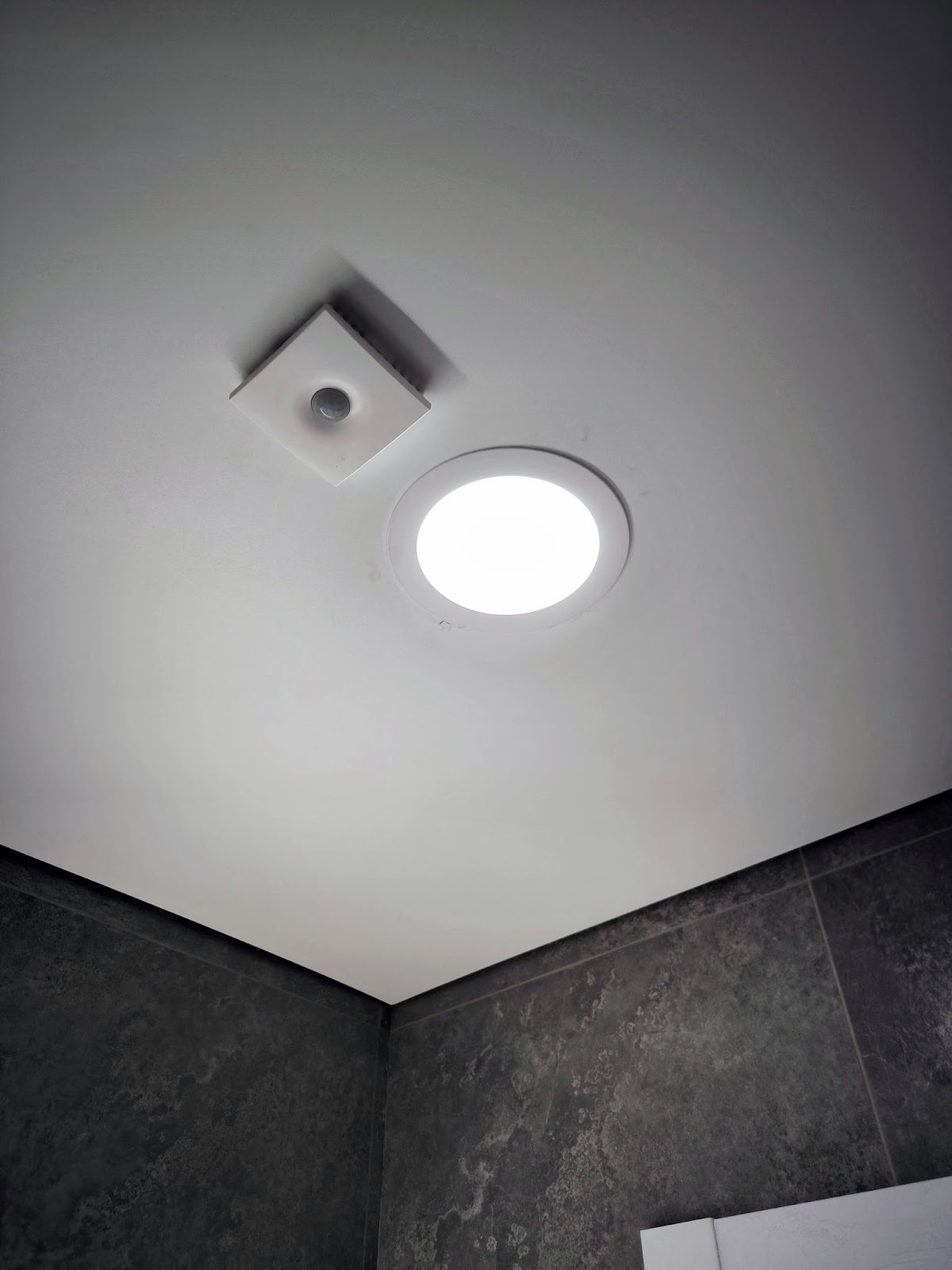
Automatic lighting in dark rooms. I set this up where there's no natural light — in the bathroom, toilet, and closet. Walk in — the light turns on via motion sensor; walk out — it goes off with a delay. Simple, predictable, convenient.
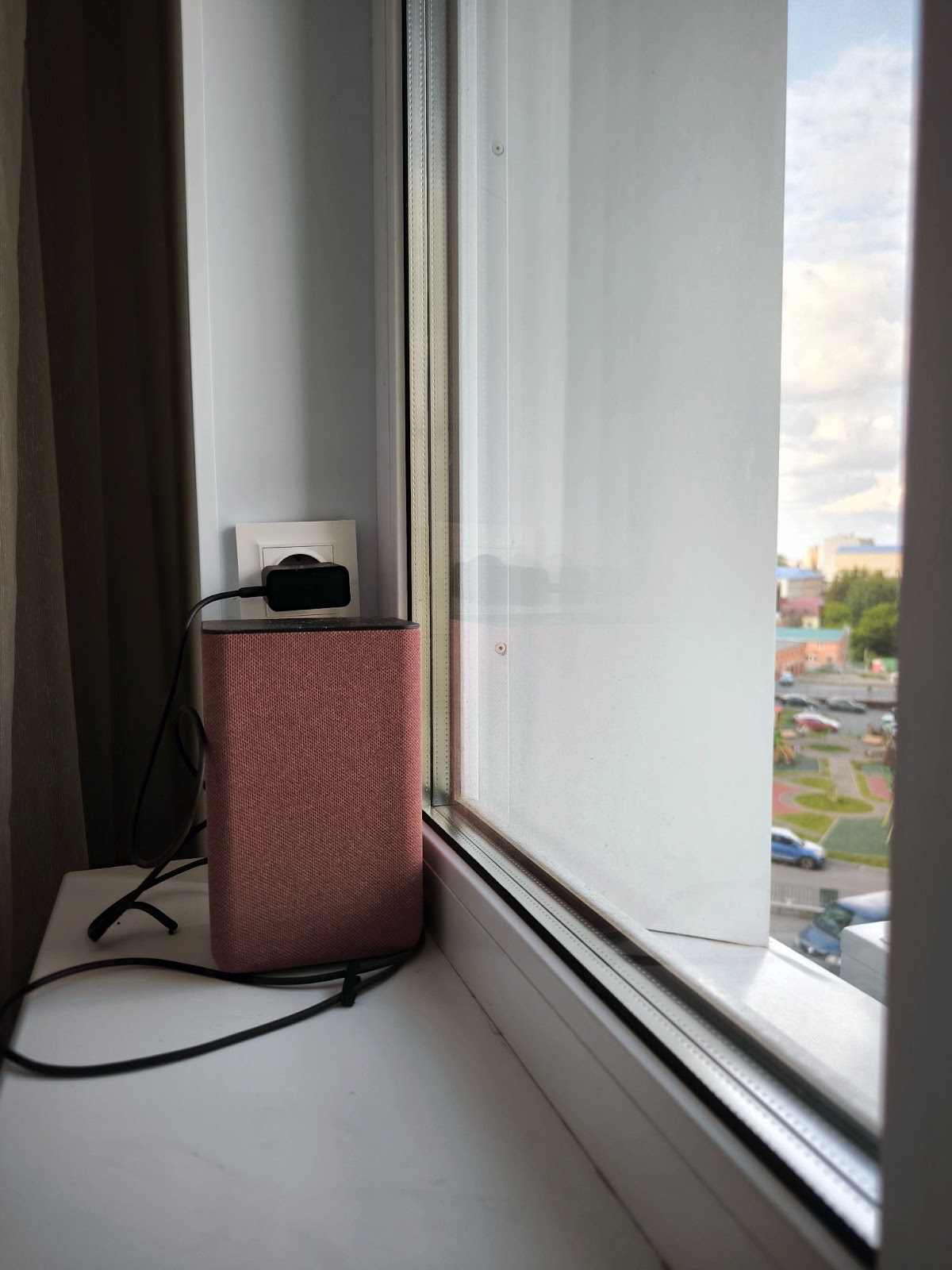
Voice control through Alice was planned from the start. Alice is especially convenient when you're already in bed and remember you forgot something: turn off the light, close the window, or lock the door. No need to get up — just say it and the command executes. The speakers are distributed across rooms, each tied to its zone.
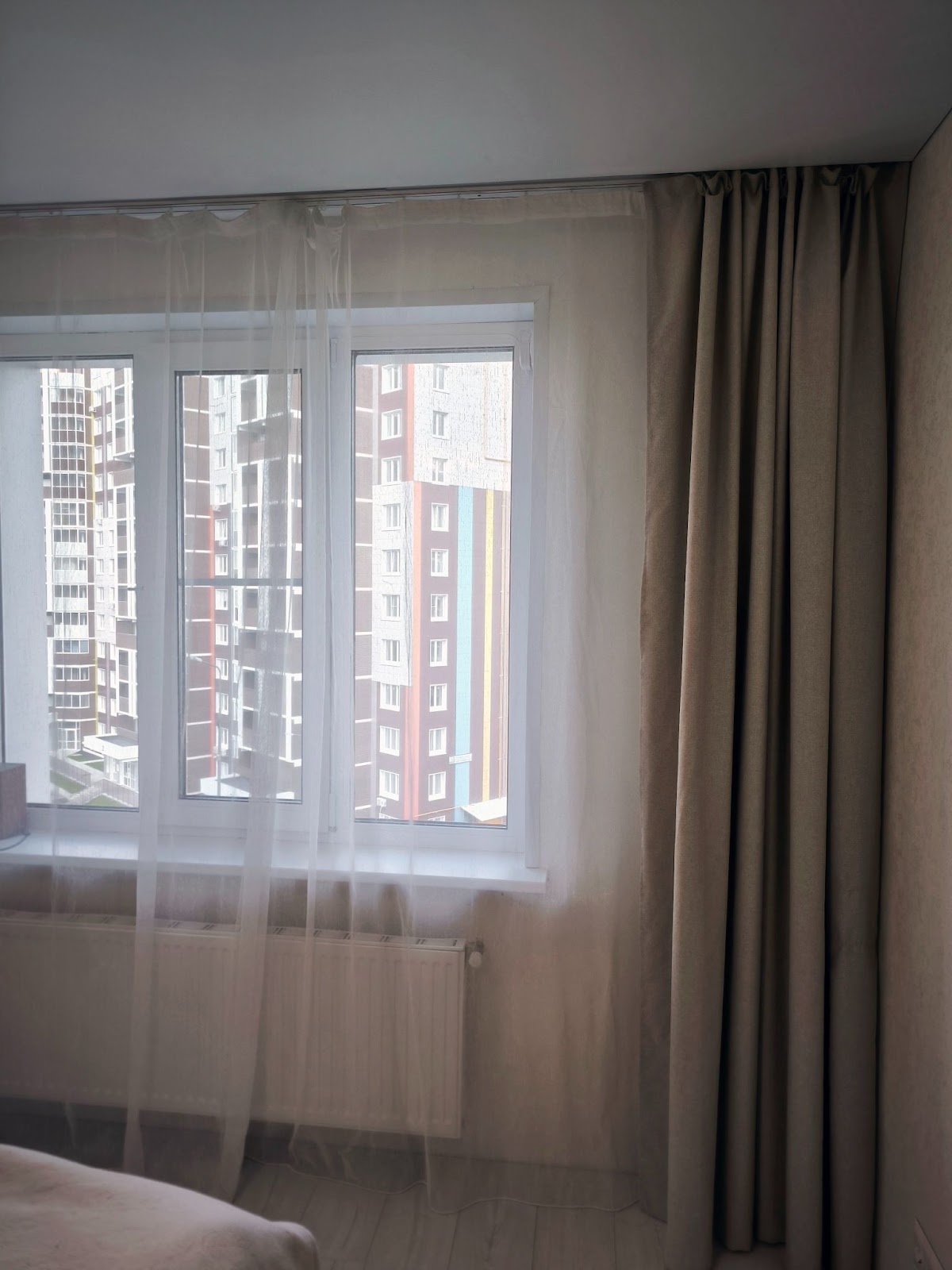
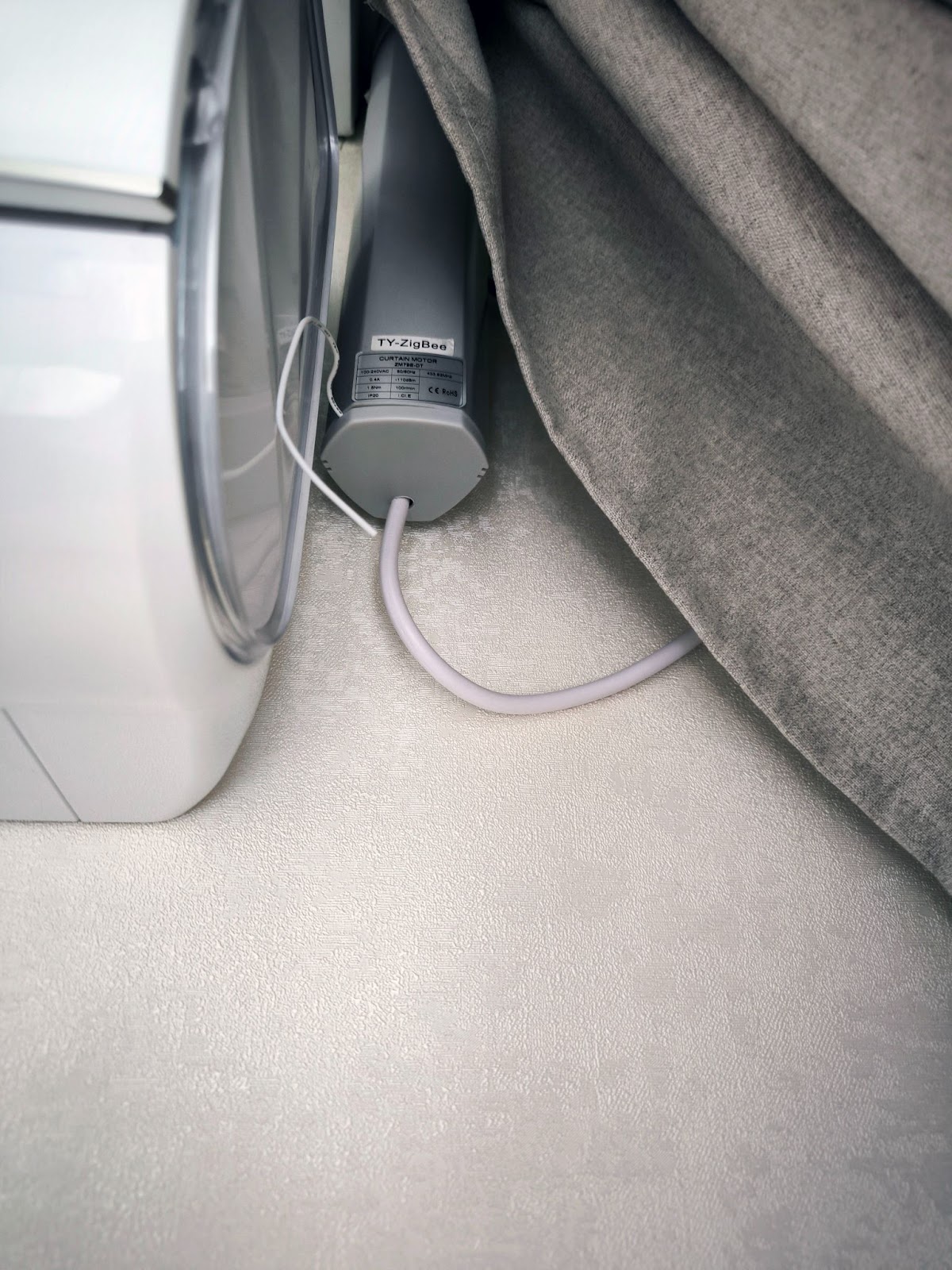
Automatic curtain control also proved useful. In the morning they open on their own, in the evening they close. It's simple timer-based automation, but the effect is immediate: waking up is easier, especially in summer when the sun rises at 3 AM.
Light brightness adjustment by time of day wasn't something I initially planned — it seemed like a minor thing. But it really clicked. In the evening, the lighting becomes soft and doesn't blind you. Especially convenient in the hallway and bathroom: at night, what comes on isn't bright light but a dimmed glow.
By the way, it was precisely because of time-based brightness adjustment that I had to install Sprut.Hub and handle dimming through it. In Home Assistant, when you change a light fixture's brightness level, it turns on. This is a known and documented problem. In Sprut.Hub, you can change brightness without turning on the fixture.
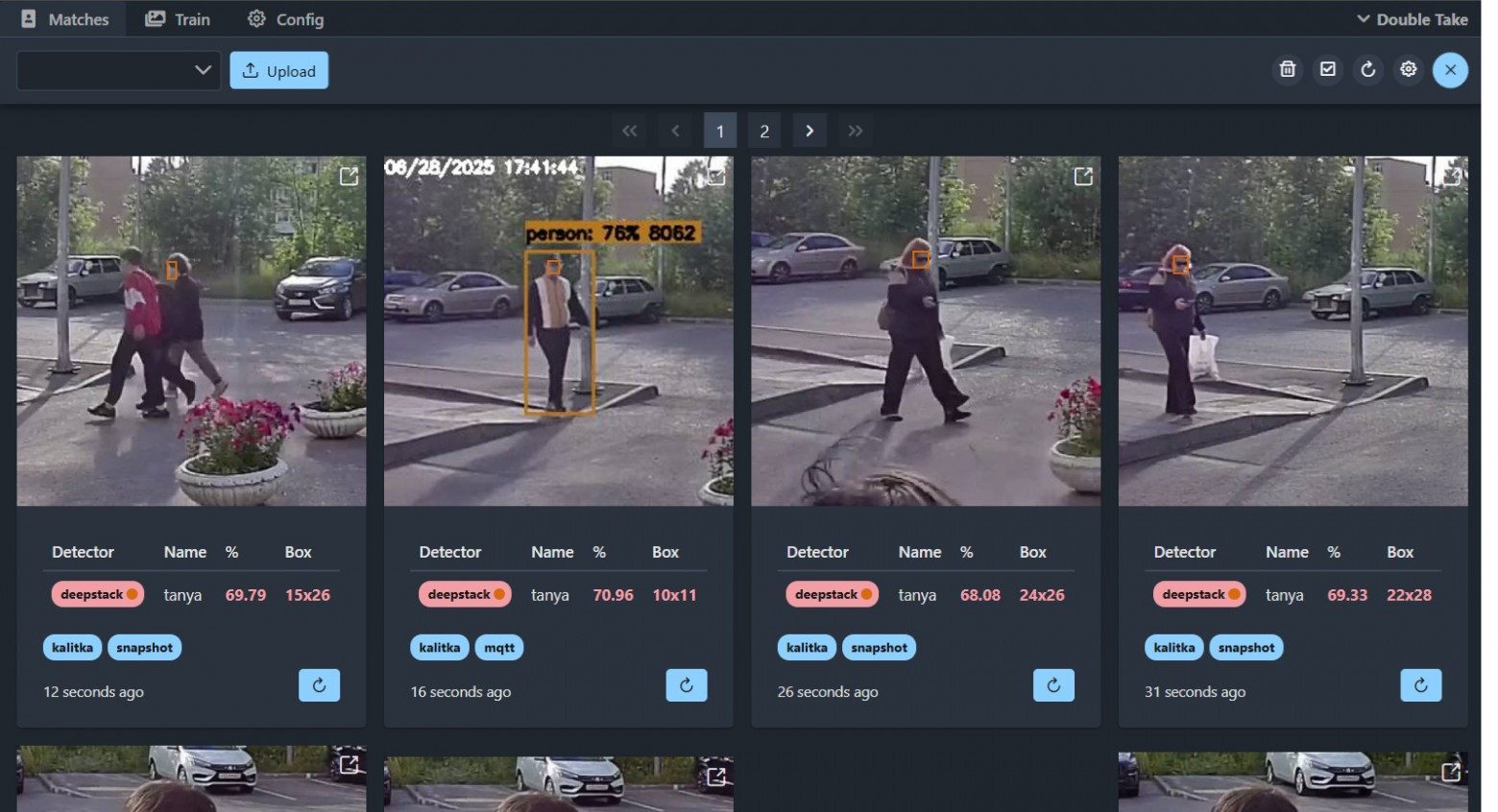
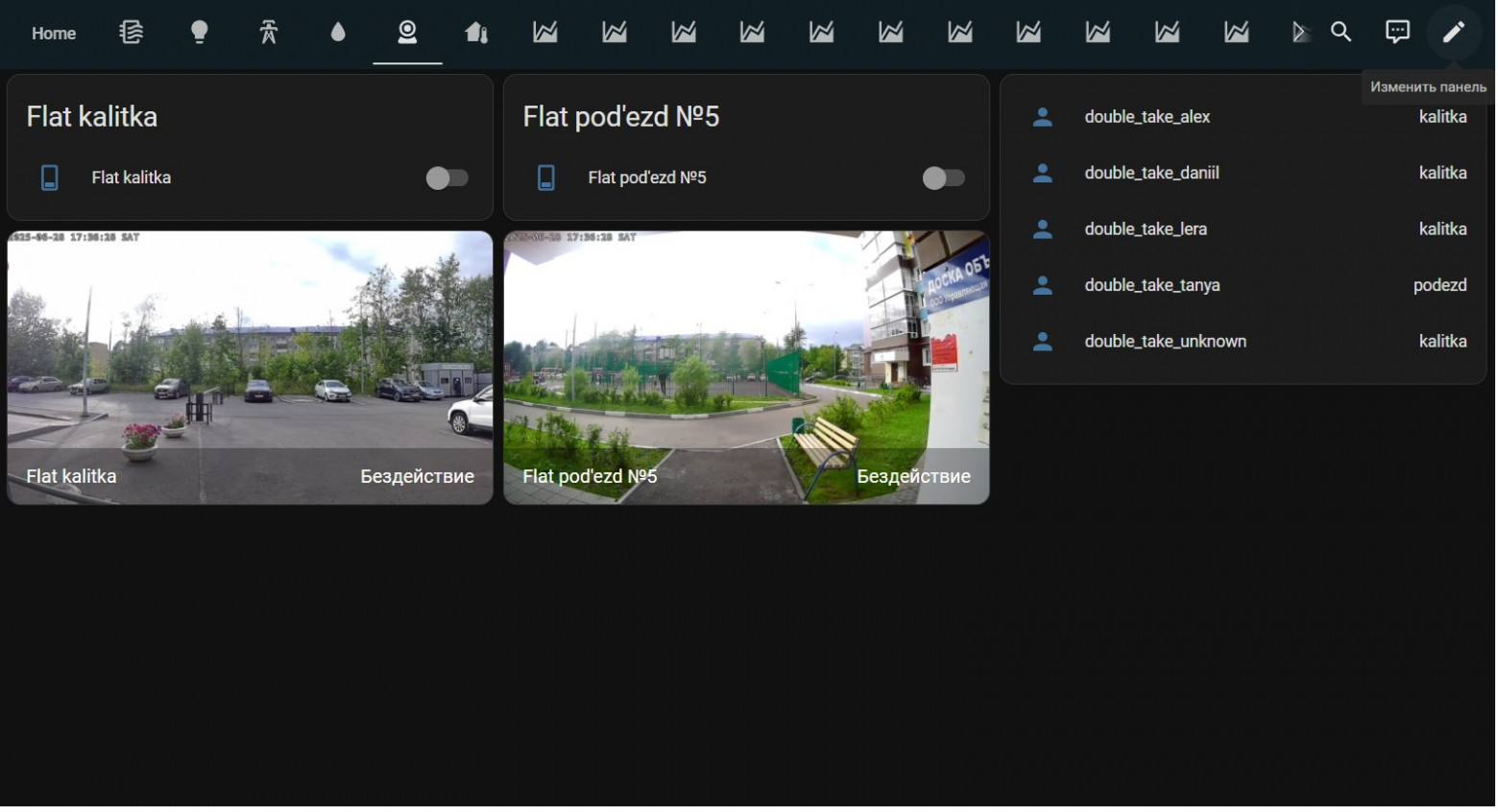
Intercom integration with Home Assistant was a separate victory. Through the "Rostelecom Key" gateway and a third-party HA component, I can now open the gate or entrance door directly from Home Assistant or even by voice through Alice. The system now recognizes family members by face, thanks to an AI accelerator.
Additional photos
Keypad lock on the door is also part of the smart home. It's integrated into the system and controlled by voice: you can just say "Alice, lock the door" — and it's done. Conveniently, you can set temporary codes — for example, for the cleaning service.
Water leak monitoring is a simple but important part of the system. I installed wired sensors in the bathroom, toilet, under the kitchen sink, and by the washing machine. They're connected directly to a WB-MWAC v.2 module — no radio channels or batteries, so everything triggers instantly.
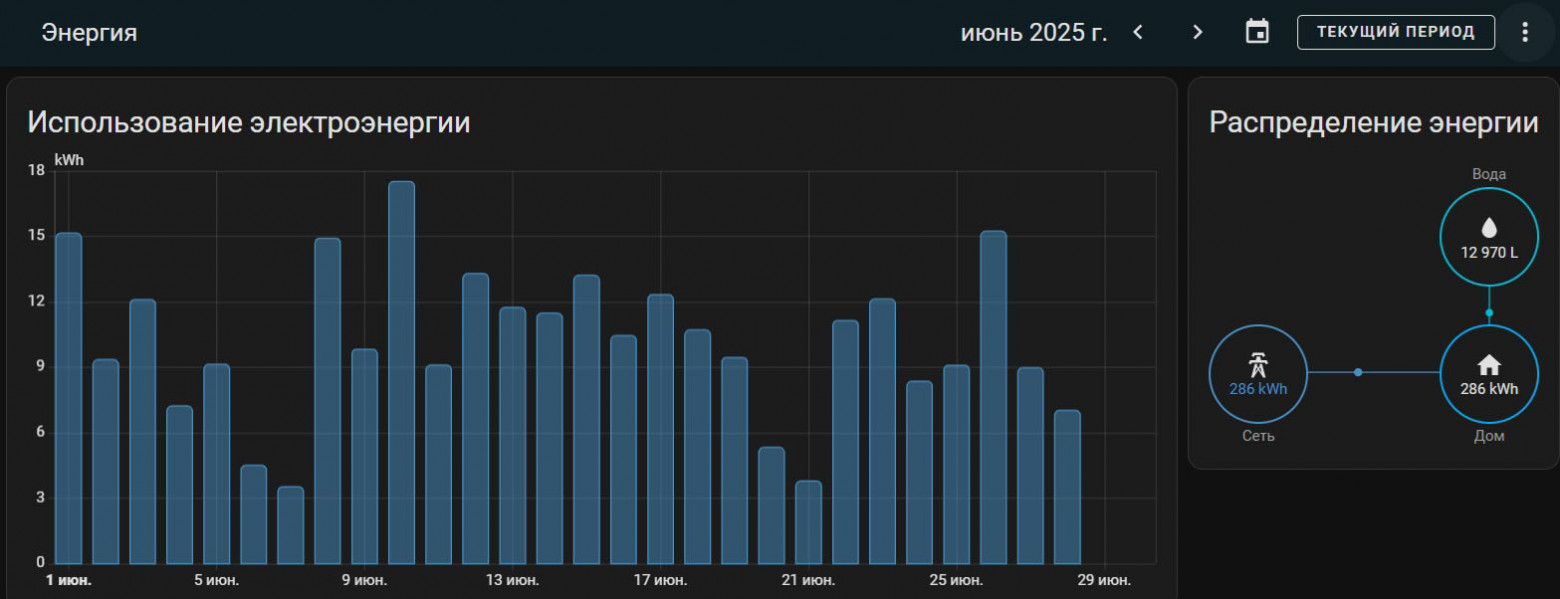
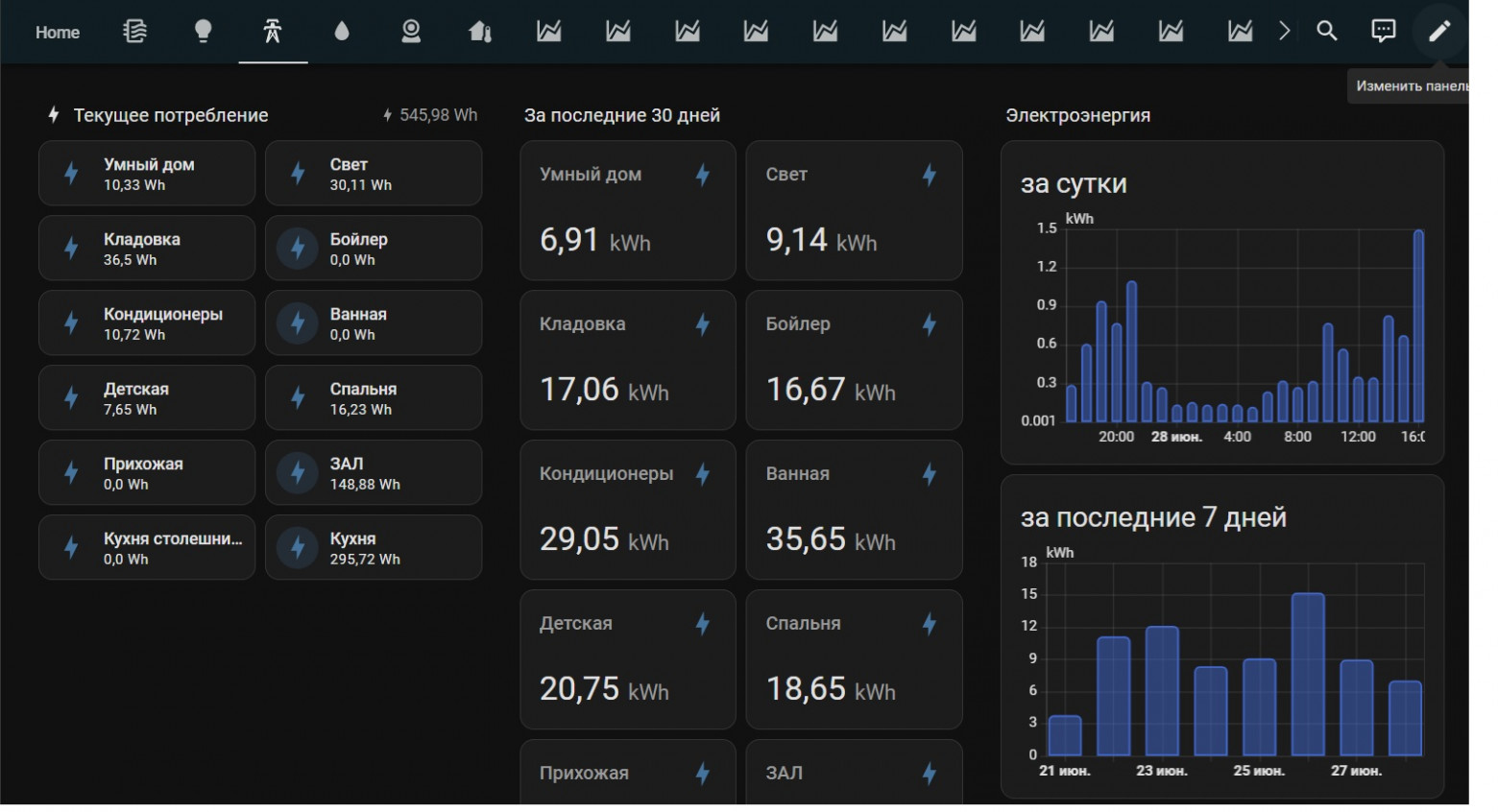
Energy monitoring is something I didn't seriously think about at first. Until the first "hefty" electricity bill arrived. I installed two WB-MAP6S meters on the main consumer groups. Turns out the ordinary boiler, water heater, and refrigerator are the biggest "energy hogs" since they run many hours a day. Just being able to see consumption already makes you more conscious about energy use.
Additional photos
Multimedia control I also tried, with caveats. TVs running Android are practically uncontrollable. Samsung is a completely different story — I have a 2018 TV in the kitchen with Samsung SmartThings support. I taught Alice to turn it on, select channels, and change volume.
Additional photos
What's in the Automation Panel
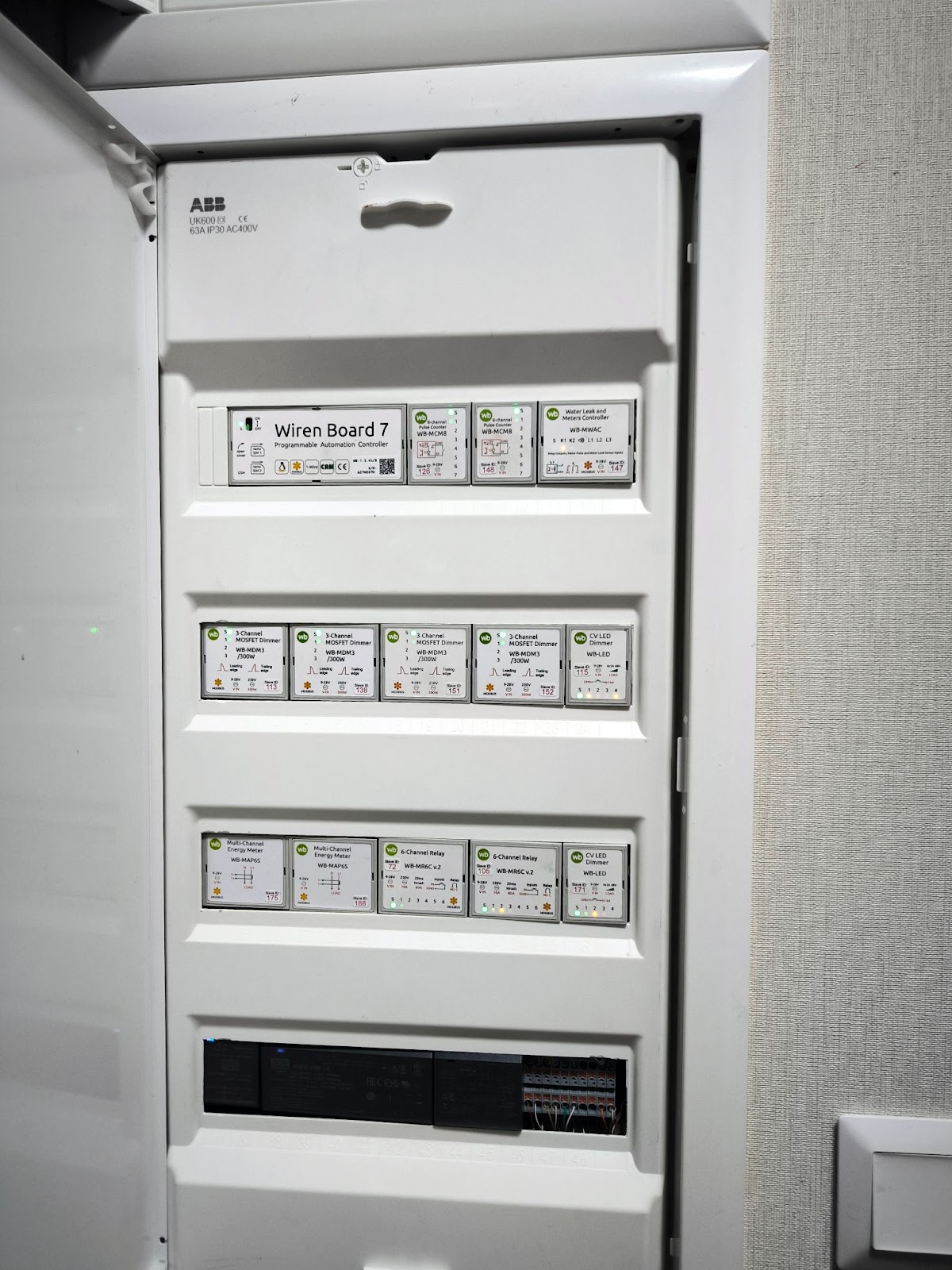
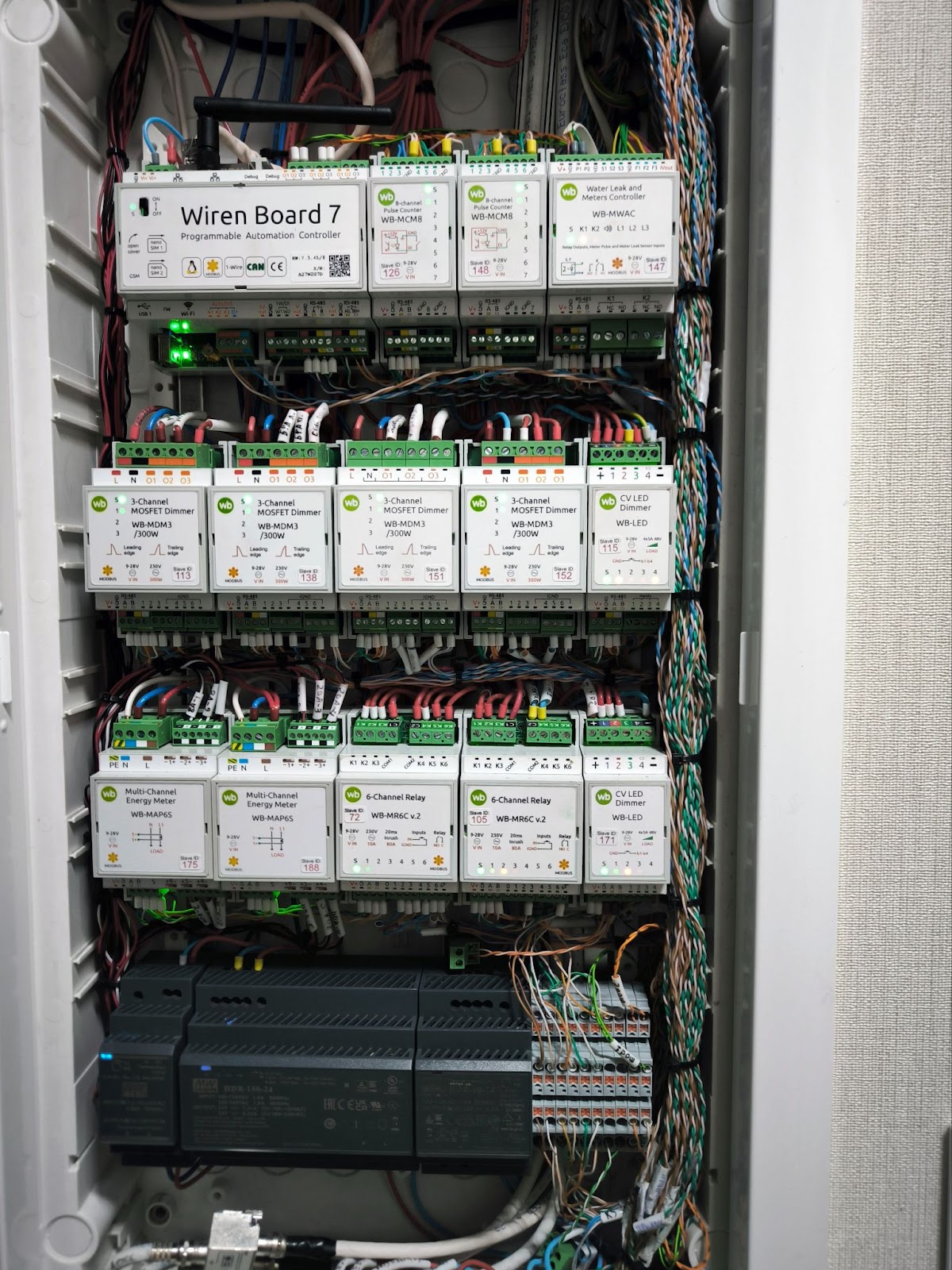
Here's what I have in the panel:
- Wiren Board 7 automation controller. Manages the smart home. For Zigbee support, the controller has a Sprut.stick ZigBee module inserted.
- WB-MR6C v.2 — relay modules for controlling lights and exhaust fans.
- WB-MCM8 — discrete input modules for switches.
- WB-LED and WB-MDM3 — dimmers for light fixtures and LED strips.
- WB-MAP6S — energy meters.
- WB-MWAC v.2 — leak protection module.
My smart home control is split into two systems. The main controller is Wiren Board, with relay modules, buttons, and sensors connected to it. Sprut.Hub runs on it for dimming scenarios. The main automation scenarios are written in wb-rules. The Drivent window drives are also connected through the Wiren Board controller via Zigbee.
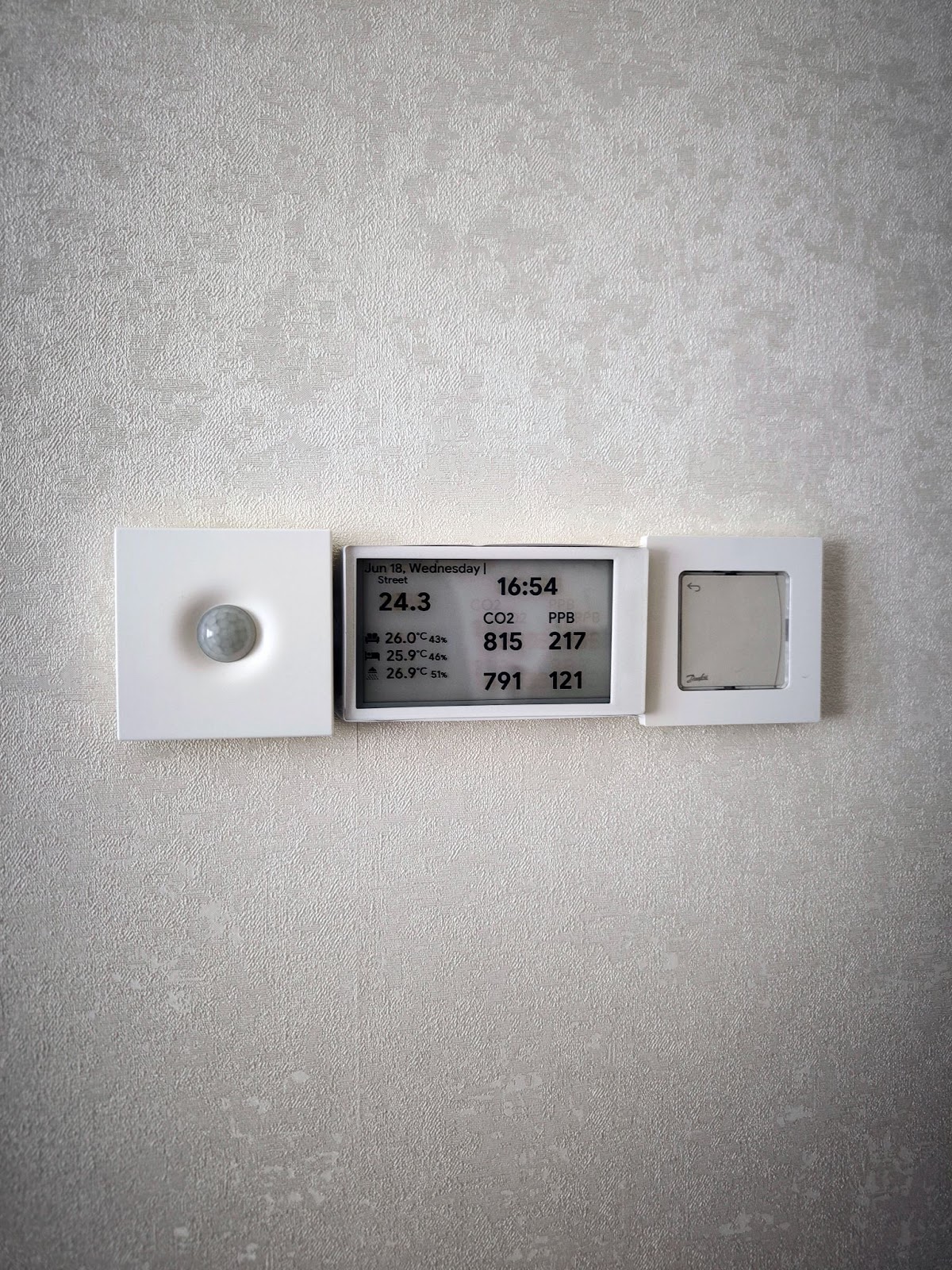
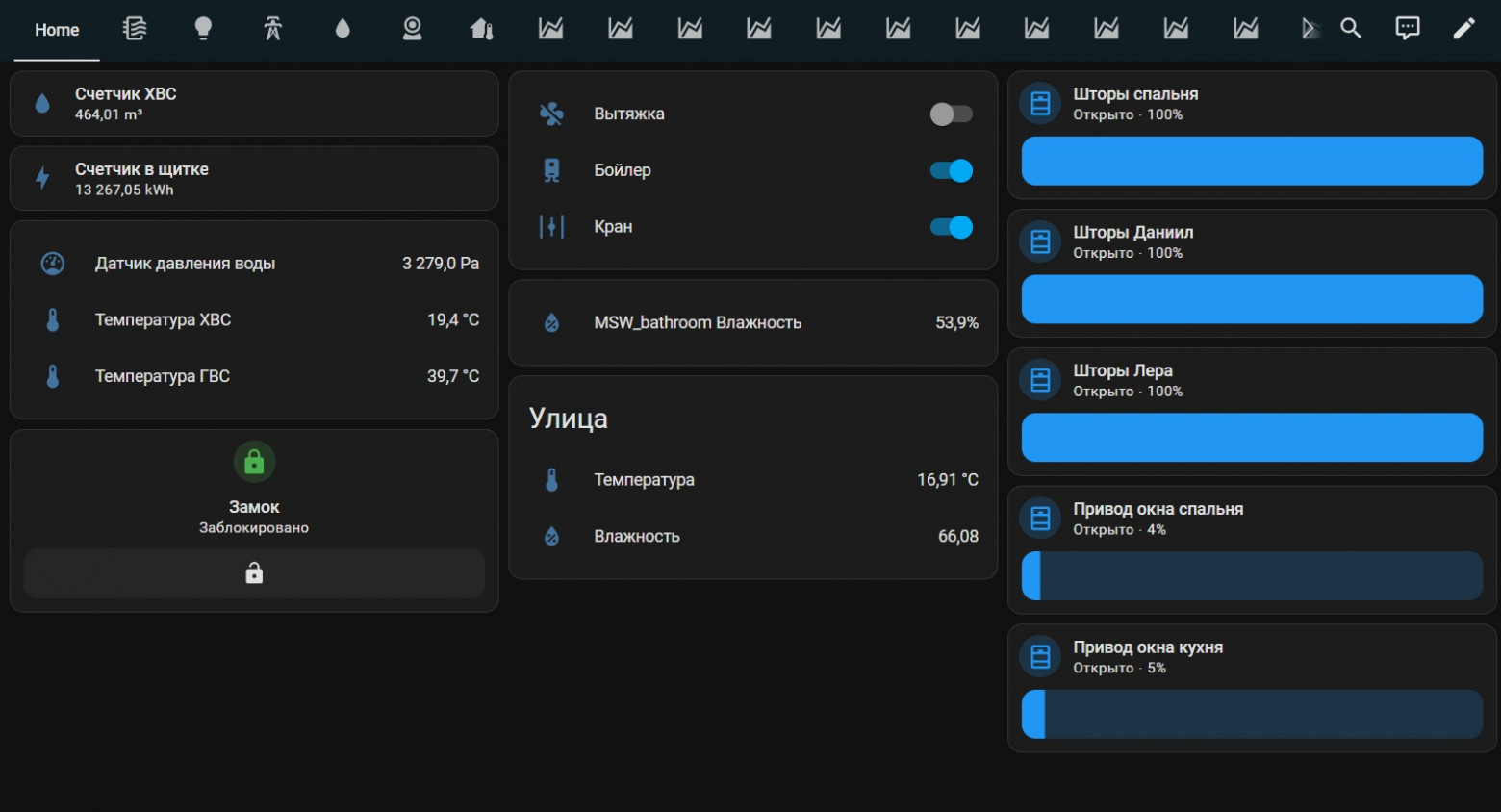
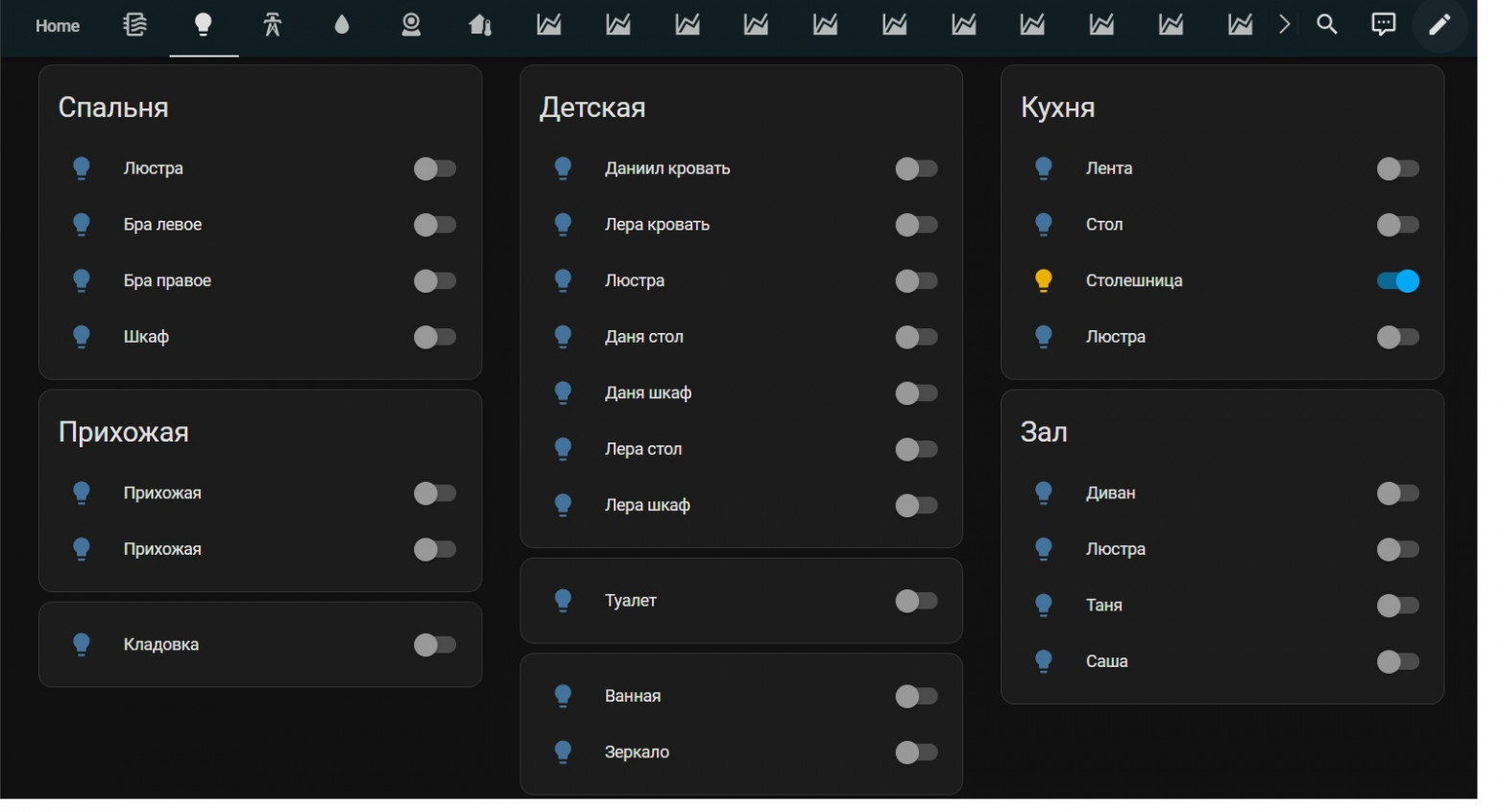
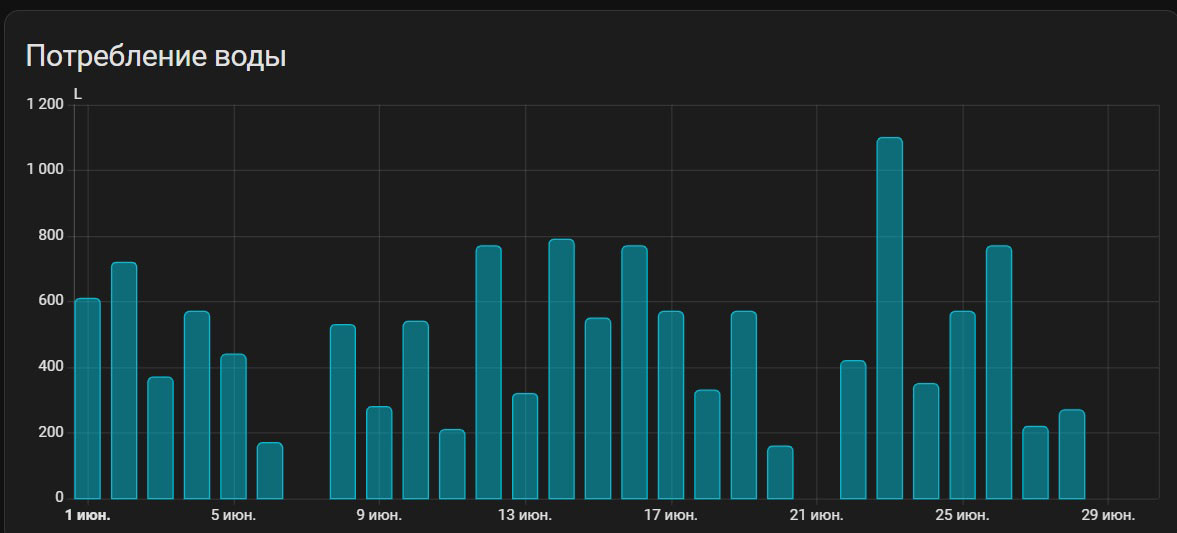
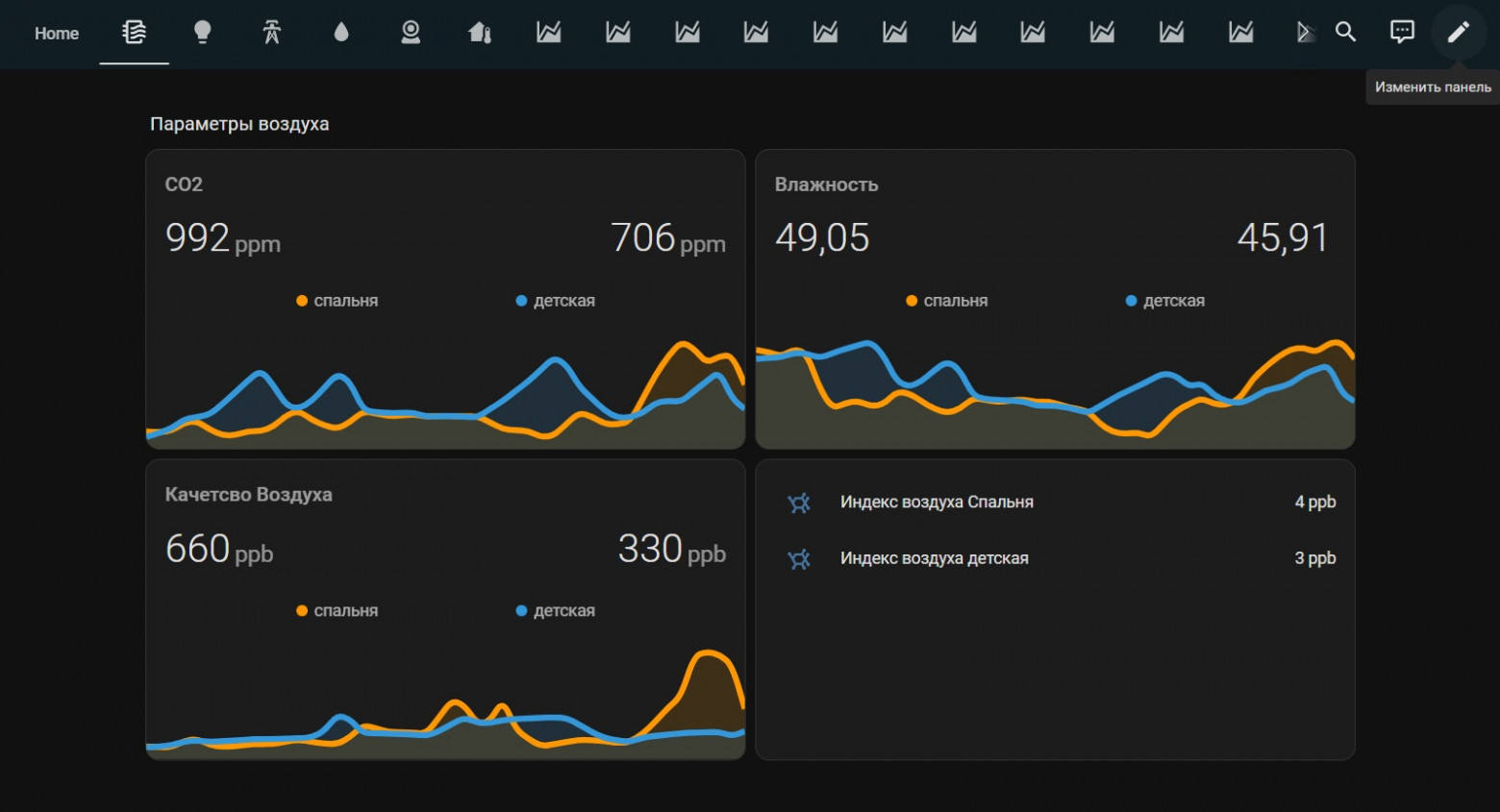
Alongside the controller, I run Home Assistant inside a Proxmox server. It's a full virtualized environment running not just HA but also a torrent client, file server, media server, and video recorder. Through Home Assistant, I have voice assistants integrated (Yandex and HomeKit), plus the intercom, Drivent window drives, and Danfoss Icon heating controller are connected.
The result is a hybrid: all critical automation stays local and fast (Wiren Board), while everything pretty and cloud-based is in HA. Communication between the two systems is via MQTT.
Additional photos


A Bit About Climate
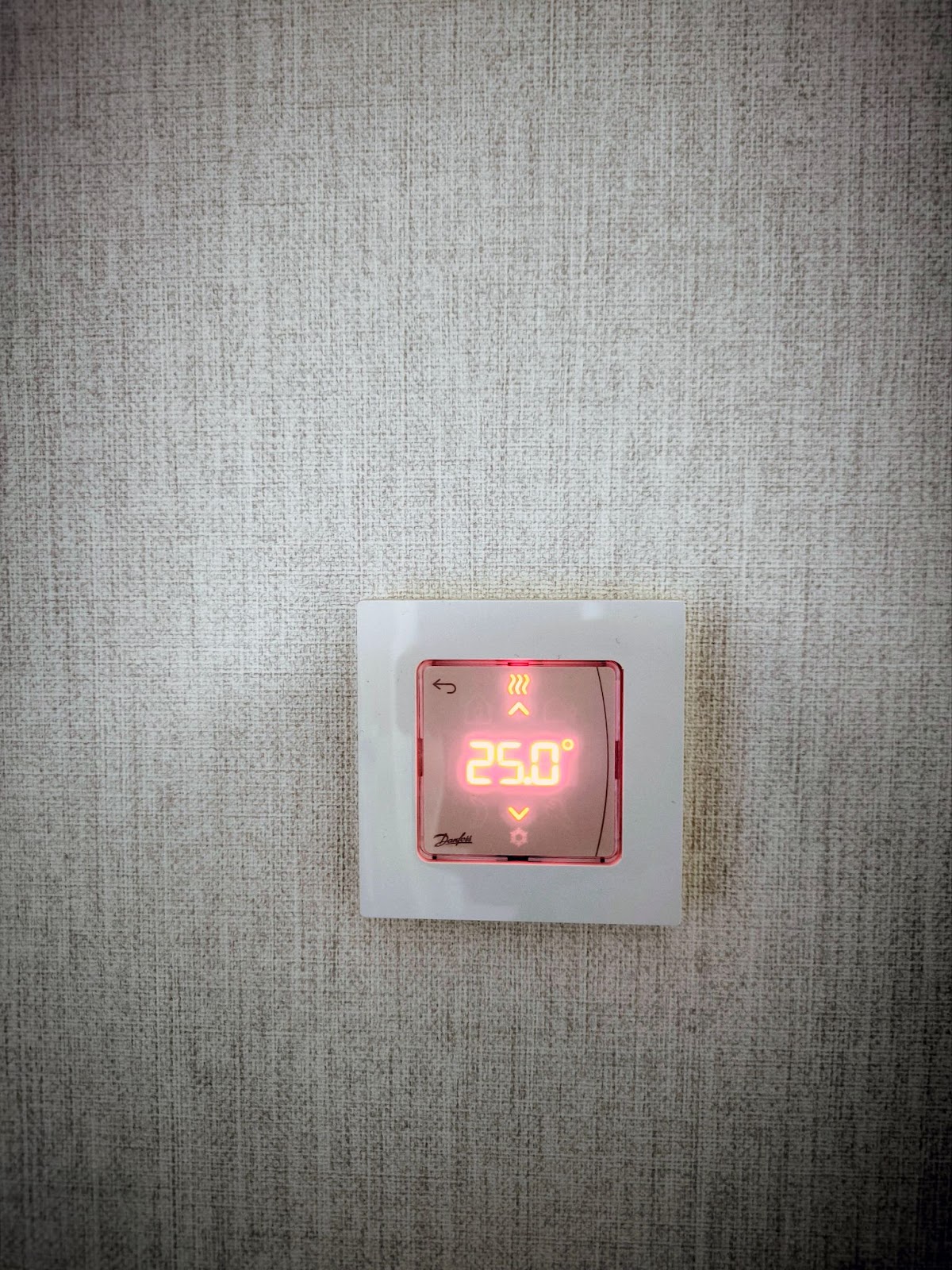
The apartment's heating is managed by Danfoss Icon — a wired system with wall thermostats and a controller in its own panel. It controls thermoelectric actuators on heating devices and regulates temperature by room. I have water heating from a gas boiler, with in-floor hydronic heating and radiators in the rooms.
Icon operates autonomously, but there's integration with Home Assistant. However, I don't see a real need for it. You won't be adjusting your heating system every day. You set the setpoint on the thermostats in each room once — and you live with it.
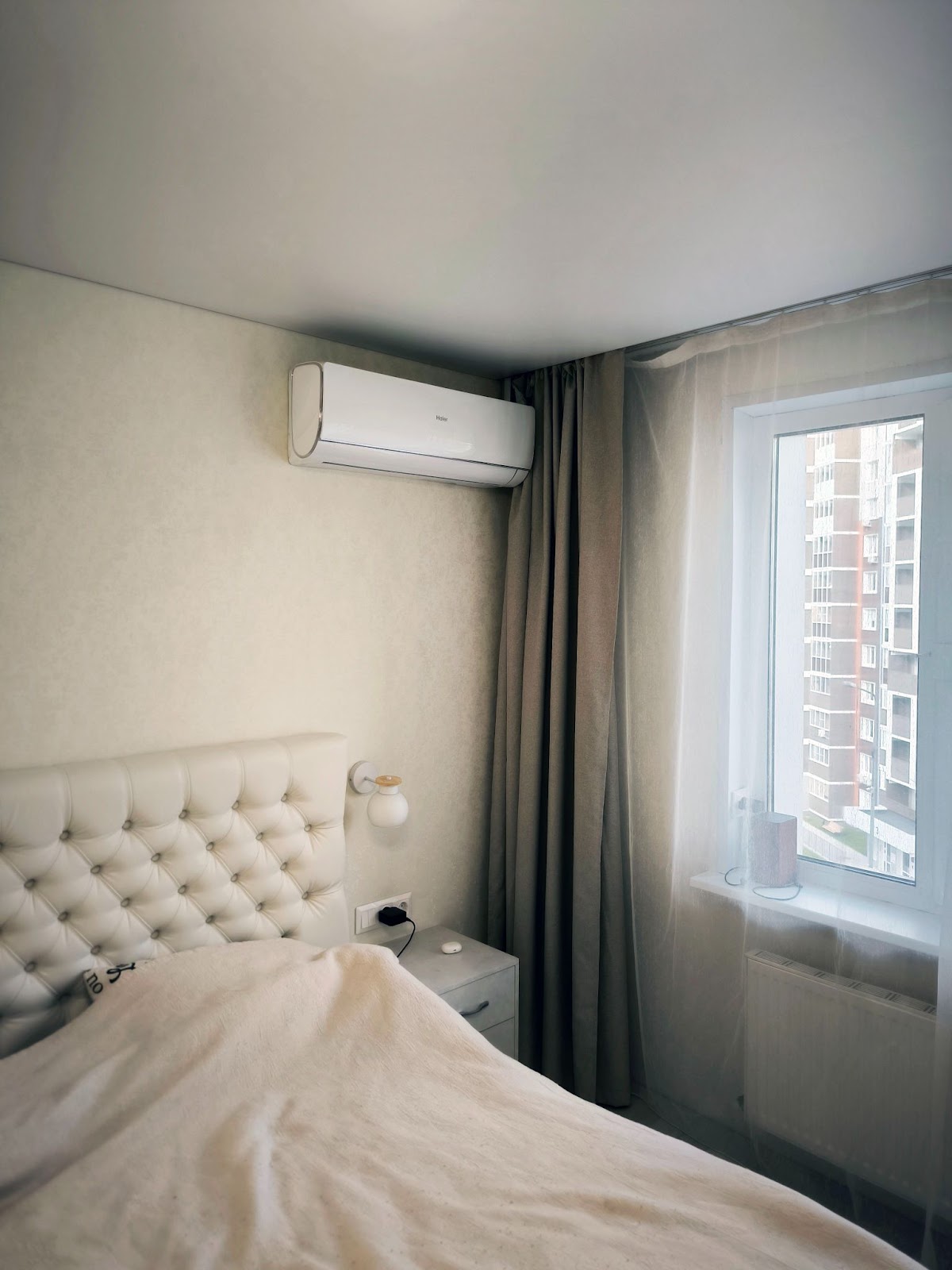
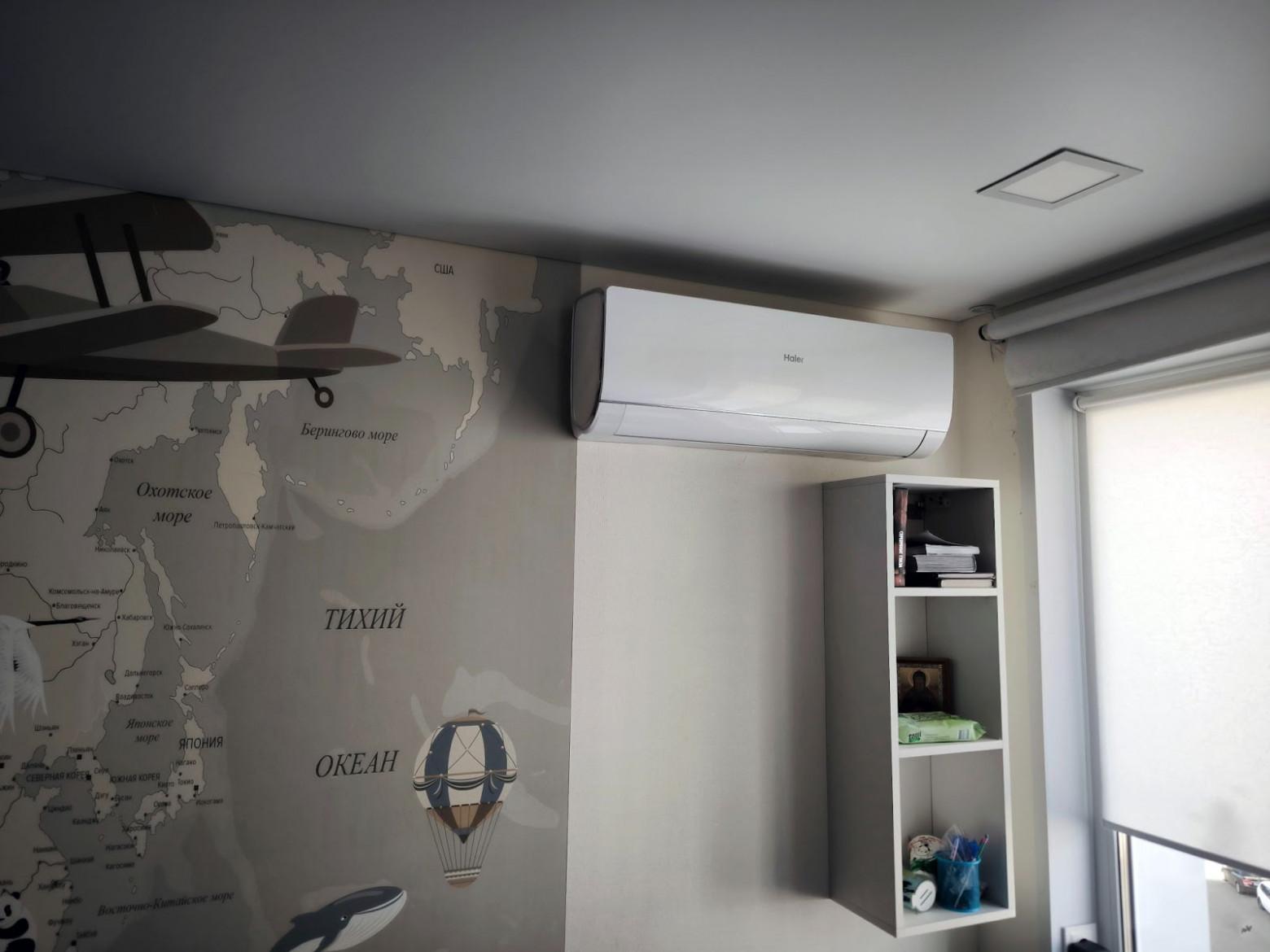
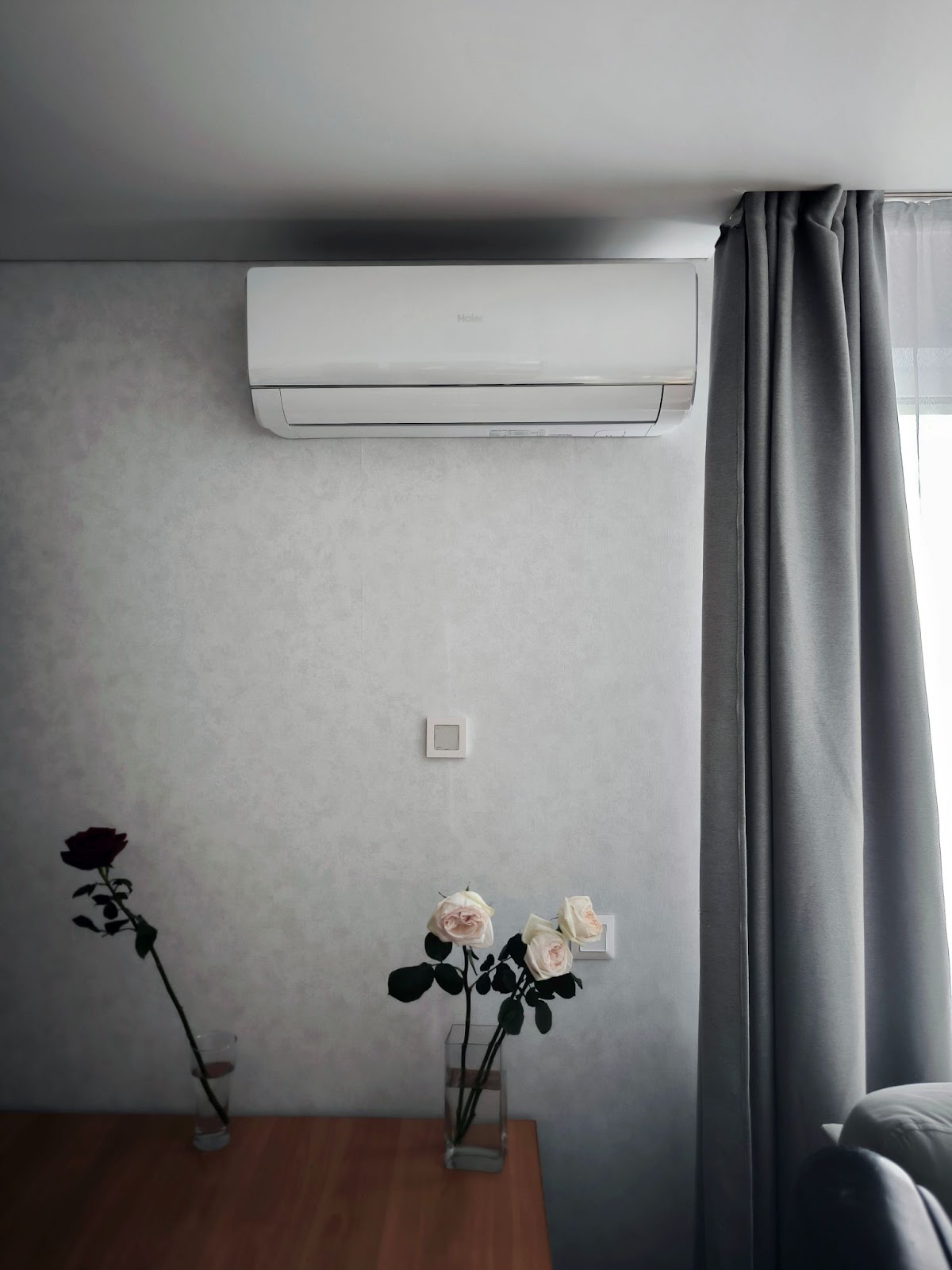
The Haier air conditioners are connected to the smart home through Cool.stick — a proprietary Zigbee module from Sprut.Hub. It plugs directly into the air conditioner's USB port and controls it directly — not via IR, but through Haier's internal protocol. This provides full integration: you can turn on, change mode, change temperature, get feedback. Everything works locally, without the cloud.
A Bit About Networking
At the head of the network is a MikroTik hEX, with a CAP AC XL access point. I offloaded Wi-Fi as much as possible: only consumer devices connect to it — phones, tablets, Alice speakers. Smart home devices aren't tied to Wi-Fi. The main automation runs over wires.
Every TV, workstation, set-top box, and printer has a dedicated Ethernet cable. A 16-port switch handles this. The most important equipment — the Wiren Board controller, access point, mini-server — connects directly to the MikroTik.
Outside, there's a VPN configured — WireGuard on a VPS. Through another VPN tunnel, I get access to all the home infrastructure, including Home Assistant, from anywhere.
Why Good Automation Is the Kind You Forget About
I rebuilt my smart home five times, and I'll do it a sixth. Not because something didn't work — on the contrary. Everything worked. Sometimes even too well. But over time, I understood one simple thing: automation shouldn't be noticeable. It shouldn't remind you of itself, shouldn't demand attention, and certainly shouldn't be annoying.
I deleted scenarios I'd invented "for the future." Disabled ones that interfered more than they helped. Reconfigured, changed, threw out. And ultimately, I kept only what works on its own — stably, clearly, and transparently.
A good scenario isn't one that "accounts for everything." It's one you forgot about but use every day.
You don't have to connect everything. I, for example, never automated window opening, even though I installed drives there. Because I understand: opening a window is a decision, not a sensor reaction.
Right now, the apartment has dozens of sensors, a controller, modules, voice control, light on schedules and motion sensors, button scenarios. But if a guest comes over — they won't realize they're in a "smart home." Everything works as you'd expect: it turns on when needed, requires no instructions. That, perhaps, is the main criterion of a successful system. I follow the principle: even a child — literally or figuratively — should immediately understand how to interact with the home. No asking, no thinking, no guessing. Just living. A smart home shouldn't be noticeable. It should be intuitive.



