How I Baked a Graphics Card in the Oven
A story of reviving a dead graphics card by baking it in a kitchen oven at 200-220°C — a desperate but surprisingly successful reflow soldering attempt.
Hello, Habr community. I want to tell you a short story about a dish I cooked literally a couple of hours ago. I'm still in a state of shock, because I never expected a successful outcome. It's all about a friend's dead graphics card and a successful attempt to revive it by baking it in the oven.
Careful, lots of photos below!
At the end of last week, a friend called me and complained that his computer starts up but the monitor won't turn on. I asked him to count the number of beeps that the BIOS makes during the hardware test, since I assumed that before calling me, the person had already checked whether the monitor was plugged in, and hadn't accidentally plugged the monitor cable into the wrong port or hole (it happens). To which I received the confident answer: "The computer beeps — 1 long and 8 short." Without much thought, I found the signal table for his AMI BIOS. I don't think I was very surprised at which device the BIOS was complaining about — the graphics card.
I hurried to tell my friend. After that, I got ready and went to his place to take a look at the graphics card myself.
Disappointment
I want to point out that I'm far from being a hardware specialist — my knowledge ends where electronics begins. Sure, I have some basic understanding, but nothing substantial.
After seeing and inspecting the graphics card, we found no burn marks, leaks, or traces of damage. Cleaning the contacts didn't help. We were already a bit angry at the annoying beep combination constantly bursting from the system speaker. My friend was upset, I was tired, but I didn't want to give up. I took the system unit and monitor home and continued my attempts to resurrect the graphics card. In vain.
Hope Dies Last
I'll repeat — I understand very little about electronics, soldering irons, and circuit boards. But the desire to help a friend prevailed. I didn't stop searching for a solution. And then, completely by accident, I stumbled upon a thread on an overclocking forum where people shared their knowledge and experiences of "baking" their dead processors in an oven, after which they started working again.
I got very curious — there was nothing to lose, since the cost of repairing the graphics card was close to its price in the store. I read through it carefully. Found a couple more forums discussing similar topics. Later, I even found an article discussing "cooking" a graphics card in an oven — and I decided to go for it!
How It Went, or: A Recipe for Preparation
Note: if you decide to attempt something like this, you must understand that you'll be doing it at your own risk. I had no other options left, and I had nothing to lose!
You will need:
- An understanding that this method might not work
- A graphics card (preferably a damaged one)
- An oven capable of reaching 200–220 degrees Celsius
- A screwdriver to remove the cooling system (though some prefer a hammer)
- Strong nerves (if it's your first time)
Once you have all the "ingredients," follow the instructions below.
Take the non-working graphics card.
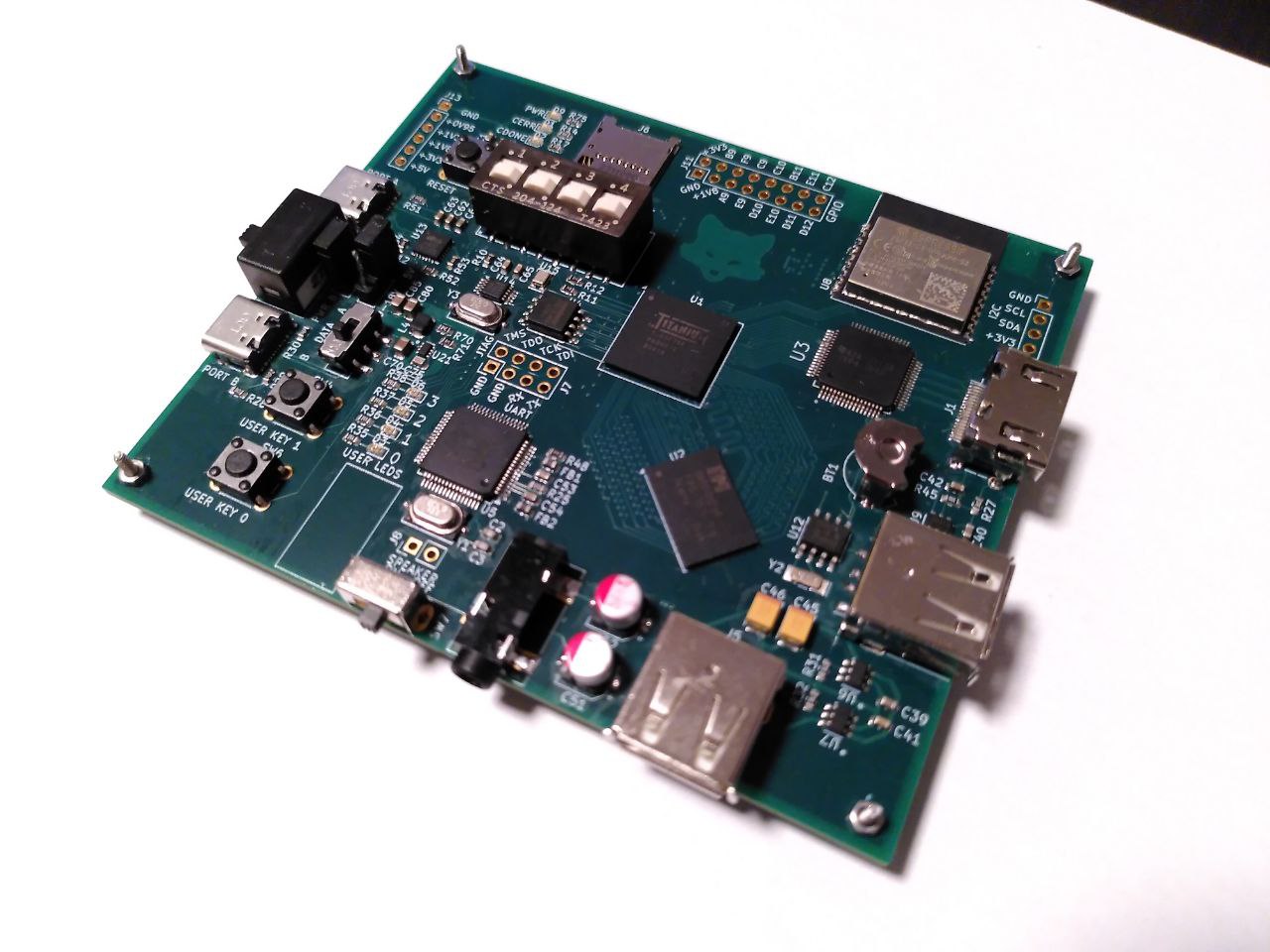
Remove the cooling system.
Whether to leave or remove the thermal paste — I didn't find a definitive answer, so I decided to remove it.
Unscrew everything that might get in the way in the oven.
Take one last look at our "dish" in its fully disassembled state.
Wrap a bit of foil around the components that don't tolerate high temperatures well.
And start placing it on the baking tray.
Put the baking tray in the oven and set the temperature to 200–220 degrees Celsius. As I understood, you shouldn't exceed the 250-degree temperature limit, and temperatures below 200 may not melt the solder where needed. Essentially, at this temperature, the small components get re-soldered. If you don't keep the graphics card in the oven for too long, the process should complete successfully.
I tried to gradually raise the temperature so as not to damage the chip, and after the entire procedure, carefully lower the temperature the same way. I kept the card at peak temperature for only about two minutes. The entire baking process took around 10–13 minutes. After that, you can take out the rather hot baking tray and let the graphics card cool down in the open air — which by that time was already filled with cigarette smoke from nervous onlookers watching the process.
After all the horror and anxiety I went through during those agonizingly long 10–13 minutes, all that remained was to apply a layer of thermal paste to the GPU chip and put it back together!
Conclusion
My hands were shaking, my legs weren't listening, but the graphics card was done and smelled delicious. My nerves were frayed and hope was fading, but after pressing the Power button, I heard nothing but a soothing single beep telling me the graphics card was working. The monitor turned on. Hats flew into the sky, a smile appeared, the sun came out. The world came alive around me. It was an excellent reward for such a nerve-wracking yet undoubtedly invaluable experience.
I hope you enjoyed this short story. If something's off, don't be too harsh — this is my first post on the site.
UPD. Thanks for the karma — moved to the Hardware blog.



