Fallout Terminal: Robotron 1715M, or the East German Answer to Vault-Tec
A deep dive into the Robotron 1715M, a vintage East German computer from the 1980s with a Z80-clone processor, exploring its hardware, software, character encoding quirks, retro gaming, and using it as a modern Linux terminal via serial connection.
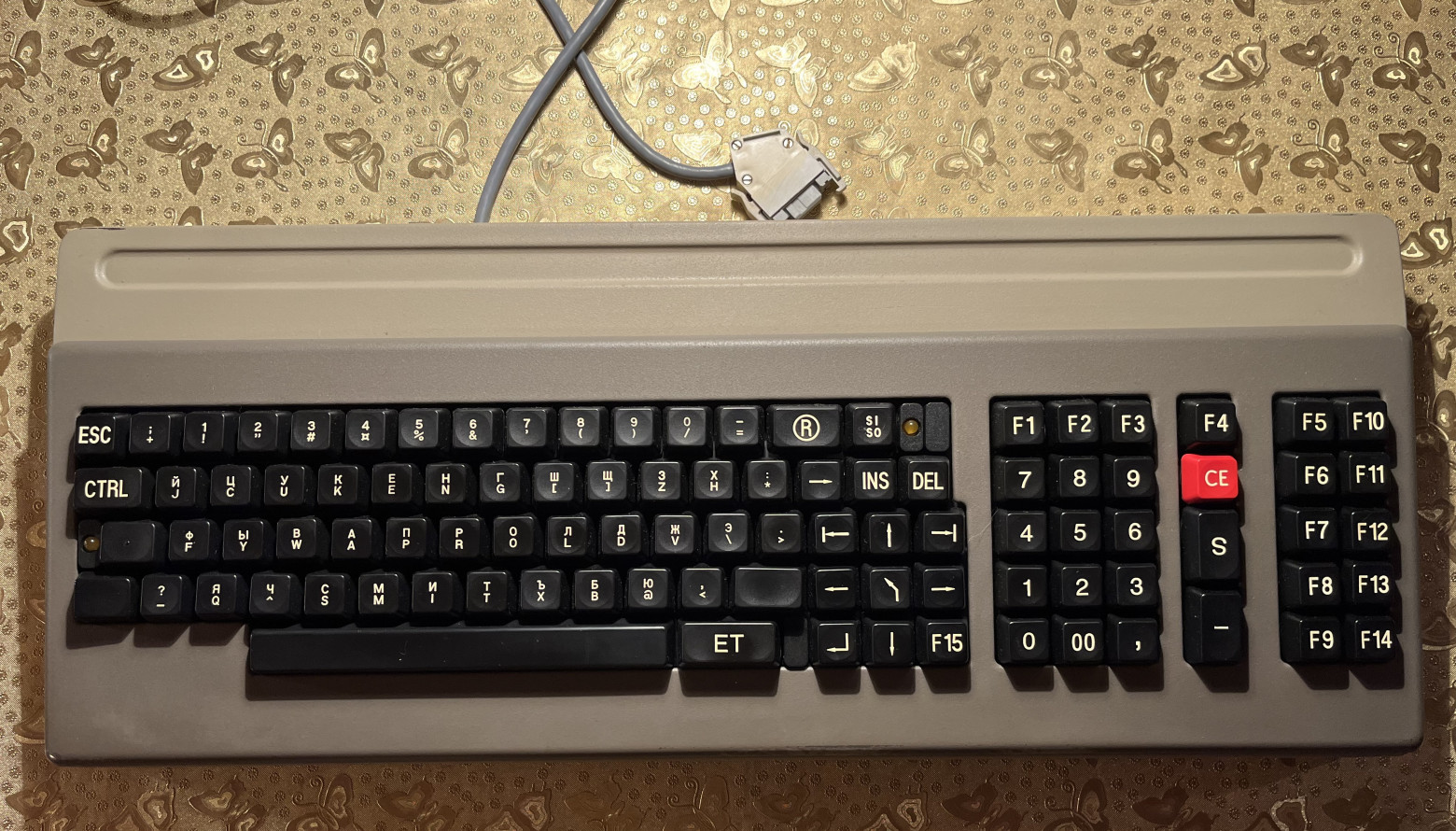
I've always loved the aesthetic of old computers — the chunky keyboards, green phosphor monitors, and that unmistakable mechanical feel. When I got my hands on a Robotron 1715M, an East German computer from the 1980s, I realized I was holding something that looked like it came straight out of the Fallout video game series. This is the story of exploring its hardware, software, and connecting it to the modern world.
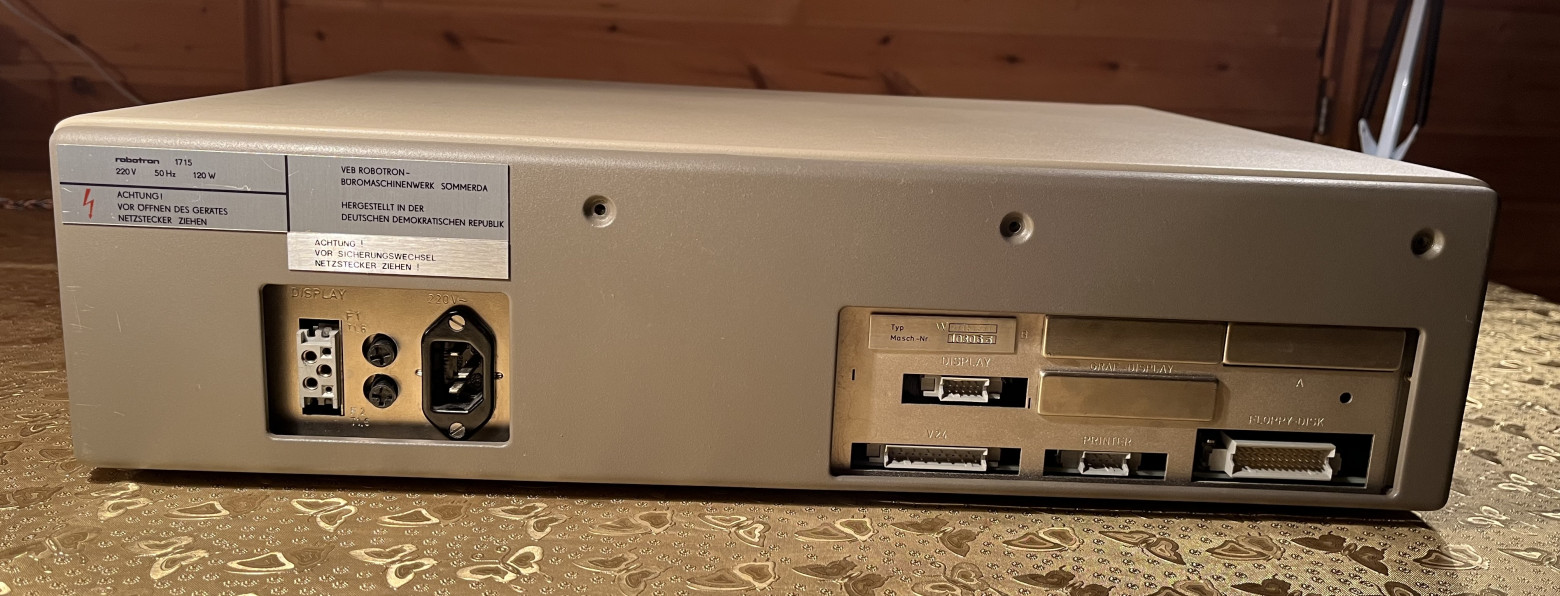
Hardware Specifications
The Robotron 1715M is a serious piece of engineering from the German Democratic Republic. Here are the specs:
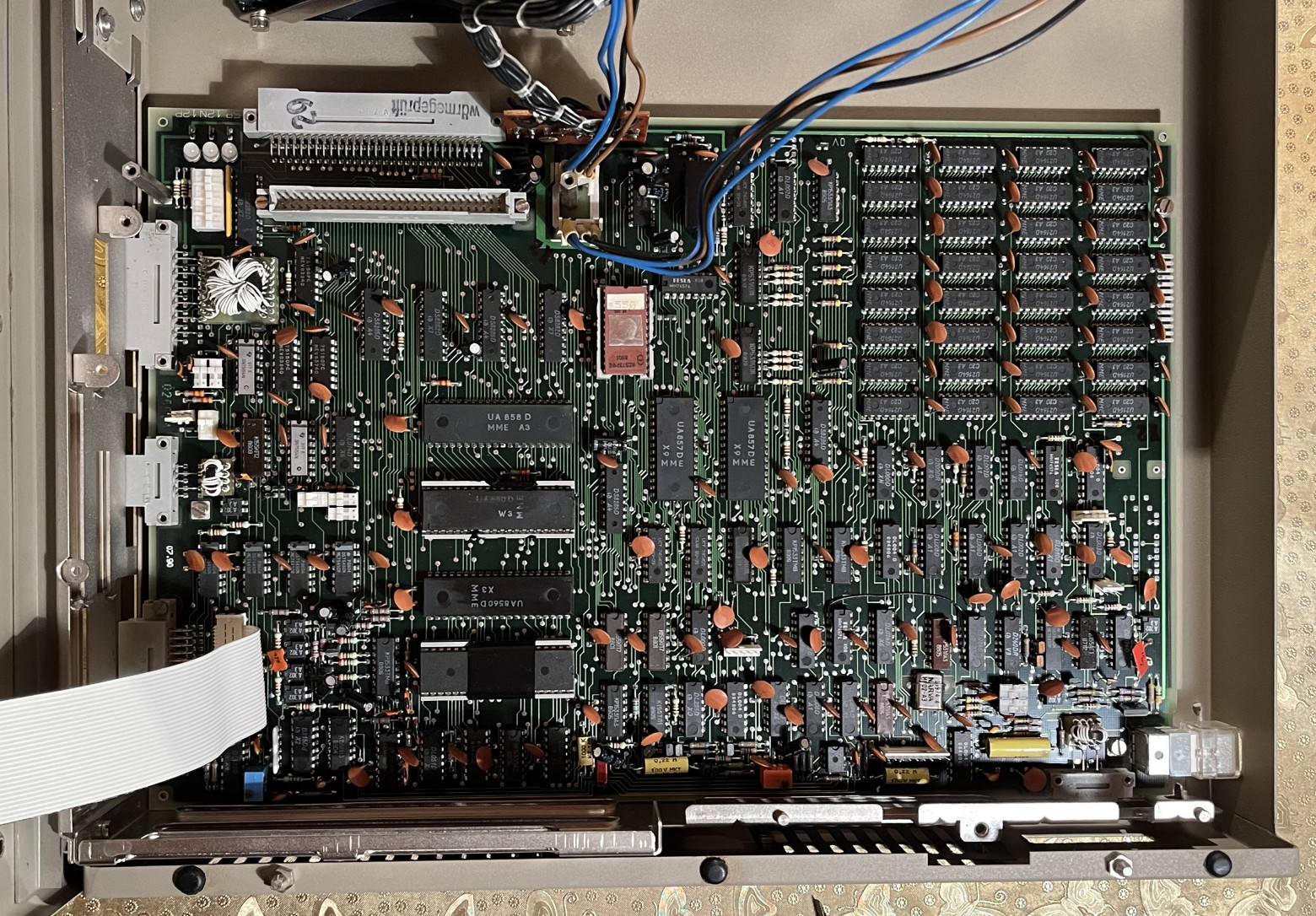
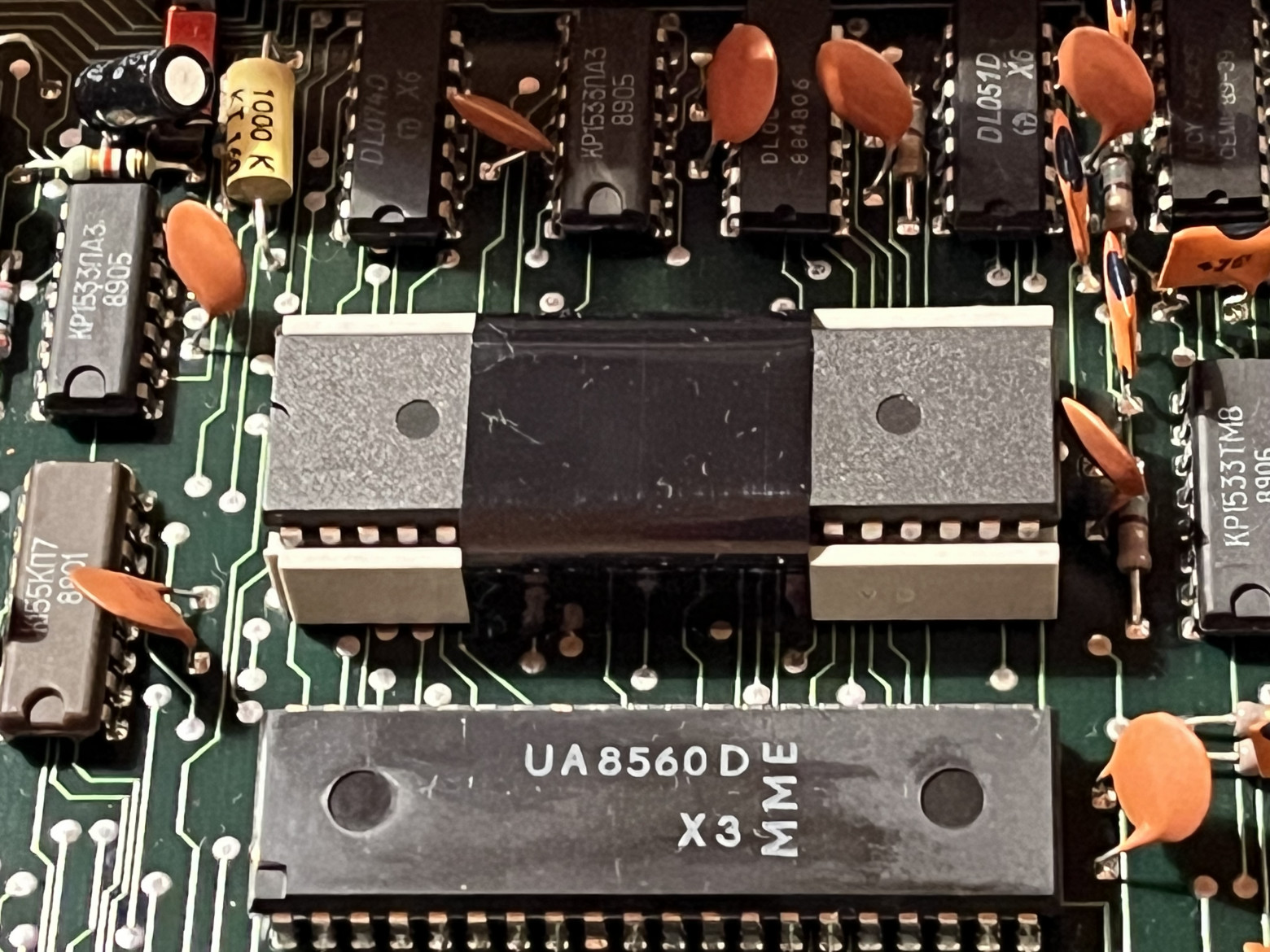
- Processor: UA 880D — a Zilog Z80 clone manufactured in East Germany, running at 4 MHz
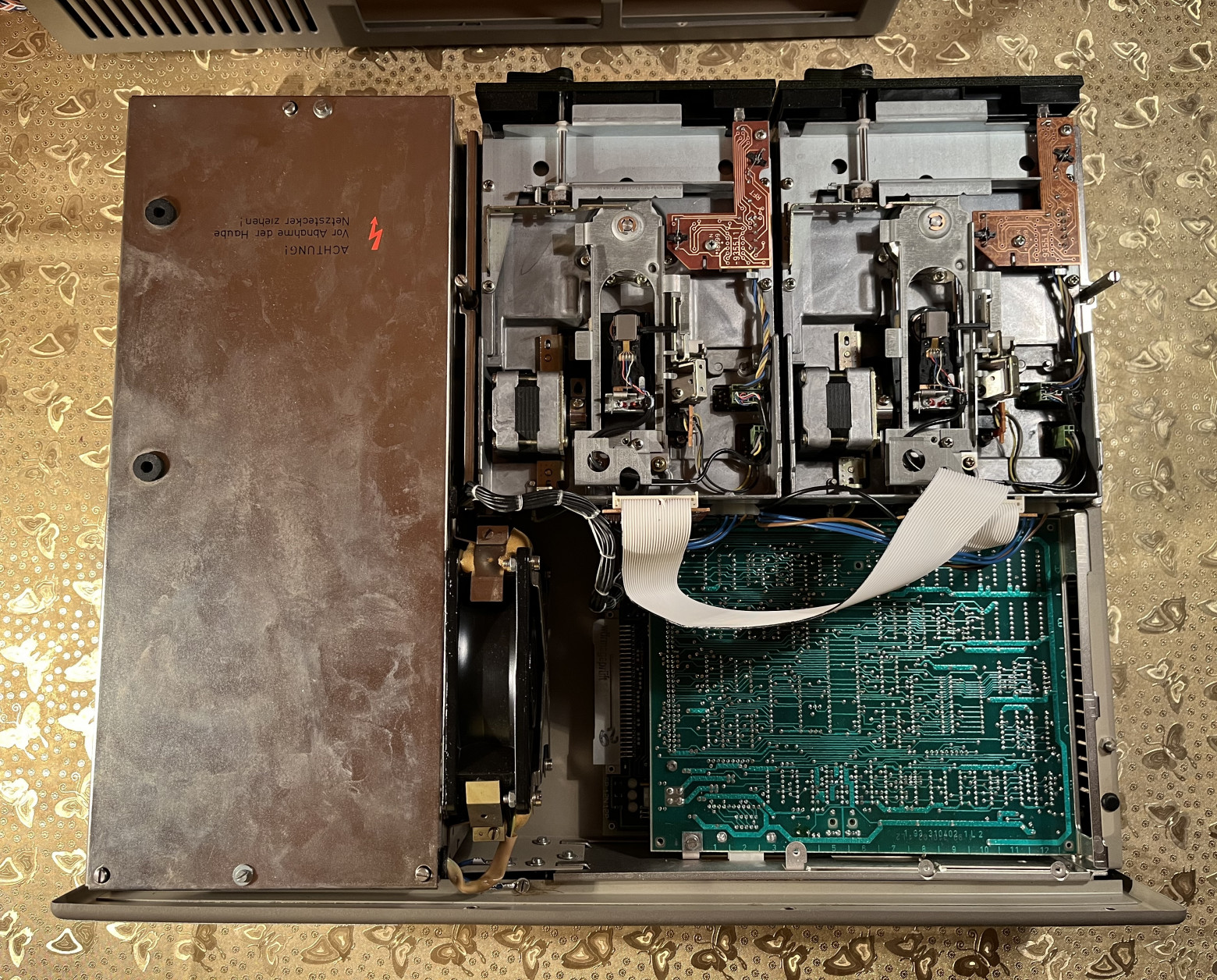
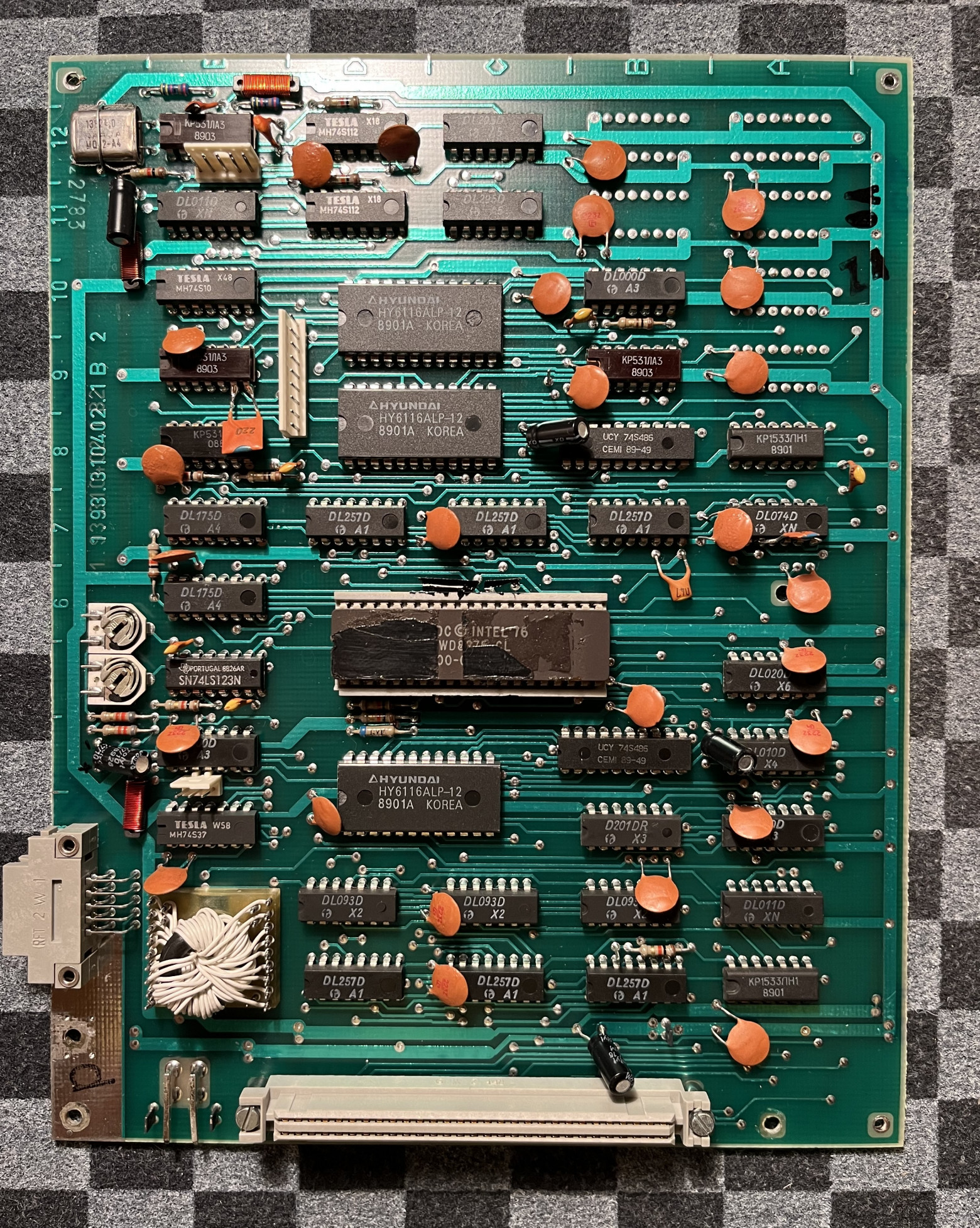
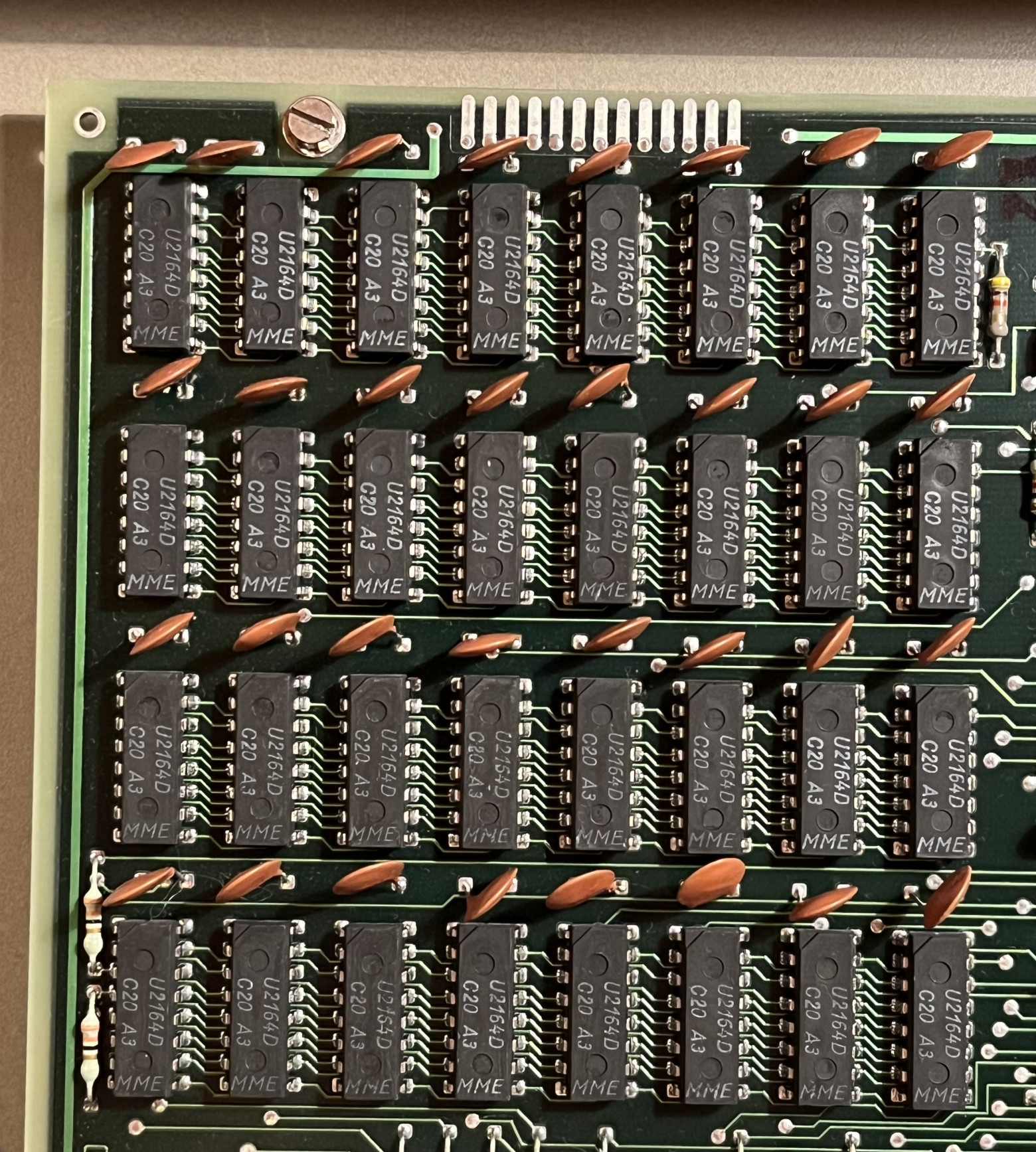
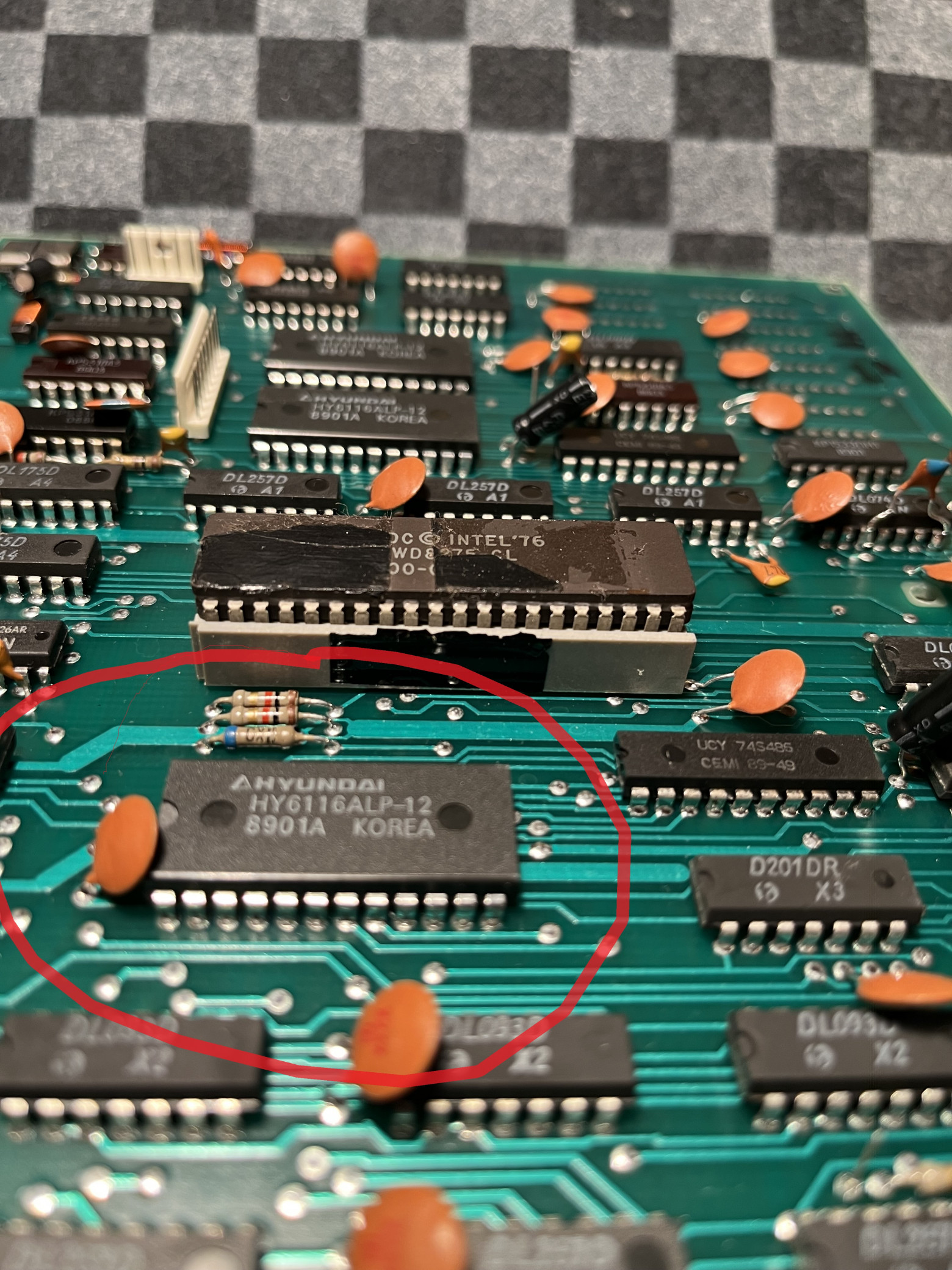
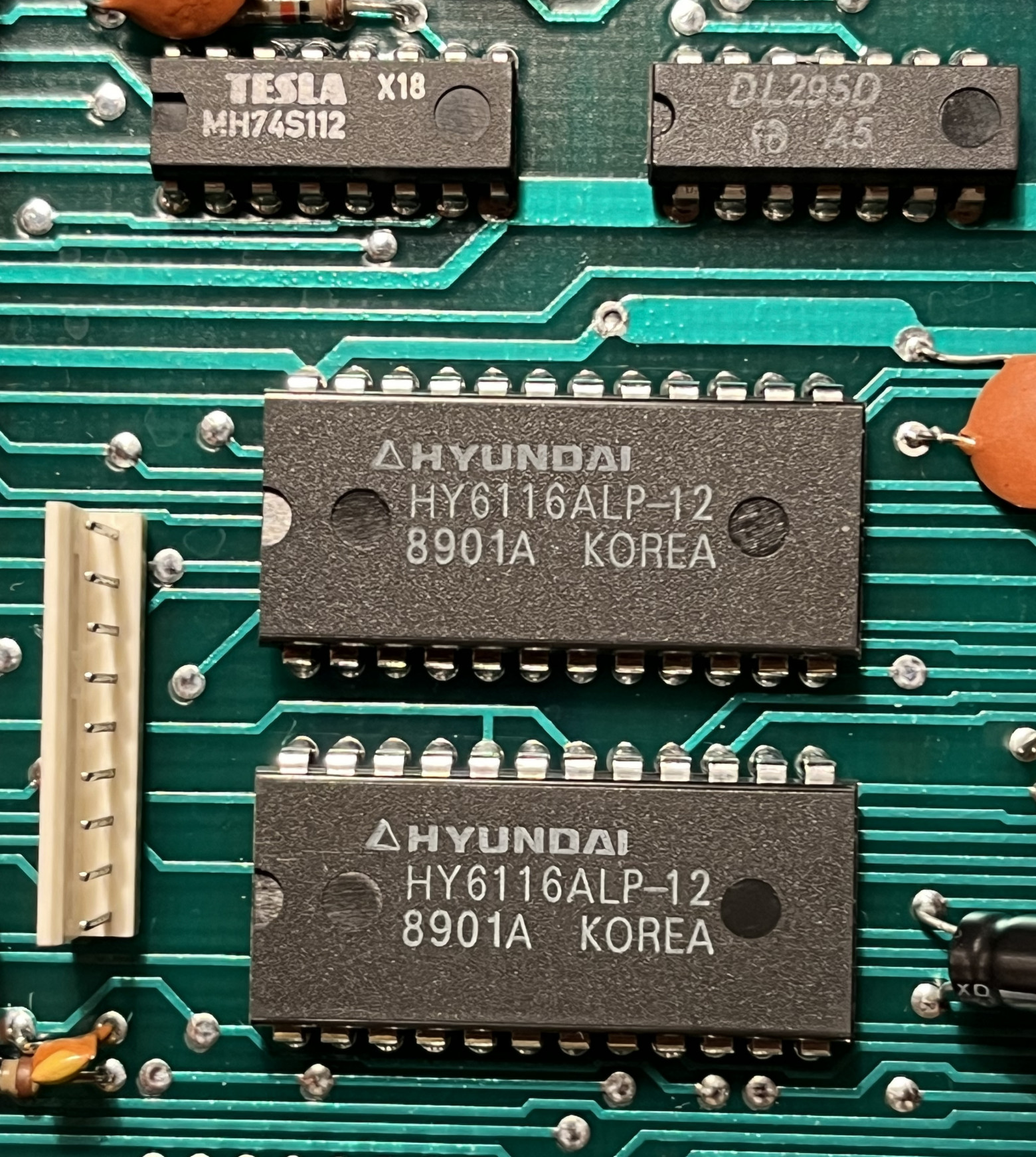
- RAM: 256KB distributed across 32 DIP-packaged chips
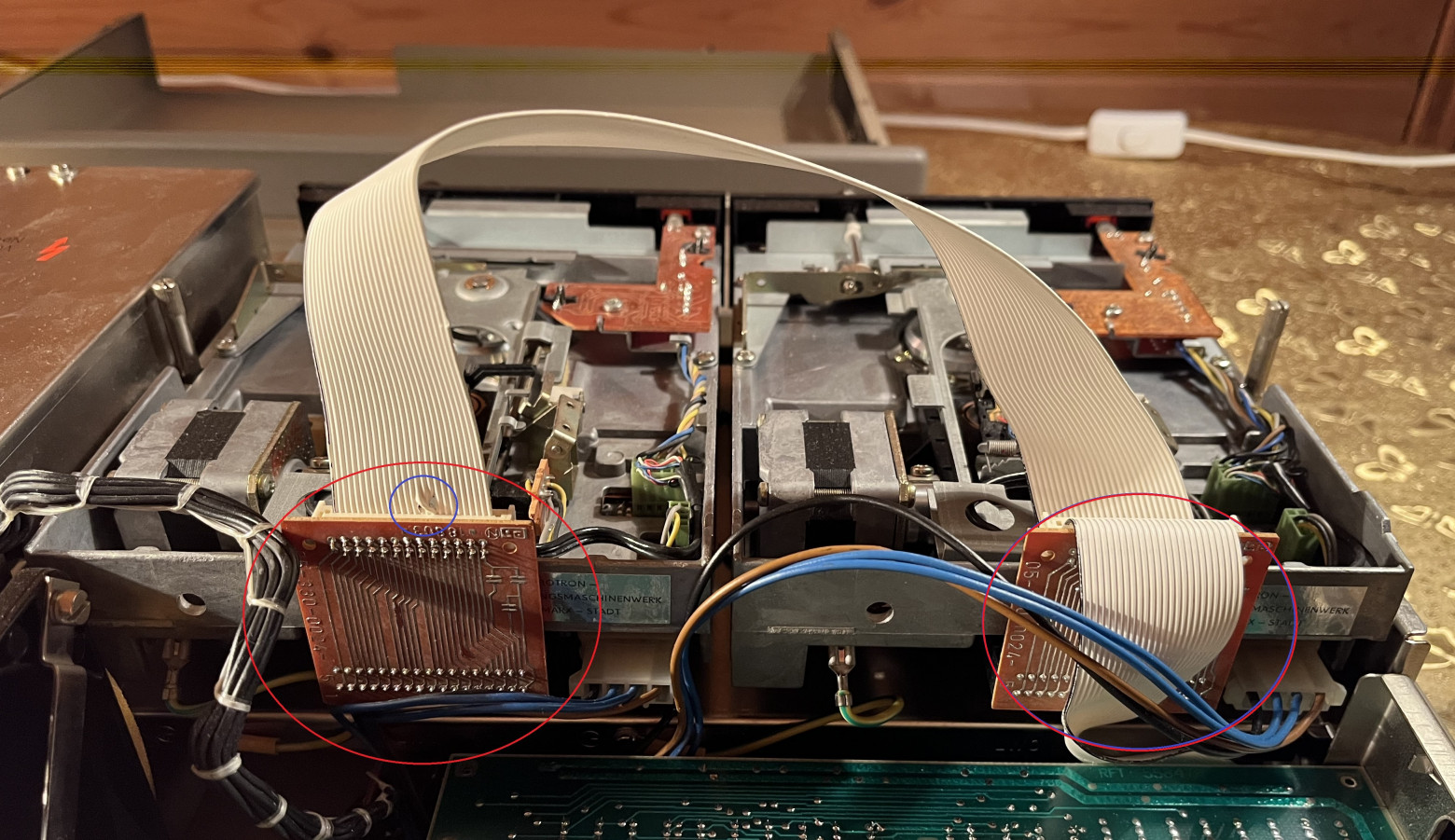
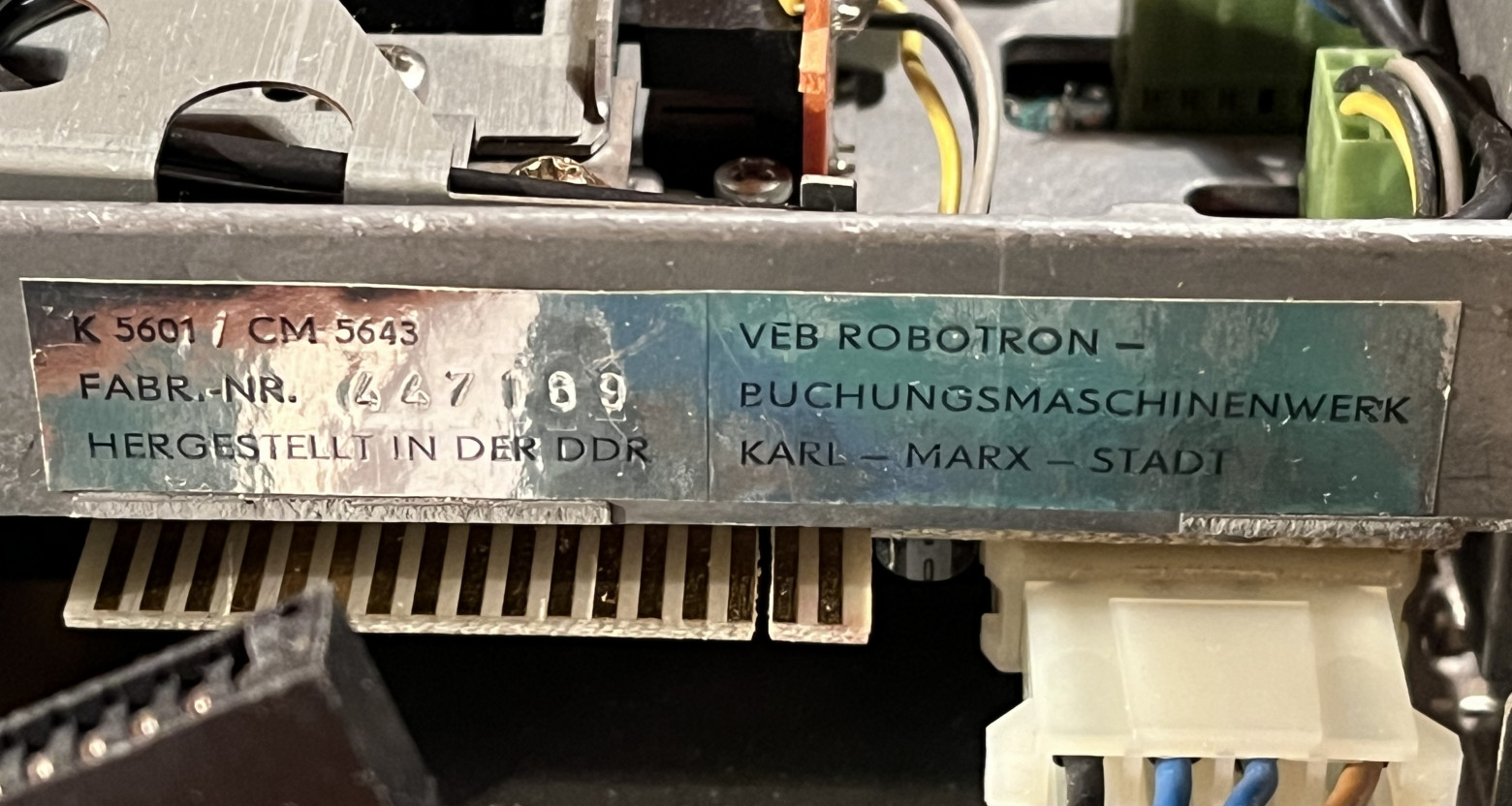
- Storage: Two 5-inch floppy drives (model K5601), 80 tracks each, 800KB capacity per disk
- Operating System: SCP 3.0, a CP/M clone
- Construction: Predominantly metal chassis, keyboard, and monitor housing
The system is heavy. Lifting the combined weight of the system block and monitor is a workout. Everything is built from metal — this machine was made to last decades, and it has.
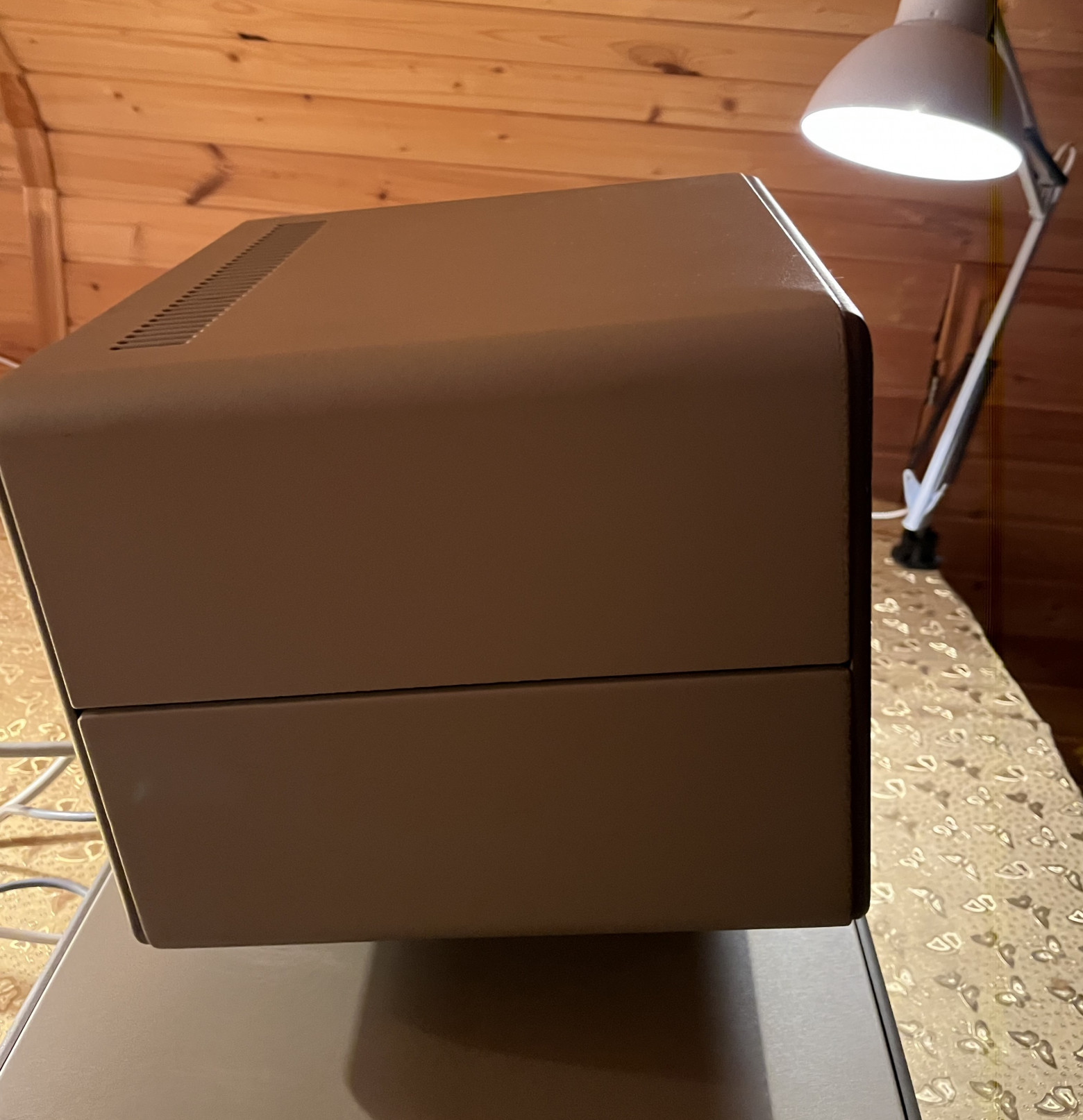
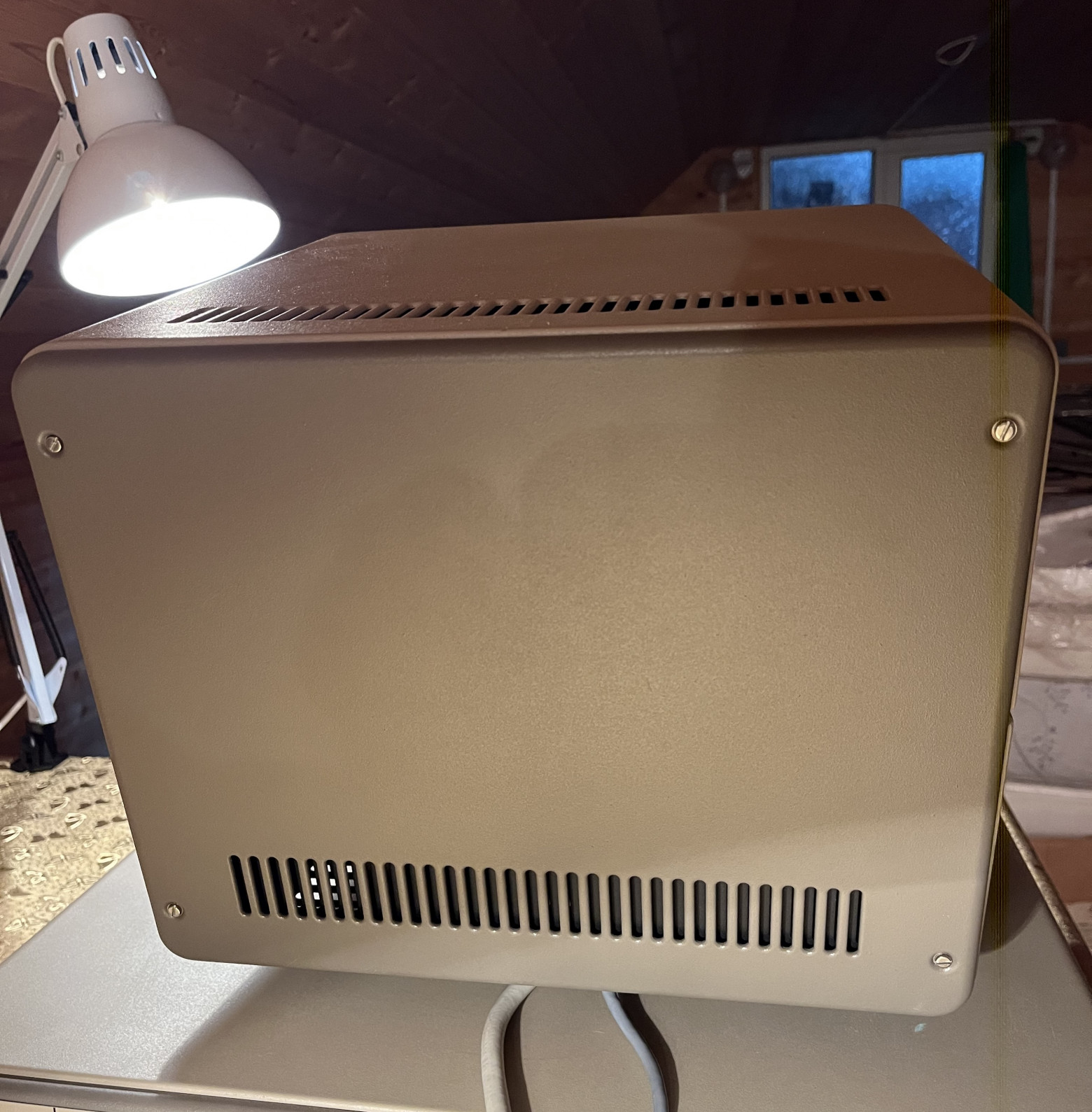
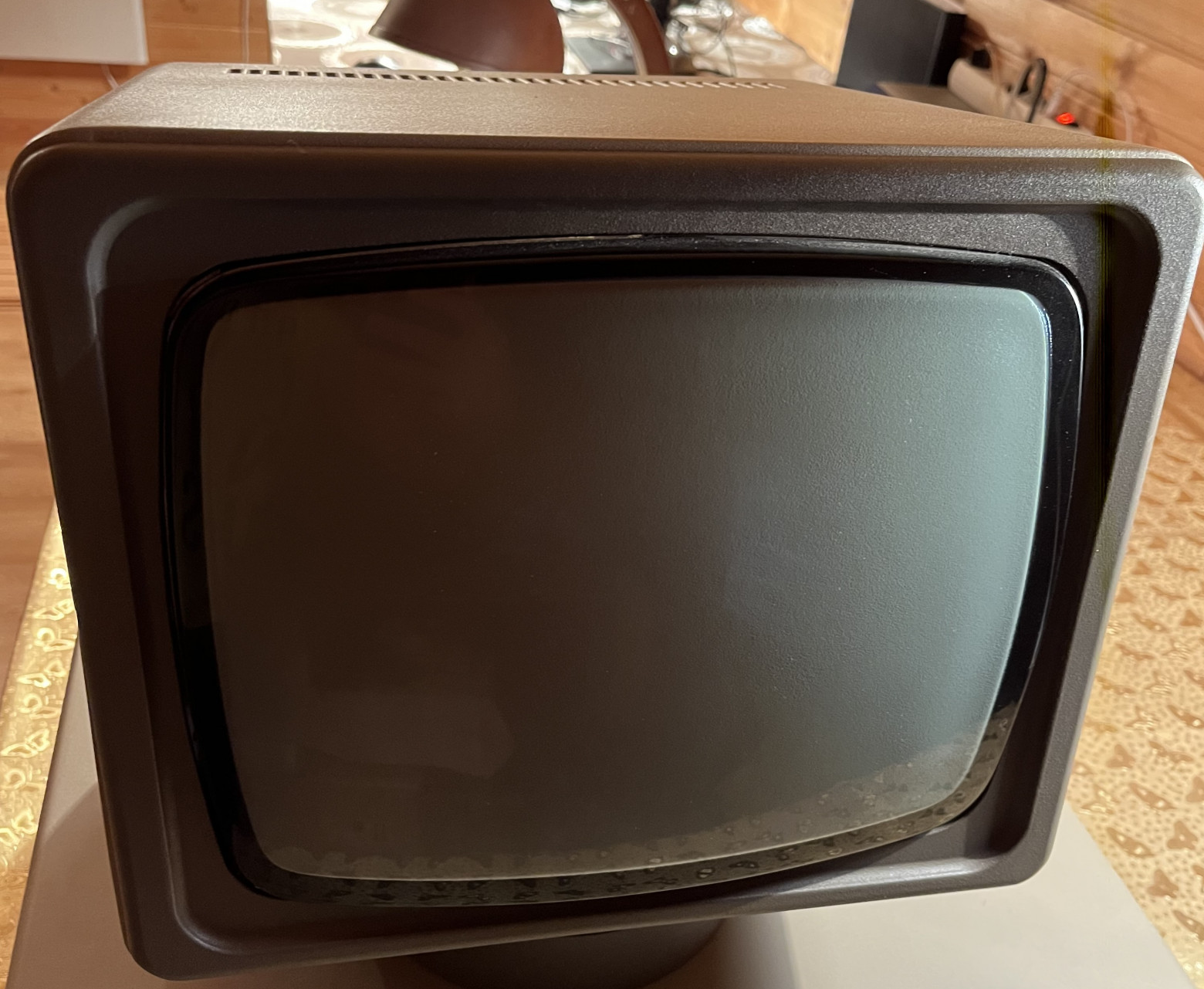
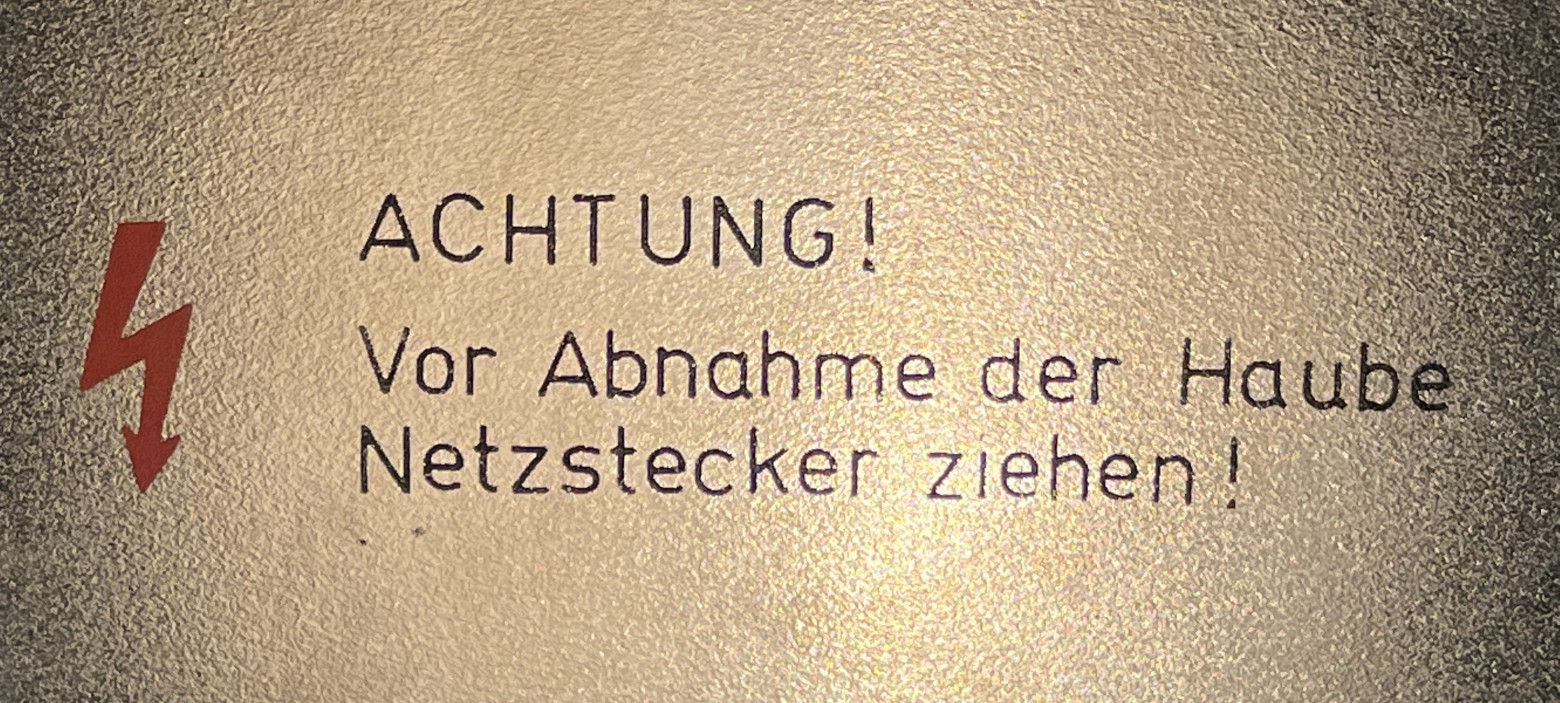
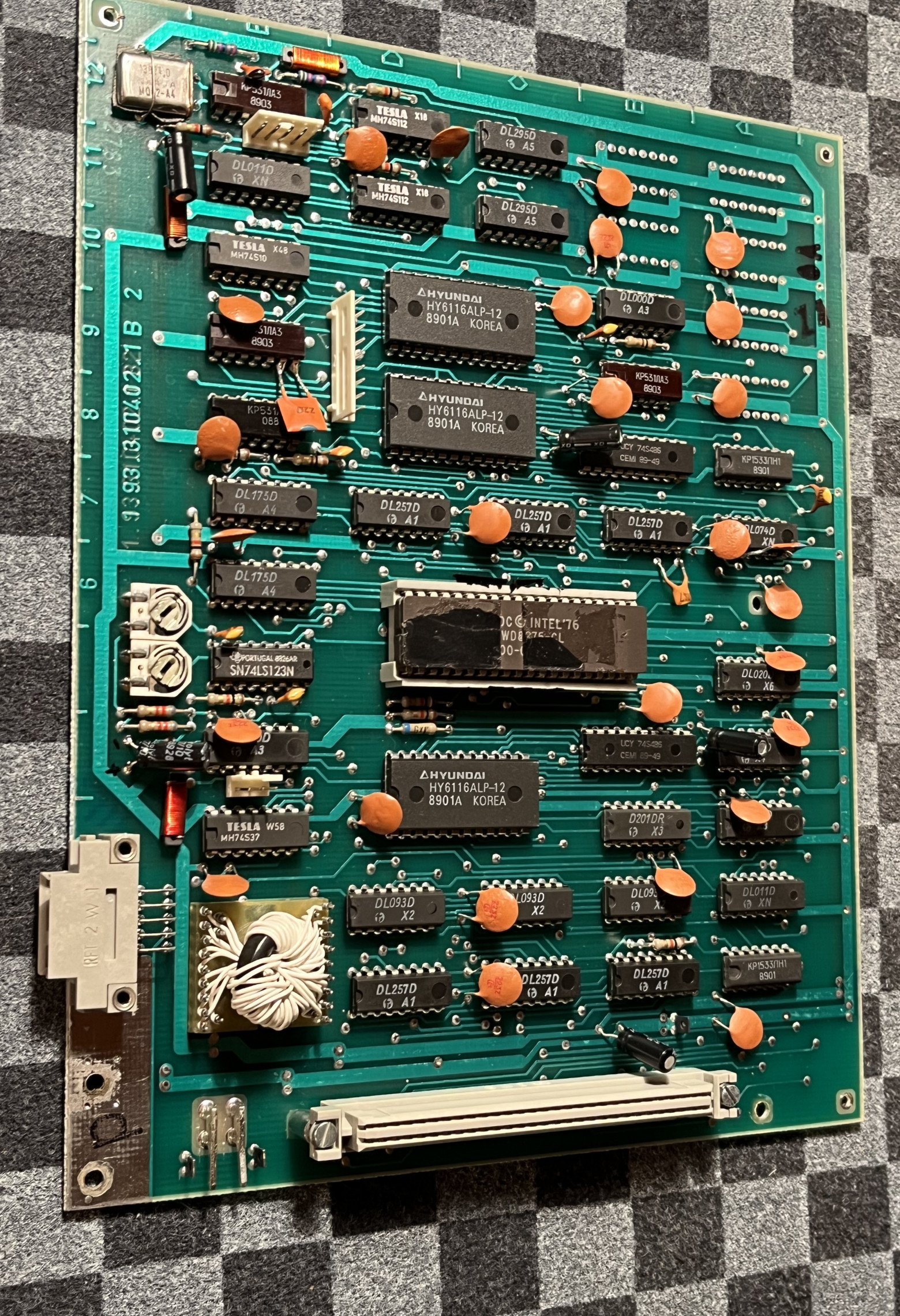
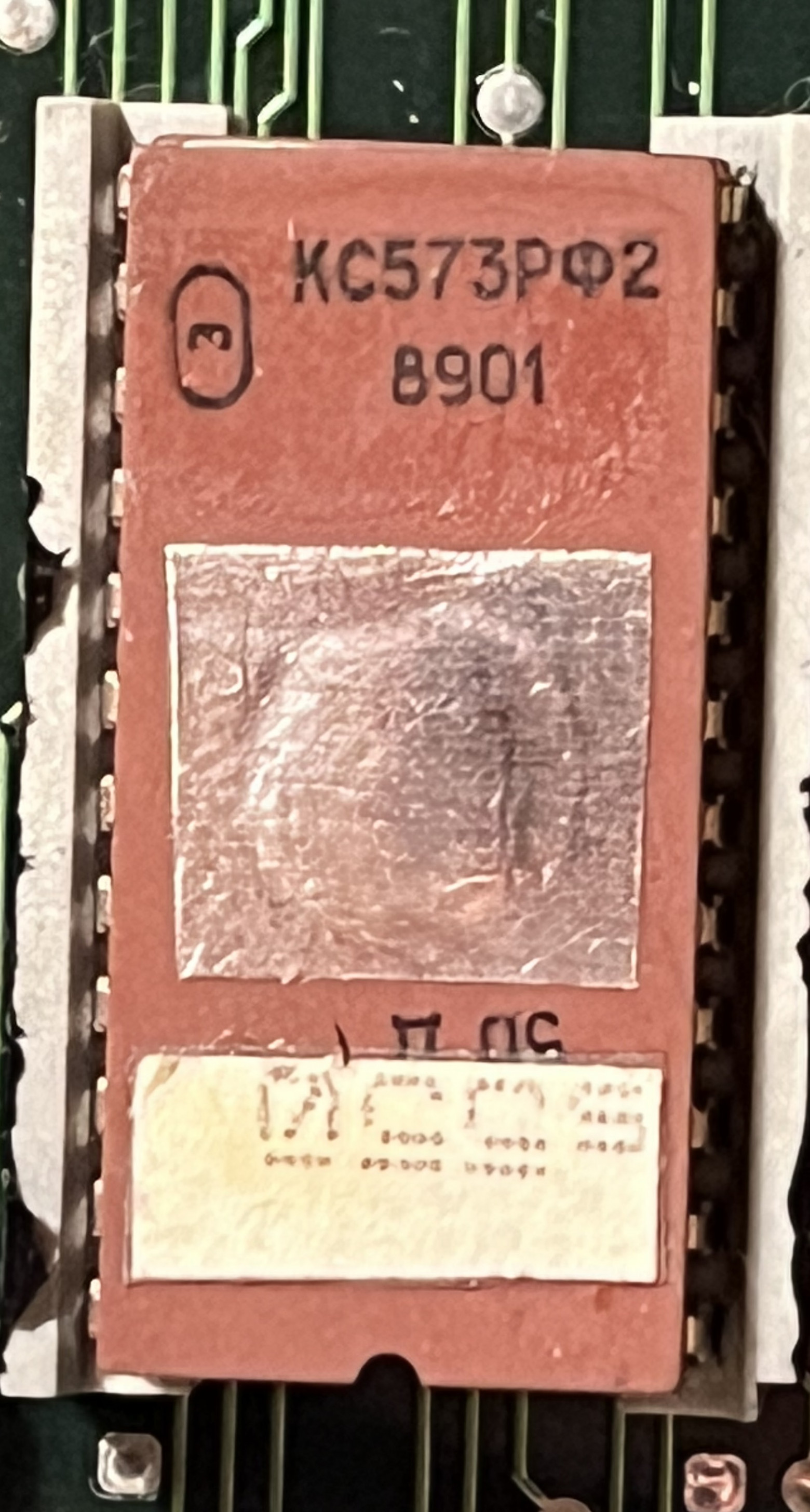
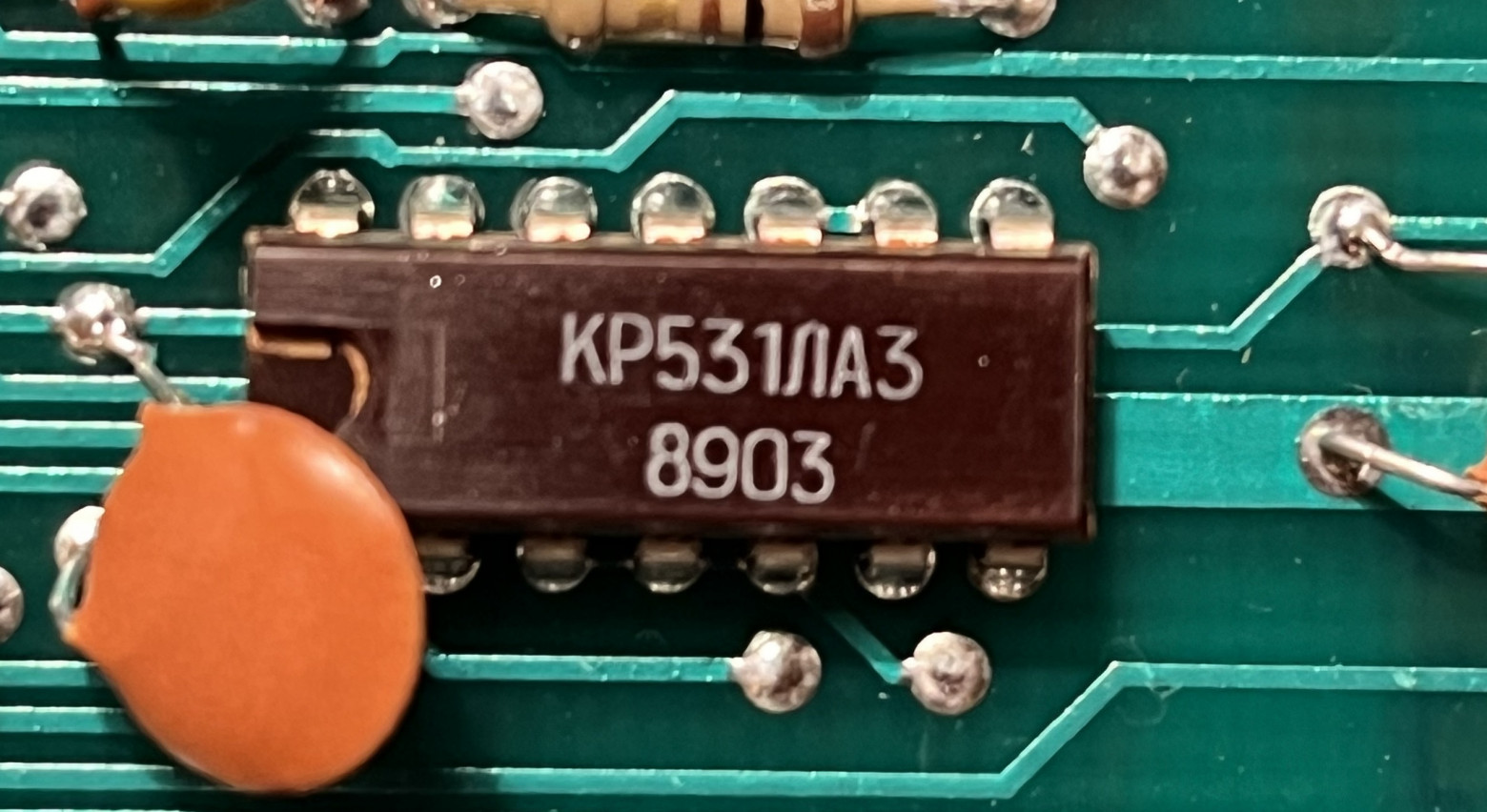
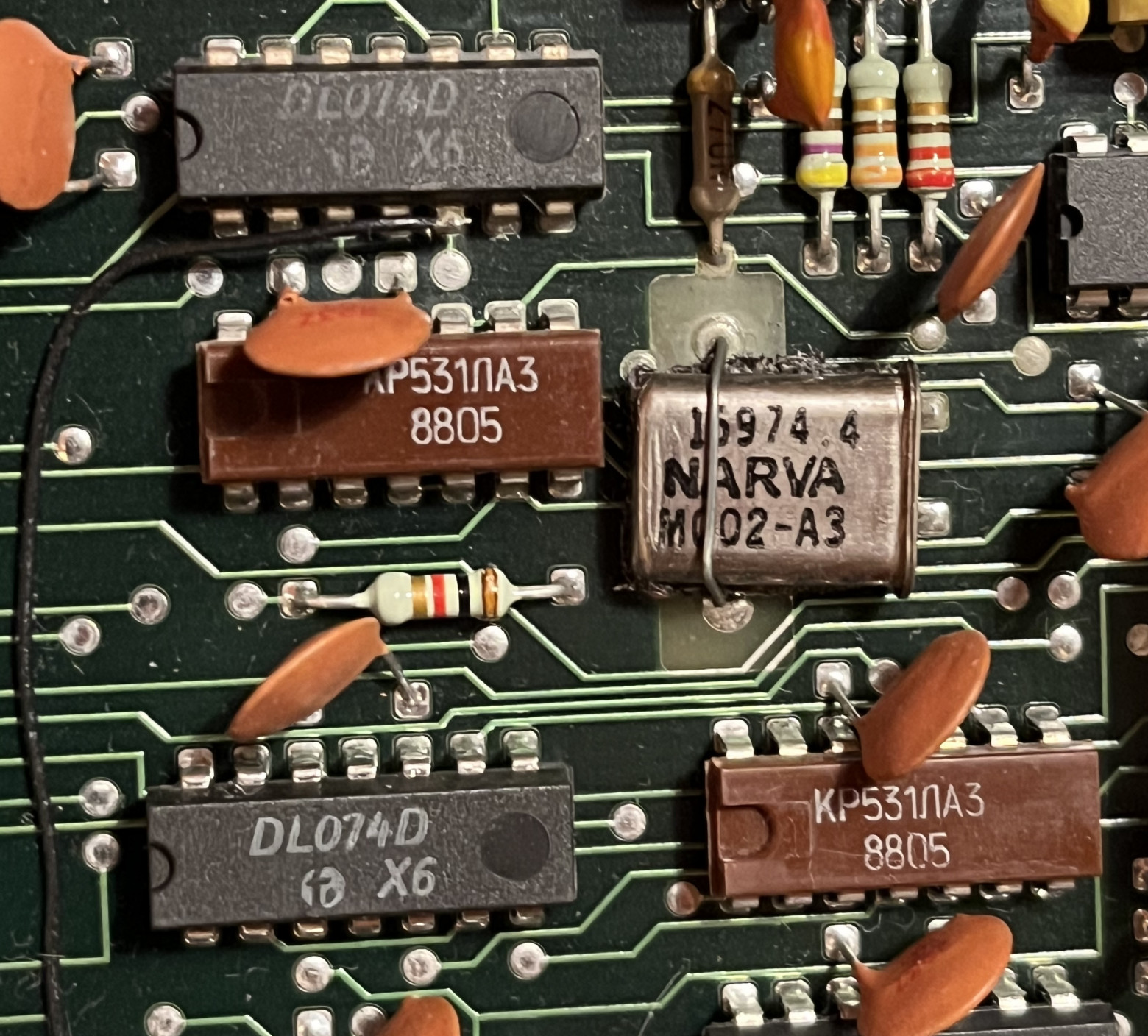
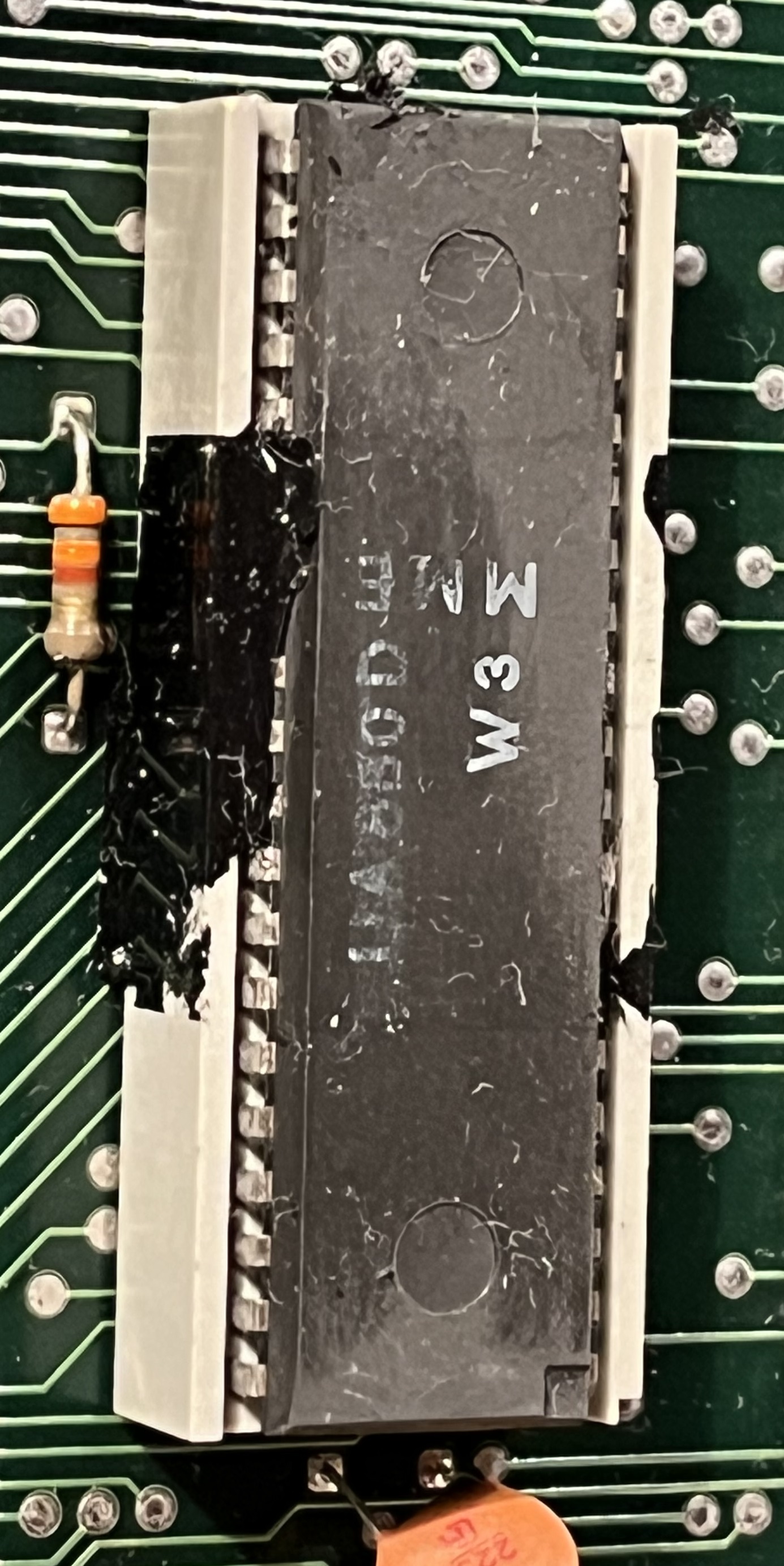
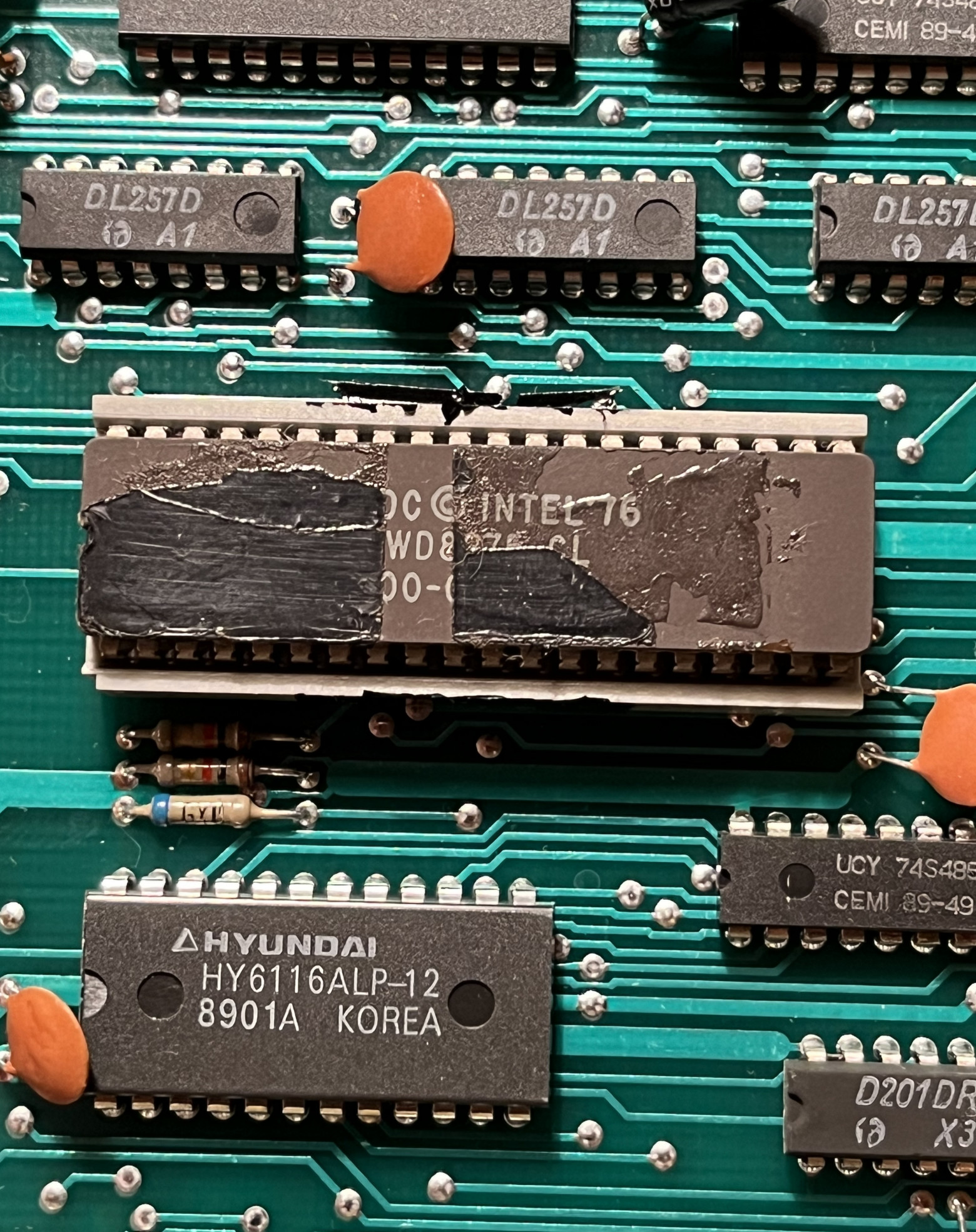
Looking inside reveals a mix of component origins: predominantly East German parts alongside Soviet and Korean components. Some chips have mysterious sealed markings, and many component labels have degraded from thermal exposure over the decades.
Working with Disks
Getting data onto the Robotron's 5-inch floppy disks from a modern Linux system requires the cpmtools and fdutils packages. The process involves several steps:
- Configure
/etc/cpmtools/diskdefsfor the Robotron's system-specific disk parameters - Use
setfdprmto adjust floppy controller settings - Format disks with
fdformat /dev/fd0 - Manage disk images via dedicated commands
Key commands for working with disk images:
cpmls -f 17153 test.ima          # List contents of a disk image
cpmcp -f 17153 test.ima tlc.com 0: # Copy a file to the image
cpmrm -f 17153 test.ima 0:file.com # Remove a file from the image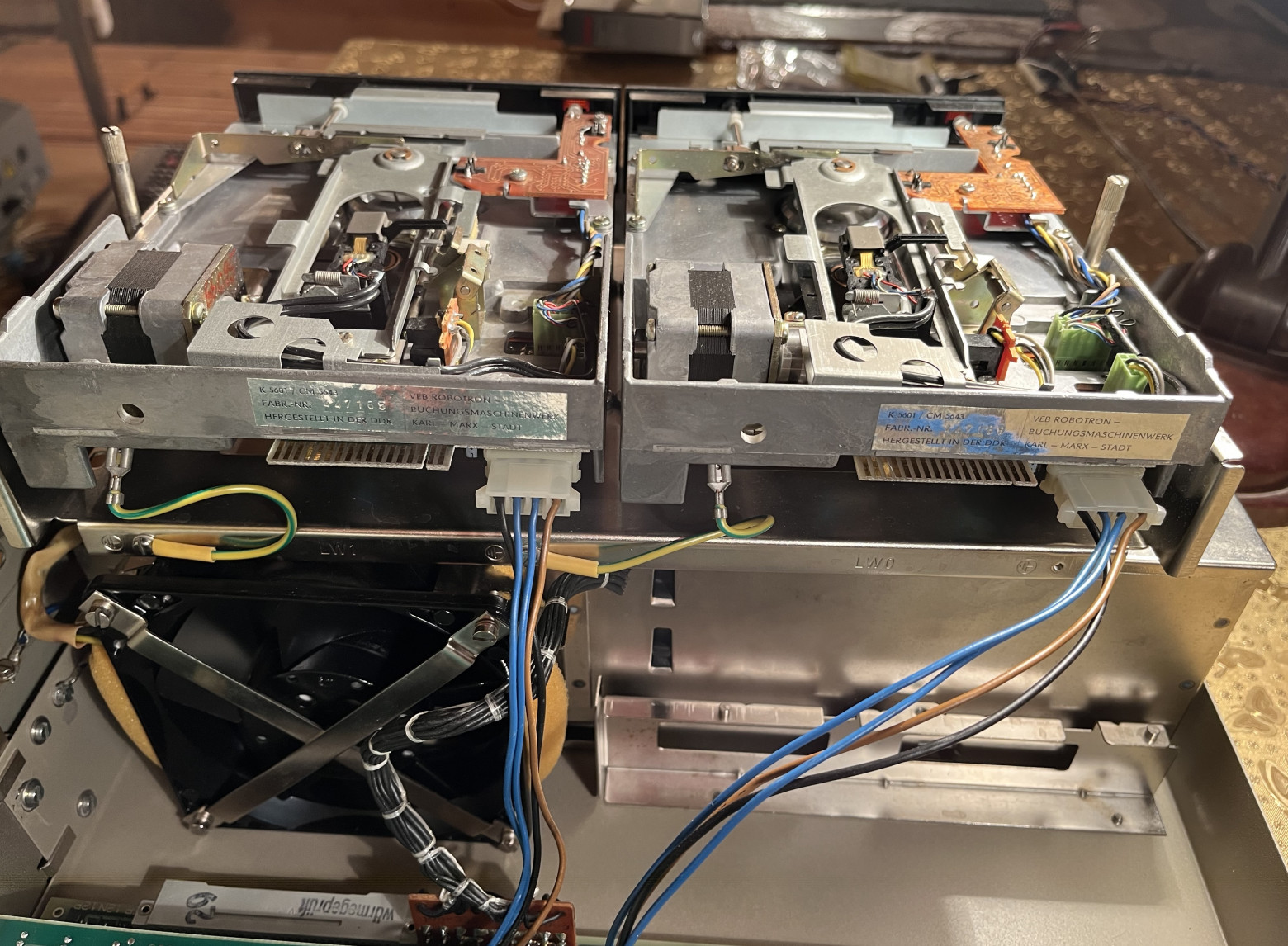
The Famous Character Encoding Problem
The Robotron uses KOI-7 encoding with two variants — H1 and H2. This encoding scheme replaces Latin characters with Cyrillic equivalents, which produces some memorable results. The most famous is the error message "Invalid device" which, when displayed through the KOI-7 character substitution, becomes the legendary "инжалид дежице" — a nonsensical but phonetically amusing transliteration that every Soviet-era computer user remembers fondly.
Gaming on the Robotron
What's a retro computer without games? The Robotron 1715M has a surprisingly entertaining software library:
- Casino — A card game with ASCII art card representations. The graphics are primitive, but the gameplay holds up.
- Mouse — A character-based chase game that requires more imagination than modern games, since everything is rendered with text characters.
- Rally — A racing game that pushes the text-mode display to its limits.
- Tetris — Alexei Pajitnov's 1984 classic, running on period-appropriate hardware. There's something special about playing Tetris on a machine from the same era.
- Text-based strategy game — A state management simulation where you make economic and political decisions.
- Diversia (DIWERSIQ) — A lost game notable for using the printer speaker bell for sound effects. Creative audio solutions for hardware with no sound chip.
Connecting to the Modern World: Terminal Mode
The most exciting part of this project was connecting the Robotron to a modern Linux system via serial communication. The computer supports RS-232 via the V.24 protocol.
The process involved:
- Creating a null-modem cable using proper pinout documentation
- Configuring Linux
agettyfor serial port listening at 1200 baud - Finding terminal software that supports KOI-7 encoding — I eventually discovered TLC8 modifications and the QoolTerm II emulator
The result? A fully functional terminal connection — I could log into a modern Linux system from a 1980s East German computer. The 1200 baud speed means everything scrolls slowly, but it works. There's something deeply satisfying about seeing a modern Linux shell prompt on a green phosphor CRT display from behind the Iron Curtain.
Conclusion
The Robotron 1715M is more than just a vintage computer — it's a functional "Fallout terminal" that's aesthetically evocative of the video game series, yet fully operational for both retro computing enthusiasts and, through creative serial interfacing, even modern network access. The build quality is extraordinary, the engineering is solid, and it remains a fascinating window into computing behind the Iron Curtain.
FAQ
What is this article about in one sentence?
This article explains the core idea in practical terms and focuses on what you can apply in real work.
Who is this article for?
It is written for engineers, technical leaders, and curious readers who want a clear, implementation-focused explanation.
What should I read next?
Use the related articles below to continue with closely connected topics and concrete examples.





