Building a Linux That Weighs Less Than a Cat Meme
A hands-on guide to building a minimal 2.5 MB Linux distribution for UEFI x86_64 from source, using only the kernel, BusyBox, and a custom init script — no Buildroot or specialized tools required.
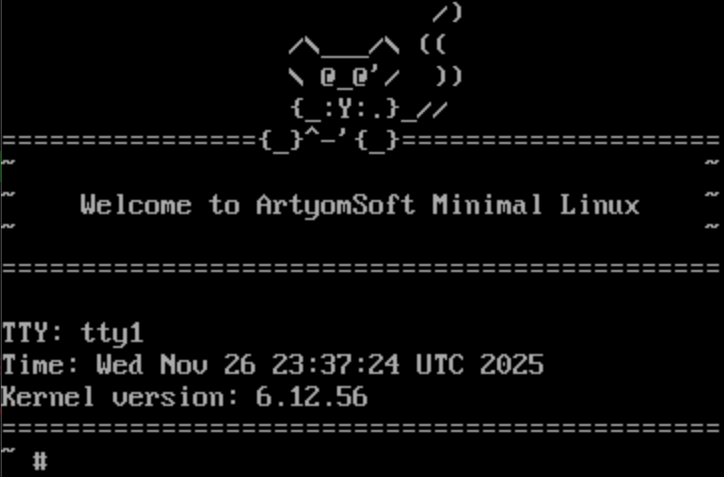
There are many articles online about building minimal Linux systems, but most of them either use Buildroot or end up being academic exercises disconnected from real practice. I wanted to build a small Linux from source — by hand, understanding every step — and get a bootable system for a modern UEFI x86_64 machine that weighs around 2.5 megabytes.
The result: a self-contained kernel image with an embedded root filesystem, a single BusyBox binary for userspace, and a custom init script. No GRUB, no systemd, no package manager. Just Linux.
What We're Building
Our architecture is simple:
- Platform & Bootloader: UEFI x86_64 using the EFI stub protocol — the kernel boots directly without GRUB
- Kernel: Linux 6.12.56, compiled with
tinyconfigas a baseline plus essential options - Root Filesystem: An embedded initramfs (cpio archive) packaged inside the kernel image
- Userspace: A single statically linked BusyBox binary providing all core Unix commands
- Init System: A custom shell script replacing systemd/OpenRC
Prerequisites
We'll use Docker with a Debian Bookworm image as our build environment. You'll need:
- Docker installed and running
- Build tools:
gcc,make,flex,bison,ncurses-dev,libelf-dev,libssl-dev - Source archives for Linux kernel (6.12.56) and BusyBox (1.37.0)
Step 1: Compile BusyBox
BusyBox is our entire userspace — a single binary that acts as sh, ls, cat, mount, and dozens of other utilities. We compile it statically so it has zero runtime dependencies:
make defconfig
make CONFIG_STATIC=y
Static linking embeds all library dependencies directly into the binary, meaning we don't need glibc or any shared libraries on our target system. This is critical for a minimal initramfs.
Step 2: Build the Root Filesystem
We create a minimal directory hierarchy that the kernel expects:
/bin /sbin /etc /proc /sys /dev /tmp /run /varBusyBox gets installed into /bin, and all its applets are symlinked from there. We also create essential device nodes and write our init script.
Step 3: The Init Script
Our /init script is the first thing the kernel runs after mounting the initramfs. It handles the bare minimum system setup:
#!/bin/sh
mount -t proc none /proc
mount -t sysfs none /sys
mount -t devtmpfs none /dev
echo "Welcome to Tiny Linux!"
exec /bin/sh
This mounts the virtual filesystems the kernel needs for process management and device access, then drops us into an interactive shell.
Step 4: Generate the Initramfs
We pack everything into a compressed cpio archive:
find . | cpio -o -H newc | gzip > initramfs.cpio.gzThe newc format is what the Linux kernel expects for initramfs archives. The gzip compression significantly reduces the final size.
Step 5: Configure the Kernel
Starting from tinyconfig (the absolute minimum kernel configuration), we enable only what we need:
- DEVTMPFS / DEVTMPFS_MOUNT — automatic
/devcreation - BINFMT_ELF / BINFMT_SCRIPT — ability to execute binaries and shell scripts
- PROC_FS / SYSFS — system introspection through
/procand/sys - SERIAL_8250_CONSOLE — serial console output (essential for QEMU testing)
- EFI / EFI_STUB — UEFI boot support without a bootloader
- INITRAMFS_SOURCE — tells the kernel to embed our initramfs archive
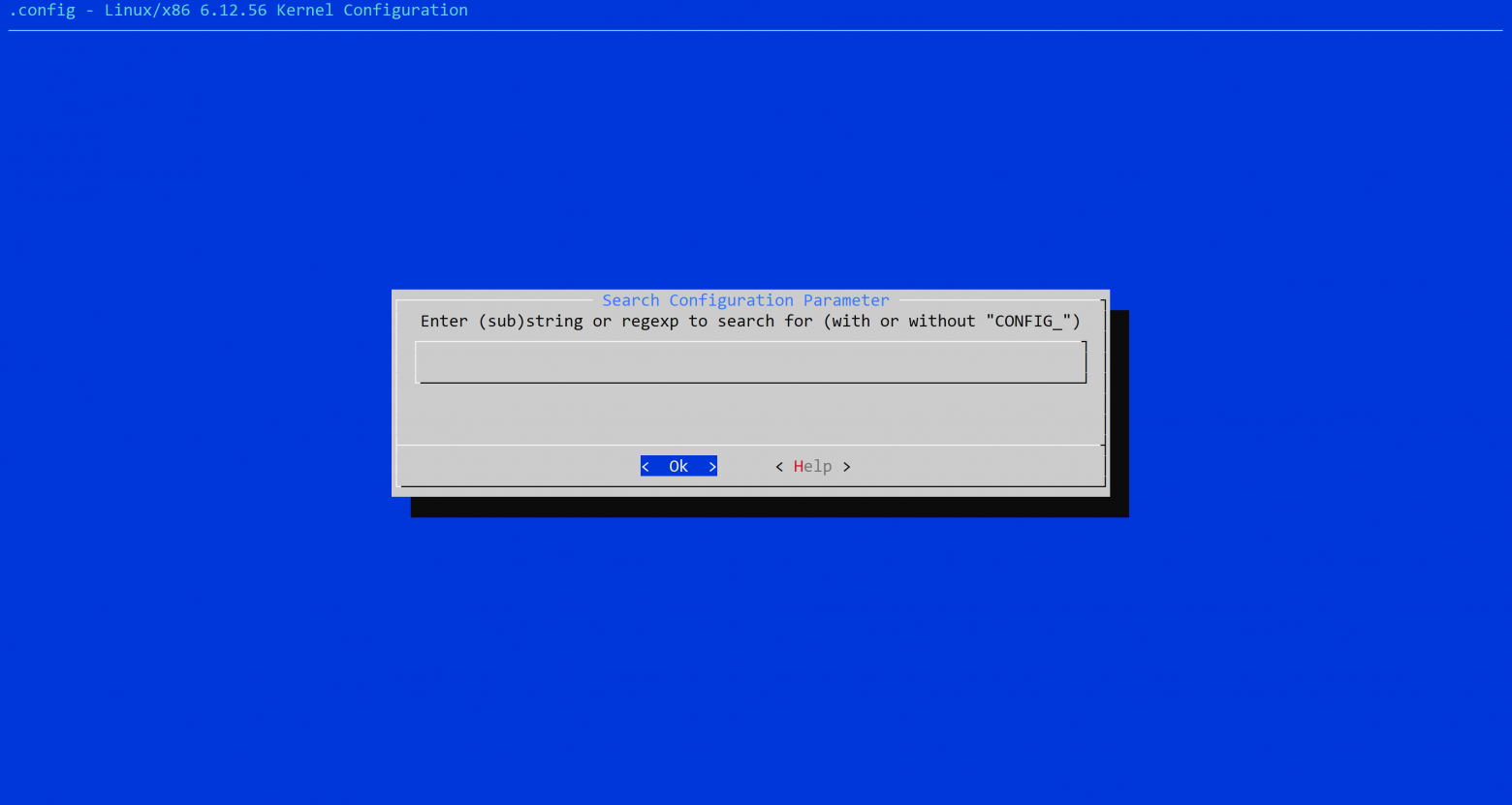
The key configuration line is:
CONFIG_INITRAMFS_SOURCE="../initramfs.cpio.gz"This embeds the root filesystem directly into the kernel image, creating a single self-contained file.
Step 6: Compile the Kernel
With everything configured, we build:
make -j$(nproc)The output is a single EFI executable that contains both the kernel and the root filesystem.
Testing with QEMU
Before trying real hardware, we test in a virtual machine:
qemu-system-x86_64 -m 4096m -kernel BOOTX64.EFI \
  -append "console=ttyS0" -nographic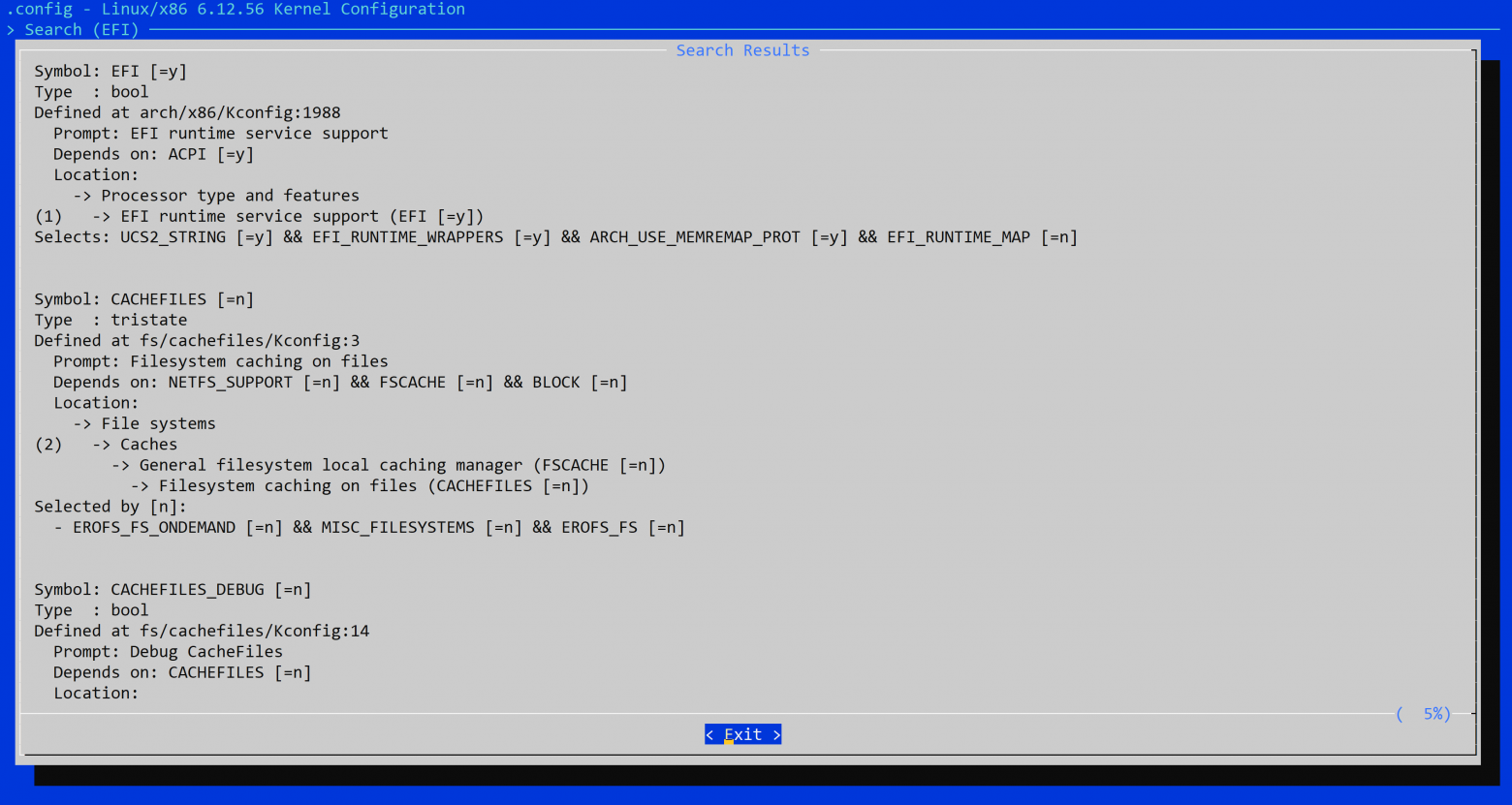
The -nographic flag redirects output to the terminal via serial console, and console=ttyS0 tells the kernel to use it.
Deploying to Real Hardware
To boot on a physical machine:
- Format a USB drive with FAT32
- Place the kernel as
/EFI/BOOT/BOOTX64.EFI - Disable Secure Boot in your UEFI settings
- Boot from the USB drive
That's it. The UEFI firmware will find and execute our kernel directly.
What's Missing
Our tiny Linux deliberately lacks many things:
- No disk filesystem support (ext4, btrfs, etc.)
- No USB drivers (beyond what UEFI provides)
- No networking stack
- No graphics acceleration
- No kernel module system
- No udev or device management
- No persistent storage — everything runs in RAM
Each of these could be added by enabling the appropriate kernel options and expanding the initramfs, but that would increase our 2.5 MB footprint.
Why Bother?
Building a minimal Linux from scratch teaches you more about how the operating system works than years of using pre-built distributions. You understand what the kernel actually needs, why init systems exist, how the boot process flows from firmware to userspace. This is the foundation for understanding tools like Buildroot, Yocto, and the design decisions behind systemd.
And yes, it's satisfying to have an entire operating system smaller than most cat memes.



